


PhotoGov
Turn a selfie into a government-compliant passport, visa, or ID photo in 30 seconds.

What is PhotoGov?
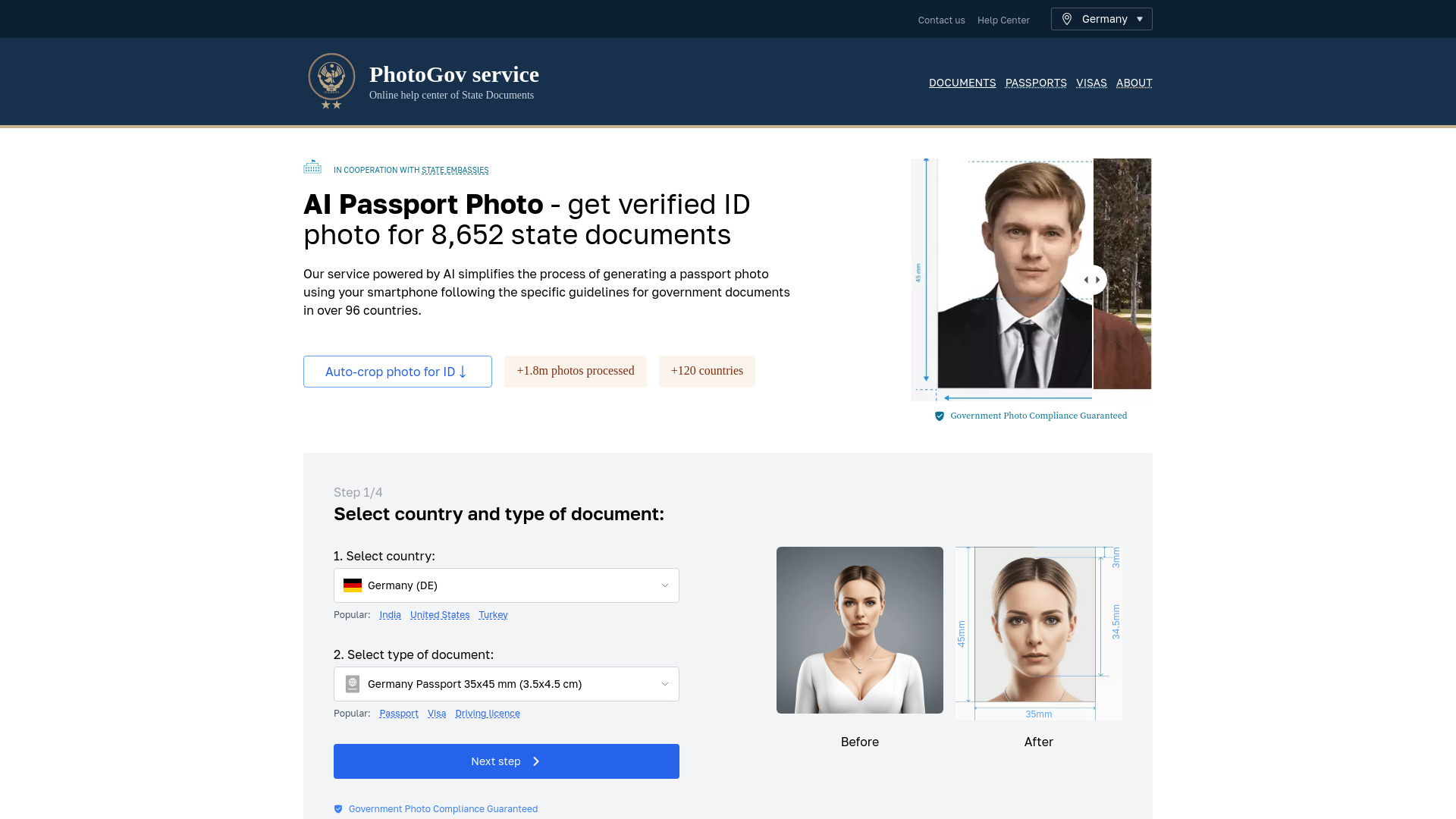
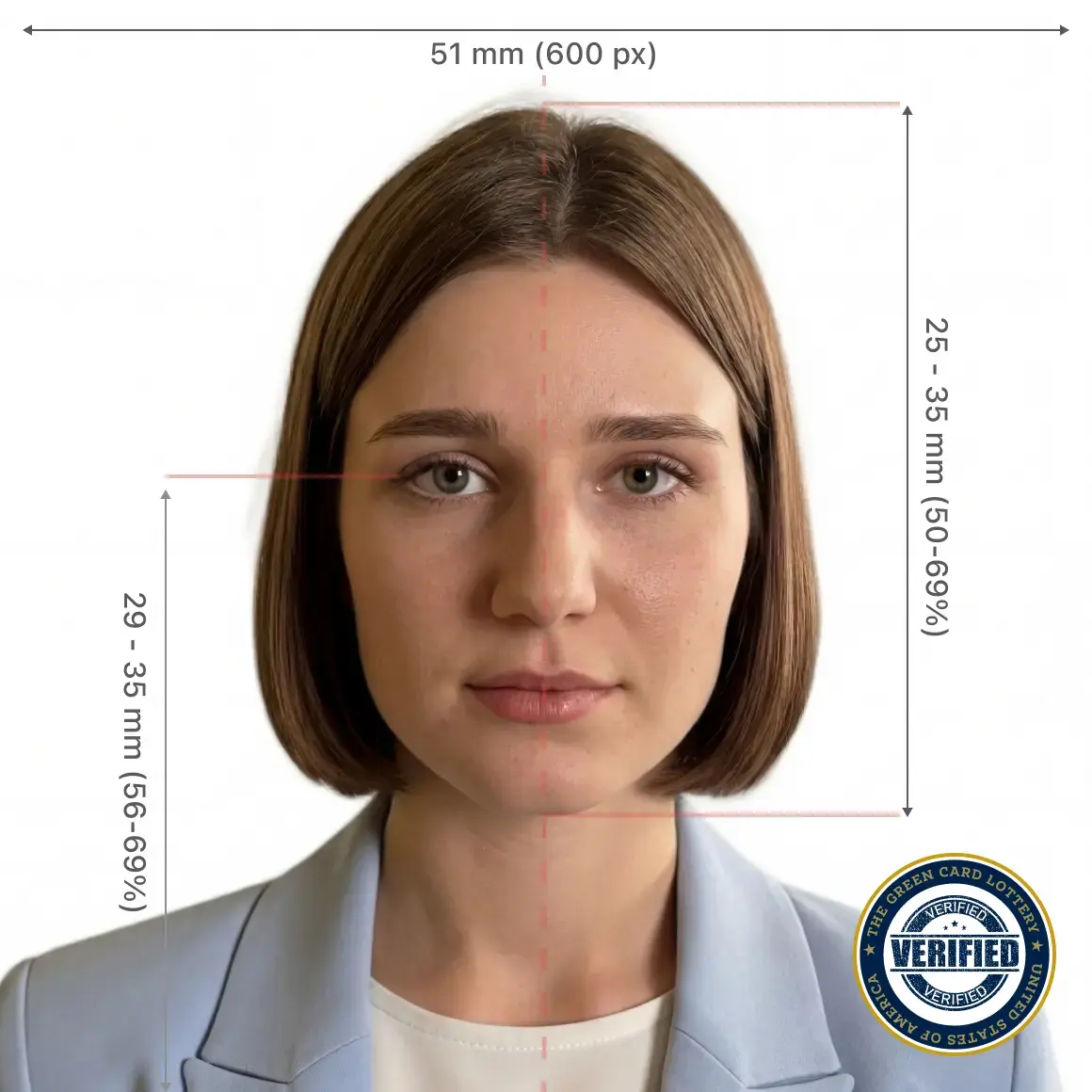
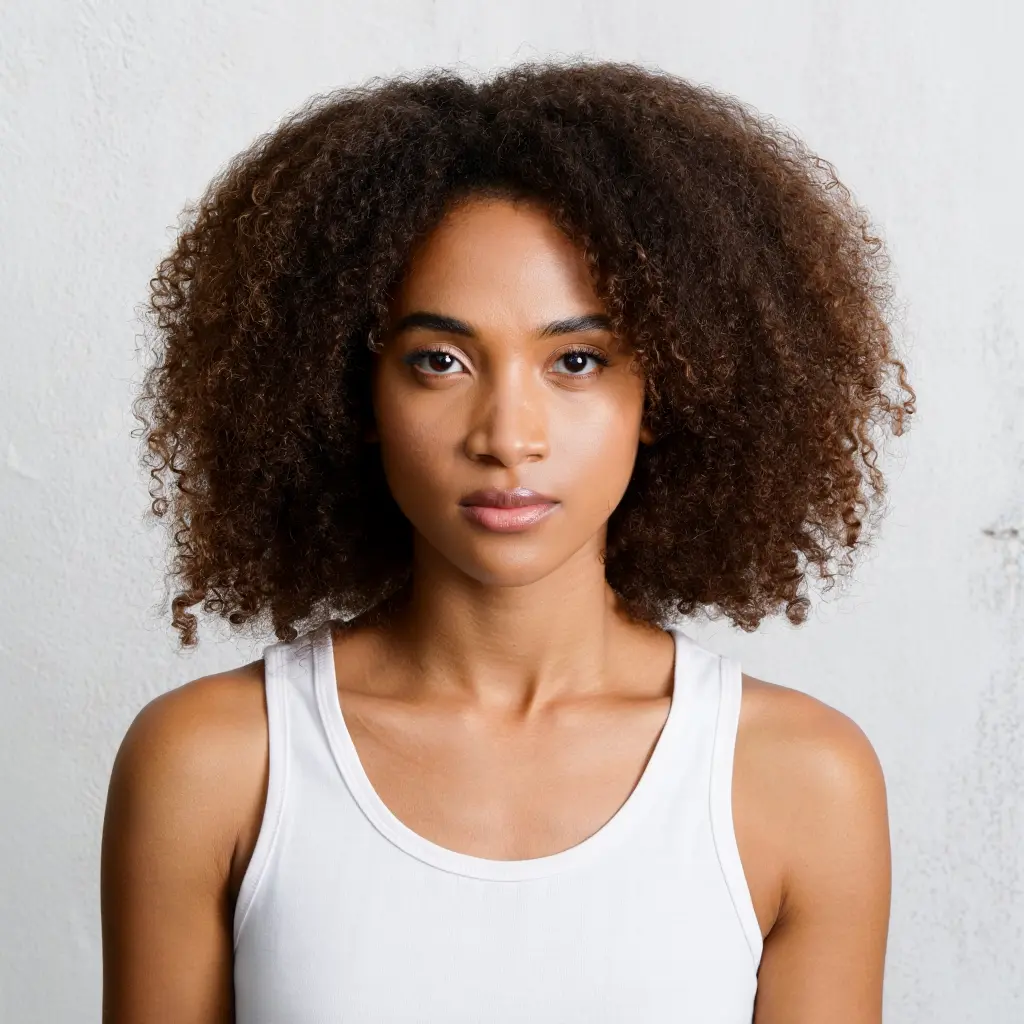
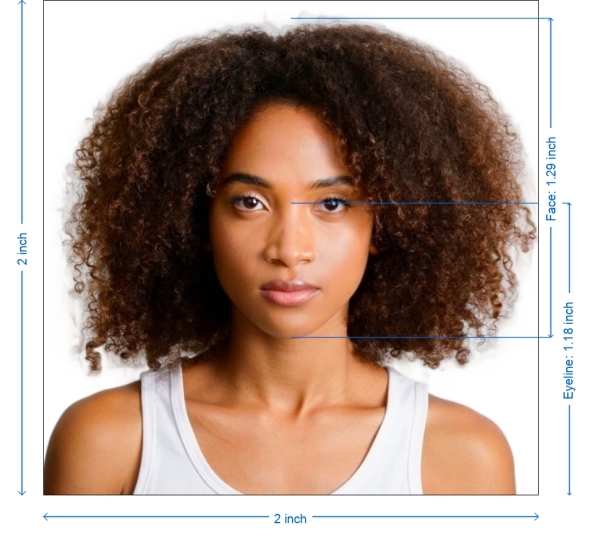
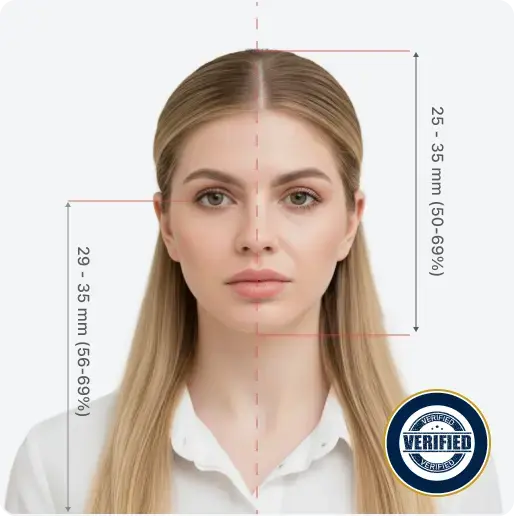
PhotoGov is an online passport photo maker that turns an ordinary selfie into a government-compliant ID photo in about 30 seconds. Instead of figuring out country-specific size, background, head-height, and file-format rules yourself, you select the document you need - such as a US passport, UK passport, Indian visa, or Schengen visa - upload a portrait, and the service automatically crops, resizes, and formats it to match official requirements. It supports more than 900 ID document types across 150+ countries and is designed for people who want an application-ready photo without photo-editing skills. Behind the scenes, PhotoGov follows biometric guidelines from the International Civil Aviation Organization (ICAO) plus jurisdiction-specific parameters published by issuing authorities. The platform verifies composition details like head height, eye level, background color, and resolution, then delivers a digital file for online submissions or a printable version for paper applications. For users in the United States, where the Department of State prohibits digital alterations, PhotoGov limits itself to sizing and cropping so the photo remains compliant. An optional paid human verification add-on reviews the image with experienced compliance specialists and offers a 100% refund guarantee if it does not pass. PhotoGov has become a popular choice for travelers, expats, parents taking baby passport photos, and anyone renewing official documents from home. With more than 1.8 million users, a 4.7-star Google rating, and coverage of popular documents like the DS-160 visa photo, Diversity Visa lottery, Indian driving licence, and Canadian passport, it positions itself as a fast, free, and reliable alternative to studio visits. The service is independent and not affiliated with any government, so final acceptance is always determined by the issuing authority.
SpecificationsAI-estimated
Key Features of PhotoGov
Use Cases for PhotoGov
US Passport Photo
Create a 2x2 inch photo with the correct head height and white background for a US passport application or renewal.
US Visa (DS-160) Photo
Generate a square JPEG between 600x600 and 1200x1200 pixels, 240 KB or less, for the DS-160 online visa form.
UK Passport Photo
Prepare a 35x45 mm photo or a digital file of at least 600x750 pixels for a UK passport application.
Indian Passport or Driving Licence Photo
Produce 35x45 mm photos and small JPG files that meet VFS and Indian government portal requirements.
Canadian Passport Photo
Get a 50x70 mm (2 x 2¾ inches) photo formatted for Canadian passport requirements.
Baby Passport Photo
Take a comfortable at-home baby photo and convert it into a compliant passport photo without studio visits.
Diversity Visa Lottery Photo
Create a square 600x600 pixel JPEG, 240 KB or less, for the US Diversity Visa lottery entry.
Schengen Visa Photo
Prepare a 35x45 mm photo for Schengen visa applications through German or other European missions.
How to use PhotoGov?
Select Country and Document Type
Choose your country from the dropdown (e.g., United States) and select the document type such as US Passport 2x2 inch, visa, or driving licence. Check the medical restriction box if a health issue affects your photo.
Upload Your Selfie
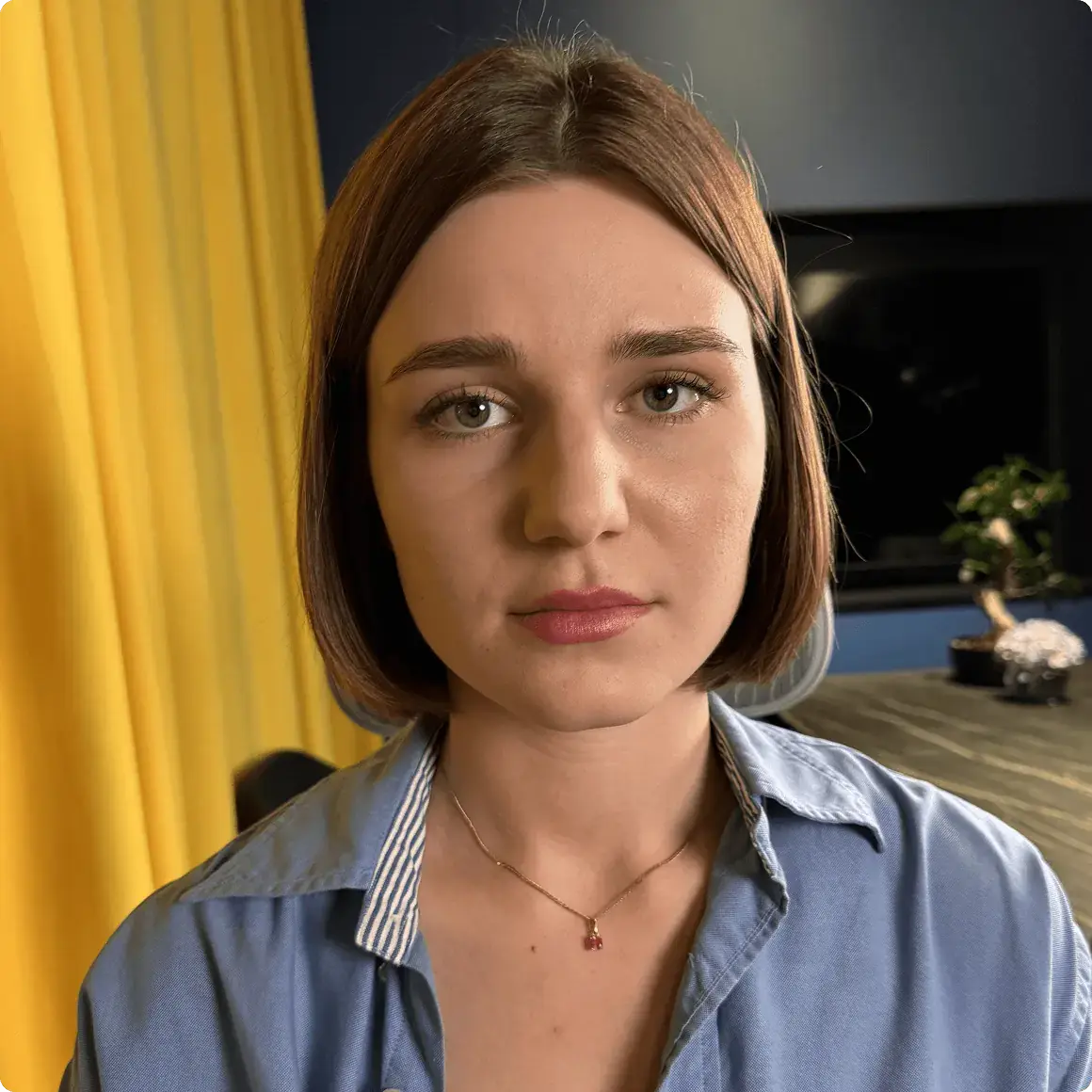
Take a well-lit selfie with a neutral expression and upload it using a smartphone or laptop. The photo does not need to be perfect.
Let PhotoGov Process
Wait about 30 seconds while the tool automatically crops, resizes, and formats your portrait according to the selected document's official requirements.
Add Expert Verification (Optional)
If you want extra assurance, add the paid human verification step. A compliance expert reviews your photo and offers a 100% refund guarantee if it does not pass.
Download
Choose a digital file for online applications or a printable PDF for paper submissions and download your application-ready photo.
Pros & Cons of PhotoGov
Pros
- Free to create compliant passport, visa, and ID photos
- Automatically enforces official size, background, framing, and file requirements
- Supports 900+ document types across 150+ countries
- Optional human expert verification with 99.2% approval rate and refund guarantee
- Fast 30-second processing from an ordinary selfie
Cons
- Human expert verification is a paid add-on, so extra assurance is not included in the free flow
- Cannot perform digital enhancements for US passport photos because official rules prohibit alterations
- Final acceptance is always determined by the issuing authority, not by PhotoGov
- Results depend on the quality of the uploaded selfie; poor lighting or shadows may still cause rejection
Frequently Asked Questions
Is PhotoGov really free?
Users report the core photo processing is free. The optional expert human verification add-on is available for a small fee.
Which countries and documents are supported?
PhotoGov supports 900+ ID document types in 150+ countries, including passports, visas, driving licences, and more.
How long does it take to create a passport photo?
Processing takes about 30 seconds from upload to a ready-to-download ID photo.
Can I use PhotoGov for a US passport application?
Yes. For US users, the U.S. Department of State prohibits digital alterations, so PhotoGov provides sizing and cropping services only and does not modify or enhance images.
What file formats and resolutions are available?
Digital photos are provided as JPEG/JPG at 300 DPI, and printable versions are available for paper applications.
What if my photo is rejected?
If you add expert verification, PhotoGov offers a 100% refund guarantee and free changes if the photo does not pass eligibility checks.
Does PhotoGov work for baby passport photos?
Yes. The platform is designed to make at-home baby passport photos compliant, including correct framing, light background, and high resolution.
Is PhotoGov affiliated with any government?
No. PhotoGov is an independent private service and is not affiliated with any government, embassy, or consulate. Final acceptance is determined by the issuing authority.
Reviews & Ratings0.0
No reviews yet. Be the first to write one!
Top Alternatives & Similar Software
View all alternatives & similar software→No alternatives available yet.
People also viewed

Related searches
Is this your tool?
Claim this page to update details, reply to user reviews, and drive more traffic to your product.
Claim this Product →
Tags
Keep up with PhotoGov alternatives
New alternatives, pricing changes and the week's biggest movers - one email every Tuesday.