AI Video Cut vs SimilarVideo
Side-by-side comparison of features, pricing, ratings, and alternatives.
AI Video Cut is an online AI-powered video editor and short-form content maker designed to turn long videos into polished, platform-ready clips. Instead of manually scrubbing timelines, creators describe or select what they want — using ready-made prompts or their own text — and the AI finds engaging moments, adds captions, crops for faces, and exports in formats suited for YouTube Shorts, TikTok, Instagram Reels, and other social channels. It's built around speed and accessibility for anyone who needs consistent short content without committing hours to editing. The tool supports a wide range of input sources, from local file uploads and YouTube links to Reddit, Instagram, Zoom, Twitch, Dailymotion, Facebook, and Google Drive. Its AI transcribes videos in 100 languages, identifies speakers, and enables transcript-based fine-tuning so users can clean up captions and remove unwanted segments. Users can choose output aspect ratios such as 9:16, 16:9, 1:1, or the original, control the clip length in phrases (7, 15, or 25), and apply different caption styles to make videos viewable with the sound off. AI Video Cut offers a free plan with one-time 50 minutes of processing, watermark included, and limited editing, plus Starter and Pro subscription tiers for heavier workloads with no watermark, longer uploads, larger file sizes, and unlimited editing. It's tailored for content creators, marketers, social media managers, e-commerce sellers, event planners, and podcasters who want to repurpose long-form material into engaging shorts.
SimilarVideo is an AI-powered video creation platform that helps creators, marketers, and social media enthusiasts produce viral short-form content for TikTok and YouTube. The service offers two distinct creation paths: one that replicates the structure and style of an existing viral video from a simple URL link, and another that transforms a plain text script into a fully rendered video. By focusing on quick, one-click generation, the tool aims to remove the technical barriers of traditional video editing and let anyone participate in trending content creation. The first method, 'Create a Similar Video,' invites users to paste a link from any TikTok or YouTube video. The platform then analyzes that video and generates a similar version designed to capture the same organic appeal and reach. The second method, 'Text to Video,' takes a user-written script and automatically builds a short video complete with celebrity stickers and voiceovers, producing engaging shorts in a fraction of the time it would take manually. Both approaches are tailored to maximize the potential for millions of organic views. SimilarVideo is geared toward creators who want to scale their output and ride viral trends quickly without needing advanced editing skills. While the current page focuses on the core two-mode workflow and promises fast content creation, it leaves room for deeper feature exploration such as customization, export options, and pricing. Overall, SimilarVideo positions itself as a practical tool for anyone looking to turn trending ideas and scripts into polished, platform-optimized videos in just a few clicks.
- Turns long videos into multiple ready-to-post short clips quickly using AI prompts
- Smart face detection keeps key speakers framed automatically
- Supports a wide range of sources including local files, YouTube, Reddit, Instagram, Zoom, Twitch, Dailymotion, Facebook, and Google Drive
- Multilingual AI transcription works across 100 languages
- Replicate any viral video with just a URL
- Generate complete videos from a text script quickly
- Celebrity stickers and voiceovers add built-in engagement
- Optimized for TikTok and YouTube organic reach
- The free plan includes a watermark and only offers a one-time 50-minute processing allowance that never refreshes.
- Custom logo branding and the Telegram bot are listed as 'Soon,' so those features are not available yet.
- Editing is primarily transcript-based, which means it lacks a full multi-track timeline editor for complex manual video edits.
- Video regeneration is limited on all plans (3 uses on free, 10 on paid), which can restrict iteration on longer projects.
- Limited information about customization and advanced editing features
- No pricing details disclosed on the page
- Viral success is not guaranteed and depends on platform algorithms
- Potential copyright or likeness concerns not addressed
More alternatives & similar tools
Alternatives to AI Video Cut
View all →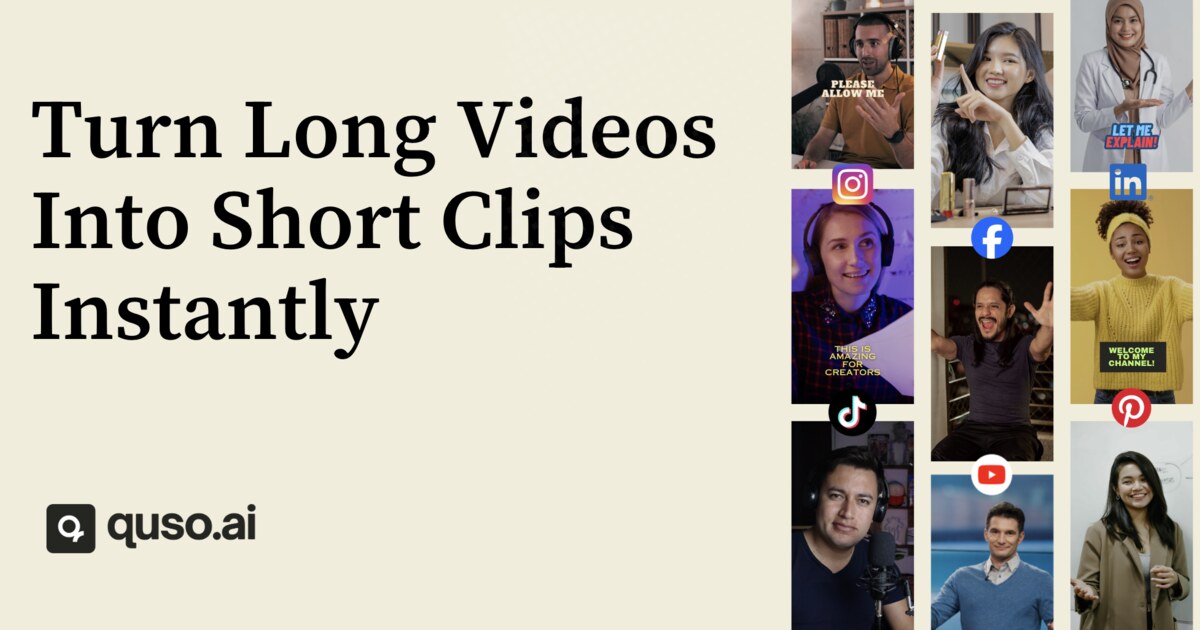

Turn one long video or simple script into dozens of viral-ready short clips with automated captions, templates, and social scheduling.
Recreate viral videos from a URL or turn text scripts into celebrity-voiced shorts for TikTok and YouTube.
Alternatives to SimilarVideo
View all →Describe your story idea and we'll turn it into a short video — script, scenes, voice, and visuals included.
AI-powered short video maker that turns any long video into viral-ready clips for Shorts, TikToks, and ads.