


AI Video Cut
AI-powered short video maker that turns any long video into viral-ready clips for Shorts, TikToks, and ads.







What is AI Video Cut?
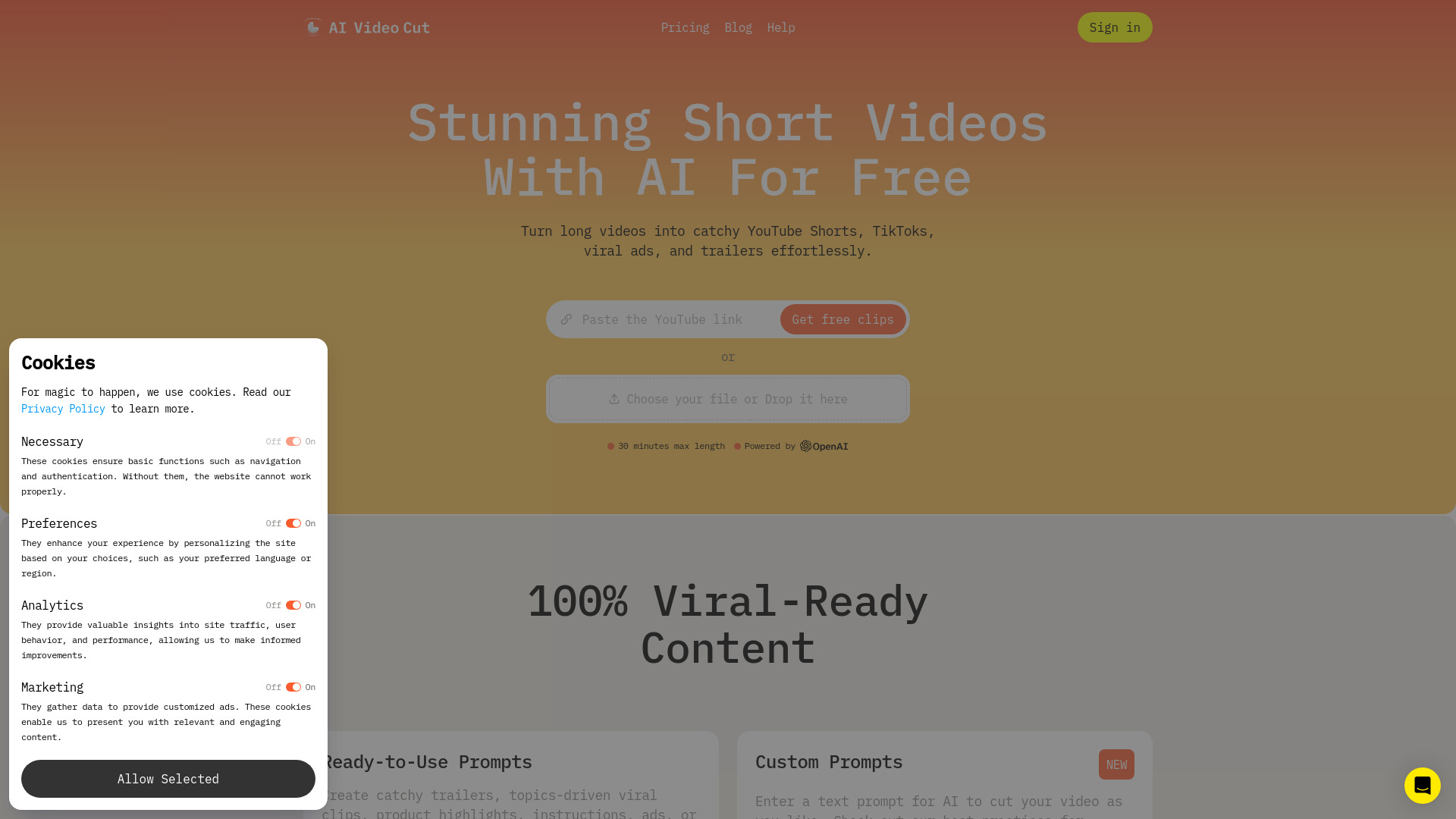
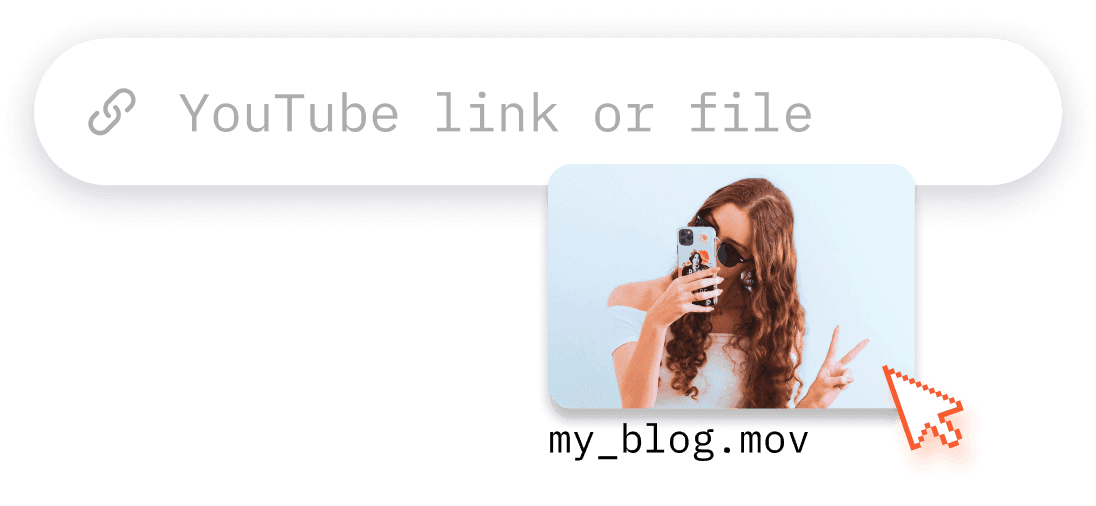
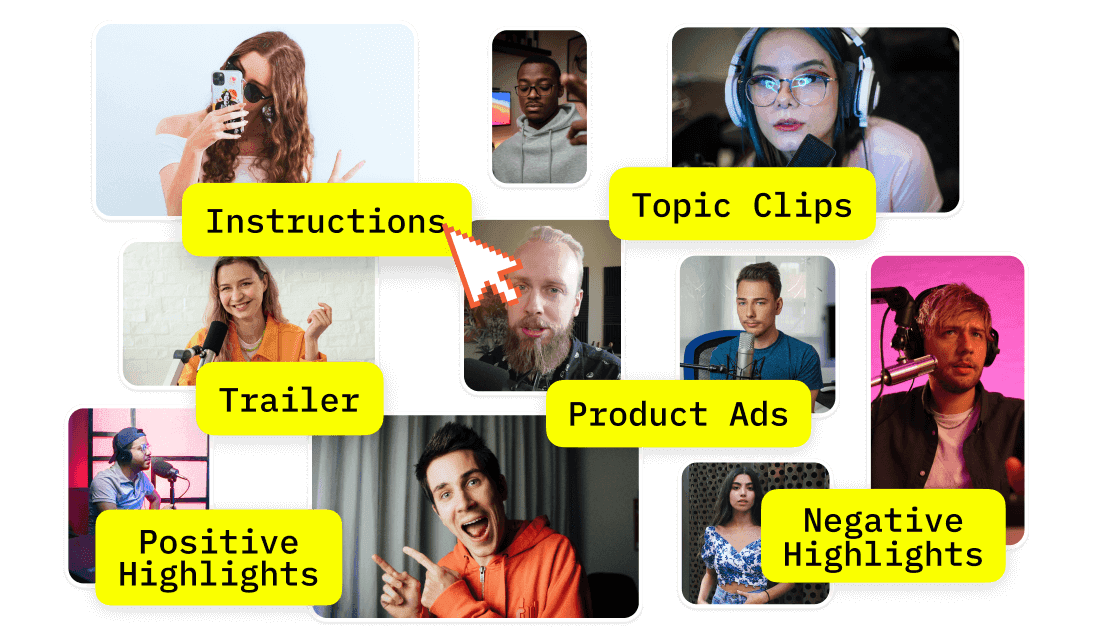
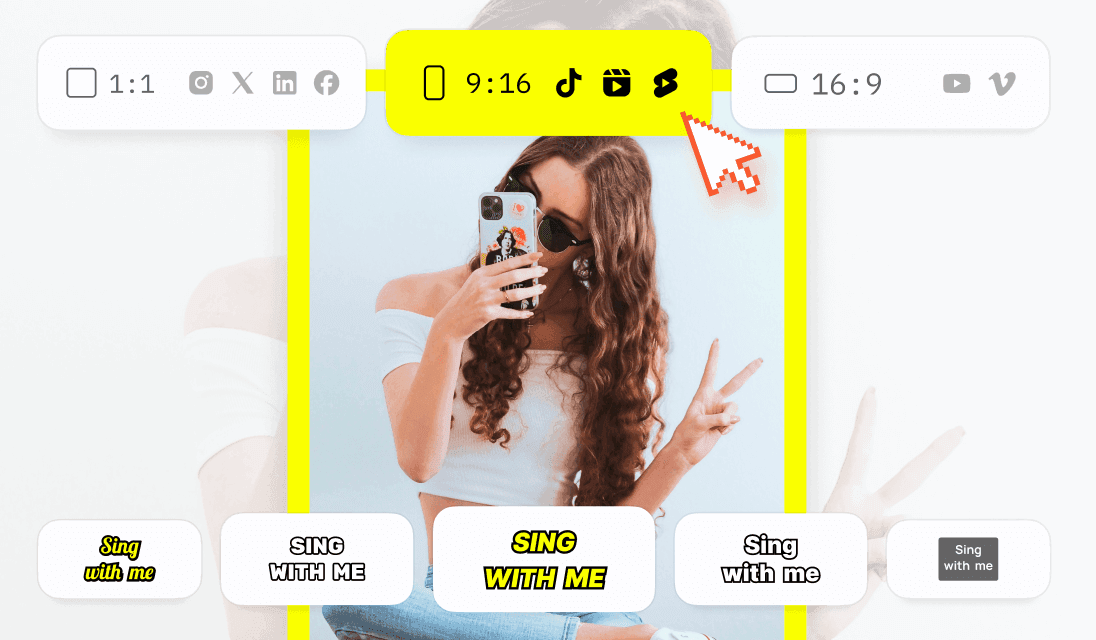
AI Video Cut is an online AI-powered video editor and short-form content maker designed to turn long videos into polished, platform-ready clips. Instead of manually scrubbing timelines, creators describe or select what they want — using ready-made prompts or their own text — and the AI finds engaging moments, adds captions, crops for faces, and exports in formats suited for YouTube Shorts, TikTok, Instagram Reels, and other social channels. It's built around speed and accessibility for anyone who needs consistent short content without committing hours to editing. The tool supports a wide range of input sources, from local file uploads and YouTube links to Reddit, Instagram, Zoom, Twitch, Dailymotion, Facebook, and Google Drive. Its AI transcribes videos in 100 languages, identifies speakers, and enables transcript-based fine-tuning so users can clean up captions and remove unwanted segments. Users can choose output aspect ratios such as 9:16, 16:9, 1:1, or the original, control the clip length in phrases (7, 15, or 25), and apply different caption styles to make videos viewable with the sound off. AI Video Cut offers a free plan with one-time 50 minutes of processing, watermark included, and limited editing, plus Starter and Pro subscription tiers for heavier workloads with no watermark, longer uploads, larger file sizes, and unlimited editing. It's tailored for content creators, marketers, social media managers, e-commerce sellers, event planners, and podcasters who want to repurpose long-form material into engaging shorts.
SpecificationsAI-estimated
Key Features of AI Video Cut
Use Cases for AI Video Cut
Short-form content repurposing
Creators can quickly repurpose long videos into engaging YouTube Shorts, TikToks, and Instagram Reels without spending hours editing.
Social video ads
Marketers can generate eye-catching video ads and product clips that stand out on social platforms and boost engagement.
Brand social media management
Social media managers can save editing time and focus on scheduling, community engagement, and brand growth.
Product videos for e-commerce
E-commerce businesses can showcase products in polished, attention-grabbing videos designed to drive sales.
Event and webinar highlights
Event planners can turn conference, webinar, or event recordings into fun promo content to build excitement for future events.
Podcast clip distribution
Podcasters can share the best moments from episodes to attract new listeners and promote their shows on social media.
How to use AI Video Cut?
Import
Upload your video from a local file or paste a YouTube link.
Tailor
Choose a prompt to turn your longer video into a short teaser, review, product ad, tutorial, or generate a few clips in bulk.
Customize
Set the length, choose 9:16, 1:1, or 16:9 aspect ratio, and style captions.
Publish
Preview, download, and share your short video on Instagram, YouTube Shorts, TikTok, X, and other platforms.
Pros & Cons of AI Video Cut
Pros
- Turns long videos into multiple ready-to-post short clips quickly using AI prompts
- Smart face detection keeps key speakers framed automatically
- Supports a wide range of sources including local files, YouTube, Reddit, Instagram, Zoom, Twitch, Dailymotion, Facebook, and Google Drive
- Multilingual AI transcription works across 100 languages
- Offers a free plan plus affordable paid plans with FHD quality output
Cons
- The free plan includes a watermark and only offers a one-time 50-minute processing allowance that never refreshes.
- Custom logo branding and the Telegram bot are listed as 'Soon,' so those features are not available yet.
- Editing is primarily transcript-based, which means it lacks a full multi-track timeline editor for complex manual video edits.
- Video regeneration is limited on all plans (3 uses on free, 10 on paid), which can restrict iteration on longer projects.
Frequently Asked Questions
How do you calculate video upload minutes?
We calculate video upload minutes based on the duration of videos you upload in a month. Each paid plan provides a set of monthly upload minutes. The duration of each uploaded video is deducted from this monthly limit. Before you generate clips, we'll show you exactly how many minutes will be charged for each video.
Where can I see my remaining upload minutes?
You can view your remaining upload minutes in the Usage section of your account profile.
Do my upload minutes refresh every month?
Yes, for paid plans, your upload minutes refresh at the beginning of each billing cycle. On the Free plan, you have a one-time set of 50 minutes that doesn't refresh.
What does "Regeneration" mean?
The regeneration feature allows you to create new clips from the same uploaded video. By applying different prompts or caption styles, you can generate fresh results without having to upload the video again.
How can I cancel my subscription?
Go to your account profile and click the Cancel Plan button to cancel your subscription.
How can I upgrade from Starter to Pro?
Navigate to your account profile, click the Upgrade Plan button, and then select the Pro plan.
Reviews & Ratings0.0
No reviews yet. Be the first to write one!
Top Alternatives & Similar Software
View all alternatives & similar software→No alternatives available yet.
People also viewed

Related searches
Is this your tool?
Claim this page to update details, reply to user reviews, and drive more traffic to your product.
Claim this Product →
Tags
Explore Related Topics
Keep up with AI Video Cut alternatives
New alternatives, pricing changes and the week's biggest movers - one email every Tuesday.