Discover, compare, and save the best video editors alternatives.
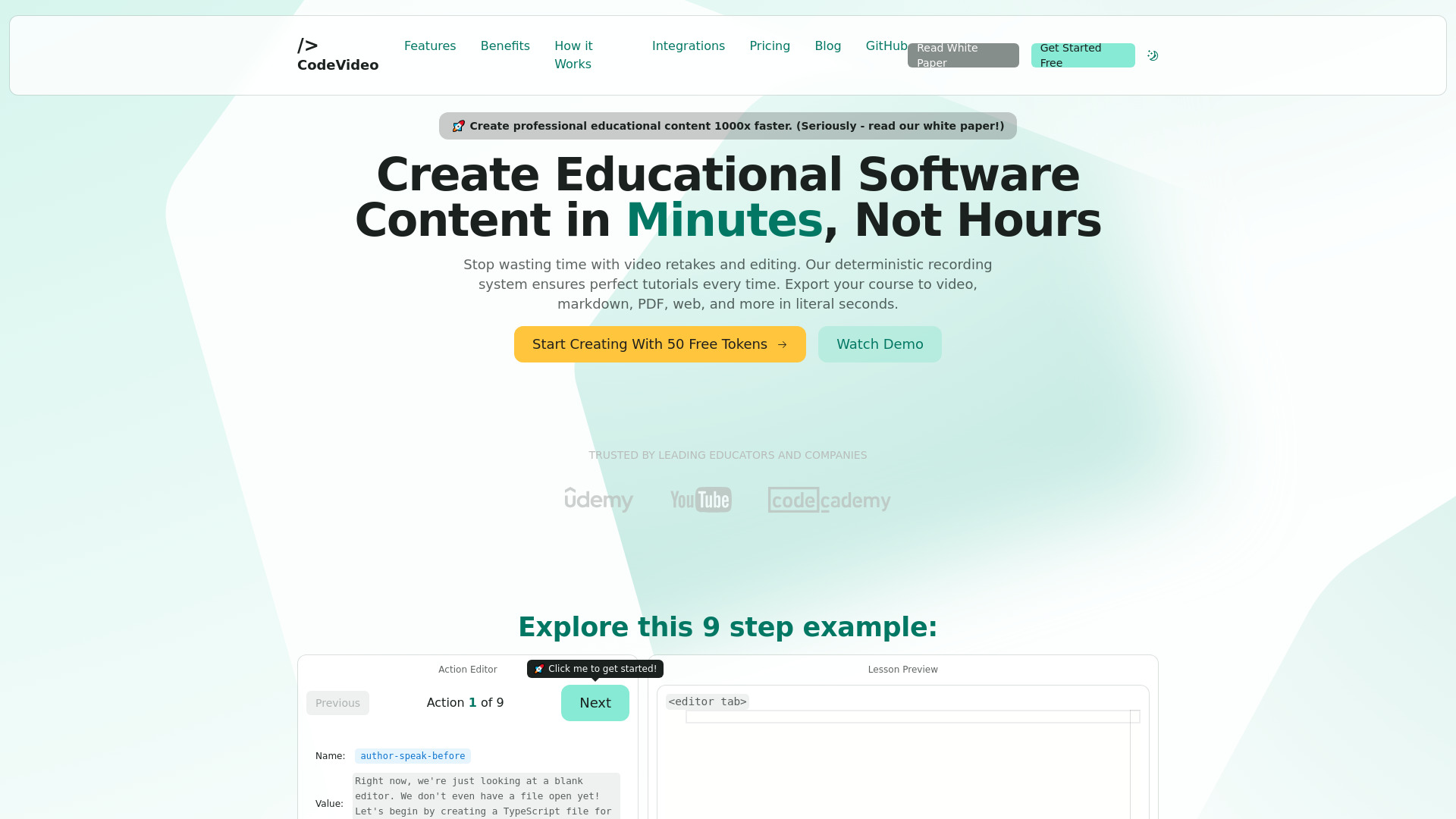
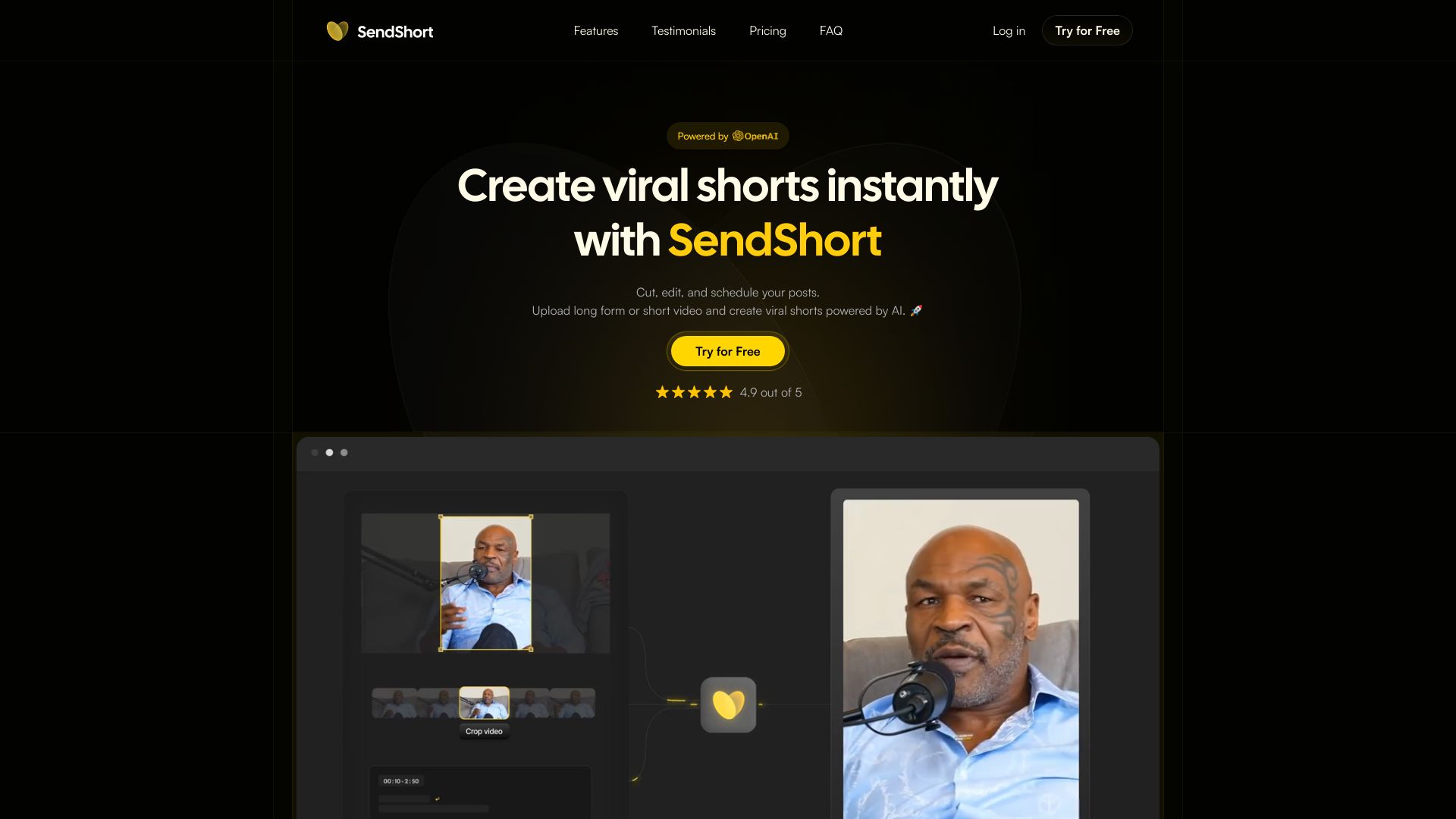
CapCut, Adobe Premiere Pro, Final Cut Pro, DaVinci Resolve, CodeVideo and SendShort are among the top-rated Video Editors picks.
Video Editors are software tools designed for editing and manipulating video content, suitable for professionals, hobbyists, and anyone looking to enhance their video creations. They solve the problem of raw footage refinement, allowing users to trim, merge, and apply effects to create polished videos. With a wide range of options available, Video Editors cater to various skill levels and use cases, from simple social media clips to complex cinematic productions. The key differences between Video Editors lie in their feature sets, pricing models, and system requirements. For instance, Adobe Premiere Pro and Final Cut Pro are industry-standard, feature-rich options with subscription-based pricing, while DaVinci Resolve and Movavi Video Editor offer a mix of free and paid versions with varying levels of functionality. Additionally, some Video Editors, like CapCut and InShot, are designed specifically for mobile devices, while others, such as pyJianYingDraft and moviepy, are geared towards developers and programmers. Choosing the right Video Editor can be overwhelming, given the numerous options available. Findalternative.net's comparison tool helps narrow down the field by allowing users to filter Video Editors based on their specific needs, such as operating system compatibility, pricing, and key features. By exploring the different options and reading reviews from other users, you can find the perfect Video Editor for your video editing needs, whether you're a beginner or an experienced professional.
For beginners, Video Editors like InShot, CapCut, and Movavi Video Editor are great options, offering user-friendly interfaces and a range of features to get started with video editing. They also provide tutorials and guides to help new users learn the basics.
Yes, many Video Editors offer free versions or trials, such as DaVinci Resolve, VideoPad Video Editor, and pyJianYingDraft. These free versions often have limited features or watermarks, but can still be useful for basic video editing tasks.
A Video Editor is designed for editing and manipulating video content, while a video converter is primarily used for converting video files between different formats. Some Video Editors, like Adobe Premiere Pro, may also include conversion capabilities, but their primary function is editing.
Yes, many Video Editors are available for mobile devices, such as CapCut, InShot, and VN Video Editor. These mobile Video Editors often have streamlined interfaces and are designed for creating and editing videos on-the-go.
No, most Video Editors do not require programming knowledge, and are designed to be used by anyone with basic computer skills. However, some Video Editors, like moviepy, are geared towards developers and programmers, and may require coding knowledge to use.
Yes, many Video Editors can be used for commercial purposes, but it's essential to check the licensing terms and conditions for each software. Some Video Editors, like Adobe Premiere Pro, require a commercial license for business use, while others, like DaVinci Resolve, offer a free version with no restrictions on commercial use.
When choosing a Video Editor, consider the operating system you use, as some Video Editors are exclusive to specific platforms. For example, Final Cut Pro is only available for macOS, while Adobe Premiere Pro and DaVinci Resolve are available for both Windows and macOS. Findalternative.net's comparison tool can help you filter Video Editors by operating system to find the best option for your needs.
Video Editors splits into 6 related categories worth browsing on their own: Streaming Platforms (41), Screen Recorders (18), Subtitle Tools (11), Media Players (10), Motion Graphics (7), and Video Converters (7) — worth a look if you already know roughly which kind you need.
Browsing by use case instead? These products also surface under Video Editing (21), AI-Powered (6), Open Source (4), Social Media (4), Cloud Native (4), and Templates (4) — topic pages that pull from the whole catalog, not just Video Editors.
Comparing across more than just software? Findalternative.net also covers Hardware, Gadgets, Appliances, Games, and Hosting alternatives.
55% run on Windows, 45% on Mac, 39% on Web, and 25% on iOS — check platform support before committing if you need something specific.
Computed from real platform data across the category.
Across the Video Editors products in our directory, 55% are free or freemium. 26% of products with a documented drawback cite a learning curve as a tradeoff worth knowing about going in.
Computed from real pricing and pros/cons data across the category — not a review aggregate.