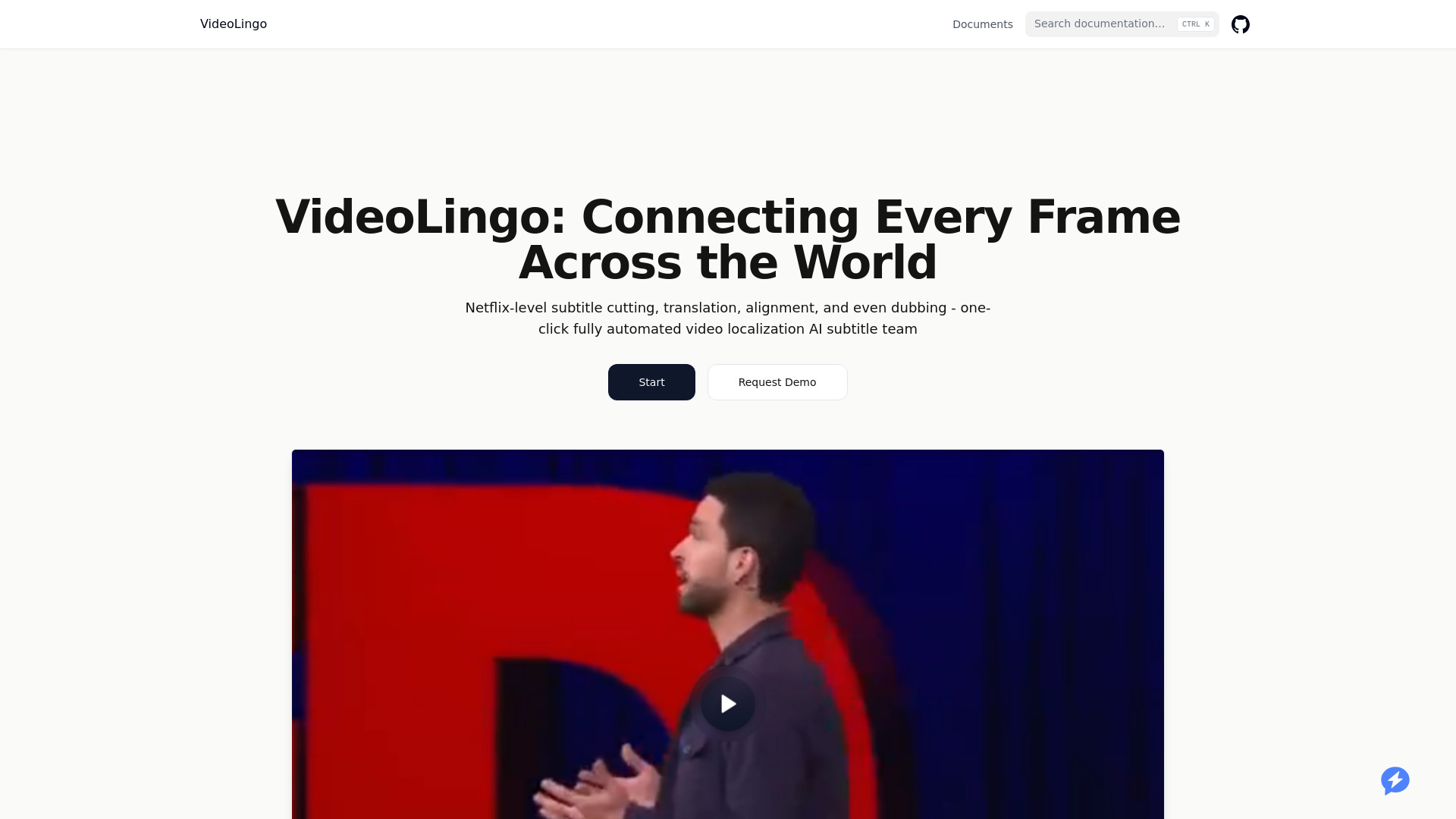
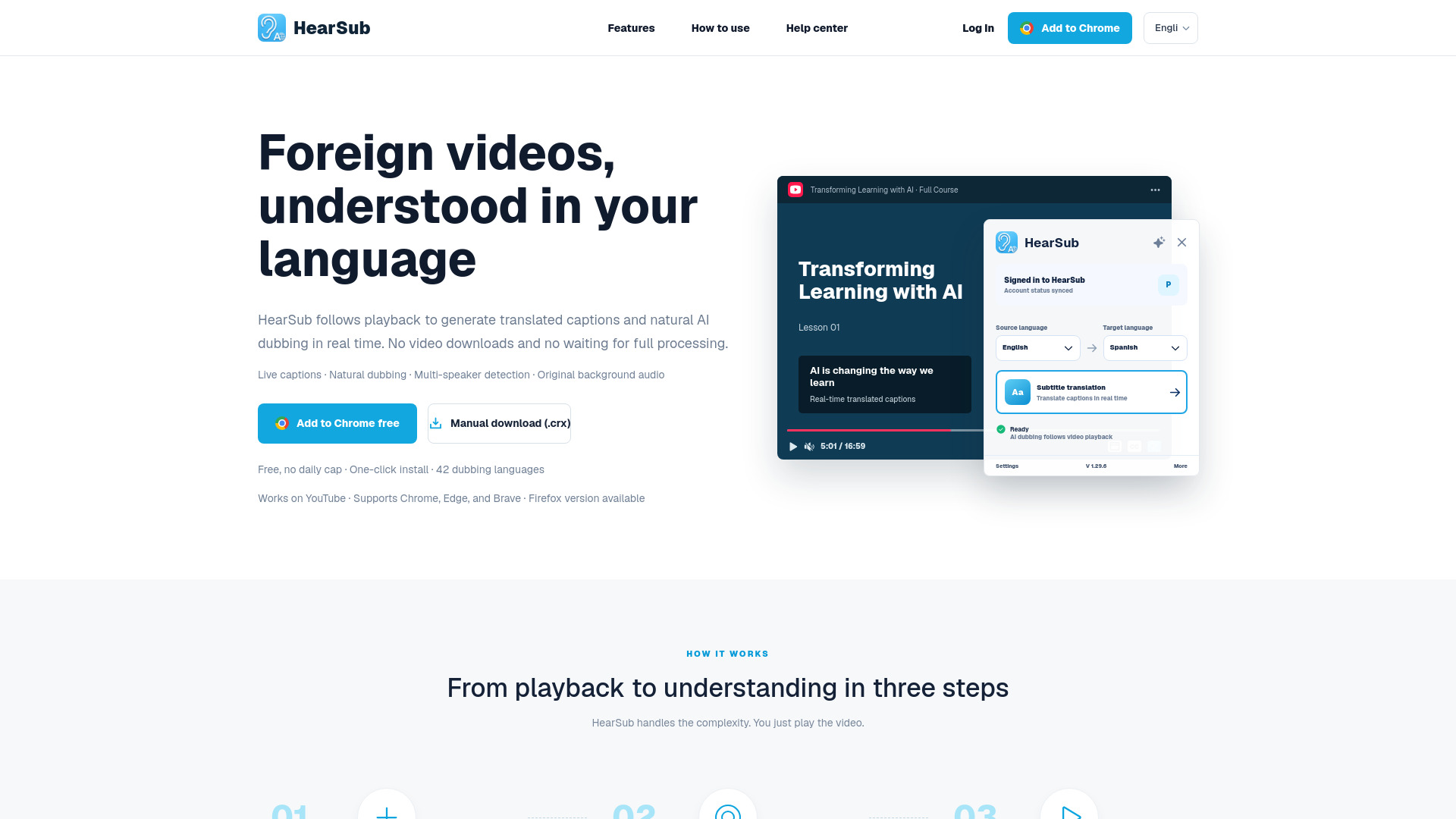
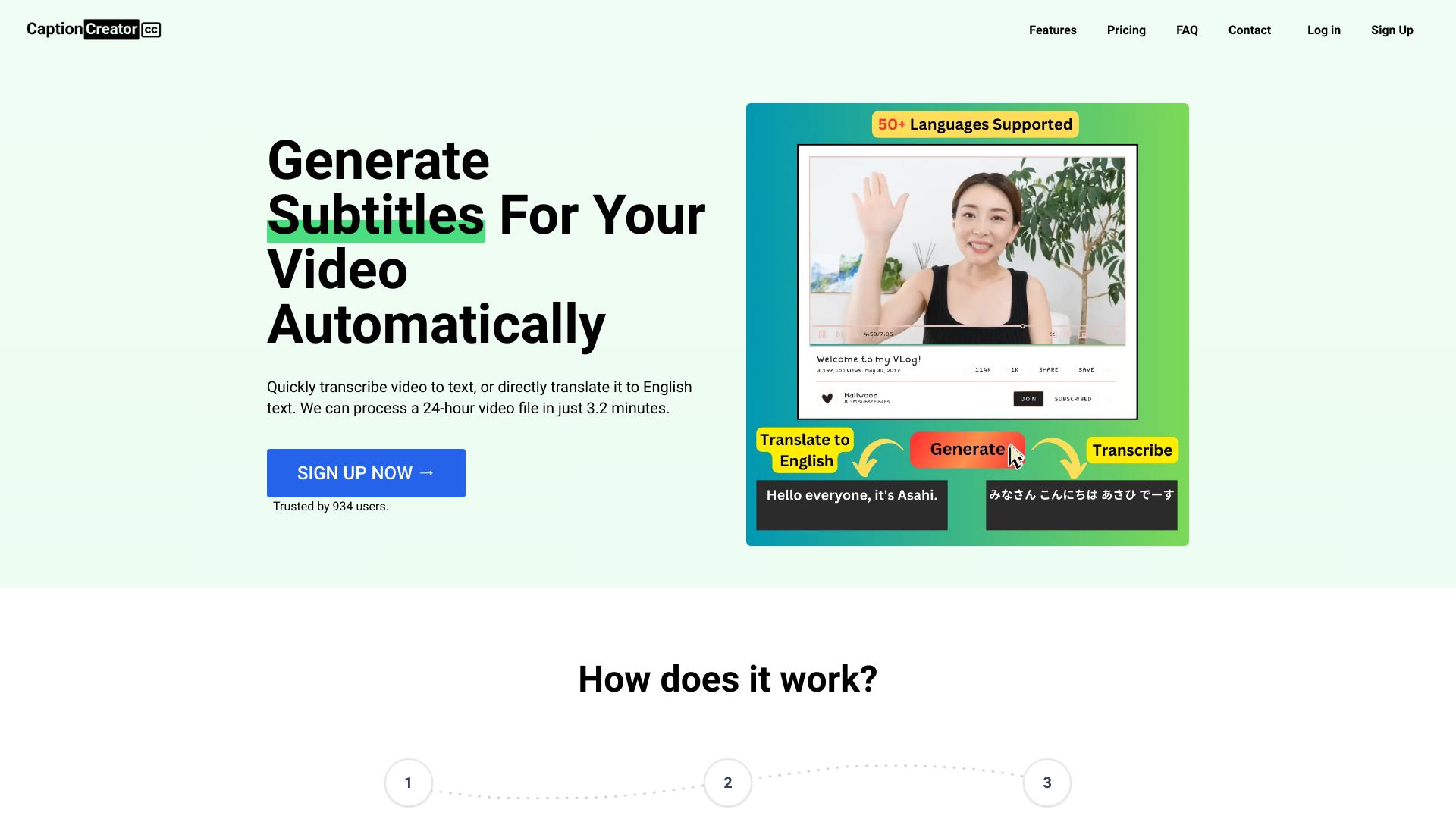
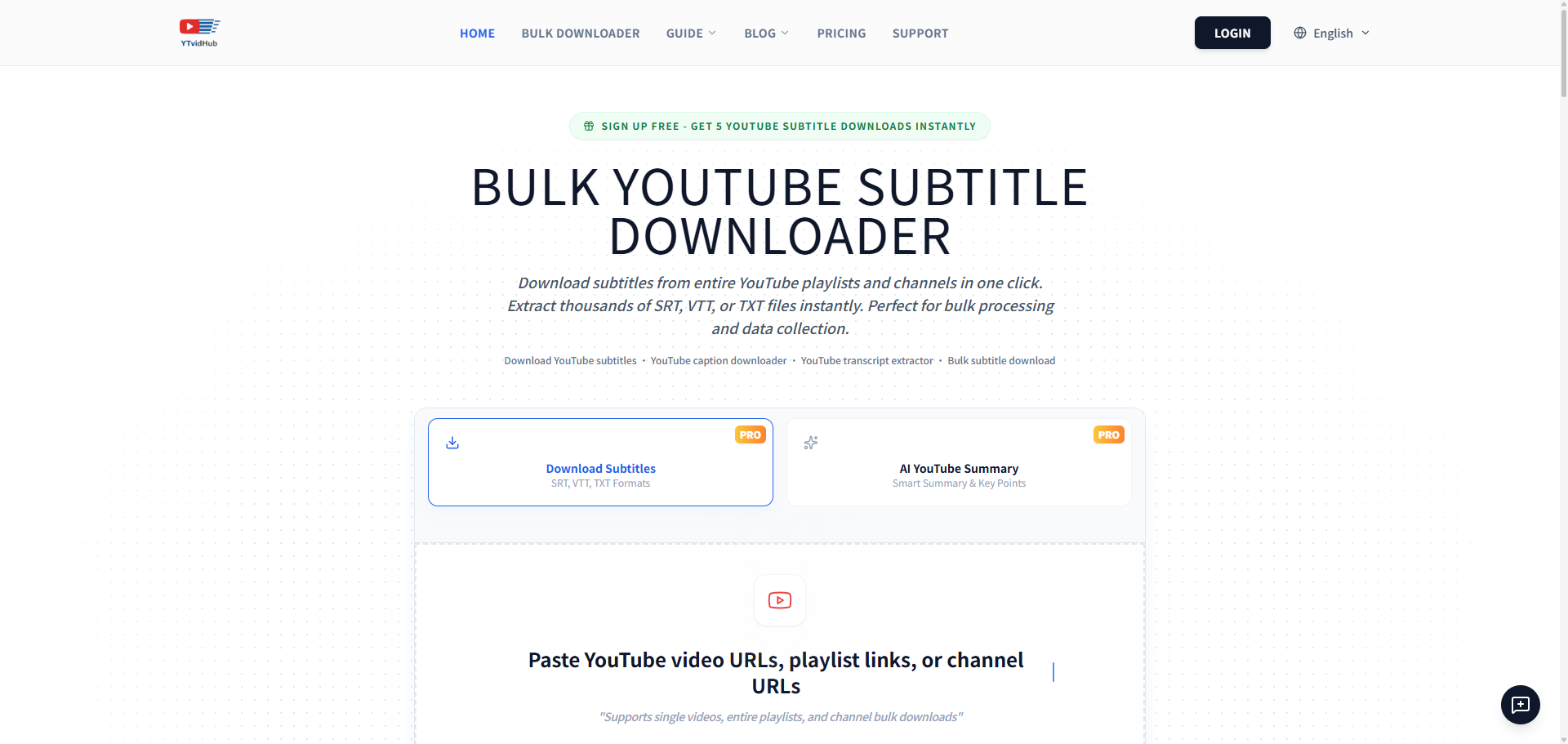
Discover, compare, and save the best subtitle tools alternatives.
VideoLingo, HearSub, CaptionCreator, YTVidHub, Subly and Maestra are among the top-rated Subtitle Tools picks.
Subtitle Tools are software programs designed to help users add, edit, and manage subtitles for their videos and movies. These tools are ideal for video editors, filmmakers, and content creators who need to make their content more accessible and engaging for a wider audience. By using Subtitle Tools, users can solve the problem of manually adding subtitles, which can be a time-consuming and labor-intensive process. Different Subtitle Tools offer varying features, pricing models, and tradeoffs that cater to different user needs. For example, Subtitle Edit and Aegisub are free and open-source, while AutoSubs offers automated subtitle generation. Users must weigh the importance of features like subtitle editing, synchronization, and export options against factors like cost, ease of use, and compatibility with different video formats. To choose the right Subtitle Tool, users can compare features, read reviews, and try out different options to find the best fit for their specific needs. Findalternative.net's comparison tool helps narrow the field by providing a comprehensive overview of each software, including their key features, pricing, and user reviews, making it easier to find the perfect Subtitle Tool for their video editing projects.
Aegisub is often considered one of the easiest Subtitle Tools to use, especially for beginners. It has a user-friendly interface and offers a range of features and tutorials to help new users get started with subtitle editing.
Yes, many Subtitle Tools, including Subtitle Edit and AutoSubs, support multiple languages and allow users to add subtitles in different languages to their videos and movies.
Yes, there are several free Subtitle Tools available, including Subtitle Edit and Aegisub. These tools offer a range of features and are suitable for personal and commercial use.
Yes, many Subtitle Tools, including AutoSubs, offer features to create closed captions for videos. Closed captions are similar to subtitles but also include audio descriptions and other accessibility features.
To choose the best Subtitle Tool for your video editing software, consider the compatibility of the tool with your software, the features you need, and the level of support offered by the tool's developer. Findalternative.net's comparison tool can help you compare different Subtitle Tools and find the best fit for your needs.
Some Subtitle Tools, including AutoSubs, offer features to add subtitles to live videos. However, this feature may require additional hardware or software and may not be available in all Subtitle Tools.
Most Subtitle Tools are compatible with a range of video formats, including MP4, AVI, and MOV. However, it's essential to check the compatibility of the tool with your specific video format before choosing a Subtitle Tool.
Subtitle Tools splits into 6 related categories worth browsing on their own: Video Editors (44), Streaming Platforms (41), Screen Recorders (18), Media Players (10), Motion Graphics (7), and Video Converters (7) — worth a look if you already know roughly which kind you need.
Browsing by use case instead? These products also surface under Transcription (5), Subtitles (4), Open Source (4), Multilingual (3), Content Creation (2), and AI Dubbing (2) — topic pages that pull from the whole catalog, not just Subtitle Tools.
Comparing across more than just software? Findalternative.net also covers Hardware, Gadgets, Appliances, Games, and Hosting alternatives.
36% run on Online, 36% on Web, 27% on Windows, and 27% on Mac — check platform support before committing if you need something specific.
Computed from real platform data across the category.
Across the Subtitle Tools products in our directory, 55% are free or freemium. 36% of products with a documented drawback cite pricing/cost concerns as a tradeoff worth knowing about going in.
Computed from real pricing and pros/cons data across the category — not a review aggregate.