Discover, compare, and save the best video converters alternatives.
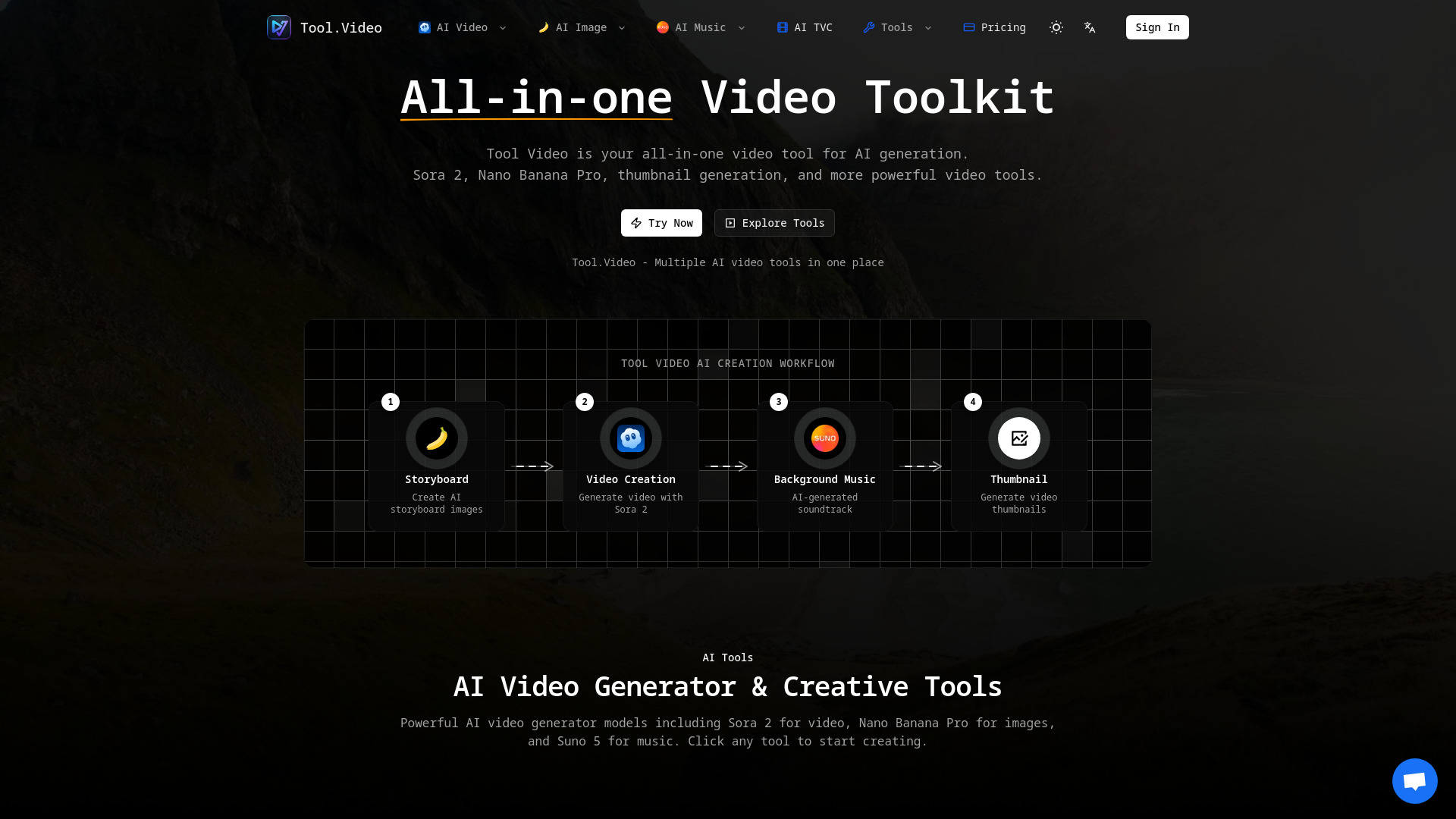
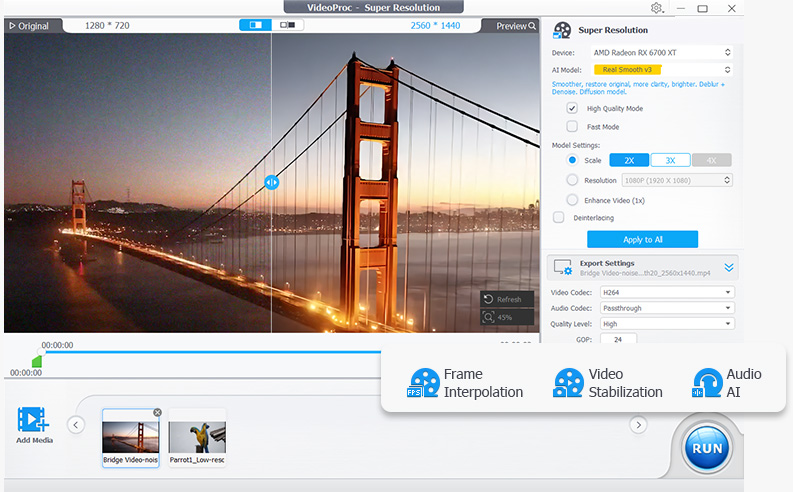
Tool.Video, YT Copycat, Tubed, Any Video Converter, VideoProc Converter AI and FFmpeg are among the top-rated Video Converters picks.
Video Converters are software tools designed to help users convert video files from one format to another, making them compatible with various devices and platforms. These tools are ideal for individuals who work with video content, such as videographers, editors, and content creators, as well as anyone who wants to watch their favorite videos on different devices. The problem they solve is the incompatibility of video formats, which can be frustrating and time-consuming to resolve. When it comes to choosing a Video Converter, there are several key features to consider, such as the range of supported formats, conversion speed, and quality. Some Video Converters, like HandBrake, offer a free and open-source solution with a wide range of customization options, while others, like FFmpeg, provide a command-line interface for advanced users. Pricing models also vary, with some converters offering a one-time purchase or subscription-based services. To choose the right Video Converter, it's essential to consider your specific needs and preferences. Findalternative.net's comparison tool helps you narrow down the field by providing a comprehensive overview of each software's features, pricing, and user reviews. By comparing different Video Converters, you can find the one that best suits your requirements, whether you're looking for a simple and user-friendly interface or advanced features for professional video editing.
For beginners, HandBrake is a great option due to its user-friendly interface and wide range of supported formats. It's also free and open-source, making it an excellent choice for those on a budget.
Yes, many Video Converters, including FFmpeg, offer commercial licensing options or are free to use for commercial purposes. However, it's essential to check the licensing terms and conditions before using the software for commercial projects.
Yes, many modern Video Converters, such as HandBrake, support 4K video conversion. However, the conversion speed and quality may vary depending on the software and your computer's hardware capabilities.
Yes, many Video Converters, including FFmpeg, offer batch conversion capabilities, allowing you to convert multiple videos at once. This feature can save you time and effort, especially when working with large video libraries.
Yes, most Video Converters, including HandBrake and FFmpeg, are compatible with both macOS and Windows operating systems. However, it's essential to check the system requirements before installing the software to ensure compatibility with your specific operating system version.
Yes, many Video Converters, such as HandBrake, support subtitles and closed captions. This feature is particularly useful for content creators who need to add subtitles or closed captions to their videos.
Yes, many Video Converters, including FFmpeg, offer advanced output settings, allowing you to customize the video codec, resolution, bitrate, and other parameters to suit your specific needs. This feature is particularly useful for professional video editors who require precise control over the output settings.
Video Converters splits into 6 related categories worth browsing on their own: Video Editors (44), Streaming Platforms (41), Screen Recorders (18), Subtitle Tools (11), Media Players (10), and Motion Graphics (7) — worth a look if you already know roughly which kind you need.
Browsing by use case instead? These products also surface under Open Source (2) — topic pages that pull from the whole catalog, not just Video Converters.
Comparing across more than just software? Findalternative.net also covers Hardware, Gadgets, Appliances, Games, and Hosting alternatives.