


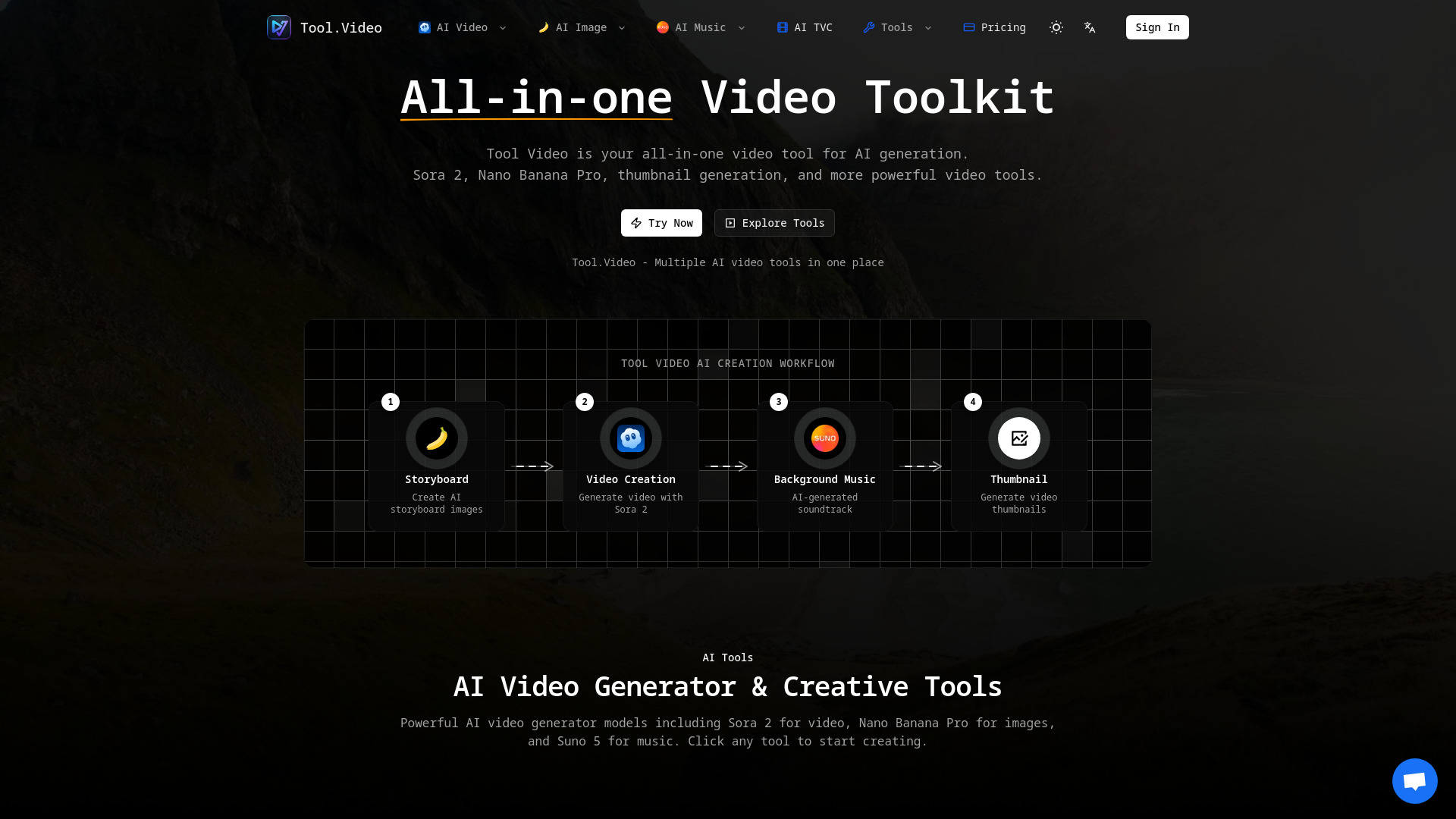
What is Tool.Video?
Tool.Video is a free, browser-based video and audio toolbox that lets users compress, trim, crop, cut, and convert files directly on their device. It emphasizes privacy by processing local files without uploads or sign-up for its core tools, and also offers AI generators and advanced tools.
SpecificationsAI-estimated
Key Features of Tool.Video
Use Cases for Tool.Video
Quick video compression
Reduce video file size before sharing or uploading.
Privacy-conscious editing
Trim or crop videos without uploading sensitive files to a server.
Extract audio
Convert MP4 videos to MP3 audio files directly in the browser.
Creative AI generation
Use AI tools to generate comics or other visual content.
How to use Tool.Video?
Open Tool.Video
Visit https://tool.video/ in your browser.
Choose a tool
Select a video or audio tool from the homepage.
Select a file
Upload or drop a file from your device. Keep it under the size limit.
Process and download
Apply the desired transformation and download the result.
Pros & Cons of Tool.Video
Pros
- Files are processed on-device for local tools
- No upload or sign-up required for core tools
- Free to use
- Works in browser on desktop and mobile
- Covers video, audio, image, and AI tools
Cons
- Maximum 200 MB per file on desktop; 50 MB on mobile
- Tab must remain open during processing
- AI and advanced tools may have separate usage rules
- Not a full-featured professional video editor
Frequently Asked Questions
Are my files uploaded?
For local tools, files stay on your device and are not uploaded. No sign-up is required.
Are these tools free?
The local tools are free. Other tools may have their own usage rules.
Can I use a phone?
Yes. On mobile, start with files under 50 MB and keep the tab open while processing.
What can I download?
You can download the processed video or audio output from the selected tool.
Reviews & Ratings0.0
No reviews yet. Be the first to write one!
Top Alternatives & Similar Software
View all alternatives & similar software→No alternatives available yet.
People also viewed


Related searches
About the Product
Is this your tool?
Claim this page to update details, reply to user reviews, and drive more traffic to your product.
Claim this Product →
Explore Related Topics
Keep up with Tool.Video alternatives
New alternatives, pricing changes and the week's biggest movers - one email every Tuesday.