



VideoLingo
AI-powered cinema-grade bilingual subtitles and dubbing that localize video content frame by frame.






What is VideoLingo?
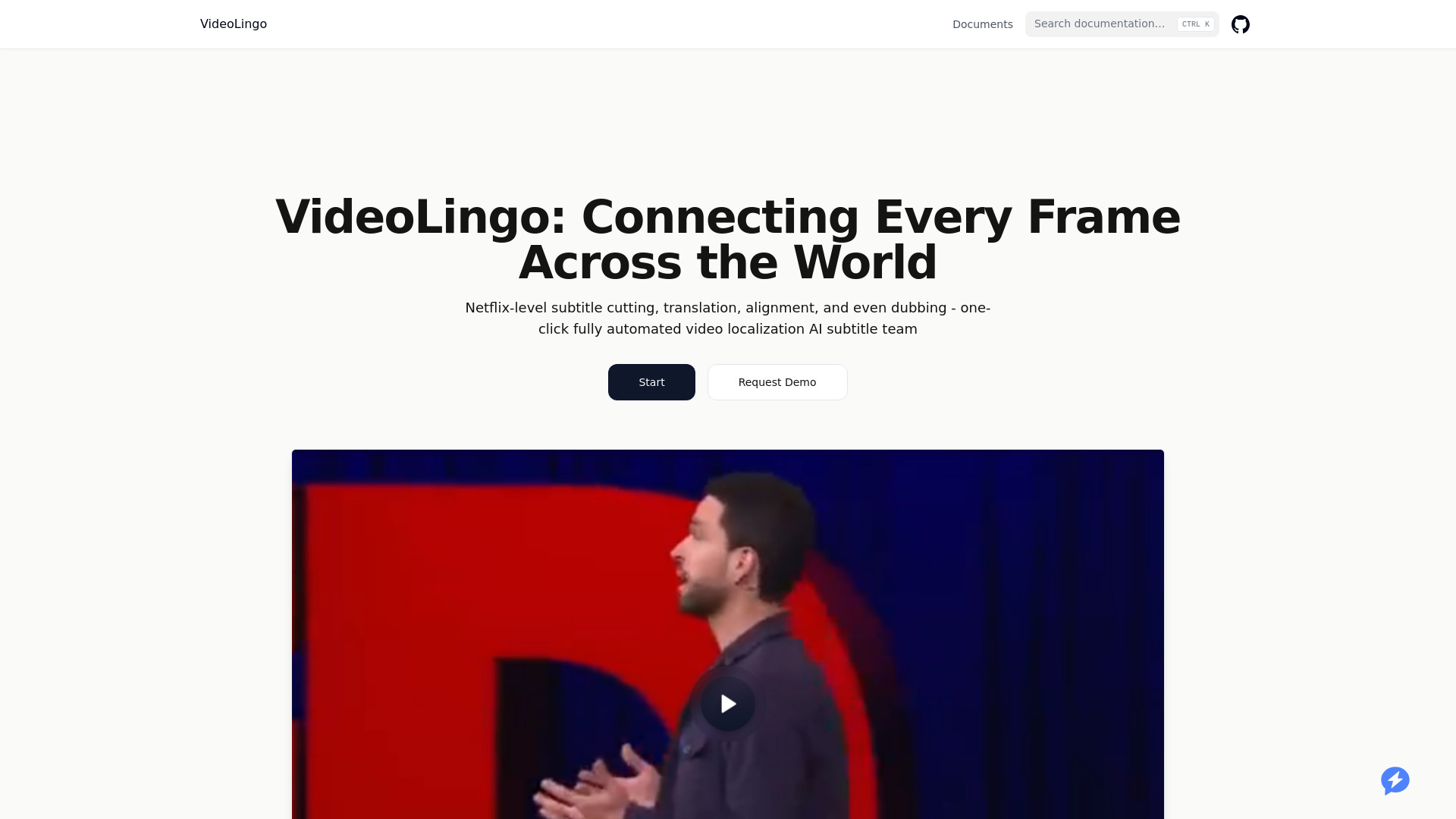
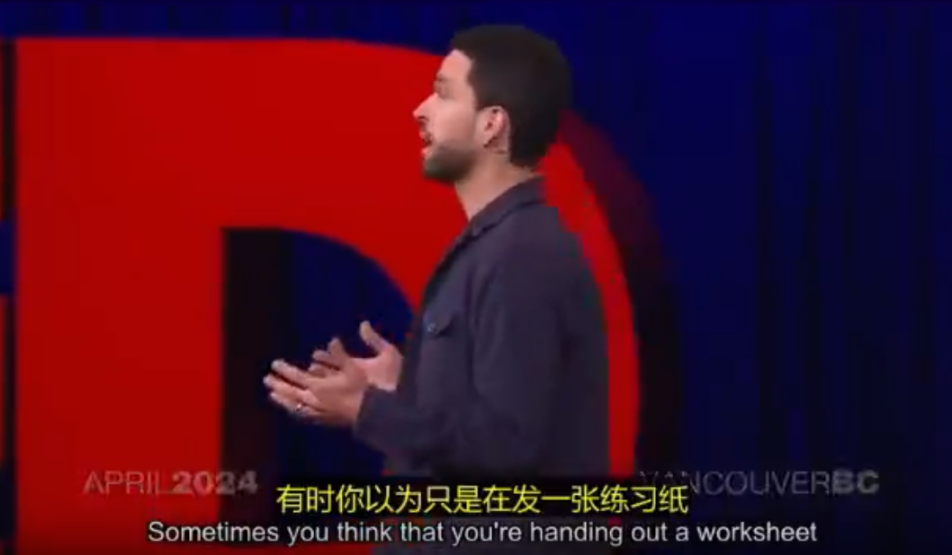
VideoLingo is an AI-powered video localization platform that generates cinema-grade bilingual subtitles and natural dubbing, aiming to connect audiences across language barriers frame by frame. Built for content creators, educators, and global teams, it goes beyond simple machine translation by adding cultural localization, domain-specific terminology handling, and polished single-line subtitles with precise timing. The platform is currently in Beta and offers a free trial covering up to 15 minutes of video. With a strong open-source community background, the project has earned more than 18,740 stars on GitHub and emphasizes continuous improvement and collaborative development. Its processing pipeline is designed for speed: users can upload content, choose target languages, and receive localized videos in just a few clicks. The service supports 8+ languages and is frequently praised by technical instructors, bloggers, and designers for accurately capturing jargon and preserving the original speaker's tone and intent. VideoLingo is especially valuable for technical content creators who need precise subtitle translations for programming tutorials, online courses, and professional training materials. The combination of cultural adaptation, domain expertise, and natural voice synthesis makes it a versatile tool for making knowledge accessible globally, without the stiff, robotic feel typical of automated translation and dubbing.
SpecificationsAI-estimated
Key Features of VideoLingo
Use Cases for VideoLingo
Translating programming tutorials for global audiences
Accurately translate technical coding terms and concepts into bilingual subtitles so learners worldwide can follow along.
Localizing online courses and e-learning content
Convert educational videos into multiple languages while keeping the professional terminology and tone intact.
Dubbing YouTube videos with natural-sounding voice synthesis
Generate dubbed versions of videos that preserve the original speaker's emotional tone and speaking style.
Making design and creative tutorials accessible
Provide clear, culturally adapted bilingual subtitles that help designers reach a broader international audience.
Professional localization for technical training materials
Translate internal training and instructional videos while maintaining precise domain-specific language.
Expanding reach of blog and educational video content
Adapt video content for international viewers across 8+ languages to promote global knowledge sharing.
How to use VideoLingo?
Create an account and log in
Go to the VideoLingo website, sign up or log in, and access the video localization dashboard.
Upload your video
Add the video you want to translate or dub. You can start with up to 15 minutes of video for free.
Choose source and target languages
Select the original language and the target language or languages you want for subtitles and dubbing.
Review generated subtitles and dubbing
Check the bilingual subtitles and voice synthesis output, confirm accuracy, and make adjustments if needed.
Export the localized video
Download or publish the final video with cinema-grade bilingual subtitles and natural dubbing.
Pros & Cons of VideoLingo
Pros
- Cinema-grade bilingual subtitles with accurate cultural localization
- Domain-specific terminology handling for technical content
- Natural voice synthesis preserves emotional tone and speaking style
- Fast, streamlined workflow requiring only a few clicks
- Strong open-source community with 18,740 GitHub stars
Cons
- Currently in Beta, so features and stability may evolve over time
- Free tier is limited to 15 minutes of video
- Only 8+ languages are supported, which may not cover all regions or dialects
- The homepage lacks detailed information about advanced editing or enterprise features
Frequently Asked Questions
What is VideoLingo?
VideoLingo is an AI-powered platform that generates cinema-grade bilingual subtitles and dubbing for videos, with cultural localization and domain-specific translation.
What languages does VideoLingo support?
The platform supports 8+ languages to facilitate global knowledge exchange.
Is there a free trial?
Yes, VideoLingo offers a free trial for up to 15 minutes of video.
How is VideoLingo different from standard automatic translation?
It emphasizes cultural localization, domain expertise, enhanced readability, and natural voice synthesis to avoid the stiff and inaccurate results of typical machine translation.
Can I use VideoLingo for my technical tutorials?
Yes, it is especially praised by developers and instructors for accurately translating technical terminology in programming tutorials.
Is VideoLingo open source?
VideoLingo highlights a strong open-source community with 18,740 stars on GitHub, although the specific license is not listed on the homepage.
What kind of videos can I localize?
VideoLingo is designed for videos such as tutorials, courses, tech content, and other educational or professional material.
Pricing Overview
View full pricing →VideoLingo offers a free tier with limited features plus paid subscription plans at $5 per month for Starter and $30 per month for Pro.
Reviews & Ratings0.0
No reviews yet. Be the first to write one!
Top Alternatives & Similar Software
View all alternatives & similar software→No alternatives available yet.
People also viewed



Related searches
Is this your tool?
Claim this page to update details, reply to user reviews, and drive more traffic to your product.
Claim this Product →
Tags
Explore Related Topics
Keep up with VideoLingo alternatives
New alternatives, pricing changes and the week's biggest movers - one email every Tuesday.