



SendShort
Create shareable clips in minutes

What is SendShort?
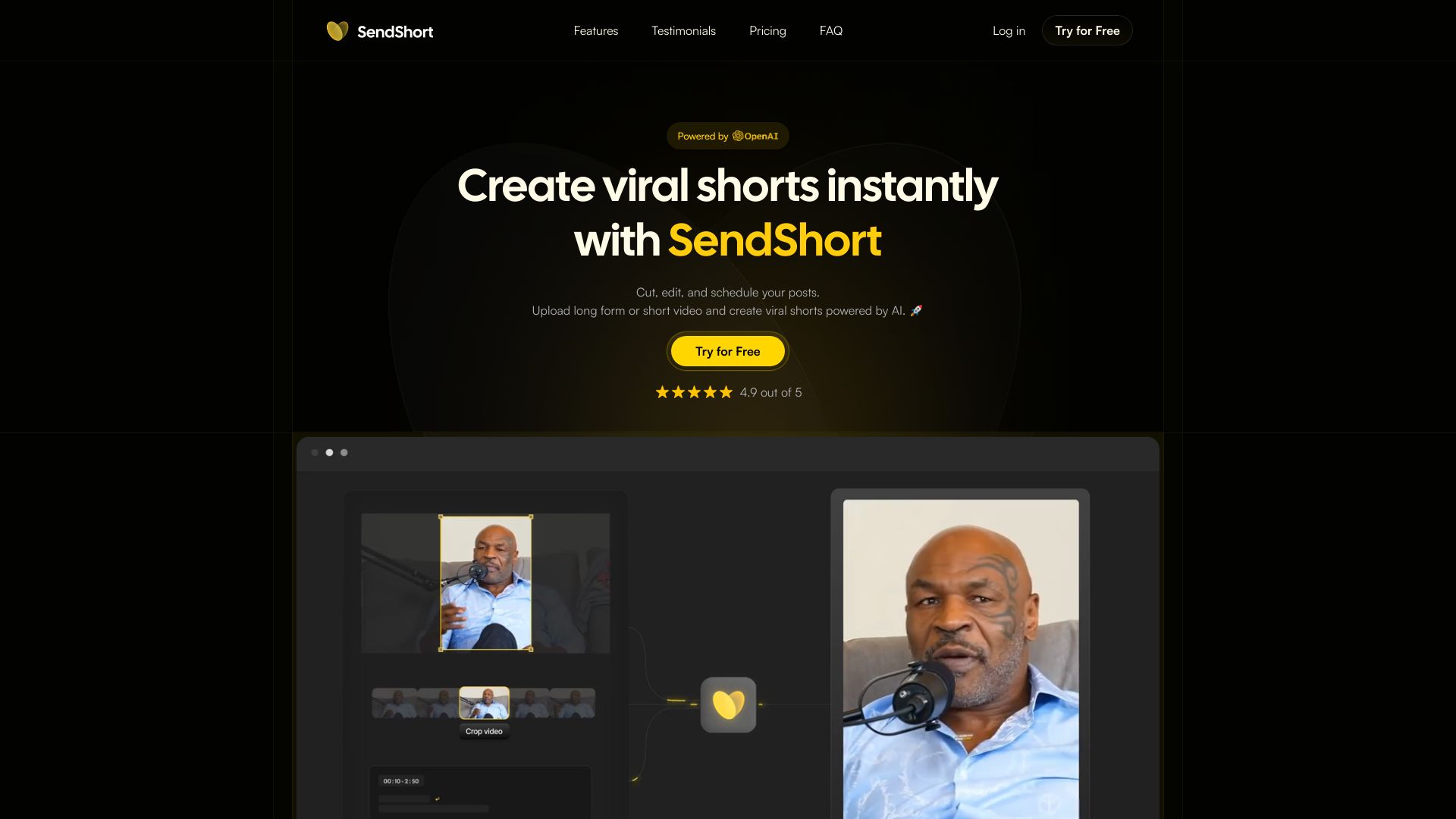
SendShort is a web-based platform designed to help creators turn longer videos into short, shareable clips. The login page promotes the promise of creating clips quickly, with the tagline "Create shareable clips in minutes," and highlights that the tool is already used by over 200,000 creators. The focus is on simplicity and speed, making it an appealing option for social media content production. With a user rating of 4.9/5, SendShort appears to have built a strong reputation among its audience. The platform offers Google sign-in for a quick start, reducing onboarding friction. While the login page keeps details about the editor itself hidden, the emphasis on creator satisfaction and a large user base suggests a polished, straightforward workflow for producing short-form video. SendShort is primarily aimed at content creators, social media managers, and influencers who need to repurpose video content efficiently. As a cloud-based SaaS, it can be accessed from any browser, avoiding the need for heavy desktop software. This makes it a convenient choice for anyone looking to produce shareable clips without a complex editing suite.
SpecificationsAI-estimated
Key Features of SendShort
Use Cases for SendShort
Creating YouTube Shorts
Turn lengthy YouTube videos into compact clips optimized for the YouTube Shorts feed.
Making TikTok clips
Extract engaging moments from podcasts or webinars and publish them as TikTok clips.
Producing Instagram Reels
Pull highlights from existing footage and format them as Instagram Reels.
Twitter/X video clips
Generate short video snippets from streams or tutorials for posting on Twitter/X.
Repurposing live content
Repurpose live stream highlights into shareable social media content.
Promotional teasers
Build quick promotional teasers to market longer videos, products, or events.
How to use SendShort?
Log in or sign up
Go to app.sendshort.ai and use the Google login button or create an account with your email.
Choose your source video
Import the video content you want to turn into short, shareable clips.
Create and edit your clip
Use the platform's tools to trim, crop, or edit the video into a short clip.
Customize for sharing
Adjust settings to optimize the clip for your target social media channel.
Export and share
Export the final clip and share it directly with your audience.
Pros & Cons of SendShort
Pros
- Quick and easy Google login
- Built specifically for creators
- High user satisfaction (4.9/5 rating)
- Large, trusted user base of 200,000+ creators
- Browser-based, no installation required
Cons
- Pricing not shown on the login page
- Limited information about the actual editing tools and workflow
- Requires an account to access the platform
- No offline capabilities since it is a web-only app
Frequently Asked Questions
Is SendShort free to use?
The login page does not display pricing information. You would need to create an account or visit the main SendShort website to see available plans and features.
Do I need an account to use SendShort?
Yes, you need to log in with Google or create an account to access the tool. A Google sign-in option is prominently featured on the login page.
What is SendShort used for?
SendShort is used for creating shareable short video clips from longer content, as emphasized by the tagline "Create shareable clips in minutes."
Who is SendShort designed for?
The platform is aimed at creators, content producers, and social media managers who need to produce short-form video clips quickly and efficiently.
Is SendShort a web app?
Yes, SendShort is accessed through a browser at app.sendshort.ai, making it a web-based application.
How many creators use SendShort?
According to the page, SendShort is used by 200,000+ creators and has a 4.9/5 user rating.
Which platforms can I share clips to?
clips made in SendShort are described as "shareable", meaning they are intended for posting on social media platforms. Exact export destinations are not listed on the login page.
Reviews & Ratings0.0
No reviews yet. Be the first to write one!
Top Alternatives & Similar Software
View all alternatives & similar software→No alternatives available yet.
People also viewed

Related searches
Is this your tool?
Claim this page to update details, reply to user reviews, and drive more traffic to your product.
Claim this Product →
Tags
Explore Related Topics
Keep up with SendShort alternatives
New alternatives, pricing changes and the week's biggest movers - one email every Tuesday.