


CodeVideo
Create professional educational content 1000x faster.
What is CodeVideo?
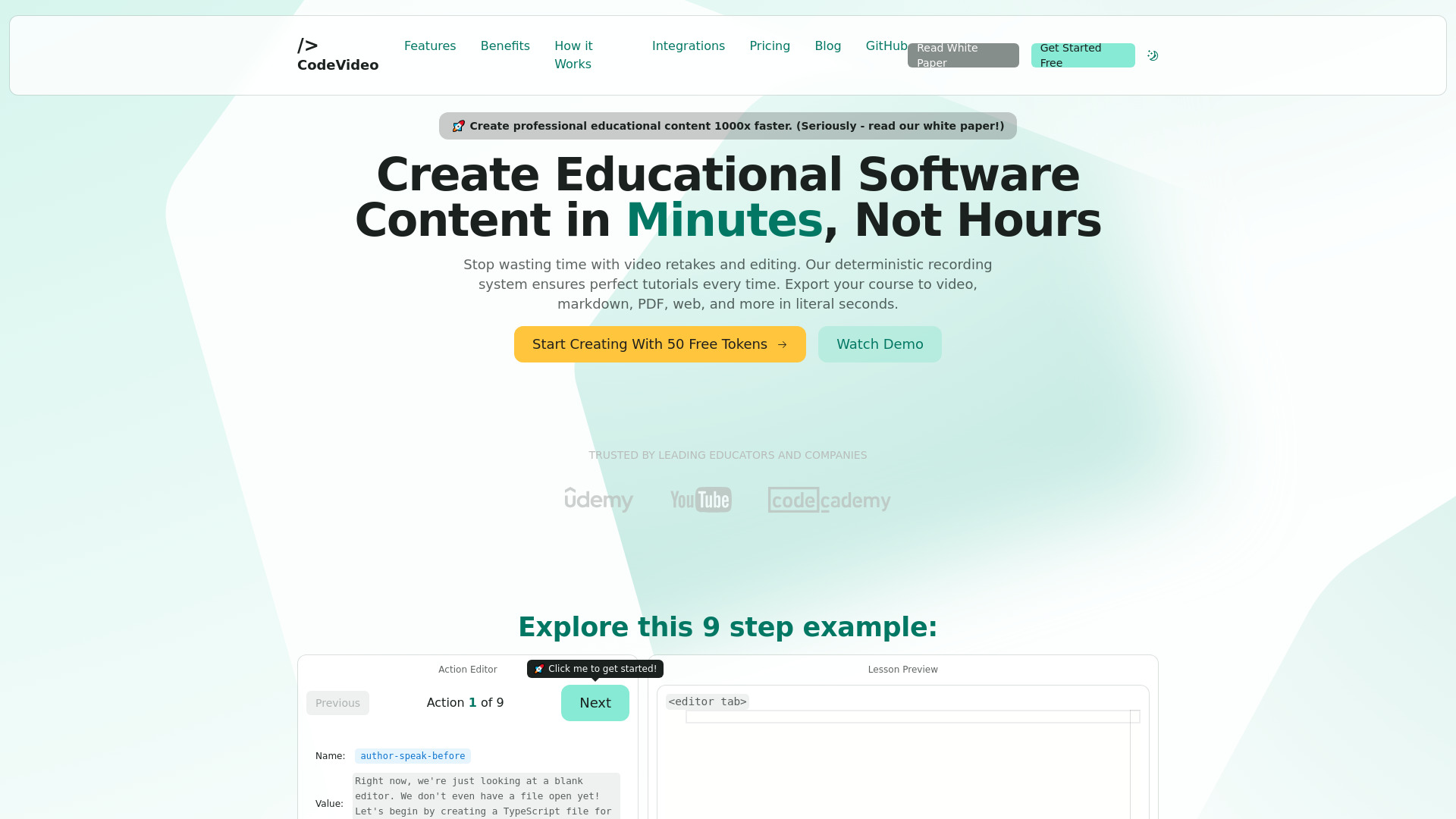
CodeVideo is a declarative video creation platform for developers, enabling the creation of professional educational software content by defining actions and exporting to multiple formats like video, markdown, PDF, PPTX, and web pages.
SpecificationsAI-estimated
Key Features of CodeVideo
Use Cases for CodeVideo
Educational Software Content
Create perfect software tutorials and courses in minutes without retakes or manual editing.
Multi-Format Documentation
Generate videos, markdown blog posts, PDFs, PPTX decks, and web pages from a single action timeline.
Developer Tutorials
Build step-by-step coding tutorials with deterministic editor, file explorer, terminal, and mouse actions.
Course Selling
Export and share or sell clean IDE videos, websites, or blog posts for courses and lessons.
How to use CodeVideo?
Create Actions
Define a series of actions representing editor changes, file explorer actions, terminal input, or author speech.
Edit Actions
Fix mistakes by adding, editing, inserting, or removing actions in the timeline.
Export, Share, or Sell
Generate a clean IDE video, PDF, website, or blog post from your lesson content.
Pros & Cons of CodeVideo
Pros
- Saves hours of time by enabling multi-format export from one source
- Guaranteed deterministic accuracy eliminates retakes
- Supports video, markdown, PDF, PPTX, HTML, JSON, and frontend framework exports
- Event-sourced action timeline allows easy editing, insertion, and replay of steps
- Works in the browser with no complex setup
- AI-powered insights help improve tutorial structure
Cons
- Pricing uses token-based system that may get expensive for frequent video exports
- Value is tied to the CodeVideo ecosystem and deterministic action approach
- Some integrations like AWS or dedicated servers may require custom solutions
- Video export is token-intensive compared to other formats
Frequently Asked Questions
What is CodeVideo?
CodeVideo is a declarative video creation platform for developers that lets you create educational software content with a deterministic, action-based workflow and export to multiple formats.
What formats can you export to?
You can export to video, markdown, PDF, PPTX, HTML, JSON, and frontend frameworks like React, Angular, and Vue.
How does pricing work?
CodeVideo uses token-based pricing. Exports consume tokens based on intensity, with options for pay-as-you-go, monthly Creator subscription, and lifetime access.
Does CodeVideo require video editing?
No. The deterministic recording system captures every action accurately, so there is no need for retakes or manual video editing.
Pricing Overview
View full pricing →CodeVideo offers token-based pricing: Pay As You Go costs $2 for 10 tokens, Creator costs $49 per month, and CodeVideo Lifetime costs $499 one-time.
Reviews & Ratings0.0
No reviews yet. Be the first to write one!
Top Alternatives & Similar Software
View all alternatives & similar software→No alternatives available yet.
People also viewed

Related searches
About the Product
Is this your tool?
Claim this page to update details, reply to user reviews, and drive more traffic to your product.
Claim this Product →
Tags
Explore Related Topics
Keep up with CodeVideo alternatives
New alternatives, pricing changes and the week's biggest movers - one email every Tuesday.