


AIFLUX vs Craftura AI
Side-by-side comparison of features, pricing, ratings, and alternatives.

AIFLUX combines the power of FLUX.2 Pro, FLUX.2 Klein, FLUX.1 Schnell, GPT Image 1.5, and Nano Banana Pro into a single web‑based platform. It lets users create images from text, transform existing pictures, upscale, inpaint, and remove backgrounds with a single interface. Designed for both beginners and professional teams, AIFLUX offers free credits for new users and scales to meet the needs of digital marketers, content creators, designers, and commercial teams.
Craftura AI is a free-to-use AI image generation platform that converts text prompts into images. It supports multiple AI models including Flux, offers an AI prompt enhancer, negative prompt support, and a credit-based system where users can earn additional credits through tasks and games. The platform emphasizes fast generation, clean UI, and affordable unlimited credit plans.
The pricing page provides FAQ information about credits and paid/free tiers but does not list any specific prices or plan names.
No plans are quote-only; explicit prices are shown.
- All‑in‑one multi‑model platform
- Free starter credits for new users
- Web‑only access – no installation needed
- Supports both creation and editing workflows
- Clean and intuitive UI
- Supports multiple AI models including Flux
- Free image generation with no hard quantity limits
- AI prompt enhancer helps users improve prompts
- Limited to browser; no desktop or mobile apps
- Advanced models may consume credits quickly
- Integration ecosystem is still growing
- Some users report slow image generation at times
- Pricing details are not clearly listed on the landing page
- Many reviews seem repetitive, making authenticity questionable
More alternatives & similar tools
Alternatives to AIFLUX
View all →
AI image and design suite combining dozens of generation models with Freepik's stock asset library.
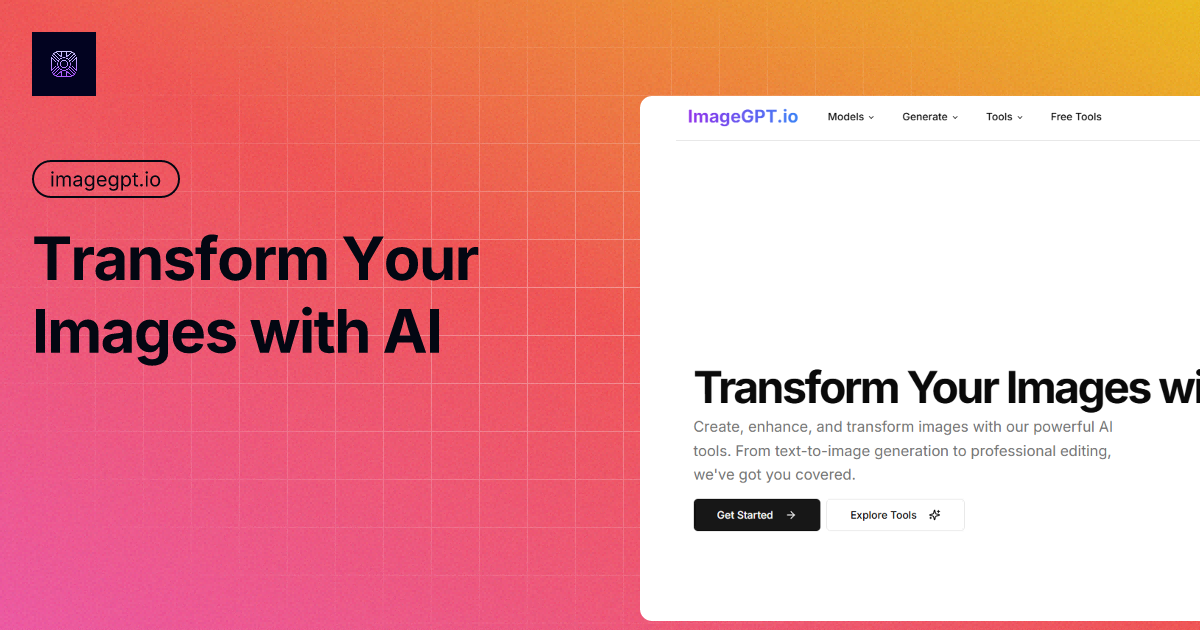

Generate, edit, transform, upscale, and combine AI tools on one canvas without ever starting over.
Alternatives to Craftura AI
View all →
The Verdict
AI-generated from listing dataCraftura AI promises unlimited free generation with a simple UI but has vague pricing, while AIFLUX offers a clear freemium model, richer editing tools, and API access.
Key differences
- •Pricing transparency: AIFLUX lists a free tier and credit system; Craftura’s pricing is not clearly shown.
- •Editing capabilities: AIFLUX includes upscaling, inpainting, and background removal; Craftura does not.
- •API and open‑source support: AIFLUX provides an API and is open source; Craftura provides no integration details.
- •User interface: Craftura is described as clean and intuitive; AIFLUX is web‑only with no desktop app.
- •Model variety: Both support multiple models, but AIFLUX specifies distinct FLUX variants and GPT Image 1.5.
Pricing & value
AIFLUX offers a clearly defined freemium tier with starter credits; Craftura’s pricing details are not listed.
Ease of use / learning curve
Craftura is highlighted for a clean, intuitive UI, whereas AIFLUX is web‑only with no UI description.
Features & depth
AIFLUX includes image editing tools (upscaling, inpainting, background removal) plus multiple FLUX models; Craftura lacks editing features.
Integrations & ecosystem
AIFLUX provides an API, is open source, and lists support channels; Craftura gives no integration or support info.
Support
AIFLUX offers email and live‑chat support; Craftura does not specify any support options.
Choose AIFLUX if…
Teams needing editing tools, API access, and a transparent freemium pricing model.
Choose Craftura AI if…
Solo creators who prioritize unlimited free generation and a simple UI, and can tolerate unclear pricing.
Common questions
What is the cost structure for each platform?
AIFLUX has a free starter tier with credits and paid plans (details not listed). Craftura’s pricing is subscription‑based but not disclosed on the landing page.
Can I edit or upscale images after generation?
Yes, AIFLUX includes upscaling, inpainting, and background removal. Craftura does not mention any post‑generation editing tools.
Is there an API for integration into my workflow?
AIFLUX provides an API and is open source. Craftura makes no mention of an API or integration capabilities.