


AIFLUX vs Flux 3
Side-by-side comparison of features, pricing, ratings, and alternatives.


AIFLUX combines the power of FLUX.2 Pro, FLUX.2 Klein, FLUX.1 Schnell, GPT Image 1.5, and Nano Banana Pro into a single web‑based platform. It lets users create images from text, transform existing pictures, upscale, inpaint, and remove backgrounds with a single interface. Designed for both beginners and professional teams, AIFLUX offers free credits for new users and scales to meet the needs of digital marketers, content creators, designers, and commercial teams.
Flux 3 is a unified AI image and video studio. It combines text-to-image, image-to-image, text-to-video, and image-to-video workflows with access to multiple leading models including Flux 2, GPT Image, Nano Banana, Veo, Kling, and Seedance under one shared credit balance. Users can start with free credits, upgrade to subscription plans, or buy pay-as-you-go packs. The platform is designed for creators, marketers, and teams that want to move from idea to finished asset quickly.
The pricing page provides FAQ information about credits and paid/free tiers but does not list any specific prices or plan names.
Free credits to start, no credit card required. Get 20 Credits.
- All‑in‑one multi‑model platform
- Free starter credits for new users
- Web‑only access – no installation needed
- Supports both creation and editing workflows
- Access multiple cutting-edge models in one tool
- Fast image-to-video and text-to-video workflows
- Unified credit system simplifies budgeting
- Free credits to evaluate before paying
- Limited to browser; no desktop or mobile apps
- Advanced models may consume credits quickly
- Integration ecosystem is still growing
- Automatic credit consumption can add up for video generation
- Credit purchases are generally non-refundable
- Commercial use depends on each model's terms
- May have less granular control than dedicated single-model tools
More alternatives & similar tools
Alternatives to AIFLUX
View all →
AI image and design suite combining dozens of generation models with Freepik's stock asset library.
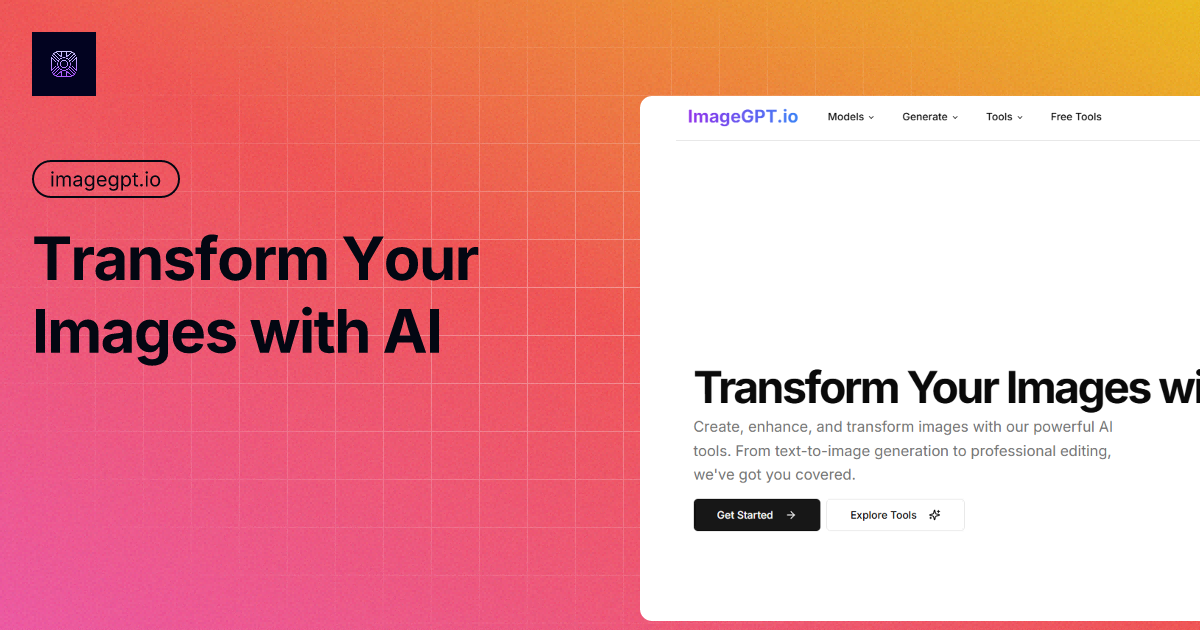

Generate, edit, transform, upscale, and combine AI tools on one canvas without ever starting over.
Alternatives to Flux 3
View all →
The Verdict
AI-generated from listing dataFlux 3 is a broader AI studio that adds text‑to‑video and a larger model roster, while AIFLUX focuses on image creation/editing with open‑source claims and fewer video features.
Key differences
- •Flux 3 supports text‑to‑video and image‑to‑video; AIFLUX does not.
- •AIFLUX includes built‑in editing tools (inpainting, background removal, upscaling); Flux 3 lists only generation features.
- •Flux 3 offers a wider set of models (including non‑Flux models like Grok, Imagen); AIFLUX limits to Flux family plus GPT Image 1.5 and Nano Banana Pro.
- •AIFLUX advertises open‑source status; Flux 3 makes no open‑source claim.
- •Refund policy is specified for Flux 3 (generally non‑refundable); AIFLUX provides no refund information.
Pricing & value
Flux 3 gives free starter credits and multiple subscription/pay‑as‑you‑go options; AIFLUX only mentions a free plan with no detailed pricing.
Ease of use / learning curve
AIFLUX’s focus on image generation and editing tools makes the UI simpler than Flux 3’s broader multi‑model, video features.
Features & depth
Flux 3 includes video generation, image‑to‑video, and a larger model catalog, giving deeper creative capabilities.
Integrations & ecosystem
AIFLUX lists an API, live‑chat support and open‑source claim, indicating a more extensible ecosystem than Flux 3’s web‑only platform.
Support
AIFLUX offers email and live‑chat; Flux 3 only mentions support via email for billing issues.
Security & privacy
Flux 3 explicitly markets a privacy‑first workspace; AIFLUX provides no privacy details.
Collaboration / lock‑in
Flux 3’s unified credit balance across models reduces lock‑in; AIFLUX’s open‑source claim is unclear on data portability.
Choose AIFLUX if…
Teams focused on image creation/editing who prefer open‑source claims and API access.
Choose Flux 3 if…
Creators who need video output and want access to many AI models in one web tool.
Common questions
Does either tool support video generation?
Yes, Flux 3 supports text‑to‑video and image‑to‑video; AIFLUX does not offer video capabilities.
What editing features are built in?
AIFLUX includes inpainting, background removal, and upscaling; Flux 3 lists only generation features, no dedicated editing tools.
How are credits and refunds handled?
Flux 3 provides free starter credits and states credits are generally non‑refundable; AIFLUX does not specify refund policy.