


Captions vs Jupitrr AI
Side-by-side comparison of features, pricing, ratings, and alternatives.
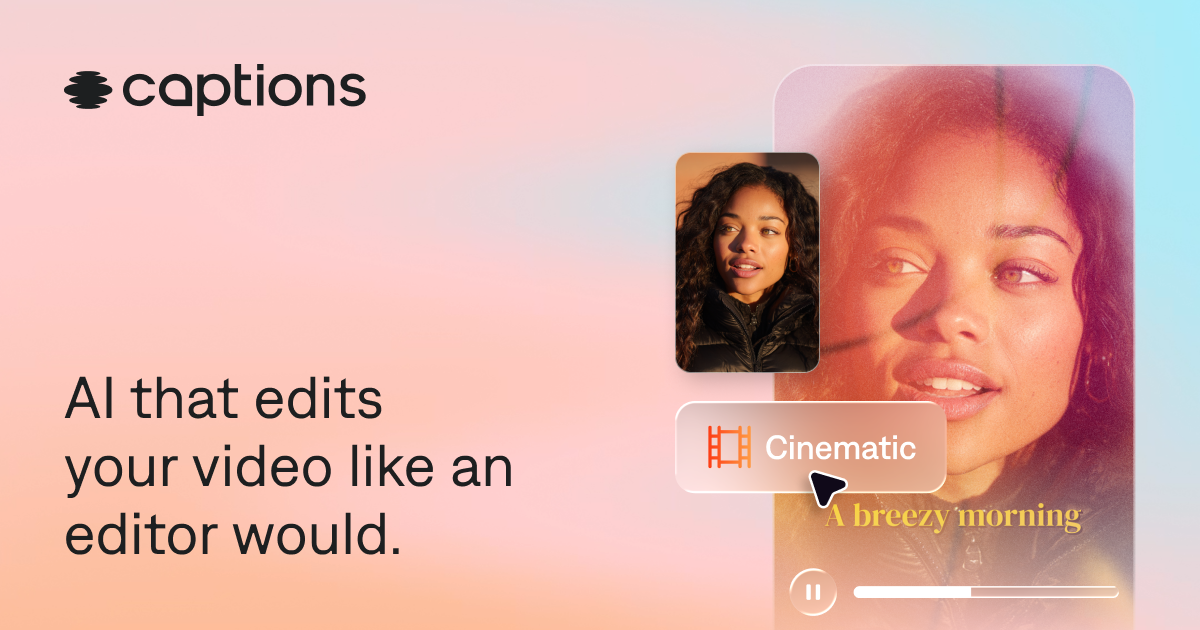

Captions is an AI-powered video editor that automatically edits entire videos, adds captions and translated subtitles, generates AI avatars, and provides chat-based editing for creators of all skill levels.
Jupitrr AI is an AI video editing platform purpose-built for coaches and consultants. It automatically turns raw talking-head footage into polished, short-form videos by adding relevant visuals, hooks, captions, and story-driven edits. It connects stock libraries, editing, publishing, and performance tracking in one workflow — so users can go from recording to published social video in under 15 minutes.
Pricing page not found (404). No pricing data was available in the provided content.
No pricing information was found on the page. The content does not explicitly state any plan names, prices, or quote-only instructions.
- AI edits entire videos automatically, saving time
- No video editing experience required
- Chat-based editor allows simple prompt-driven edits
- Auto-generates captions and translated subtitles in 100+ languages
- 10x faster than CapCut for talking-video editing
- No video editing experience needed
- From idea to published video in under 15 minutes
- Includes premium Getty Images and iStock on paid plans
- Best features require a paid subscription
- AI editing may require manual tweaks for precise control
- Uploading videos to AI editing implies agreement to terms and privacy policy
- Mirage Studio users were migrated to Captions, which may cause disruption
- Not a timeline editor — no multi-cam or motion graphics support.
- Free plan exports include a watermark.
- Starter plan uploads capped at 5 minutes per video.
More alternatives & similar tools
Alternatives to Captions
View all →Alternatives to Jupitrr AI
View all →
The Verdict
AI-generated from listing dataCaptions offers broader AI editing features and platform reach, while Jupitrr AI focuses on fast, talking‑head video creation with built‑in stock media.
Key differences
- •Captions supports AI avatars and 100+ caption styles; Jupitrr AI does not mention these.
- •Jupitrr AI includes premium Getty/iStock images on paid plans; Captions does not list stock media.
- •Captions works on web, iOS, Android; Jupitrr AI is web‑only (implied).
- •Jupitrr AI’s free plan limits to 3 videos/month with watermark; Captions’ free tier has no explicit limits listed.
- •Jupitrr AI is tailored to coaches/consultants with story‑driven talking‑head editing; Captions targets broader content creators.
Pricing & value
Jupitrr AI lists a starter price $18/mo; Captions pricing not disclosed, making value unclear.
Ease of use / learning curve
Captions uses chat‑based prompts and no editing experience needed; Jupitrr AI also no experience needed but limited to talking‑head.
Features & depth
Captions offers AI avatars, auto‑captions in 100+ languages, multi‑platform support; Jupitrr AI limited to talking‑head edits.
Integrations & ecosystem
Jupitrr AI provides built‑in Getty, iStock, Pexels, Google Images, GIFs; Captions lists no stock media integrations.
Collaboration
Neither product mentions specific collaboration tools; no data to differentiate.
Scalability
Captions reports 20M+ users and cross‑platform availability, suggesting broader scalability.
Support & security
Both only note privacy policy/terms; no specific support or security details provided.
Choose Captions if…
Broad creators needing AI avatars, subtitles, and cross‑platform editing.
Choose Jupitrr AI if…
Coaches/consultants wanting rapid talking‑head videos with premium stock images.
Common questions
Is there a free tier for both tools?
Captions offers a free sign‑up with limited features; Jupitrr AI has a free plan limited to 3 videos/month with watermark.
Which tool includes stock media?
Jupitrr AI includes Getty Images, iStock, Pexels, Google Images, and GIFs on paid plans; Captions does not list stock media.
Can I edit on mobile devices?
Captions is available on web, iOS, and Android; Jupitrr AI’s platform availability is not specified, implying web only.