


Captions
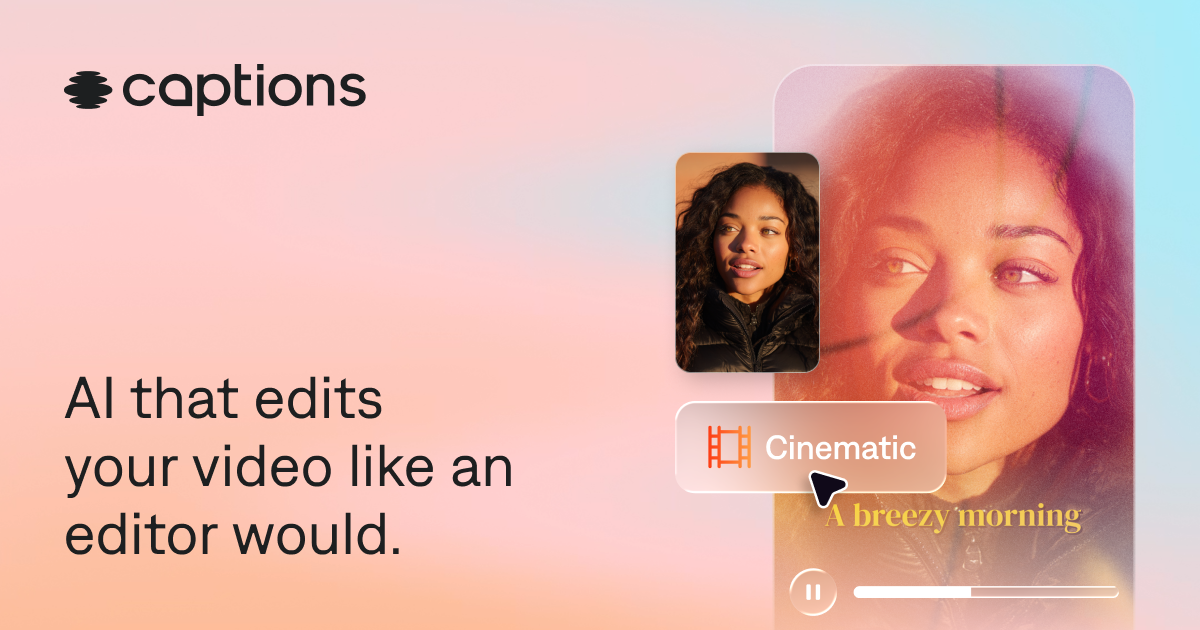
AI That Edits Like a Professional Editor


What is Captions?
Captions is an AI-powered video editor that automatically edits entire videos, adds captions and translated subtitles, generates AI avatars, and provides chat-based editing for creators of all skill levels.
SpecificationsAI-estimated
Key Features of Captions
Use Cases for Captions
Short-form social videos
Create polished vertical videos for social media with automatic edits, captions, and B-roll.
Video ads
Generate promotional video ads quickly with AI editing and AI avatars.
Tutorials and educational content
Turn raw footage into clear tutorial videos with automatic scene cutting and captions.
Podcast clips
Repurpose podcast episodes into engaging video clips with AI editing and subtitles.
Product demo videos
Create product assets and demo videos without manual editing.
How to use Captions?
Sign up
Create a free account on the Captions website or download the app from the App Store or Google Play.
Upload or record footage
Upload existing video footage or record new footage directly in the app.
Choose an AI edit style
Pick a style or use the chat-based editor to describe the edits you want.
Let AI edit the video
Captions automatically cuts scenes, overlays B-roll, adds music, transitions, captions, and more.
Review and tweak
Use the simple editor to make any final adjustments, then export your video.
Pros & Cons of Captions
Pros
- AI edits entire videos automatically, saving time
- No video editing experience required
- Chat-based editor allows simple prompt-driven edits
- Auto-generates captions and translated subtitles in 100+ languages
- AI avatars and AI twin creation for fast content iteration
- Works for many video types: social clips, ads, tutorials, podcasts, product demos
- Available on web, iOS, and Android
- Free to sign up and start creating
Cons
- Best features require a paid subscription
- AI editing may require manual tweaks for precise control
- Uploading videos to AI editing implies agreement to terms and privacy policy
- Mirage Studio users were migrated to Captions, which may cause disruption
Frequently Asked Questions
What is the Captions app?
Captions is an AI video editor that produces fully-edited videos. You can upload existing footage and use easy AI editing tools to finish the project, or generate entirely new footage without recording on your own.
How do I get Captions?
You can use Captions on your phone or computer. Sign up in your browser or download the app from the App Store or Google Play.
Is Captions free to use?
Captions is free to download and you can access some features without a subscription. To unlock all capabilities and get professional-quality videos, you’ll want to sign up for one of the paid plans.
What’s the best AI video editor for content creators?
The best AI video editor helps you create professional-quality content fast, without advanced editing skills—and that's exactly what Captions is built for. It uses AI to handle time-consuming tasks automatically, editing your entire video in just a couple of taps.
What types of videos can Captions edit?
Captions can edit vertical and horizontal video, social content, video ads, podcast clips, tutorials, product assets, and more.
Does Captions edit my whole video for me?
Yes. Once you upload or record your video, Captions automatically edits and stylizes your video with custom zooms, B-roll, music, transitions, and more. You can use the simple editor for any tweaks.
What happened to Mirage Studio?
Mirage Studio was merged with Captions. Mirage Studio subscribers can access their account from Captions online and will see existing projects and actors from their previous workspace.
Pricing Overview
View full pricing →Pricing page not found (404). No pricing data was available in the provided content.
Detailed plans are not listed. Visit the official website for pricing information.
Reviews & Ratings0.0
No reviews yet. Be the first to write one!
Top Alternatives & Similar Software
View all alternatives & similar software→

People also viewed


Related searches
Is this your tool?
Claim this page to update details, reply to user reviews, and drive more traffic to your product.
Claim this Product →
Tags
Explore Related Topics
Keep up with Captions alternatives
New alternatives, pricing changes and the week's biggest movers - one email every Tuesday.