


AutoCaption
Create viral captions for your videos in seconds



What is AutoCaption?
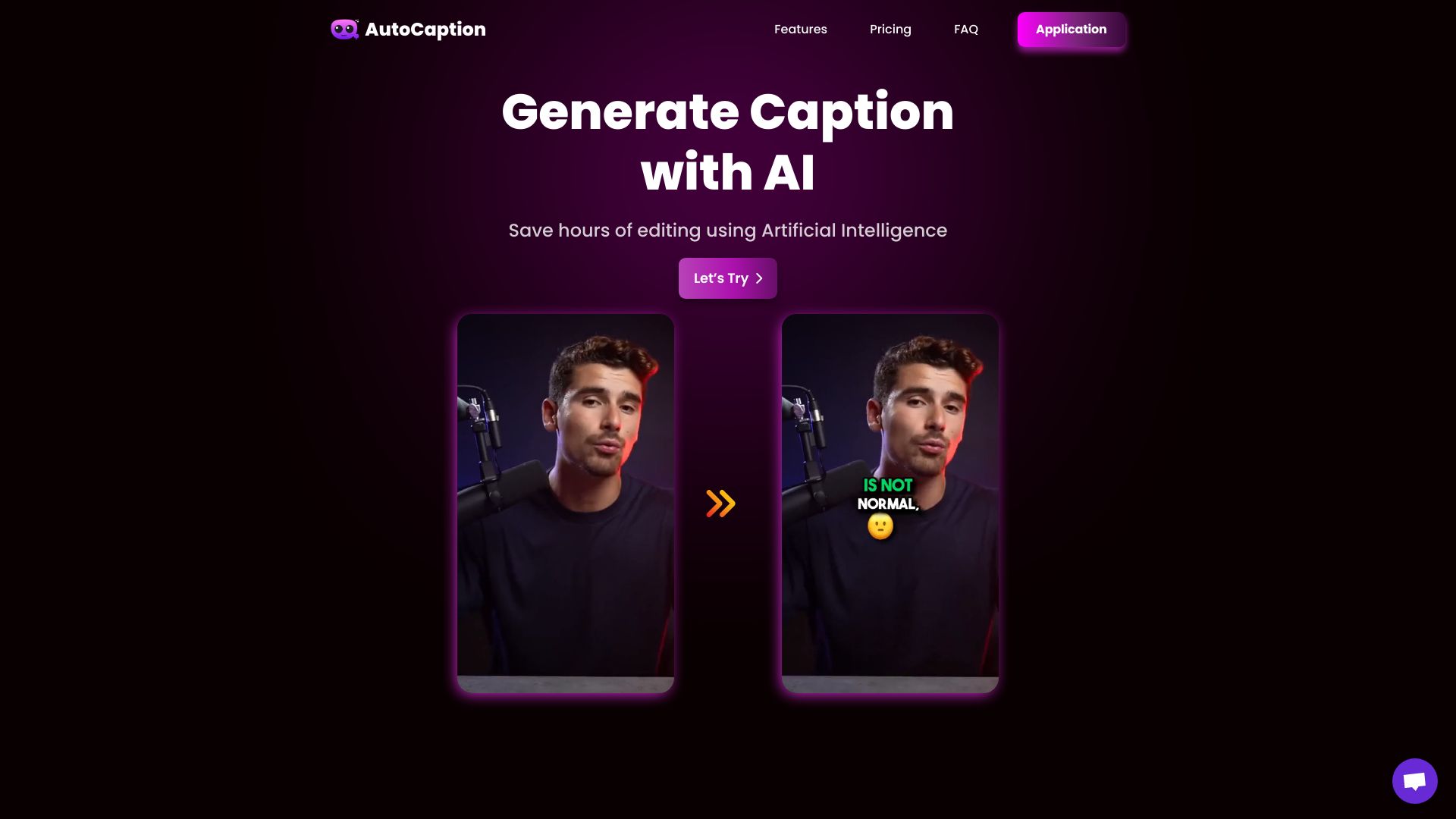
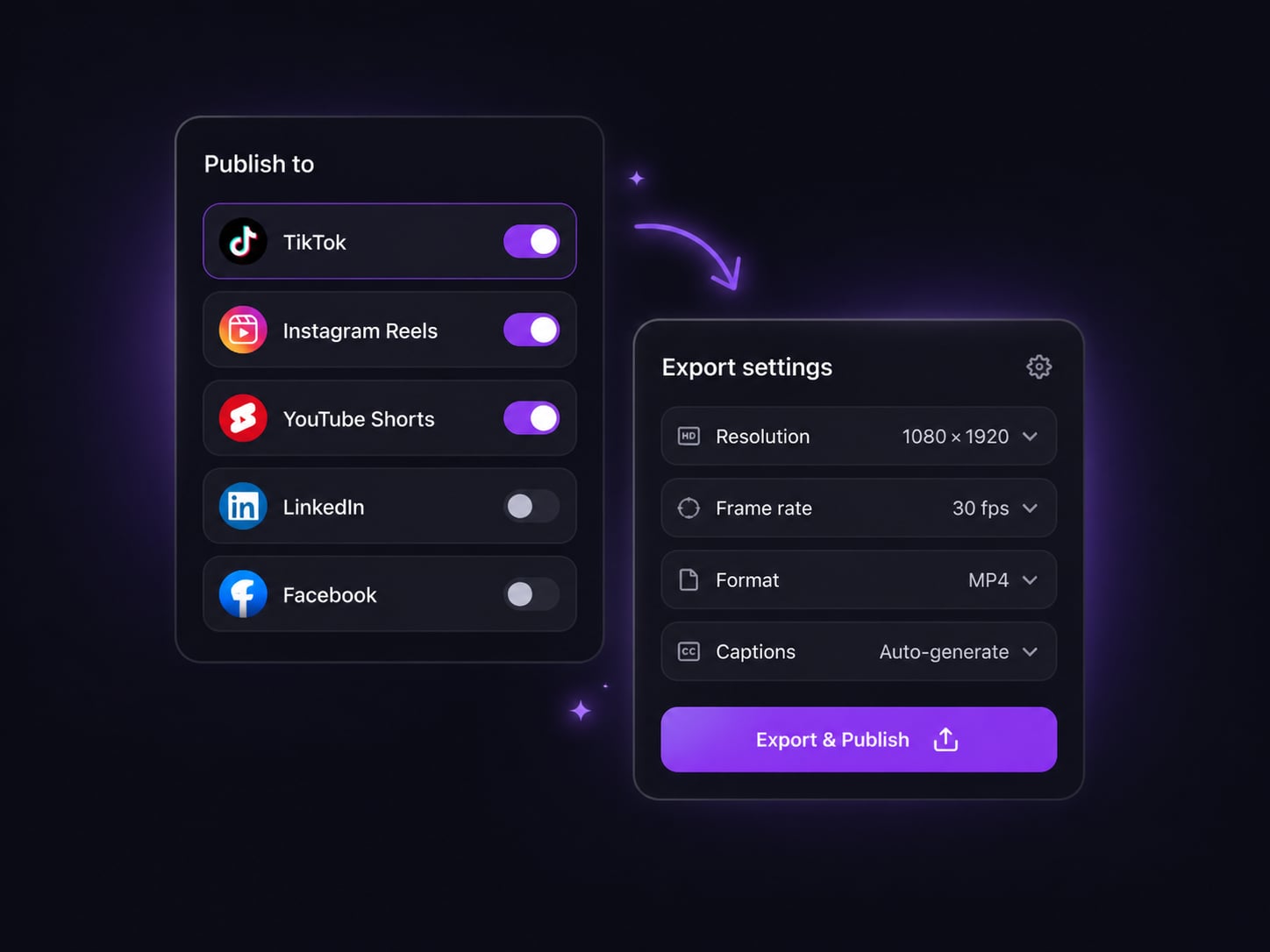
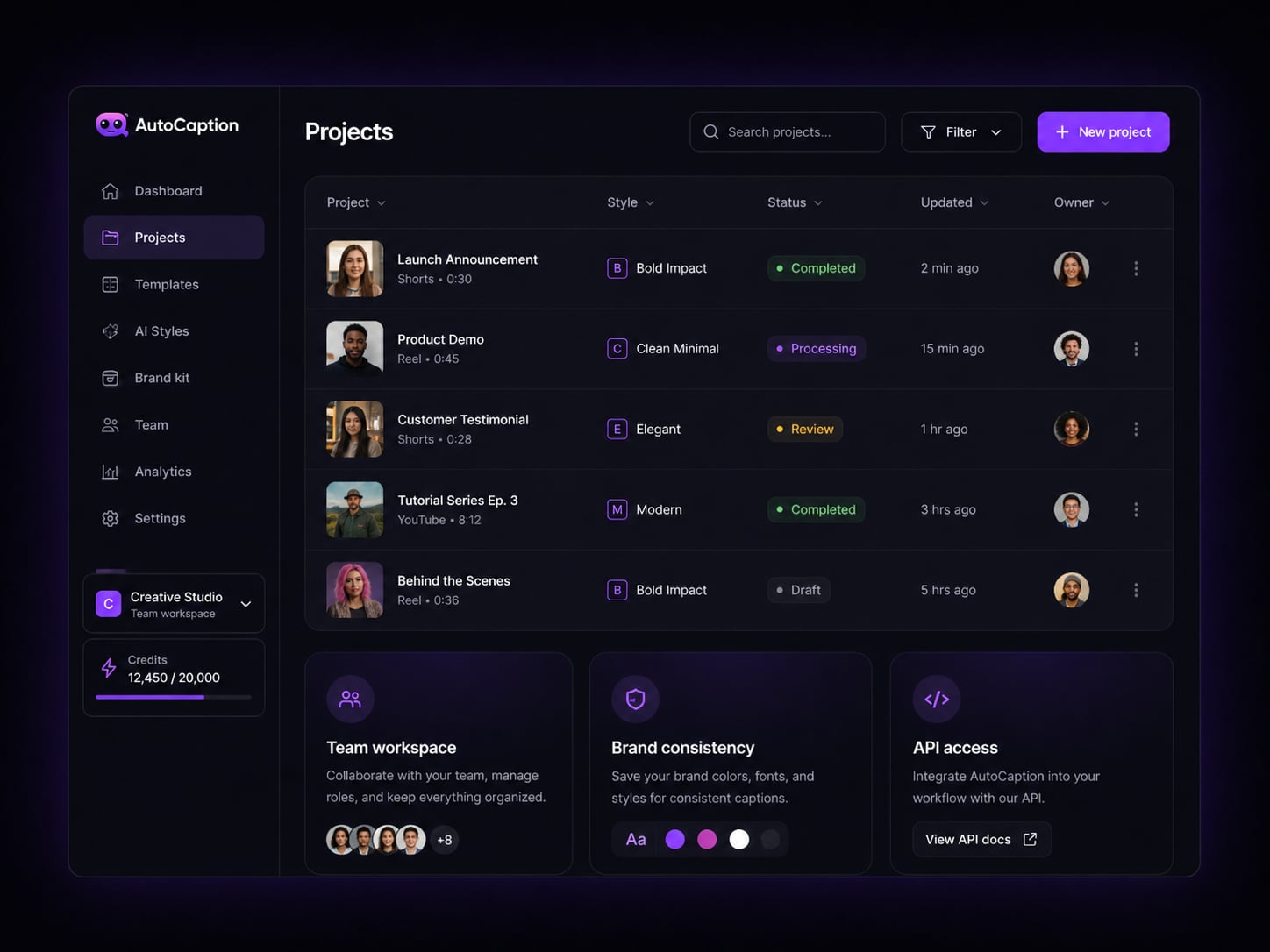
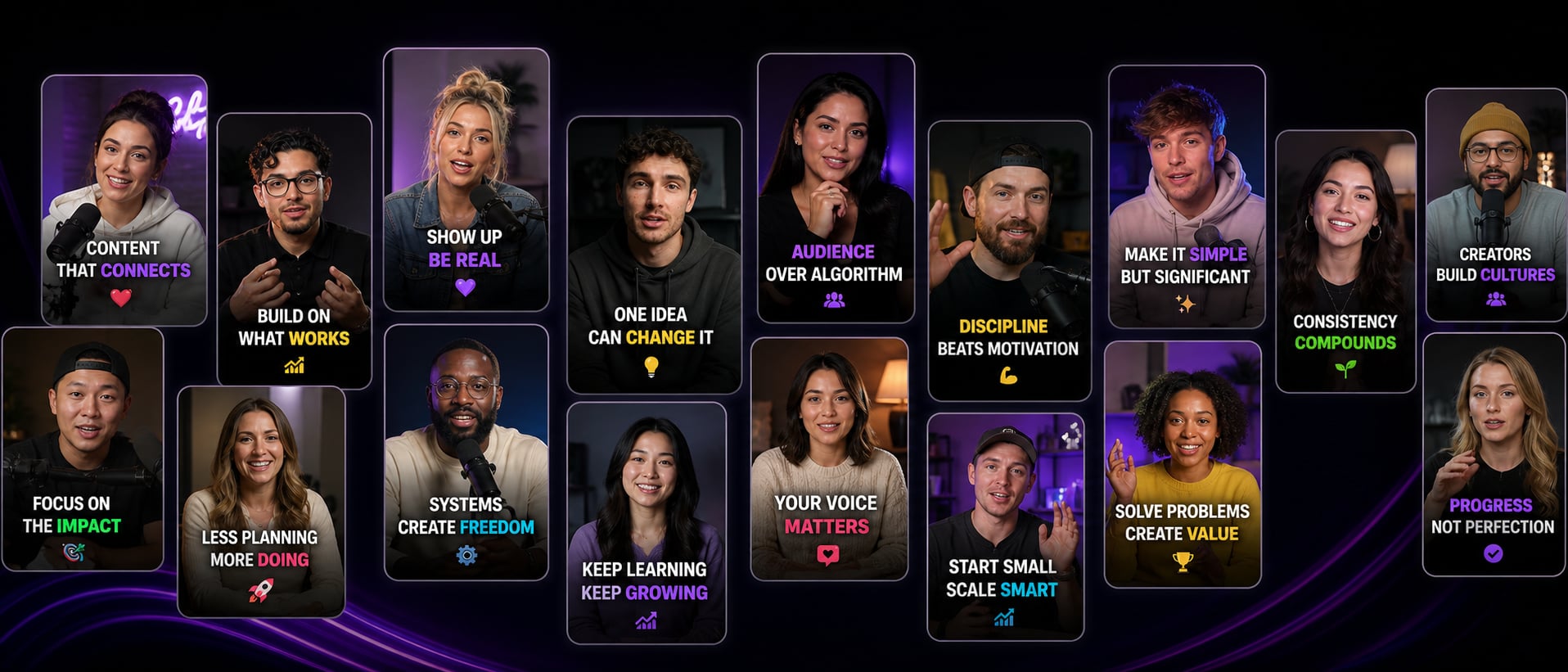
AutoCaption is an AI-powered video captioning tool that automatically generates stylish captions, animated emojis, and ready-to-post videos for TikTok, Reels, and Shorts. It supports 100+ languages, auto-resizing for multiple platforms, subtitle editing, templates, team collaboration, and direct publishing.
SpecificationsAI-estimated
Key Features of AutoCaption
Use Cases for AutoCaption
Creating viral social media videos
Creators can add engaging, animated captions to videos for TikTok, Instagram Reels, and YouTube Shorts to increase watch time and reach.
Repurposing content across platforms
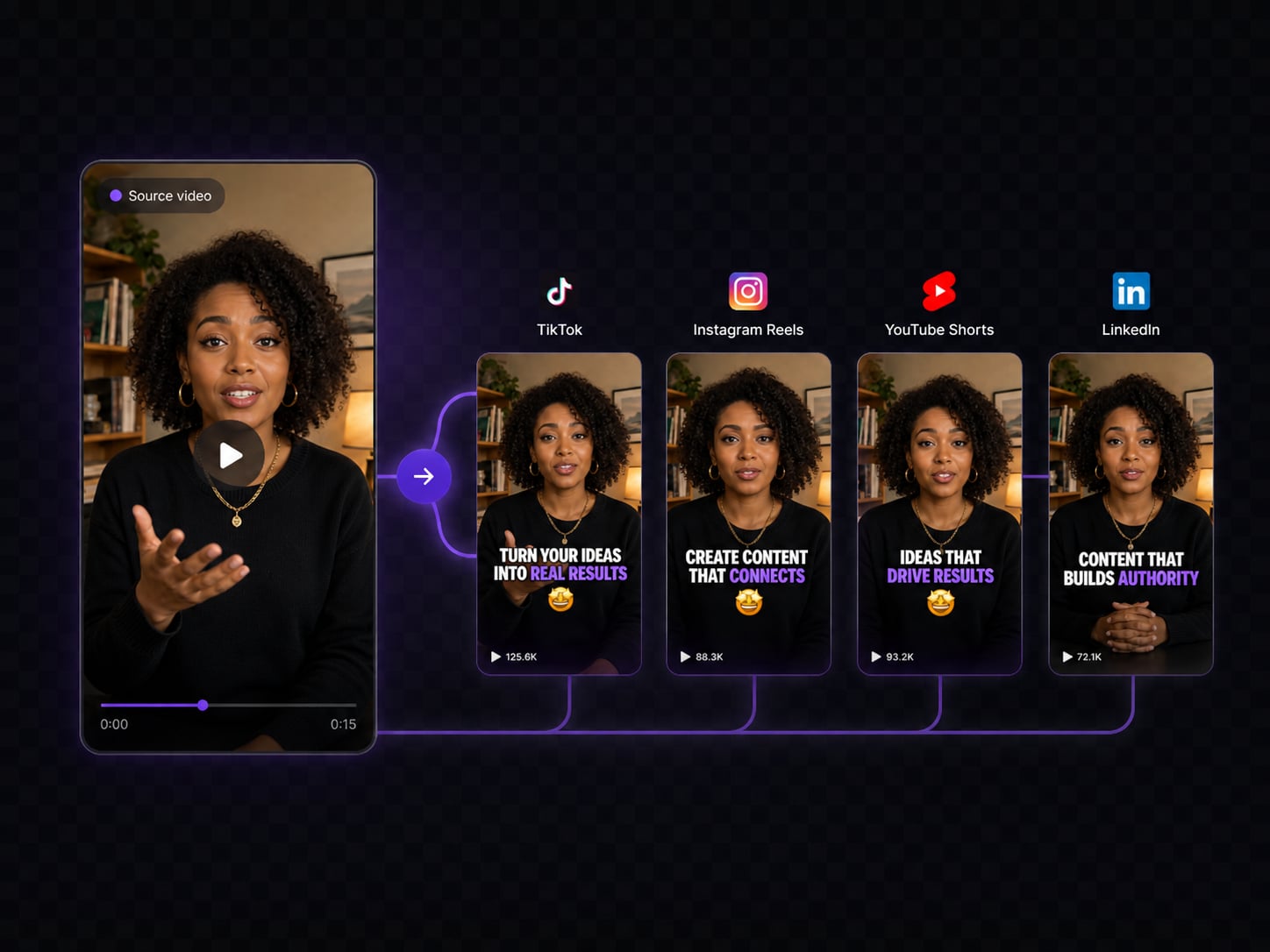
Auto-resize a single captioned video to the correct aspect ratio for TikTok, Reels, Shorts, and LinkedIn in one click.
Localizing videos for global audiences
Transcribe and translate captions into 100+ languages, making content accessible to international viewers.
Streamlining team video production
Teams can collaborate on projects, manage workflows, and automate captioning with API access.
How to use AutoCaption?
Upload your video
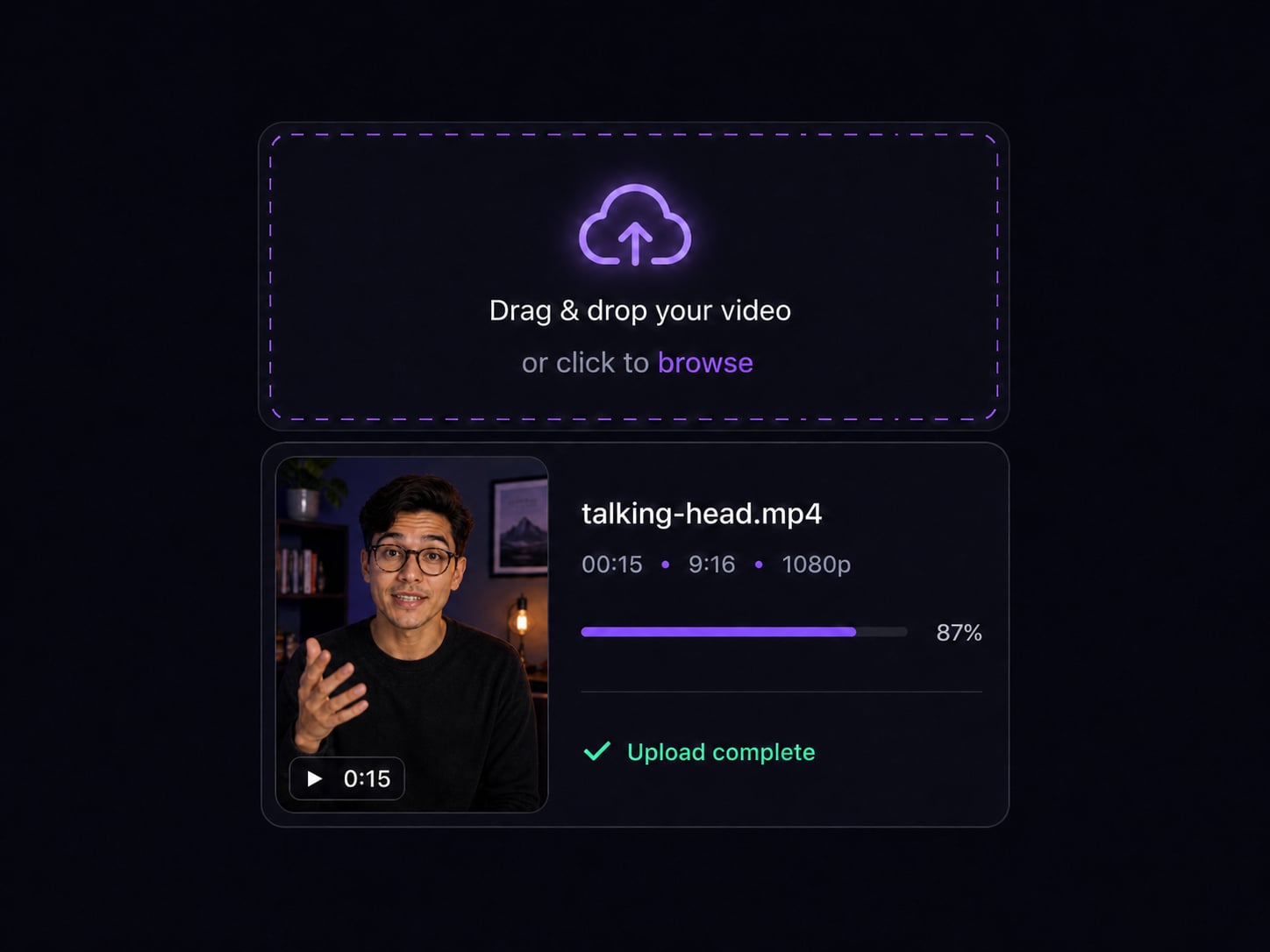
Drag and drop or select any video file. All major formats are supported, including MP4, MOV, AVI, MKV, and WebM.
Customize your captions
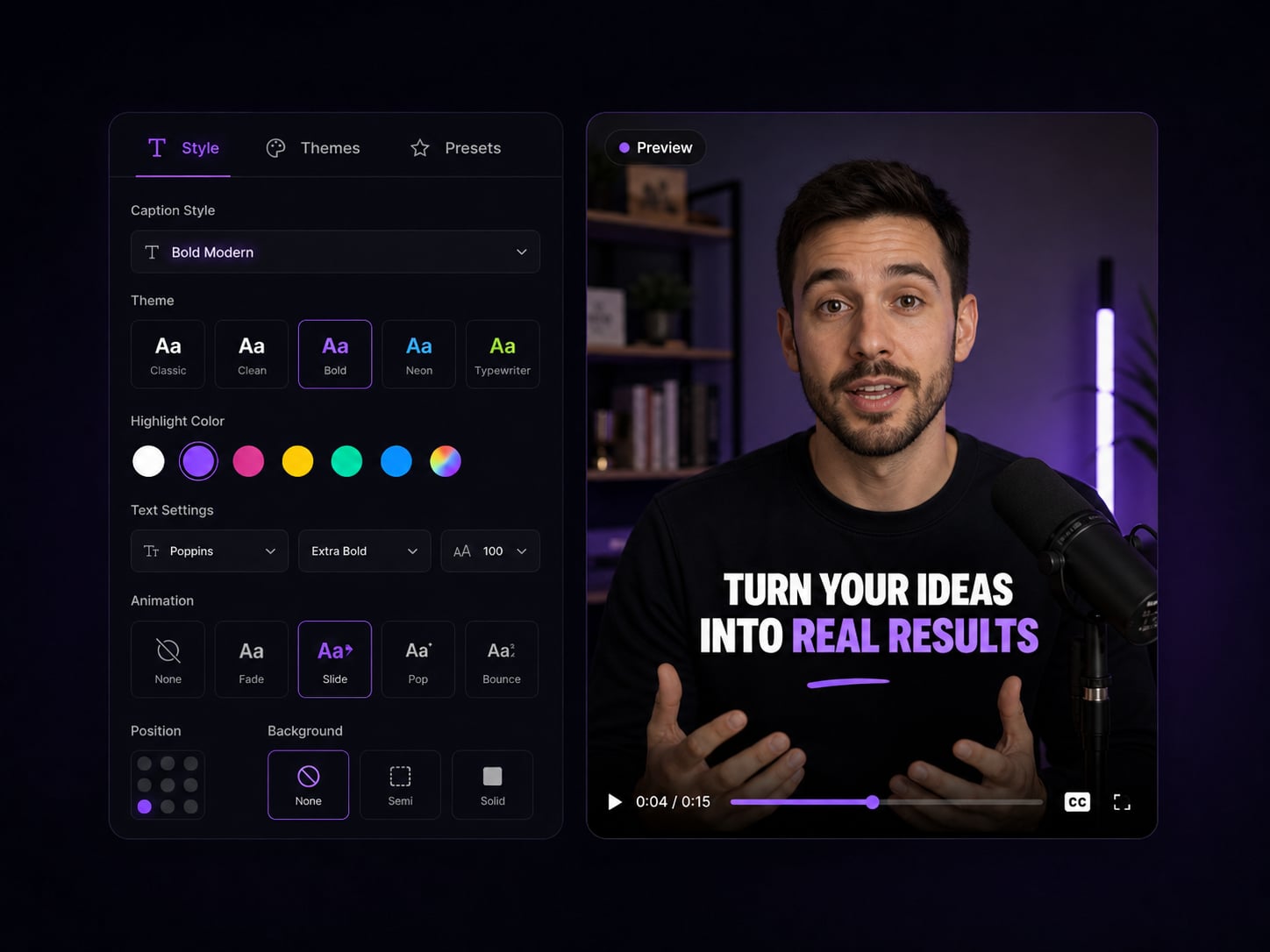
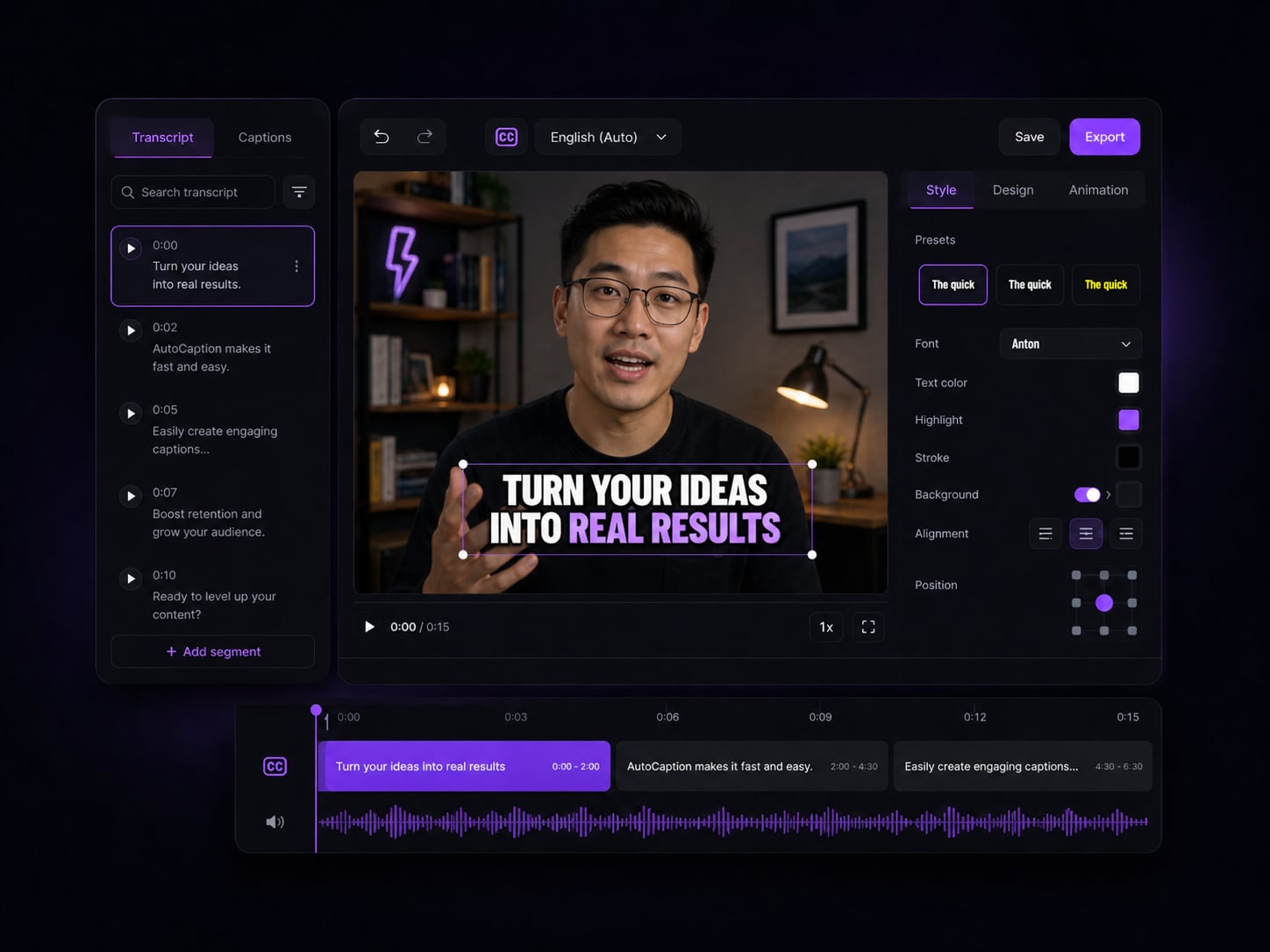
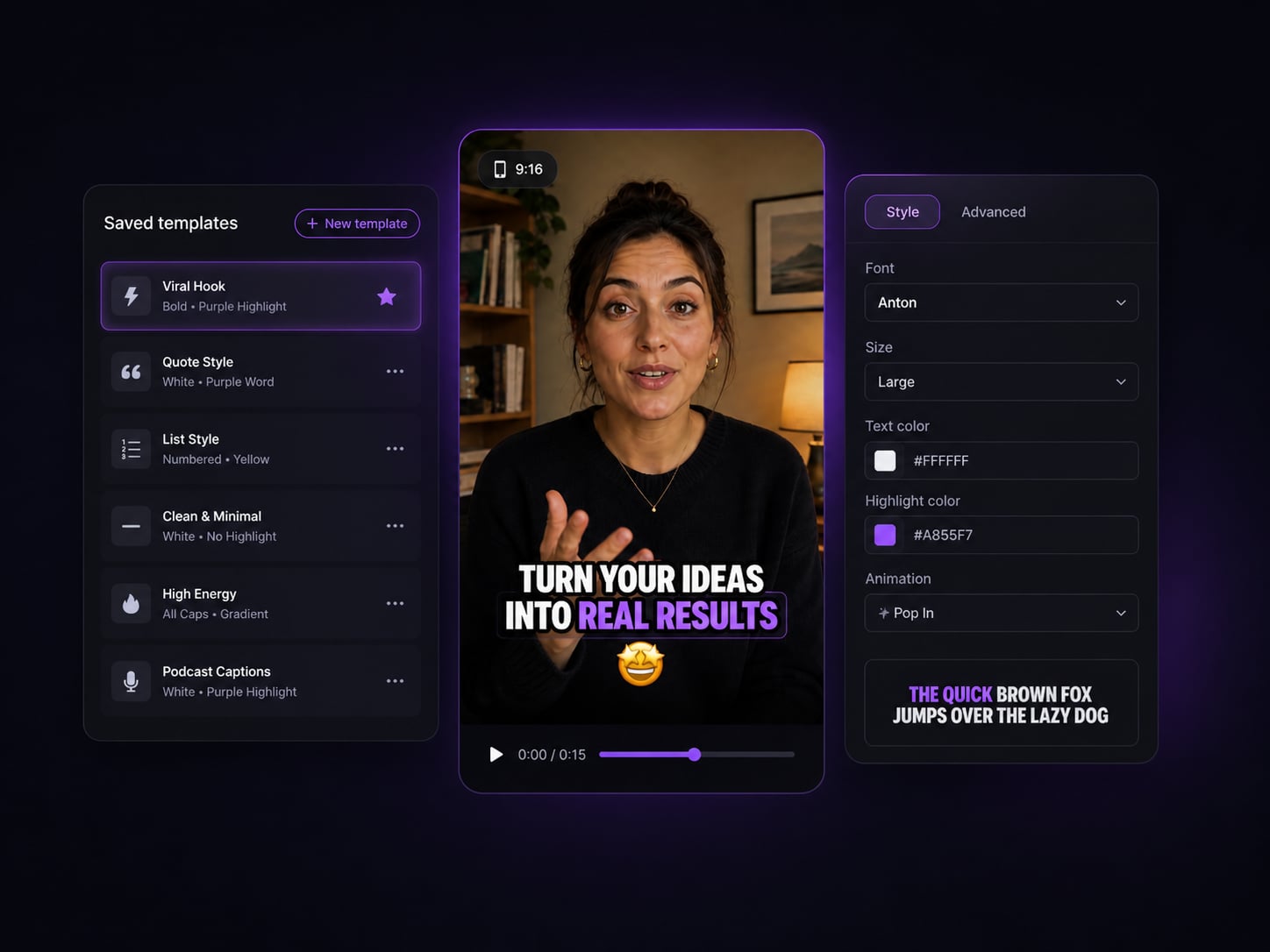
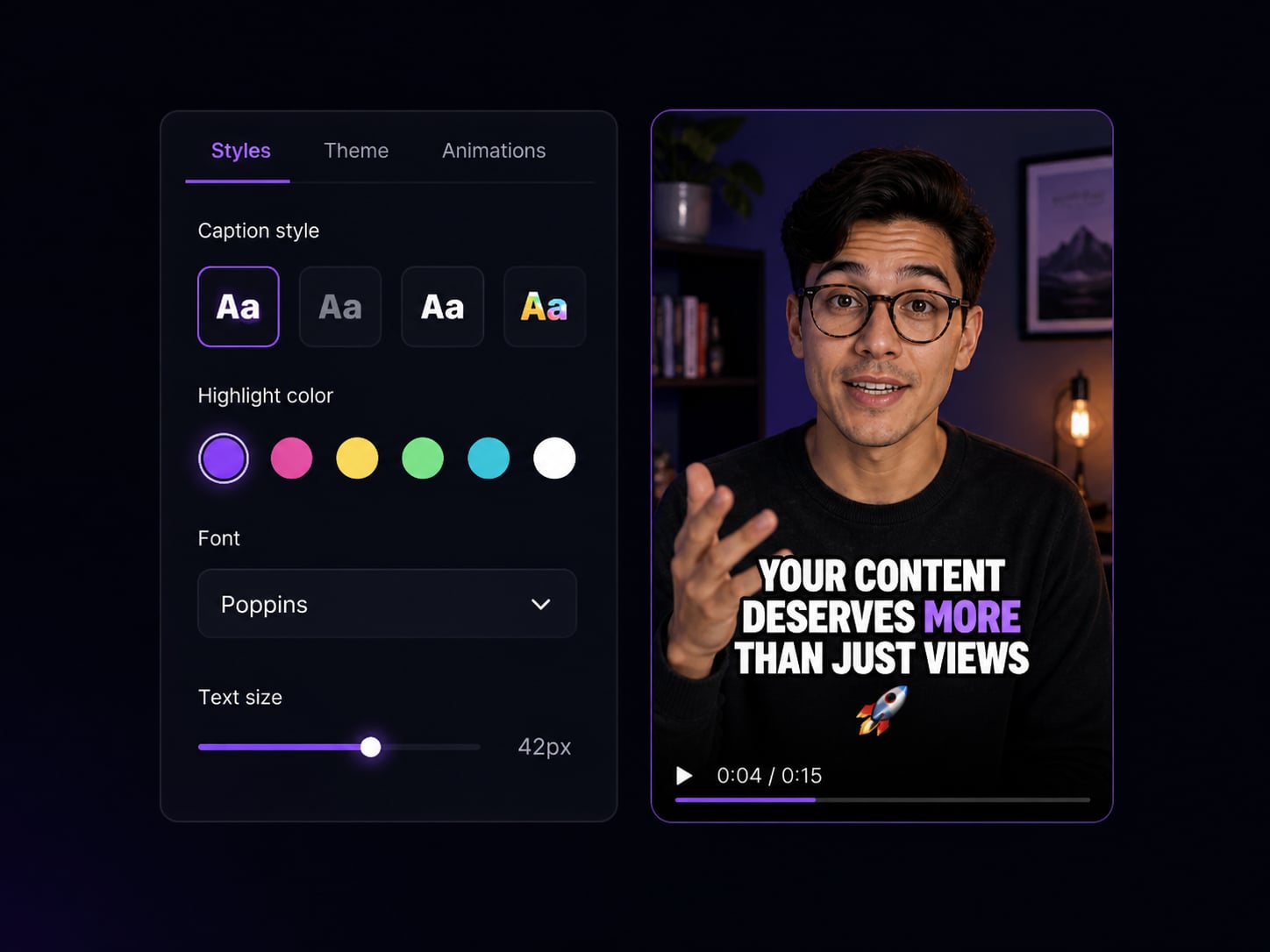
Pick a caption style, adjust fonts, colors, animations, and timing. Save settings as reusable templates.
Export & publish
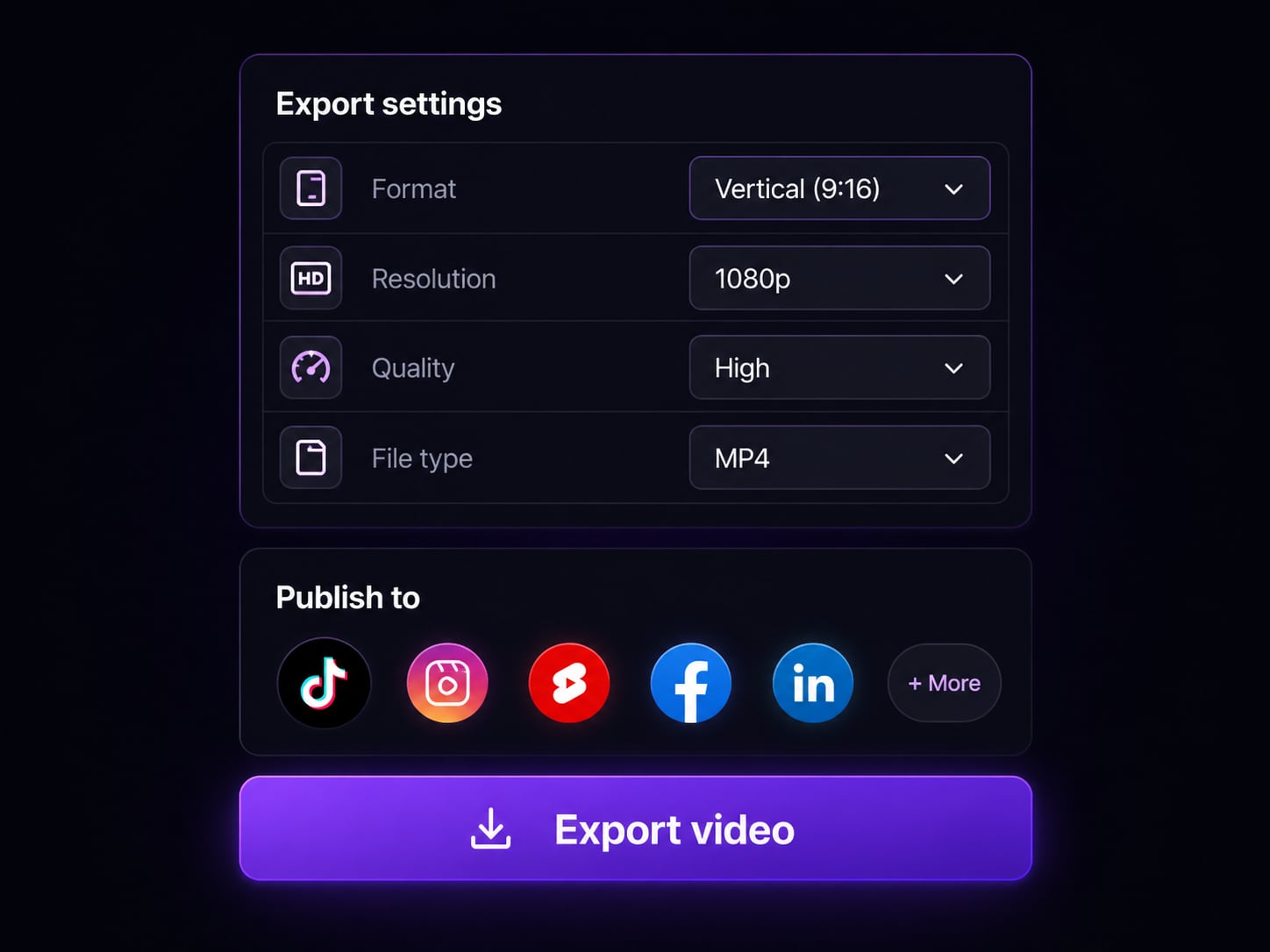
Download in any format or publish directly to TikTok, Reels, or Shorts.
Pros & Cons of AutoCaption
Pros
- Automatic AI caption generation in seconds
- Supports 100+ languages for transcription and translation
- Auto-resize for TikTok, Reels, Shorts, and LinkedIn
- Customizable caption styles, fonts, colors, animations, and timing
- Save reusable branded templates
- Direct publishing to social platforms
- Free tier available without credit card
- Trusted by 300,000+ creators with 14,000+ reviews
Cons
- Free plan likely has limitations on export quality and features
- AI captions may require manual editing for accuracy
- Processing time may increase for long-form videos
- Dependent on platform integrations for direct publishing
Frequently Asked Questions
What is AutoCaption?
AutoCaption is an AI-powered tool that automatically generates stylish captions for your videos. Upload a video, choose a caption style, and export a ready-to-post file for TikTok, Reels, Shorts, or any platform.
What video formats does AutoCaption support?
We support all major video formats including MP4, MOV, AVI, MKV, and WebM. You can upload videos up to 4K resolution.
How many languages are supported?
AutoCaption supports transcription and translation in over 100 languages, including English, Spanish, French, Portuguese, Arabic, Hindi, Japanese, and many more.
Can I customize the caption style?
Yes — you can fully customize fonts, colors, animations, size, position, and word emphasis. You can also save your settings as reusable templates for future videos.
How long does processing take?
Most videos are captioned in under 10 seconds. Processing time depends on the length of the video, but even long-form content is typically done in a few minutes.
Is there a free plan?
Yes, AutoCaption offers a free tier so you can get started without a credit card. Paid plans unlock higher export quality, more templates, and advanced features like team collaboration and API access.
Can I use AutoCaption for multiple platforms at once?
Absolutely. With one click you can auto-resize your captioned video to the correct aspect ratio for TikTok (9:16), Instagram Reels (9:16), YouTube Shorts (9:16), and LinkedIn (1:1 or 16:9).
Reviews & Ratings0.0
No reviews yet. Be the first to write one!
Top Alternatives & Similar Software
View all alternatives & similar software→

People also viewed


Related searches
About the Product
Is this your tool?
Claim this page to update details, reply to user reviews, and drive more traffic to your product.
Claim this Product →
Tags
Explore Related Topics
Keep up with AutoCaption alternatives
New alternatives, pricing changes and the week's biggest movers - one email every Tuesday.