


Deepin vs GNOME 45
Side-by-side comparison of features, pricing, ratings, and alternatives.

Deepin is a Debian‑based Linux distribution that focuses on a polished, cohesive desktop experience. It ships with the Deepin Desktop Environment (DDE), a visually appealing interface that emphasizes simplicity and consistency. The distro includes a built‑in App Store, system control center, and a suite of native applications, making it ready for everyday use out of the box. Its strong support for high‑DPI displays and multilingual input caters to both casual users and power users seeking an elegant Linux desktop.
GNOME 45 delivers a clean, intuitive interface with a focus on productivity and accessibility. It introduces refined workflows, updated core apps, and performance improvements across the board. The release adds a new quick settings panel, enhanced multitasking features, and tighter integration with GNOME Shell extensions, making everyday tasks faster and more enjoyable.
- Beautiful, cohesive UI
- One‑click app installation via App Store
- Strong multilingual support
- Frequent updates and active community
- Consistent, polished user interface
- Strong focus on accessibility
- Extensive extension ecosystem
- Optimized performance on Wayland
- Limited official documentation in English
- Some third‑party apps may need extra configuration
- Hardware compatibility can lag behind mainstream distros
- Limited native Windows/macOS support
- Higher system resource usage than lightweight desktops
- Frequent UI changes can require user adaptation
More alternatives & similar tools
Alternatives to Deepin
View all →
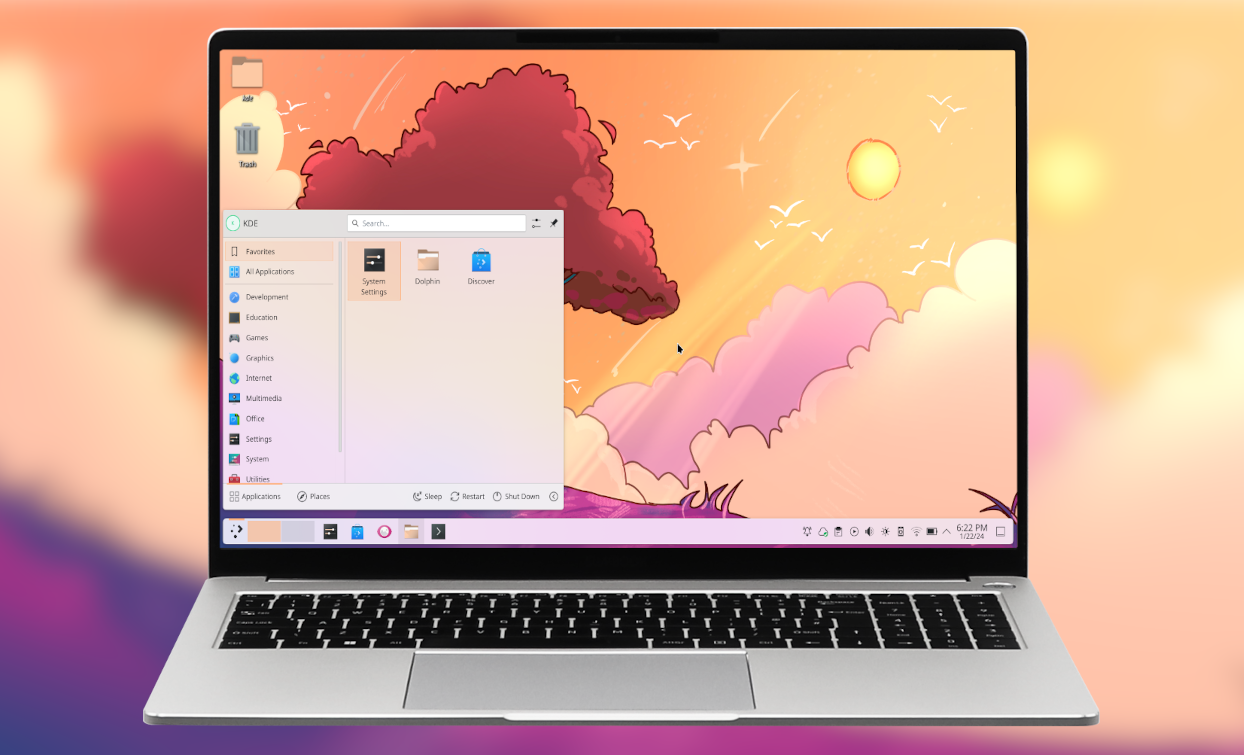

A sleek, privacy‑focused Linux desktop built for simplicity and elegance
Alternatives to GNOME 45
View all →A cutting‑edge, free Linux desktop built on the latest open‑source technologies.
A cutting‑edge, secure Linux desktop with GNOME, ready for developers and creators.
The Verdict
AI-generated from listing dataBoth GNOME 45 and Deepin are free Linux desktop environments, but GNOME offers broader extensibility and Wayland optimization, while Deepin provides a more curated UI with an integrated app store.
Key differences
- •GNOME includes a unified quick‑settings panel, multitasking view, and a large extensions ecosystem; Deepin relies on a Control Center and built‑in App Store.
- •GNOME is optimized for Wayland and includes extensive accessibility tools; Deepin focuses on smooth Qt‑based animations and high‑resolution dock.
- •GNOME provides an API for developers; Deepin does not.
- •Deepin bundles a one‑click app store for easy software installation; GNOME requires manual package management or extensions.
- •GNOME integrates tightly with GTK, Mutter, and Wayland; Deepin integrates Qt, GTK, and Wine for Windows app compatibility.
Pricing & value
Both are free, open‑source desktop environments.
Ease of use / learning curve
Deepin’s cohesive UI and one‑click App Store make initial use simpler for newcomers.
Features & depth
GNOME offers quick‑settings, multitasking view, extensive extensions, and built‑in accessibility tools.
Integrations & ecosystem
GNOME integrates with GTK, Wayland, Mutter and provides an API; Deepin lacks an API.
Support
Both rely on community forums; GNOME adds mailing lists/IRC, Deepin adds email support.
Security & privacy
GNOME is optimized for Wayland, offering smoother graphics and better security compared to X11.
Migration / lock‑in
Deepin’s App Store and Qt‑based apps ease migration for users from other Qt environments.
Choose Deepin if…
Users who want an out‑of‑the‑box polished UI with easy app installation and Qt‑centric workflow.
Choose GNOME 45 if…
Power users, developers, or organizations needing extensibility, Wayland support, and strong accessibility.
Common questions
Is there any cost to use either desktop environment?
Both GNOME 45 and Deepin are free and open‑source.
Which environment offers more customization options?
GNOME provides a robust extensions ecosystem and an API for deeper customization.
Can I install software easily without using the command line?
Deepin includes a built‑in App Store for one‑click installations; GNOME relies on package managers or extensions.