


Descript vs TransDub
Side-by-side comparison of features, pricing, ratings, and alternatives.

Descript reinvents editing by letting you edit audio and video as easily as a text document — delete a word in the transcript and it removes it from the recording. It adds AI features like filler-word removal, voice cloning (Overdub), and screen recording.
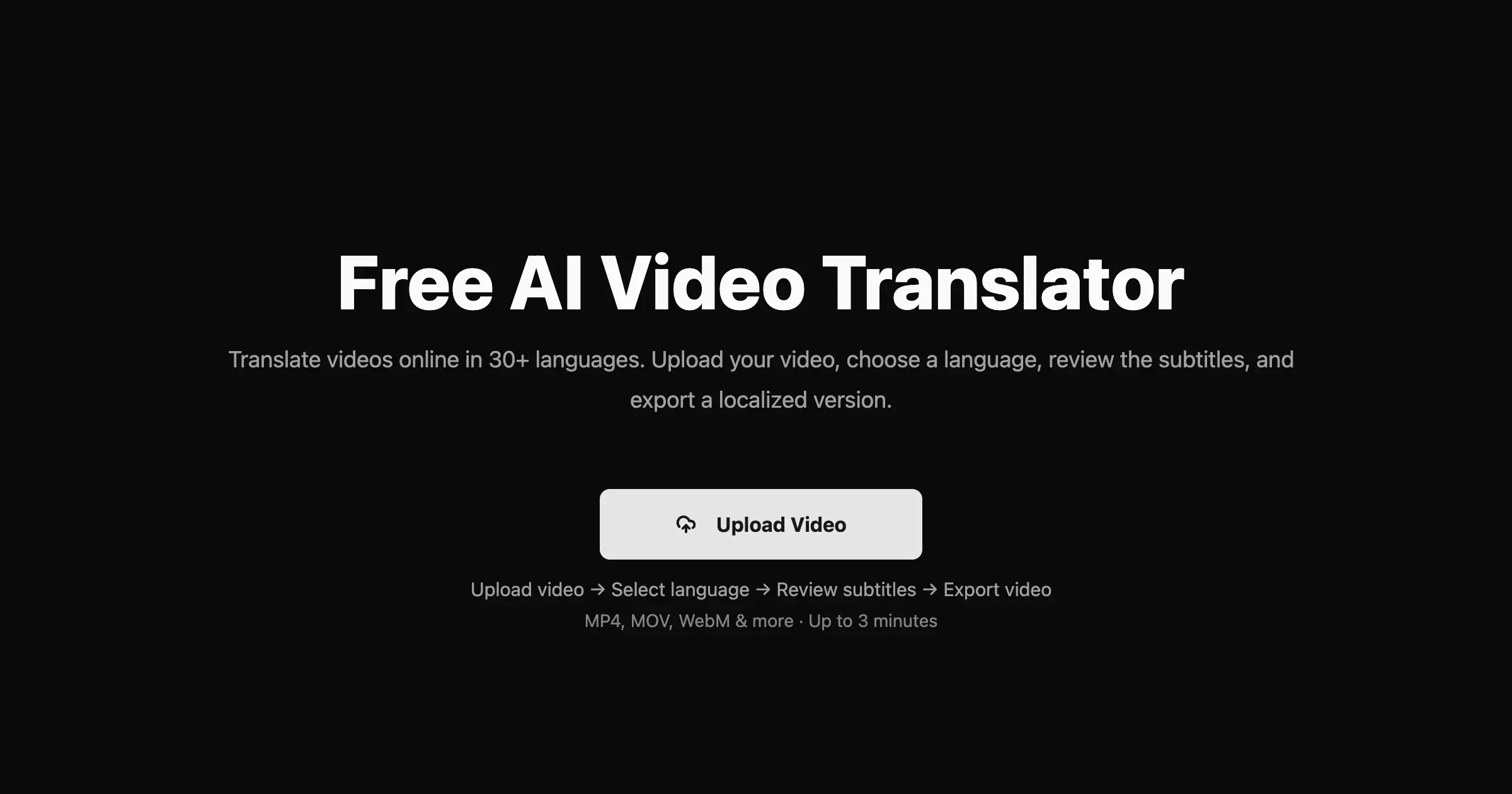
TransDub is an AI-powered video translation and dubbing platform designed to help creators and businesses reach international audiences. It automates the process of transcribing, translating, and dubbing video content into over 70 languages, offering natural, human-like voices at a significantly reduced cost compared to traditional methods. The platform supports direct uploads, YouTube links, and YouTube account linking, streamlining the workflow from raw video to a multilingual export. With a user-friendly interface, TransDub allows for easy review and correction of translations, and provides fine-grained controls for editing dubbed audio. Features like auto-save, language switching during editing, and the ability to add or change speakers ensure a professional and flexible dubbing experience. The service aims to eliminate language barriers, enabling content to scale globally by providing high-quality exports, including optional SRT subtitles. TransDub is positioned as a cost-effective solution, drastically cutting down expenses associated with hiring translation and dubbing teams. It offers transparent, usage-based pricing starting with a free tier, making it accessible for individual creators and scalable for businesses. The platform is ideal for anyone looking to expand their reach across different linguistic markets without the complexities and high costs of manual localization.
Free tier; paid plans from about $12/user/month.
Two plans found: Free and Pro. No annual pricing was shown.
- Radically simple text-based editing
- Great for podcasts and talking-head video
- Strong AI features
- Good collaboration
- Significant cost savings compared to traditional dubbing services.
- Supports translation and dubbing into over 70 languages.
- Offers natural, human-like AI voices for dubbing.
- User-friendly interface with features like auto-save and intuitive editing.
- Not for cinematic/complex edits
- Transcription accuracy varies
- Can get pricey with add-ons
- AI-generated voices, while natural, may still lack the full nuance of human voice actors.
- The quality of transcription and translation may require manual review and correction.
- Pricing is usage-based, which could become expensive for high-volume users, although a Pro plan offers bulk minutes.
What reviewers say
Descript Reviews
3.5 (2)Good, not perfect
Been using Descript for a while. Upside: great for podcasts and talking-head video. Downside: not for cinematic/complex edits.
Great video-editing
We rolled out Descript last quarter. Radically simple text-based editing. Minor gripe: transcription accuracy varies. Would recommend.
TransDub Reviews
No reviews yet.
More alternatives & similar tools
Alternatives to Descript
View all →



Alternatives to TransDub
View all →AI-powered video translation and dubbing that clones your voice into 14+ languages.


The Verdict
AI-generated from listing dataDescript is best for creators who need simple text‑based editing and AI voice tools for podcasts/video, while TransDub excels for multilingual dubbing and translation at scale.
Key differences
- •Descript focuses on transcript‑driven editing and overdub voice cloning; TransDub focuses on AI translation and dubbing into 70+ languages.
- •Descript offers a freemium tier with paid plans starting around $12/user/month; TransDub’s free tier gives only 1 minute and its Pro plan is $49 for 30 minutes.
- •Descript supports collaborative editing of podcasts/video; TransDub provides bulk translation/dubbing with cost‑per‑minute pricing and YouTube publishing.
- •Descript runs on web, Windows, Mac as a SaaS editor; TransDub is a SaaS service with limited platform detail, primarily web‑based.
- •Descript’s AI features are centered on editing efficiency; TransDub’s AI features target multilingual reach and voice‑over generation.
Pricing & value
Descript offers a free tier and paid plans from $12/user/month; TransDub’s free tier is 1 minute and Pro is $49 for 30 minutes.
Ease of use / learning curve
Descript’s text‑based editing is described as radically simple; TransDub requires reviewing translations and dubbing.
Features & depth
TransDub provides translation, dubbing in 70+ languages, speaker management, and YouTube publishing not found in Descript.
Integrations & ecosystem
Descript runs on Web, Windows, Mac and offers an API; TransDub’s integration details are limited to YouTube import/export.
Collaboration
Descript lists strong collaboration as a pro; TransDub does not mention collaboration features.
Scalability
TransDub’s bulk translation/dubbing with usage‑based pricing supports large multilingual projects; Descript is aimed at single‑creator podcasts.
Support / security
Neither product’s support or security details are provided in the facts.
Choose Descript if…
Podcasters or video creators needing quick, text‑based editing and voice cloning, with modest collaboration needs.
Choose TransDub if…
Businesses or educators needing to localize video content into many languages quickly, with budget‑focused dubbing.
Common questions
Which tool is cheaper for occasional use?
Descript’s free tier provides full editing features; TransDub’s free tier gives only 1 minute of translation/dubbing.
Can I edit video directly in the tool?
Descript offers screen and audio recording plus video editing; TransDub focuses on translation/dubbing and does not edit video content.
Do either tools support multiple speakers?
Descript’s overdub can clone voices but speaker limits aren’t specified; TransDub supports up to 10 speakers in Pro and 2 in Free.