


HearSub vs TransDub
Side-by-side comparison of features, pricing, ratings, and alternatives.
HearSub is a real-time YouTube translation and AI dubbing tool that lets viewers understand foreign-language videos in their own language. It synchronizes subtitle translation and dubbed audio with video playback, so users do not need to upload videos or wait for the entire file to process. By working directly with YouTube, HearSub aims to make international content feel native and accessible. HearSub begins by retrieving the complete transcript of the video, then translates only the nearby caption lines around the current playback position. This approach keeps translation updates fast and lightweight. In parallel, it prepares an AI-generated dubbing buffer ahead of playback, reducing gaps and waiting time while switching between languages. The workflow is designed to preserve a natural watching experience. Use cases include online courses, coding tutorials, interviews, podcasts, news, and long videos. HearSub is positioned as a learning and information-access companion for people who want to listen in their own language. It is currently free for personal use with no usage cap, and any optional paid features will be announced clearly in advance. The service emphasizes privacy and efficiency, with no video upload required.
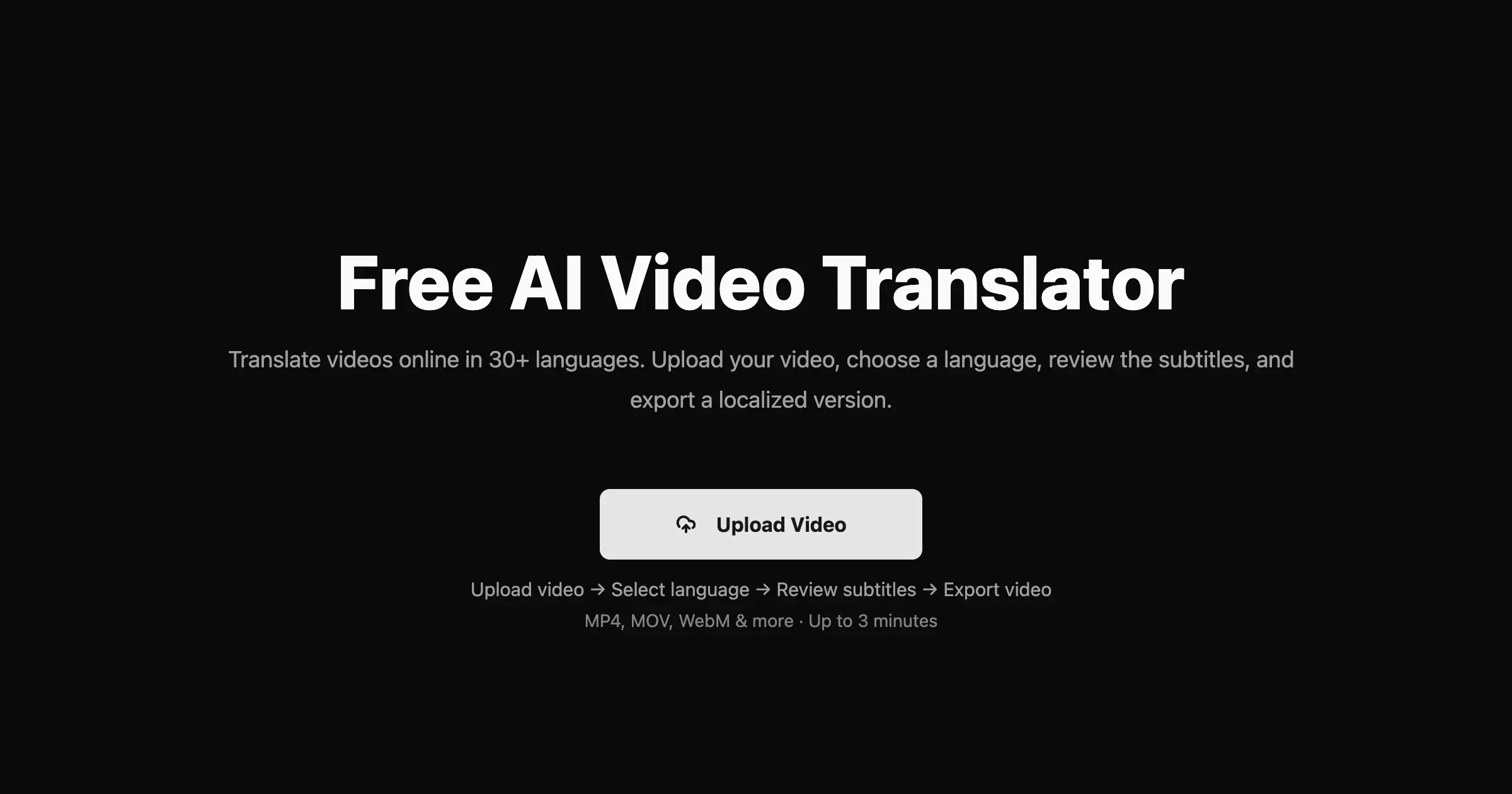
TransDub is an AI-powered video translation and dubbing platform designed to help creators and businesses reach international audiences. It automates the process of transcribing, translating, and dubbing video content into over 70 languages, offering natural, human-like voices at a significantly reduced cost compared to traditional methods. The platform supports direct uploads, YouTube links, and YouTube account linking, streamlining the workflow from raw video to a multilingual export. With a user-friendly interface, TransDub allows for easy review and correction of translations, and provides fine-grained controls for editing dubbed audio. Features like auto-save, language switching during editing, and the ability to add or change speakers ensure a professional and flexible dubbing experience. The service aims to eliminate language barriers, enabling content to scale globally by providing high-quality exports, including optional SRT subtitles. TransDub is positioned as a cost-effective solution, drastically cutting down expenses associated with hiring translation and dubbing teams. It offers transparent, usage-based pricing starting with a free tier, making it accessible for individual creators and scalable for businesses. The platform is ideal for anyone looking to expand their reach across different linguistic markets without the complexities and high costs of manual localization.
Two plans found: Free and Pro. No annual pricing was shown.
- Real-time subtitle translation synced with playback
- AI dubbing is buffered ahead of playback to reduce waiting
- No video upload required, protecting user privacy
- Free for personal use with no usage cap
- Significant cost savings compared to traditional dubbing services.
- Supports translation and dubbing into over 70 languages.
- Offers natural, human-like AI voices for dubbing.
- User-friendly interface with features like auto-save and intuitive editing.
- Only YouTube is fully supported at this time
- Translation and dubbing quality depends on the selected language pair and available capabilities
- Optional paid features may be introduced in the future
- No mention of offline support or processing local video files
- AI-generated voices, while natural, may still lack the full nuance of human voice actors.
- The quality of transcription and translation may require manual review and correction.
- Pricing is usage-based, which could become expensive for high-volume users, although a Pro plan offers bulk minutes.
More alternatives & similar tools
Alternatives to HearSub
View all →Alternatives to TransDub
View all →AI-powered video translation and dubbing that clones your voice into 14+ languages.

The Verdict
AI-generated from listing dataHearSub is a free, privacy‑focused tool for real‑time subtitle translation and buffered AI dubbing on YouTube only, while TransDub is a broader video localization platform that supports uploads, editing, export, and YouTube publishing but charges per‑minute usage.
Key differences
- •Platform scope: HearSub works only with YouTube playback; TransDub handles uploaded videos, YouTube links, and full export workflows.
- •Pricing model: HearSub is completely free for personal use; TransDub offers a free tier with 1 minute and a Pro plan at $49/month for 30 minutes.
- •Feature depth: HearSub provides real‑time subtitles and pre‑buffered dubbing only; TransDub includes transcription, editing, speaker management, SRT export, and direct publishing.
- •Privacy: HearSub never uploads video content; TransDub processes uploaded files, implying less privacy protection.
- •Language & voice variety: HearSub’s quality varies by language pair and is unspecified; TransDub supports 70+ languages and 10,000+ AI voices.
Pricing & value
HearSub is free with no usage cap; TransDub limits free usage to 1 minute and charges $49/month for 30 minutes.
Ease of use / learning curve
HearSub requires only a YouTube page and works instantly; TransDub adds upload, editing, and publishing steps.
Features & depth
TransDub offers transcription, editing, speaker IDs, SRT export, and direct YouTube publishing; HearSub provides only real‑time subtitles and buffered dubbing.
Integrations & ecosystem
TransDub integrates with uploads, YouTube accounts, and export formats; HearSub is limited to YouTube playback.
Security & privacy
HearSub never uploads video files, preserving privacy; TransDub processes uploaded content, which may raise privacy concerns.
Scalability
TransDub’s bulk‑operation cost estimate and Pro minutes support larger workloads; HearSub is limited to YouTube streaming only.
Choose HearSub if…
Learners who only need free, on‑the‑fly subtitles/dubbing for YouTube videos and value privacy.
Choose TransDub if…
Content creators or businesses needing to translate, dub, edit, and publish full videos across many languages.
Common questions
Is there any cost to use HearSub?
No, HearSub is free for personal use with no usage cap.
Can I export dubbed audio or subtitle files from HearSub?
No, HearSub only provides real‑time subtitles and buffered dubbing during playback; no export feature.
What is the pricing for TransDub’s paid plan?
The Pro plan costs $49 per month and provides 30 minutes of processing that expire after 90 days.