


Dolphin vs Thunar (XFCE)
Side-by-side comparison of features, pricing, ratings, and alternatives.
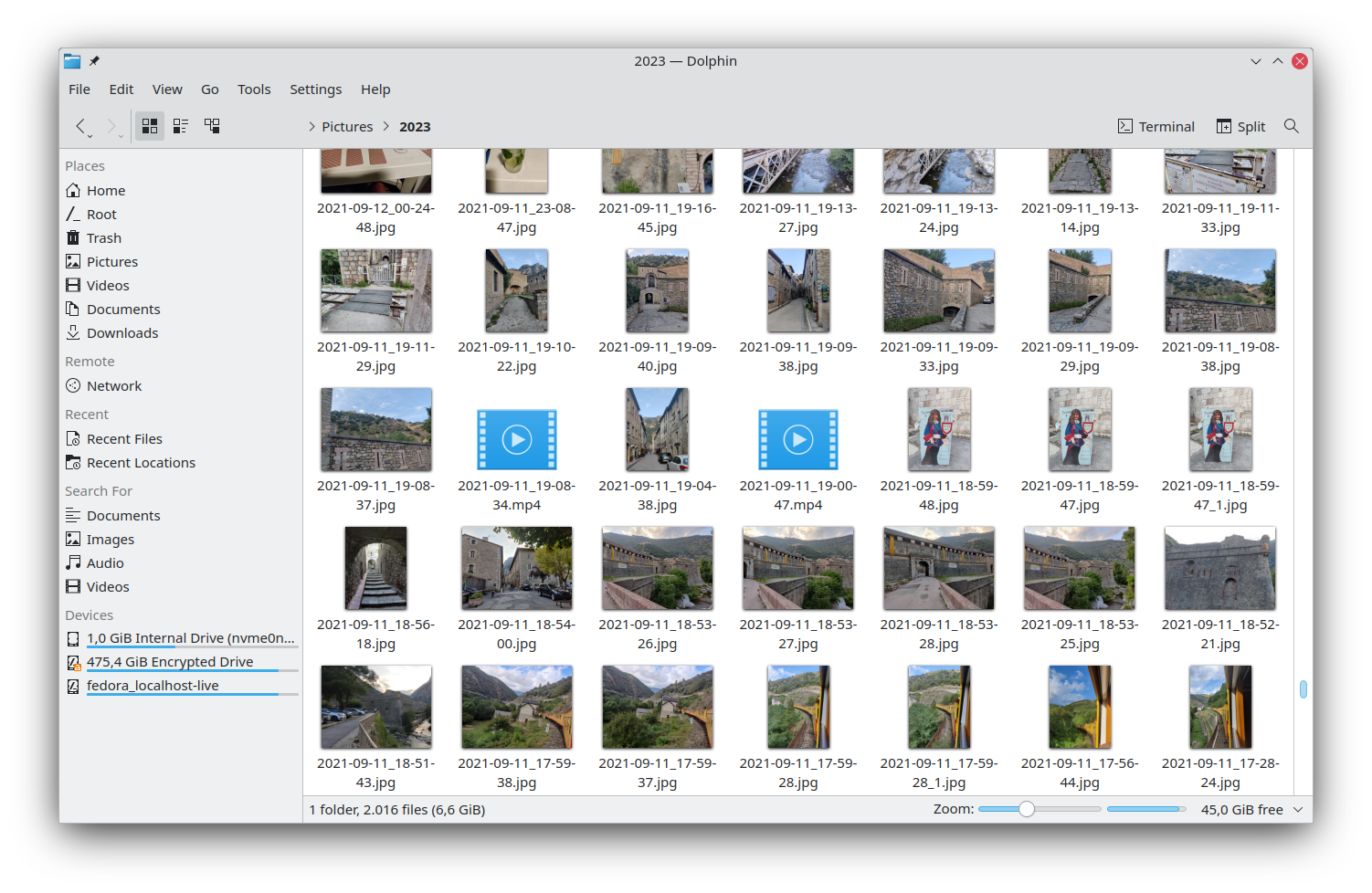
Dolphin is the default file manager for the KDE Plasma desktop, offering a clean interface and powerful navigation tools. It integrates tightly with KDE technologies to provide a seamless experience on Linux systems. Designed for both casual users and power users, Dolphin supports tabbed browsing, split view, and extensive customization through plugins and scripts, making file management efficient and adaptable.
Thunar is the default file manager for the Xfce desktop environment, offering a clean interface and responsive performance on low‑resource systems. It integrates tightly with Xfce, providing drag‑and‑drop, custom actions, and seamless handling of MIME types. Designed for simplicity, Thunar supports tabbed browsing, bulk renaming, and extensible plugins, making everyday file operations quick and intuitive for both novice and power users.
- Highly customizable via service menus and plugins
- Native integration with KDE Plasma
- Supports multiple tabs and split view
- Free and open‑source
- Very fast startup
- Low memory footprint
- Deep integration with Xfce
- Highly customizable
- Limited to Linux/KDE environments
- No official Windows/macOS native version
- Lacks a public API for external extensions
- Limited to Linux platforms
- Feature set smaller than full‑featured managers like Nautilus
- No built‑in cloud storage integration
More alternatives & similar tools
Alternatives to Dolphin
View all →
Alternatives to Thunar (XFCE)
View all →The Verdict
AI-generated from listing dataBoth Dolphin and Thunar are free Linux file managers, but Dolphin offers richer features and KDE integration while Thunar is slimmer and faster for low‑resource Xfce setups.
Key differences
- •Dolphin provides split‑view panes and tabbed browsing; Thunar only has tabs.
- •Dolphin includes built‑in remote protocol support (FTP, SFTP, SMB); Thunar does not.
- •Dolphin offers a powerful batch rename with pattern preview; Thunar’s bulk renamer is simpler.
- •Dolphin integrates tightly with KDE Plasma and its activities; Thunar integrates with Xfce only.
- •Thunar has a lower memory footprint and faster startup, making it better for older hardware.
Pricing & value
Both are free and open‑source, offering comparable cost‑free value.
Ease of use / learning curve
Thunar’s minimal UI and lightweight design make it quicker for new users to grasp.
Features & depth
Dolphin includes split‑view, remote protocol support, advanced batch rename, and custom service menus.
Integrations & ecosystem
Dolphin integrates with KDE Plasma, Qt, KIO, and GVfs; Thunar only integrates with Xfce.
Collaboration
Neither provides built‑in collaboration or cloud‑storage features.
Scalability
Dolphin’s tabbed and split‑view layout handles large file operations more efficiently.
Support
Both rely on community forums/mailing lists; Dolphin lists specific support channels, Thunar does not.
Choose Dolphin if…
Linux power users on KDE who need advanced file handling and remote access.
Choose Thunar (XFCE) if…
Linux users on Xfce or low‑spec hardware needing a fast, lightweight manager.
Common questions
Is there any cost to use either file manager?
Both Dolphin and Thunar are free and open‑source.
Which manager works better on older or low‑memory machines?
Thunar is designed for minimal RAM usage and fast startup, making it better for older hardware.
Do either of them support remote file systems like FTP or SFTP?
Dolphin includes built‑in FTP, SFTP, and SMB support; Thunar does not provide native remote protocol integration.