


Best for
Linux KDE power users who want a customizable, tabbed file manager
Skip if
Anyone needing Windows/macOS support or a public extension API
What is Dolphin?
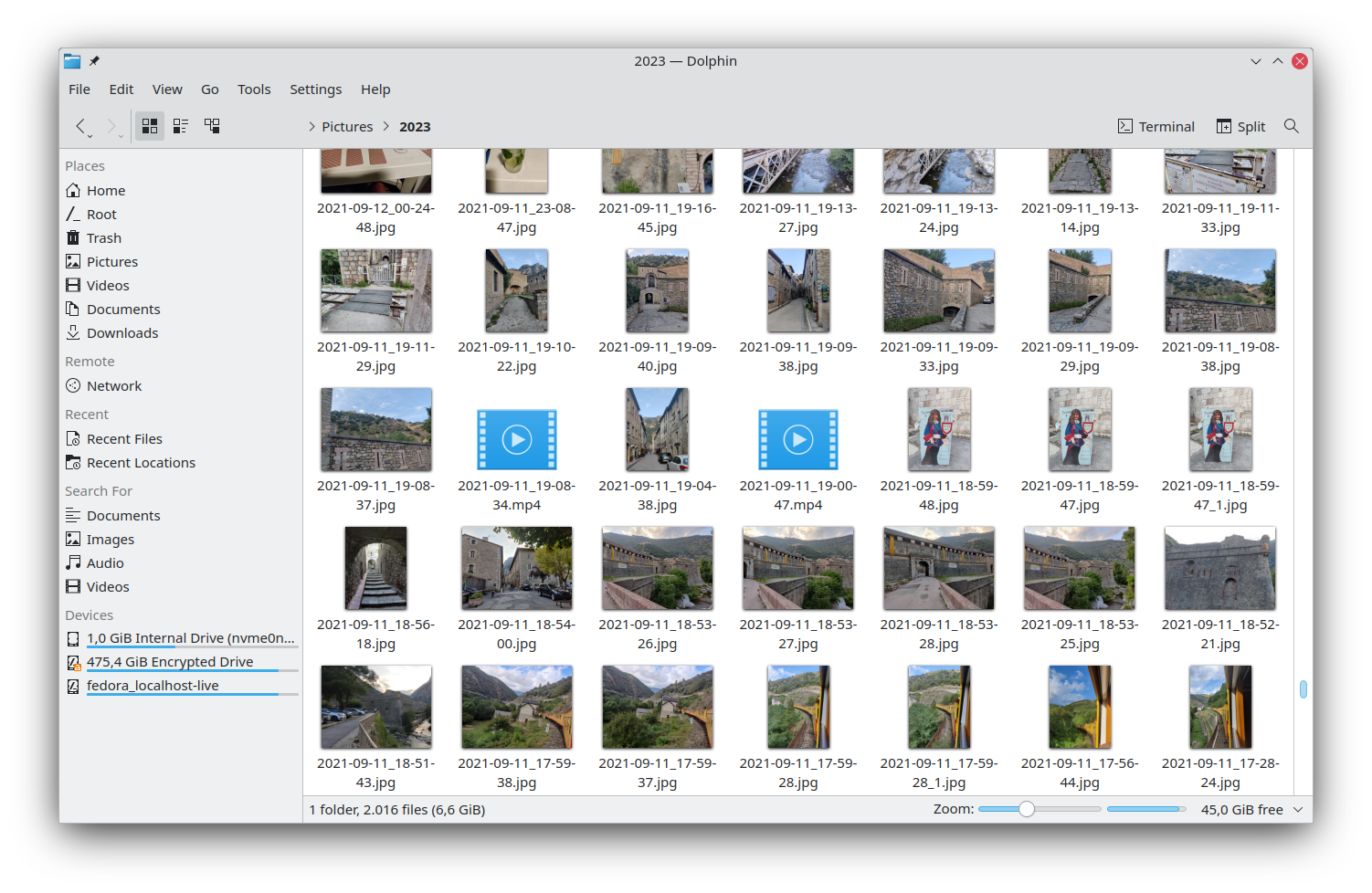
Dolphin is the default file manager for the KDE Plasma desktop, offering a clean interface and powerful navigation tools. It integrates tightly with KDE technologies to provide a seamless experience on Linux systems. Designed for both casual users and power users, Dolphin supports tabbed browsing, split view, and extensive customization through plugins and scripts, making file management efficient and adaptable.
SpecificationsAI-estimated
Key Features of Dolphin
Use Cases for Dolphin
Everyday file browsing
Navigate local folders quickly with tabs and split view.
Remote file access
Connect to FTP/SFTP/SMB shares without leaving the desktop.
Bulk file organization
Rename large groups of files using the batch rename dialog.
Custom workflow automation
Add script‑based actions to the context menu for repetitive tasks.
Pros & Cons of Dolphin
Pros
- Highly customizable via service menus and plugins
- Native integration with KDE Plasma
- Supports multiple tabs and split view
- Free and open‑source
Cons
- Limited to Linux/KDE environments
- No official Windows/macOS native version
- Lacks a public API for external extensions
Frequently Asked Questions
Is Dolphin available on Windows?
An unofficial build exists, but Dolphin is primarily developed for Linux/KDE.
Can I preview archives without extracting them?
Yes, Dolphin can show thumbnails for many archive formats using the ark backend.
How do I add custom actions to the right‑click menu?
Create a .desktop service file in ~/.local/share/kservices5/ServiceMenus/ with the desired command.
Does Dolphin support cloud storage services?
It can access cloud drives mounted via KDE’s KIO or third‑party tools like rclone.
Pricing Overview
View full pricing →Detailed plans are not listed. Visit the official website for pricing information.
Reviews & Ratings0.0
No reviews yet. Be the first to write one!
Top Alternatives & Similar Software
View all alternatives & similar software→
People also viewed



Best For
Related searches
About the Product
Is this your tool?
Claim this page to update details, reply to user reviews, and drive more traffic to your product.
Claim this Product →
Tags
Explore Related Topics
Keep up with Dolphin alternatives
New alternatives, pricing changes and the week's biggest movers - one email every Tuesday.