


eM Client vs Mailspring
Side-by-side comparison of features, pricing, ratings, and alternatives.
eM Client is a desktop email application for Windows and macOS (with companion Android/iOS apps) positioned as an alternative to Outlook and Thunderbird. It bundles email, calendar, tasks, notes, and chat into one interface, with inbox categorization, quick actions, and an AI add-on for drafting and summarizing. The free tier covers up to two accounts for personal, non-commercial use, while paid Personal and Business licenses remove that account limit and unlock features like PGP message encryption, snooze, translation, and mass mail tools. Licenses are available as annual subscriptions or one-time lifetime purchases, and mobile apps are free without a separate license.
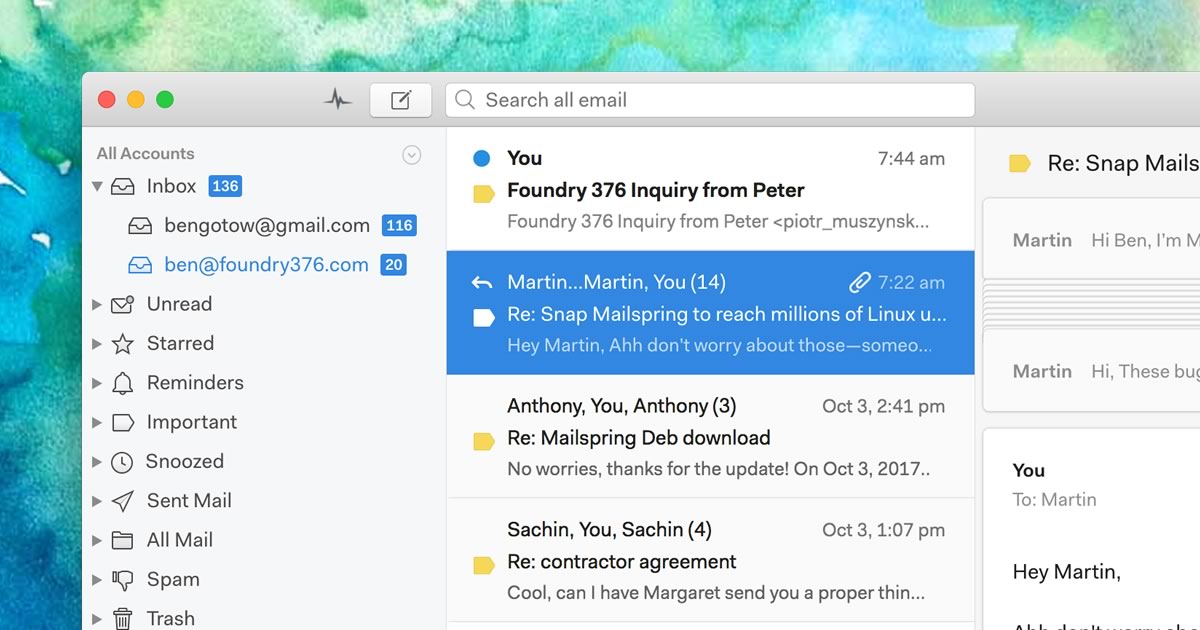
Mailspring is a native desktop email client from independent studio Foundry376, built for Mac, Windows, and Linux. It unifies accounts from Gmail, iCloud, Office 365, Outlook.com, Yahoo, FastMail, and generic IMAP/SMTP providers into one fast, searchable inbox with Gmail-style search syntax. Its free tier covers core mail management, while the $8/month Pro plan adds read receipts, link tracking, send-later scheduling, follow-up reminders, templates, and contact enrichment (with limited weekly trials of Pro features in the free app). The client emphasizes native platform integration, including Windows taskbar badges, macOS notifications, and Linux system tray support.
- Flexible licensing: choose annual subscription or one-time lifetime purchase.
- Combines mail, calendar, tasks, and chat in one app instead of separate tools.
- Free tier is usable indefinitely for light personal use, not just a time-limited trial.
- Mature Outlook-style interface familiar to long-time Windows email users.
- Fast, native desktop performance rather than an Electron-wrapped web view for core mail actions.
- One of the few modern mail clients with first-class Linux support.
- Pro pricing is a simple flat $8/month rather than per-feature add-ons.
- Free tier lets users try Pro features on a limited weekly trial basis.
- Free tier is capped at 2 accounts, pushing regular multi-account users to a paid license.
- No native Linux desktop client, unlike some open-source competitors.
- Business per-device pricing can add up quickly for larger teams compared to per-user SaaS tools.
- Read receipts and link tracking require the recipient's email client to load remote content, which not all do.
- Development pace has slowed compared to some newer AI-native email clients.
- No official mobile app, so Mailspring is desktop-only.
More alternatives & similar tools
Alternatives to eM Client
View all →

Mozilla's free, open-source email client with built-in calendar and deep add-on customization.

Unified desktop email client for Windows and Mac that combines multiple inboxes into one workspace.
A native desktop email client for Mac, Windows, and Linux with read receipts and send-later.
Alternatives to Mailspring
View all →
A Windows and Mac email client combining mail, calendar, chat, and AI in one Outlook alternative.
Mozilla's free, open-source email client with built-in calendar and deep add-on customization.
The Verdict
AI-generated from listing dataeM Client offers a unified Outlook‑style suite with AI, calendar and chat on Windows/Mac, while Mailspring provides a fast, native cross‑platform desktop client with Linux support and advanced send‑later features.
Key differences
- •eM Client includes built‑in AI drafting, PGP encryption and chat; Mailspring does not.
- •Mailspring supports Linux (including ARM64) natively; eM Client has no Linux client.
- •Mailspring’s Pro tier adds read receipts, link tracking and a flat $8/month price; eM Client’s pricing varies by subscription or lifetime license.
- •eM Client provides a free tier usable indefinitely (capped at 2 accounts); Mailspring’s free tier is limited and only a trial of Pro features.
- •eM Client offers Android/iOS companion apps; Mailspring has no official mobile app.
Pricing & value
Mailspring Pro is a flat $8/month; eM Client pricing varies between subscription and one‑time lifetime, potentially higher for teams.
Ease of use / learning curve
eM Client’s Outlook‑style interface is familiar to Windows users; Mailspring’s native apps may require adjustment.
Features & depth
eM Client bundles email, calendar, tasks, notes, chat, AI drafting and PGP encryption in one app.
Integrations & ecosystem
Mailspring integrates with many providers (Gmail, iCloud, Office 365, Yahoo, FastMail, IMAP/SMTP) and OS features; eM Client focuses on IMAP/POP3/Exchange and PGP.
Collaboration
eM Client includes chat and shared calendar features; Mailspring lacks built‑in collaboration tools.
Scalability
Mailspring’s flat‑rate Pro scales per user; eM Client’s per‑device business pricing can grow costly for larger teams.
Support
eM Client offers free forum support and paid VIP support; Mailspring only provides email support.
Security & privacy
eM Client supports PGP encryption for signed/encrypted email; Mailspring has no mention of encryption features.
Migration / lock‑in
Both use standard IMAP/SMTP protocols; neither offers proprietary lock‑in, so migration effort is comparable.
Choose eM Client if…
Windows/Mac users needing Outlook‑style UI, AI drafting, encryption and chat, plus mobile companion apps.
Choose Mailspring if…
Users on Linux or needing fast native performance, read‑receipt tracking, and a simple flat‑rate subscription.
Common questions
Can I use the free version of each product for multiple email accounts?
eM Client free tier allows up to 2 accounts; Mailspring’s free tier is limited and only a trial of Pro features.
Which product offers encryption for secure email?
eM Client supports PGP message encryption; Mailspring does not list any encryption capability.
Is there a mobile app for these clients?
eM Client provides free Android and iOS companion apps; Mailspring has no official mobile application.