


eM Client vs Spark Mail
Side-by-side comparison of features, pricing, ratings, and alternatives.


eM Client is a desktop email application for Windows and macOS (with companion Android/iOS apps) positioned as an alternative to Outlook and Thunderbird. It bundles email, calendar, tasks, notes, and chat into one interface, with inbox categorization, quick actions, and an AI add-on for drafting and summarizing. The free tier covers up to two accounts for personal, non-commercial use, while paid Personal and Business licenses remove that account limit and unlock features like PGP message encryption, snooze, translation, and mass mail tools. Licenses are available as annual subscriptions or one-time lifetime purchases, and mobile apps are free without a separate license.
Spark Mail is an email client designed to simplify email management with AI-assisted email writing and smart inbox prioritization. It offers shared team inboxes for collaborative email management, making it an ideal solution for teams and individuals looking to streamline their email workflow.
- Flexible licensing: choose annual subscription or one-time lifetime purchase.
- Combines mail, calendar, tasks, and chat in one app instead of separate tools.
- Free tier is usable indefinitely for light personal use, not just a time-limited trial.
- Mature Outlook-style interface familiar to long-time Windows email users.
- AI-assisted email writing saves time and increases productivity
- Smart inbox prioritization helps users focus on important emails
- Shared team inboxes enable seamless collaboration
- Cross-platform compatibility makes it accessible to users across different devices
- Free tier is capped at 2 accounts, pushing regular multi-account users to a paid license.
- No native Linux desktop client, unlike some open-source competitors.
- Business per-device pricing can add up quickly for larger teams compared to per-user SaaS tools.
- Limited customization options for the interface
- No built-in calendar integration
- Limited integration with other productivity apps
More alternatives & similar tools
Alternatives to eM Client
View all →
Mozilla's free, open-source email client with built-in calendar and deep add-on customization.

Unified desktop email client for Windows and Mac that combines multiple inboxes into one workspace.
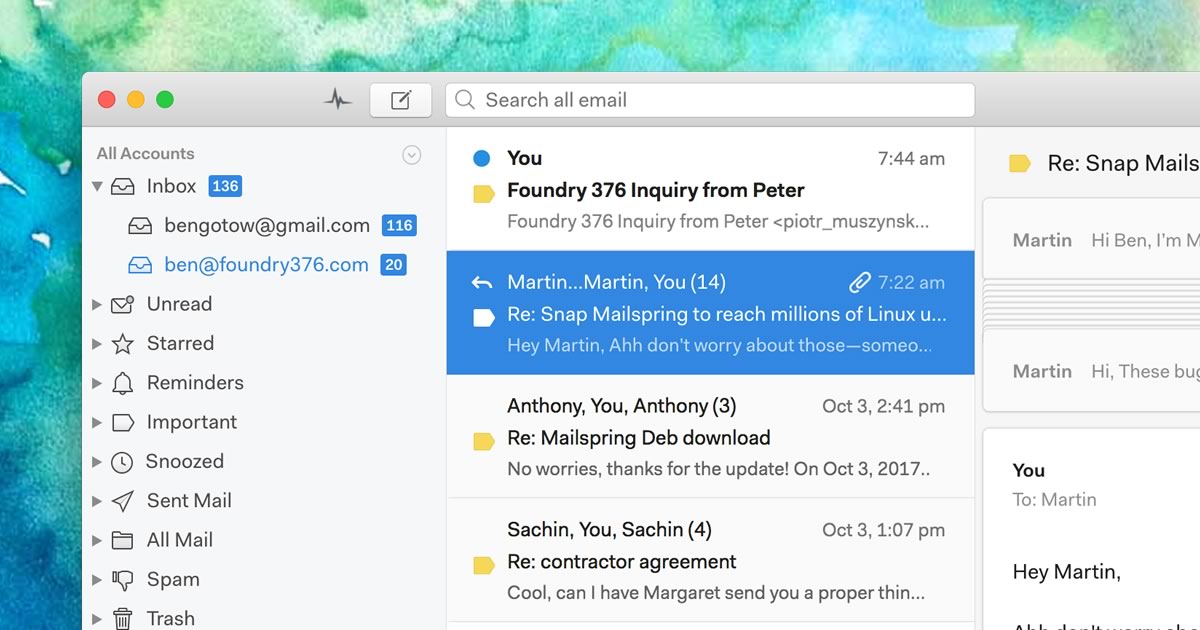
A native desktop email client for Mac, Windows, and Linux with read receipts and send-later.
Alternatives to Spark Mail
View all →
The ultimate AI email template generator for creating, previewing, and reusing campaign-ready emails.


The Verdict
AI-generated from listing dataSpark Mail is a free, cross‑platform email client focused on simple AI‑assisted inboxes and team sharing, while eM Client offers a richer, paid‑option suite with calendar, tasks, chat, and PGP encryption.
Key differences
- •Spark provides shared team inboxes; eM Client does not.
- •eM Client includes built‑in calendar, tasks, notes, chat, and PGP encryption; Spark lacks these.
- •Pricing models differ: Spark is purely freemium; eM Client adds paid subscription or lifetime licenses for full features.
- •Platform focus: Spark runs on iOS, Android, macOS, Windows; eM Client is Windows/macOS only with companion mobile apps.
- •Support: eM Client offers forum and paid VIP support; Spark provides no specified support channel.
Pricing & value
eM Client offers both free tier and paid options (annual or lifetime) for more accounts, giving clearer upgrade path.
Features & depth
eM Client bundles email, calendar, tasks, notes, chat, AI, snooze, translation, and PGP; Spark lacks calendar and many tools.
Collaboration
Spark includes shared team inboxes for collaborative email handling; eM Client does not mention this feature.
Support
eM Client lists forum support and optional paid VIP support; Spark provides no support details.
Security & privacy
eM Client supports PGP encryption for signed/encrypted messages; Spark has no stated encryption features.
Choose eM Client if…
Users needing integrated calendar, tasks, chat, PGP encryption, and willing to pay for advanced features.
Choose Spark Mail if…
Small teams or individuals wanting a free, cross‑platform email client with shared inboxes and AI drafting.
Common questions
Can I use both tools for multiple email accounts without paying?
Spark Mail allows unlimited accounts for free; eM Client’s free tier limits you to 2 accounts.
Which product offers built‑in calendar and task management?
eM Client includes calendar, tasks, notes, and chat; Spark Mail has no built‑in calendar integration.
Is PGP encryption supported?
Yes, eM Client supports PGP encryption; Spark Mail does not mention any encryption capability.