


Photo AI vs PhotoBoutique
Side-by-side comparison of features, pricing, ratings, and alternatives.
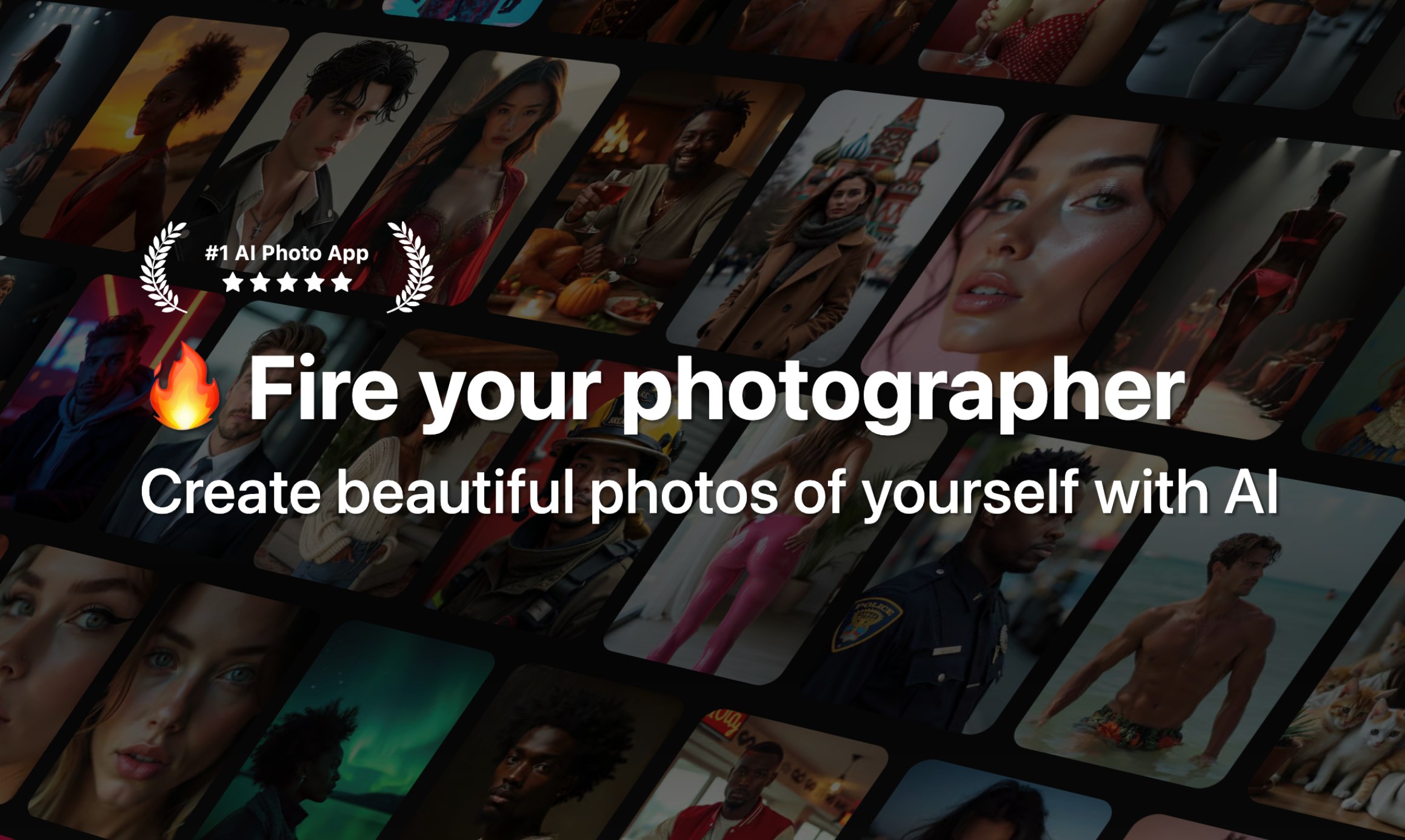
Photo AI is a generative AI platform that creates highly realistic AI photos and videos of you from just a few uploaded selfies. It uses fine-tuning (DreamBooth on Flux with a custom 'Hyper Realism' model) to learn your identity, then lets you generate professional headshots, lifestyle photos, couple photos, creative packs, and even AI videos without any technical skills.
PhotoBoutique is an AI photo generator that transforms a handful of selfies into custom avatars, professional headshots, and stylized portraits. Instead of applying a one-size-fits-all filter, it trains a personalized AI model on 10-35 photos of your face and uses that model to create images that look like you. The whole training process takes roughly one hour, after which you can download, enhance, and share your new photos. The app focuses on three core experiences: AI Professional Headshot, Avatar Creator, and AI Photo Generator. It is designed for people who want a polished LinkedIn-style headshot, a distinctive profile picture, or a fun set of AI portraits in a variety of artistic styles. Reviewers highlight the realistic detail, ease of use, and high quality of the final images, with several saying the results are suitable for professional work profiles. PhotoBoutique is a good fit for busy professionals, job seekers, social media users, and anyone who wants to refresh their digital identity. Since it does not require photo editing skills, the workflow is simple: upload enough clear face photos, wait for the model training to finish, and then browse the generated collection. The result is a fast, approachable way to unlock creative visual possibilities from ordinary selfies.
No exact prices or plan names were explicitly stated in the provided content.
- No technical skill required – train a personal model in about a minute
- Photorealistic results with Hyper Realism / Flux-based fine-tuning
- Wide variety of photo packs: Tinder, Hinge, LinkedIn, CEO, Old Money, Cosplay, etc.
- Can create AI videos from still photos, including talking videos and mocap
- Creates highly realistic AI avatars and headshots, based on App Store user reviews.
- Easy three-step workflow makes it accessible to non-editors.
- Generates a wide variety of artistic styles and themes.
- Can be used for professional work profiles and social media.
- No true coupon codes; only annual plan discounts are offered
- Credit system can be complex and videos cost a lot (100 credits per video)
- Strict refund policy: only eligible if no model created, under 20 lifetime generations, and no referral signup
- Requires uploading many personal photos for best results, raising privacy concerns
- Requires uploading 10-35 photos of your face, which can be time-consuming and raises privacy considerations.
- AI training and generation are not instant; users wait about one hour before photos are ready.
- The website does not mention a free plan, offline mode, or Android availability, so the full platform and pricing picture is unclear.
- The product is focused on AI avatars, headshots, and portraits rather than general-purpose photo editing.
More alternatives & similar tools
Alternatives to Photo AI
View all →
Turn one selfie into thousands of unique AI headshots and avatars in under a minute.
Alternatives to PhotoBoutique
View all →Turn one selfie into thousands of unique AI headshots and avatars in under a minute.
The Verdict
AI-generated from listing dataPhoto AI offers faster model training, video creation, and more diverse packs but costs more and has stricter refund rules; PhotoBoutique is slower, simpler, and cheaper‑unknown, with fewer features.
Key differences
- •Model training time: Photo AI ~1 minute vs PhotoBoutique ~1 hour.
- •Video capabilities: only Photo AI can generate talking and mocap videos.
- •Photo pack variety: Photo AI provides dozens of themed packs; PhotoBoutique focuses on avatars/headshots.
- •Pricing transparency: Photo AI mentions subscription and annual discounts; PhotoBoutique provides no pricing info.
- •Privacy/Refund policy: Photo AI has strict refund limits and requires many personal photos; PhotoBoutique also needs many photos but no refund details.
Pricing & value
Photo AI states subscription with annual discounts >50% vs unknown pricing for PhotoBoutique.
Ease of use / learning curve
PhotoBoutique uses a simple three‑step workflow; Photo AI adds many tools that may increase complexity.
Features & depth
Photo AI includes video generation, 3D models, photo merging, upscale, relight, and many packs; PhotoBoutique limited to avatars/headshots.
Integrations & ecosystem
Photo AI runs on Web and iOS with Stripe billing; PhotoBoutique only mentions a mobile app, no integration details.
Security & privacy
Both require many personal photos, but Photo AI’s strict refund and credit policies raise extra concerns.
Choose Photo AI if…
Power users needing fast AI videos, themed packs, and willing to pay for a subscription.
Choose PhotoBoutique if…
Casual users who want simple avatar/headshot creation and can wait an hour for results.
Common questions
How long does it take to get the first generated images?
Photo AI: about 1 minute to train and generate; PhotoBoutique: about 1 hour after uploading 10‑35 photos.
Can I create AI videos with these tools?
Only Photo AI offers video generation (talking and mocap); PhotoBoutique does not provide video features.
What are the known costs and refund options?
Photo AI uses a subscription with annual discounts; refunds only if no model created, under 20 generations. PhotoBoutique pricing and refund policy are not specified.