


Photo AI
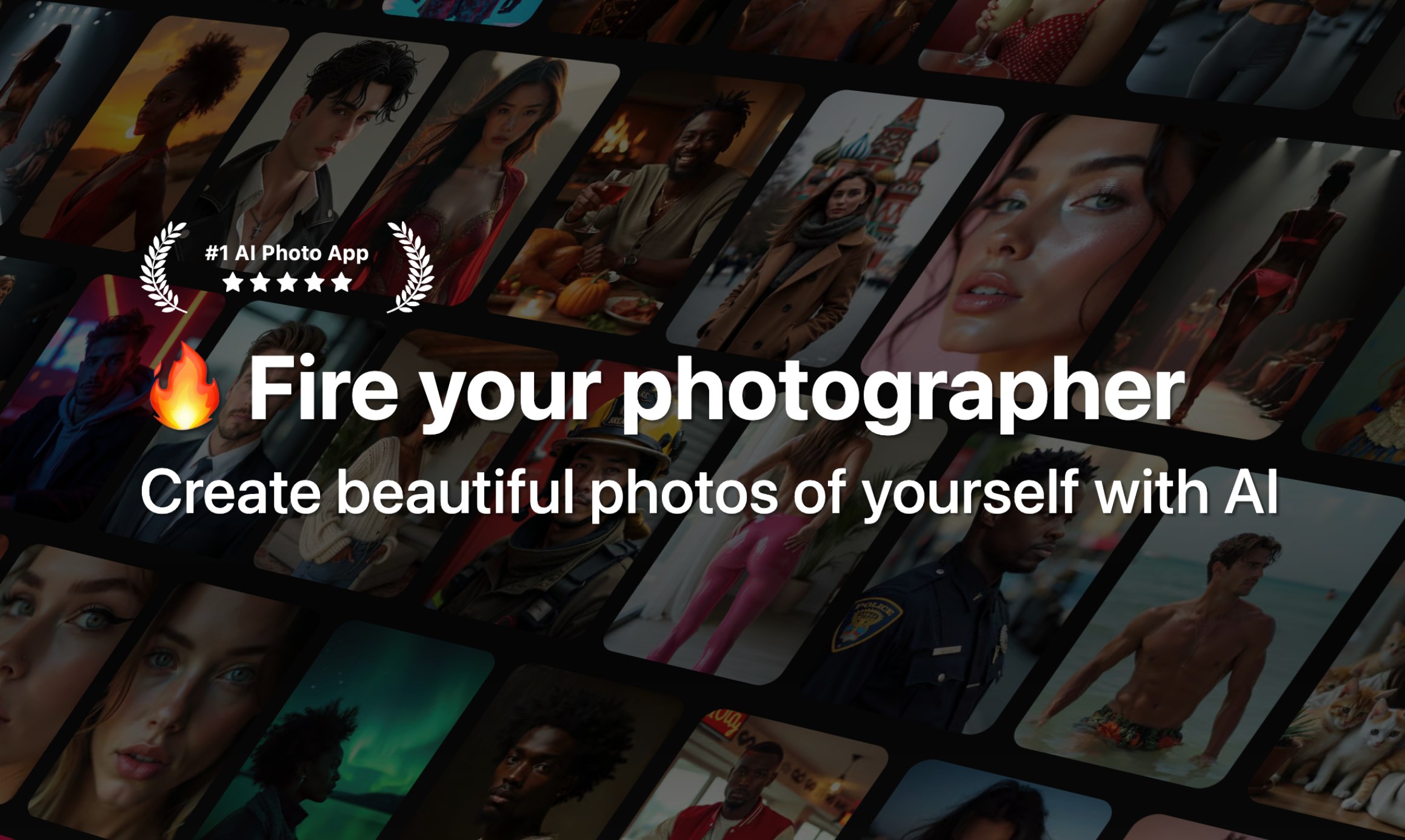
Generate AI photos and videos of yourself, your partner, or your ideas in minutes.

What is Photo AI?
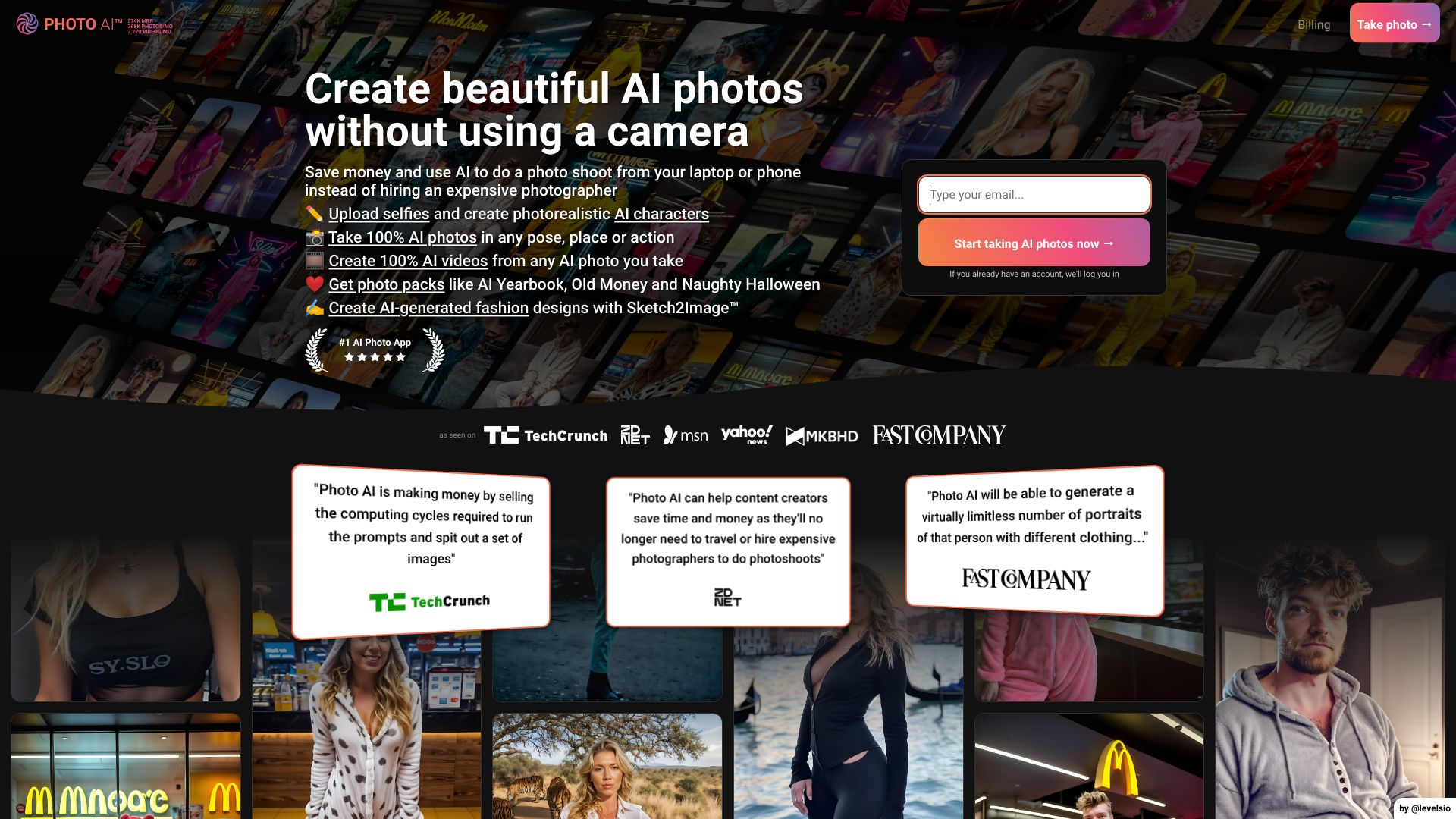
Photo AI is a generative AI platform that creates highly realistic AI photos and videos of you from just a few uploaded selfies. It uses fine-tuning (DreamBooth on Flux with a custom 'Hyper Realism' model) to learn your identity, then lets you generate professional headshots, lifestyle photos, couple photos, creative packs, and even AI videos without any technical skills.
SpecificationsAI-estimated
Key Features of Photo AI
Use Cases for Photo AI
Dating profile photos
Create eye-catching Tinder and Hinge images to get more matches.
Professional headshots
Generate LinkedIn, CEO, or startup founder photos without a photographer.
Couple photos
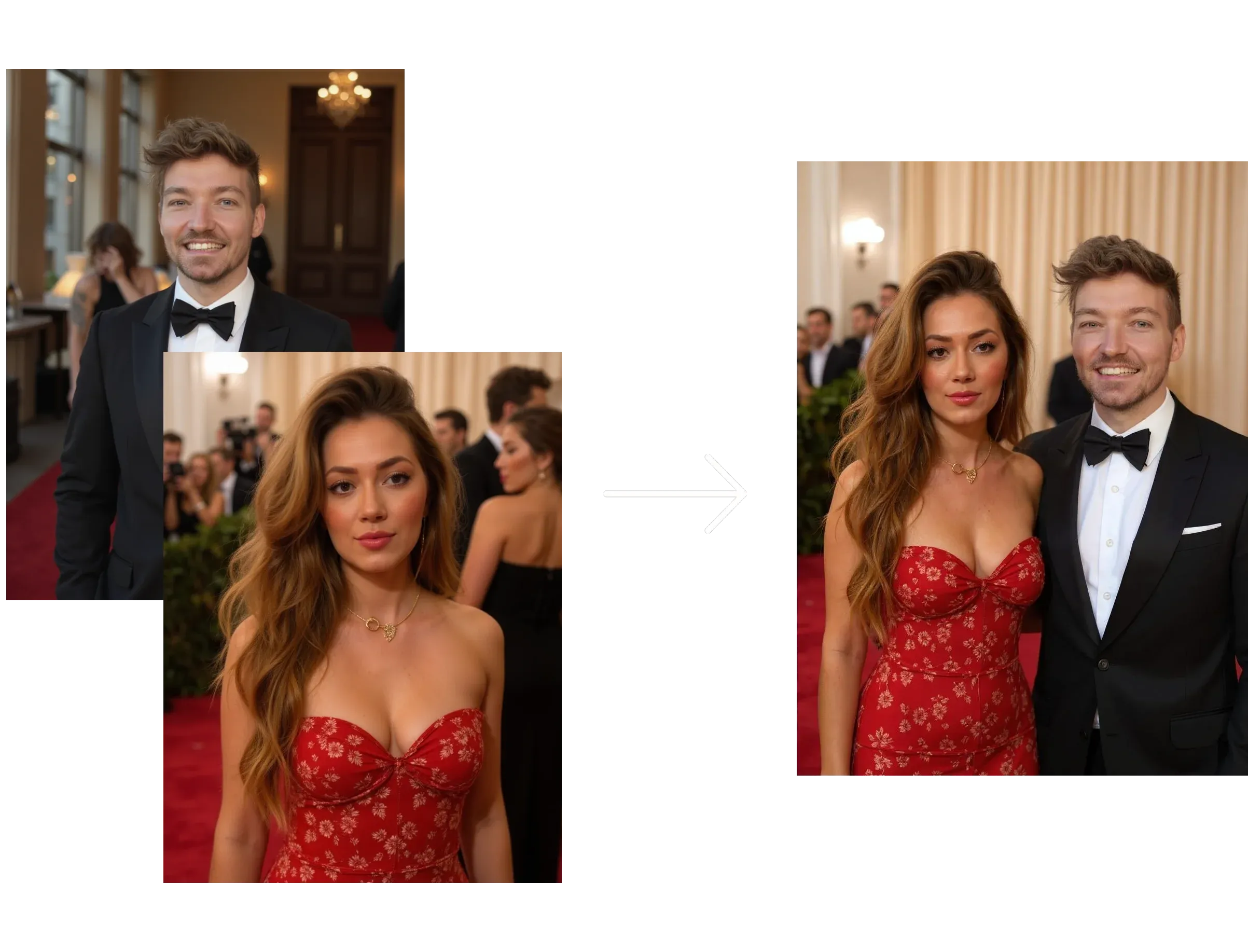
Upload photos containing both partners to generate AI couple photos.
Social media content
Get Instagram-ready lifestyle imagery, Bali influencer looks, and luxury aesthetic posts.
Creative experimentation
Try cosplay, film noir, Santorini summer, or old money style transformations.
Video marketing
Turn AI stills into realistic videos for reels, ads, or fun content.
How to use Photo AI?
Sign up and login
Go to Photo AI and login with Google or email.
Create a new AI model
Select 'Create new AI model', choose type (Single or Couple), and fill in details like name, gender, age, ethnicity, and eye color.
Upload photos
Upload 5-20 diverse photos of yourself, varying angles, lighting, and backgrounds. Avoid filters, sunglasses, screenshots, and group photos.
Wait for training
The model finishes training in about a minute. You'll receive an email and get free automatically generated photos.
Generate photos and videos
Run photo packs, write custom prompts, upscale favorites, combine photos, or make AI videos.
Pros & Cons of Photo AI
Pros
- No technical skill required – train a personal model in about a minute
- Photorealistic results with Hyper Realism / Flux-based fine-tuning
- Wide variety of photo packs: Tinder, Hinge, LinkedIn, CEO, Old Money, Cosplay, etc.
- Can create AI videos from still photos, including talking videos and mocap
- Combine two photos into one merged image
- Web and iOS availability, with Apple-managed subscriptions for iOS users
- Transparent billing and self-serve cancellation via Stripe portal
- Annual plans are over 50% cheaper than monthly pricing
- Built by known indie maker Pieter Levels (Nomads, Remote OK), independent and bootstrapped
Cons
- No true coupon codes; only annual plan discounts are offered
- Credit system can be complex and videos cost a lot (100 credits per video)
- Strict refund policy: only eligible if no model created, under 20 lifetime generations, and no referral signup
- Requires uploading many personal photos for best results, raising privacy concerns
- Heavy usage can become expensive due to GPU costs
- Ethical concerns around deepfakes and realistic AI media
Frequently Asked Questions
How do I cancel my subscription?
Login, tap the Photo AI logo at top left, choose 'Billing', then 'Cancel subscription'. If you can't login, use Stripe's billing portal with your signup email. iOS subscriptions are managed via Apple.
Can I get a refund?
Yes, but only if you have not created a model, generated fewer than 20 photos, and did not sign up via a referral link. If you've used GPU features, no refund is offered.
Does Photo AI have coupon codes?
No. The site explicitly says coupon-code sites are spammy. Instead, yearly plans give over 50% off monthly pricing.
How do credits work?
Each membership receives credits every month. Annual subscribers also get monthly credits. Extra credits can be purchased and last 2 years. Examples: Hyper Realism photo=2 credits, video=100 credits, upscale=5 credits, combine photos=1 credit.
How do I make couple photos?
Create a new model with type 'Couple' and upload photos that contain BOTH people in every image. Separate photos of each person won't work; they need to be together in the training images.
Pricing Overview
View full pricing →No exact prices or plan names were explicitly stated in the provided content.
Detailed plans are not listed. Visit the official website for pricing information.
Reviews & Ratings0.0
No reviews yet. Be the first to write one!
Top Alternatives & Similar Software
View all alternatives & similar software→No alternatives available yet.
People also viewed


Related searches
Is this your tool?
Claim this page to update details, reply to user reviews, and drive more traffic to your product.
Claim this Product →
Tags
Explore Related Topics
Keep up with Photo AI alternatives
New alternatives, pricing changes and the week's biggest movers - one email every Tuesday.