


Sygic Travel Maps vs TripIt
Side-by-side comparison of features, pricing, ratings, and alternatives.

Sygic Travel Maps lets travelers design multi‑day itineraries on a visual world map, adding attractions, hotels, restaurants and transport options. The app syncs across devices so you can edit your plan on desktop, then access it offline on mobile. The platform offers AI‑driven suggestions, curated travel guides and the ability to export routes to popular navigation apps. A free tier provides core planning tools, while a premium subscription unlocks advanced features such as offline maps and unlimited custom itineraries.
TripIt automatically creates a master itinerary for every trip by scanning your email confirmations and consolidating flights, hotels, car rentals, and activities into a single, easy‑to‑read schedule. The app syncs across devices, offers real‑time flight alerts, and lets you share plans with family, friends, or colleagues. The service works offline, integrates with major calendar platforms, and provides a premium version, TripIt Pro ($49/year), with added benefits such as seat and fare tracking, alternate-flight options, reward-point tracking, and interactive airport maps for frequent flyers and business travelers.
- Intuitive map‑based interface
- AI suggestions speed up planning
- Free tier covers basic needs
- Offline access for travelers
- Fast automatic email parsing
- Robust real‑time flight alerts
- Cross‑platform sync
- Free tier covers most basic needs
- Premium subscription required for unlimited itineraries
- Limited integration with third‑party booking services
- Occasional sync delays on large itineraries
- Premium features require a paid subscription
- Limited customization of itinerary layout
- No native desktop app for Windows or Mac
More alternatives & similar tools
Alternatives to Sygic Travel Maps
View all →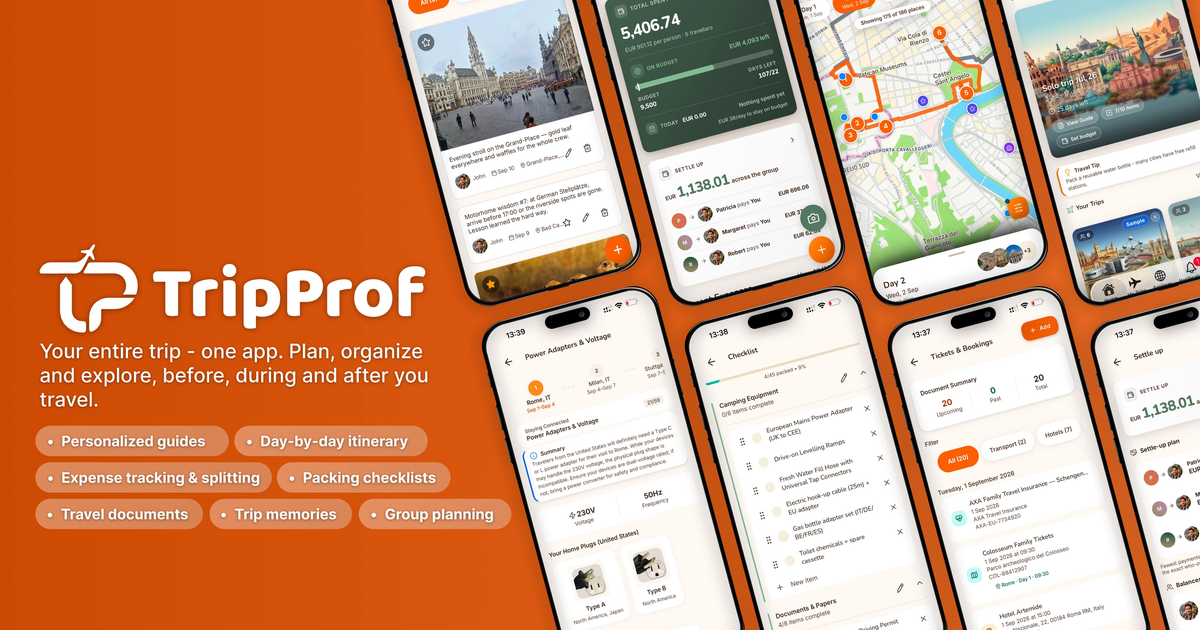

Trip planning app with an interactive globe, automatic route tracking, and shareable travel books
Alternatives to TripIt
View all →
The Verdict
AI-generated from listing dataTripIt excels at automatic email parsing and real‑time flight alerts, while Sygic Travel Maps shines with map‑based planning and AI suggestions; choose based on whether you prioritize itinerary automation or visual, AI‑driven trip design.
Key differences
- •TripIt auto‑imports travel confirmations from any email; Sygic requires manual entry or drag‑and‑drop of points of interest.
- •TripIt focuses on flight status, gate changes and loyalty‑program integration; Sygic offers AI‑generated attractions and offline map downloads.
- •TripIt shares read‑only itineraries; Sygic enables collaborative, editable trip links for group planning.
- •TripIt syncs with calendar apps (Google, Outlook, Apple); Sygic syncs with map services (Google Maps, Apple Maps) and exports to navigation apps.
- •Premium features: TripIt Pro ($49/yr) vs. Sygic’s subscription for unlimited itineraries (price not specified).
Pricing & value
TripIt Pro is $49/yr; Sygic’s premium price not disclosed, making TripIt’s cost clearer.
Ease of use / learning curve
Sygic’s drag‑and‑drop map interface is intuitive for visual planners; TripIt relies on email parsing which is less interactive.
Features & depth
Both offer core itinerary creation; TripIt adds flight alerts and loyalty integration, Sygic adds AI suggestions and offline maps.
Integrations & ecosystem
TripIt integrates with Google Calendar, Outlook, Apple Calendar and airline loyalty programs; Sygic only lists map services.
Collaboration
Sygic supports editable shared links for group planning; TripIt only offers read‑only sharing.
Support
Both provide email and help‑center support; TripIt adds ticket system, Sygic adds community forum.
Security & privacy
Neither product specifies security or privacy details in the provided facts.
Choose Sygic Travel Maps if…
Travel planners who want visual map design, AI suggestions, and group collaboration.
Choose TripIt if…
Frequent flyers needing automatic flight updates and calendar sync.
Common questions
Can I use the free tier for basic trip planning?
Yes, both TripIt and Sygic offer freemium tiers that cover basic itinerary creation.
Which tool works offline?
Both support offline use: TripIt lets you view saved itineraries; Sygic lets you download maps and itineraries.
Do either tools integrate with my existing calendar?
TripIt syncs with Google, Outlook, and Apple calendars; Sygic does not list calendar integrations.