


AI Christmas Photo Generator
Christmas photos from a selfie. Upload one, pick a festive style, and get card-ready portraits before your coffee gets cold.
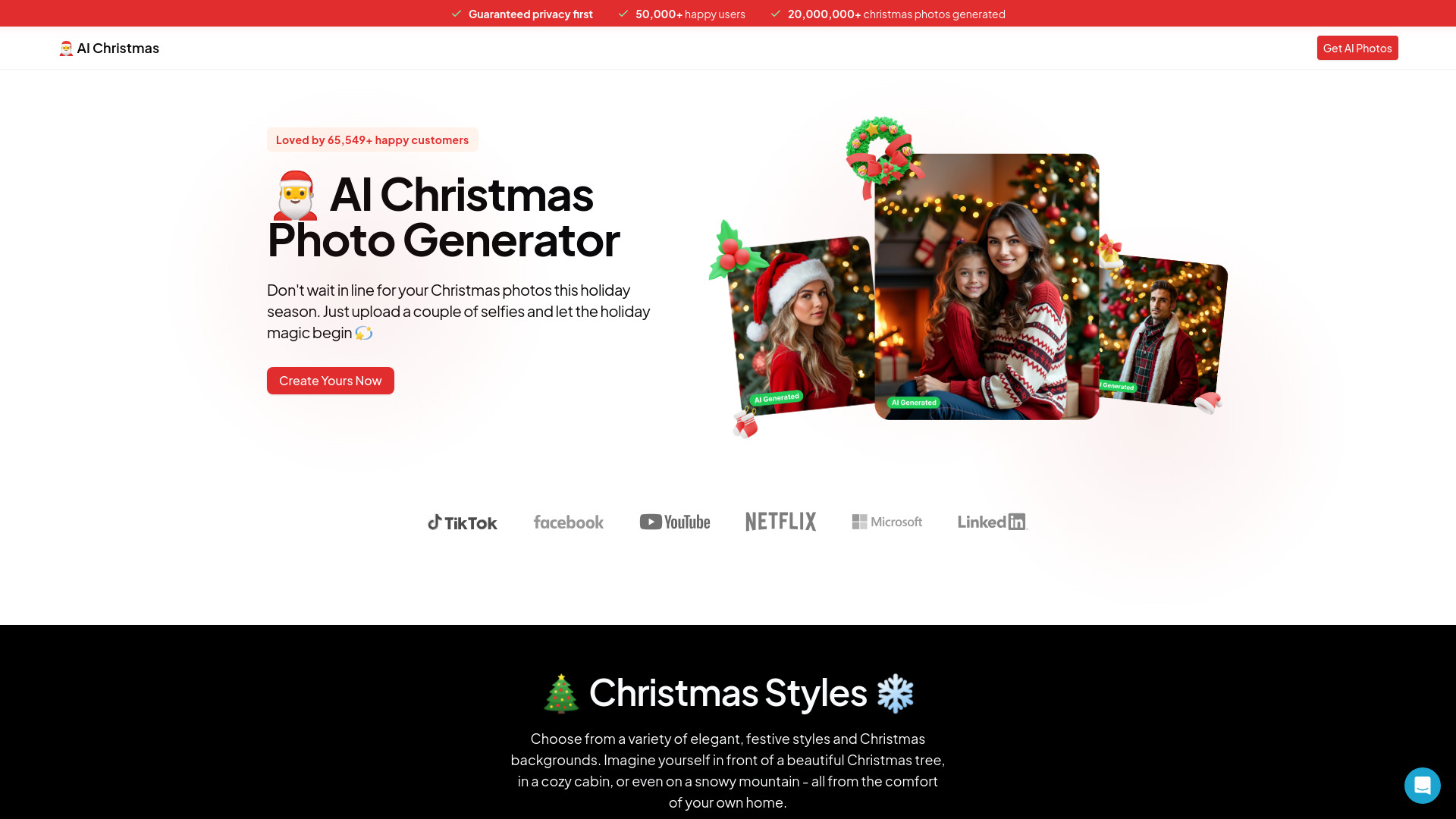
What is AI Christmas Photo Generator?
AI Christmas Photo Generator lets users upload one to three selfies, choose a festive style, and generate high-resolution Christmas portraits—up to 4K—in about a minute per photo. It markets itself as a fast, convenient alternative to a traditional photo studio, with no subscription and pay-per-credit pricing.
SpecificationsAI-estimated
Key Features of AI Christmas Photo Generator
Use Cases for AI Christmas Photo Generator
Christmas cards
Generate card-ready festive portraits for family and friends.
Gifts
Create personal AI holiday portraits to send as gifts or include in stockings.
Family chat photos
Share fun, polished holiday images in family group chats.
Social media content
Use generated images for social media profile pictures or holiday posts.
LinkedIn and work
Use professional-looking AI headshots for work profiles, resumes, speaker bios, and company pages.
How to use AI Christmas Photo Generator?
Upload a few selfies
One to three clear photos from your phone. No Santa hat required.
Pick a festive look
Fireside, Santa, snowy market, vintage card. Choose the scene you want to be in.
Download and send
High-resolution portraits, ready for Christmas cards, gifts, and the family chat.
Pros & Cons of AI Christmas Photo Generator
Pros
- Fast and convenient — no studio booking or travel
- Free trial with 5 credits, no credit card
- No subscription required
- Affordable starting at $9.99
- High-resolution output up to 4K
- Clear privacy policy: selfies not used to train a shared model
- 14-day refund policy
- Commercial use allowed for LinkedIn, resumes, bios, and print
Cons
- Limited to Christmas/holiday themes on this page
- Requires uploading selfies to an AI service
- AI likeness depends on quality and angles of input photos
- After 5 free credits, paid packs start at $9.99
- No mention of a dedicated mobile app
Frequently Asked Questions
How many selfies do I need?
One clear selfie is enough; two or three with different angles and lighting give a closer likeness.
How long does it take?
Usually under a minute per photo once a style is selected.
Is it free to try?
Yes. New accounts get 5 free credits, and one credit makes one photo. After that, credit packs start at $9.99, paid once.
Do I need a subscription?
No. You buy credits once and use them when you need them.
Can I use the photos on LinkedIn and at work?
Yes. Photos are yours to use personally or commercially: LinkedIn, resumes, company pages, speaker bios, and print.
What happens to my selfies?
They are used to make your photos and nothing else. They are not used to train a shared model, and you can delete a photo, a person, or your whole account at any time.
What if I don't like the results?
If none of the photos work for you, email within 14 days of purchase for a full refund.
Pricing Overview
View full pricing →No explicit pricing tiers or dollar amounts are present in the page content.
Detailed plans are not listed. Visit the official website for pricing information.
Reviews & Ratings0.0
No reviews yet. Be the first to write one!
Top Alternatives & Similar Software
View all alternatives & similar software→No alternatives available yet.
People also viewed


Related searches
About the Product
Is this your tool?
Claim this page to update details, reply to user reviews, and drive more traffic to your product.
Claim this Product →
Tags
Explore Related Topics
Keep up with AI Christmas Photo Generator alternatives
New alternatives, pricing changes and the week's biggest movers - one email every Tuesday.