



AI Clothes Changer
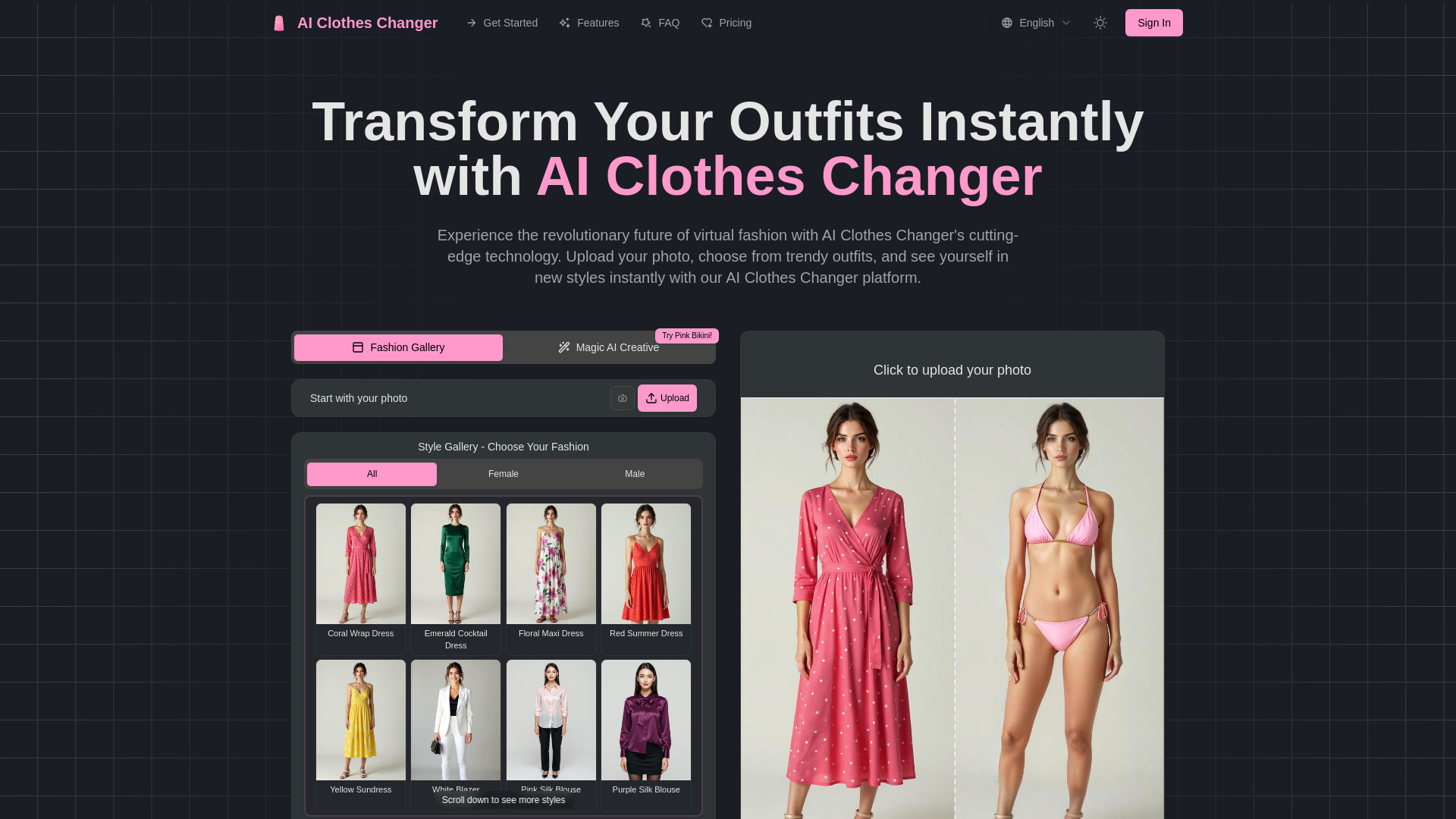
Transform your outfits instantly with AI Clothes Changer
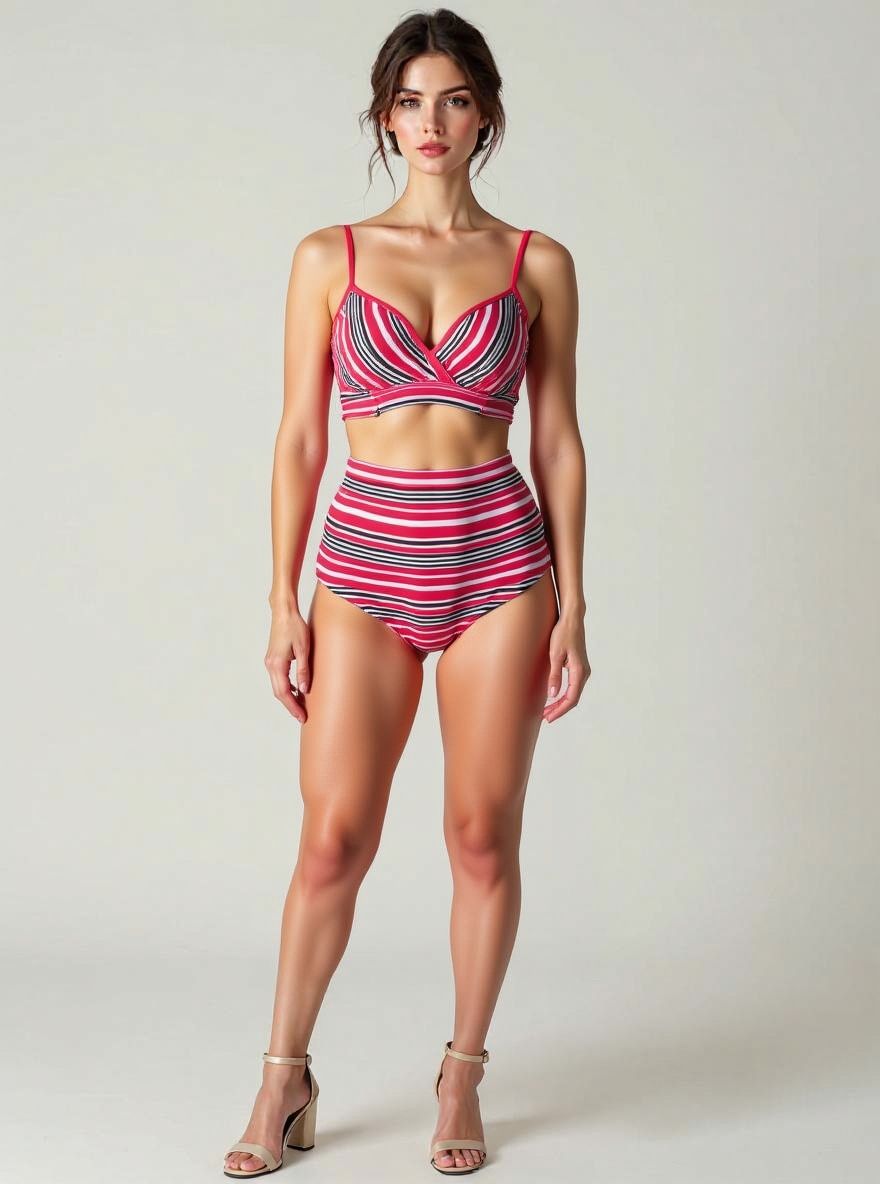
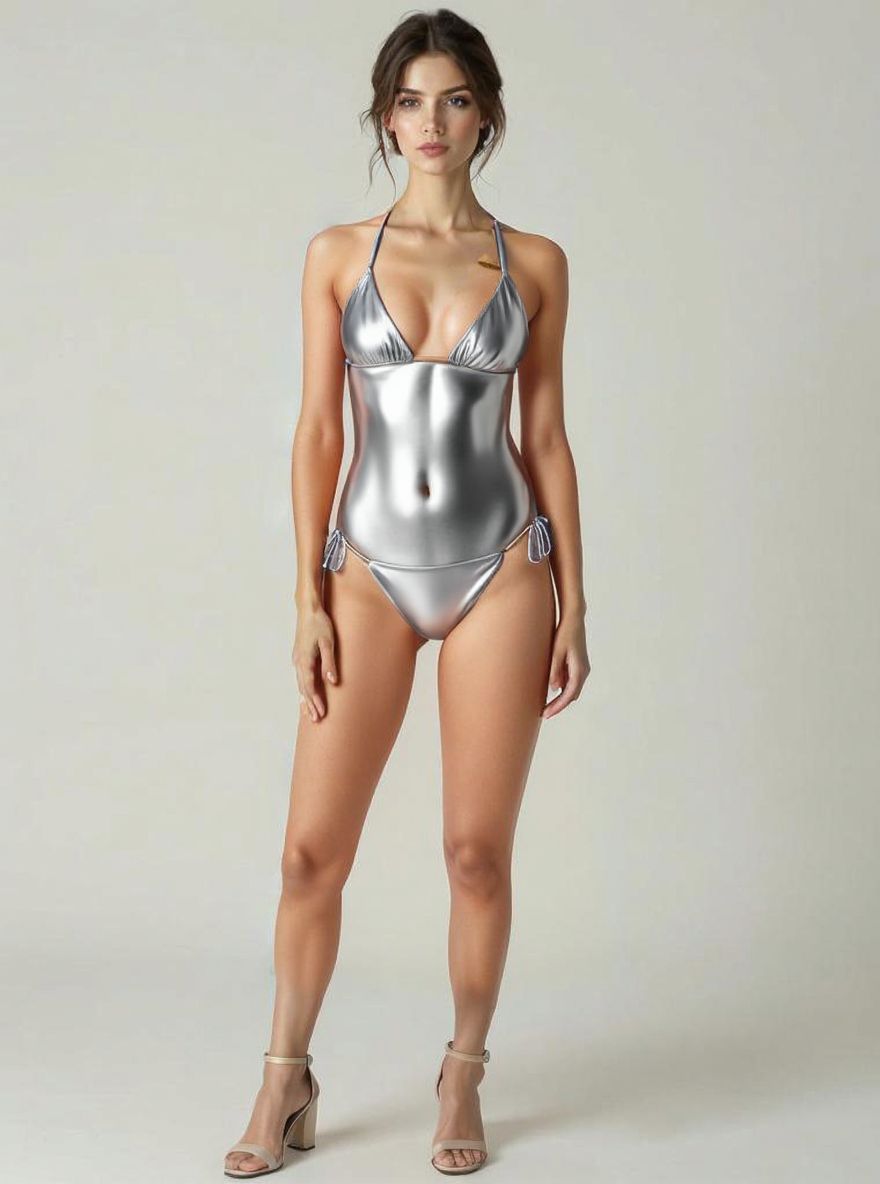
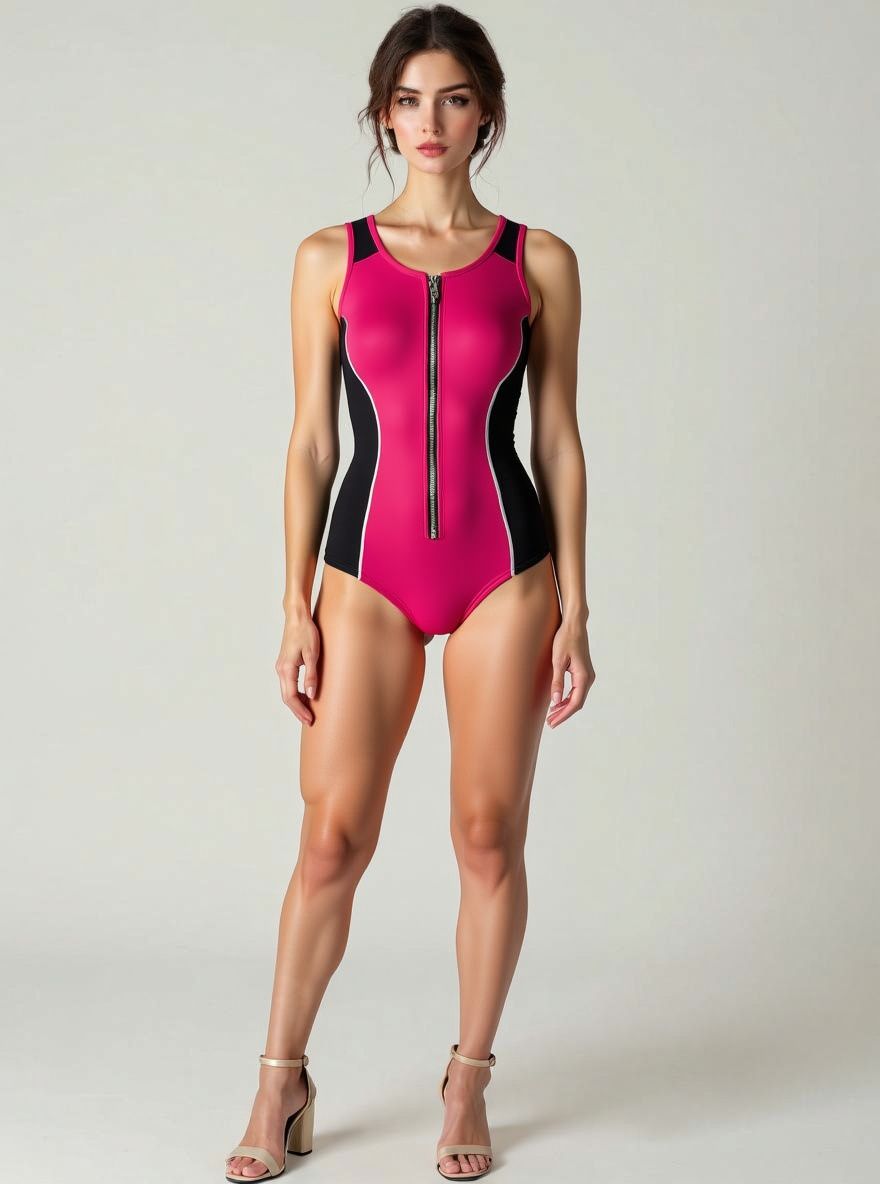
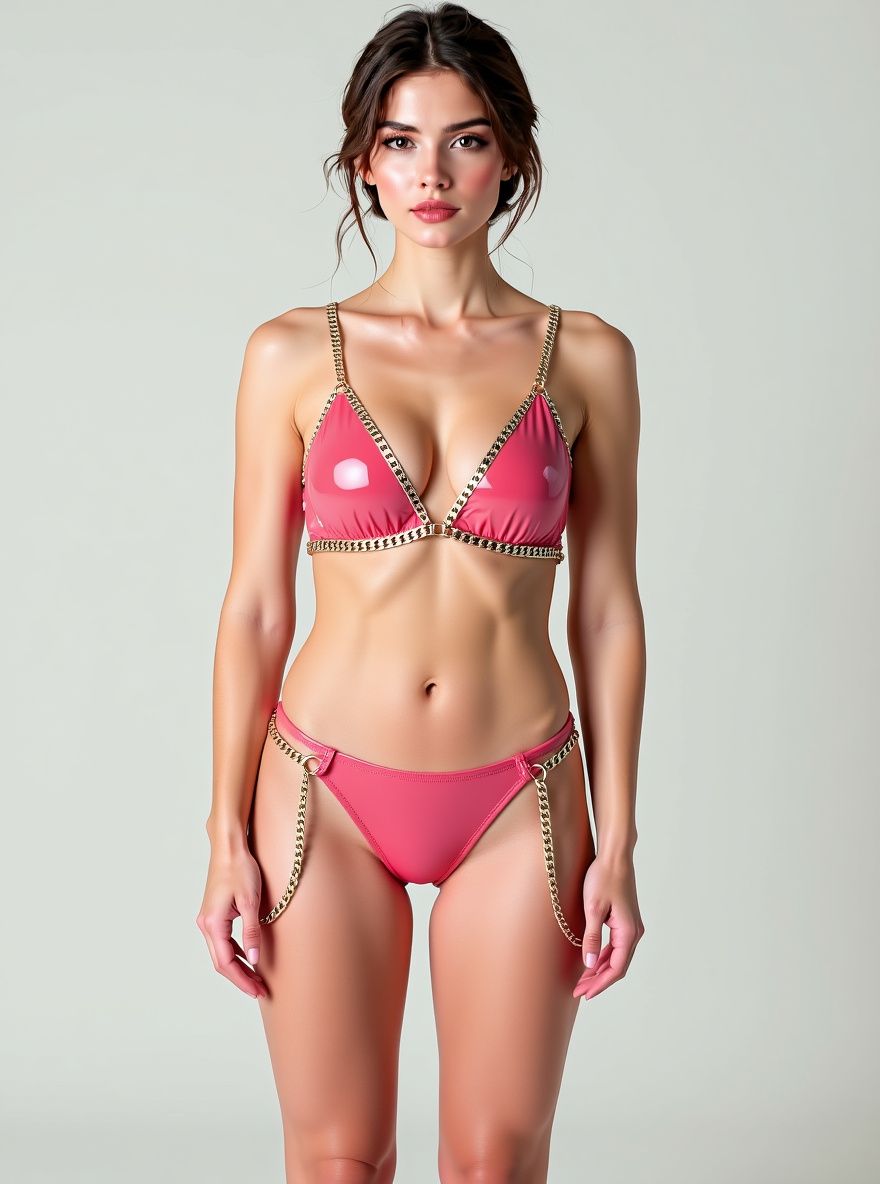
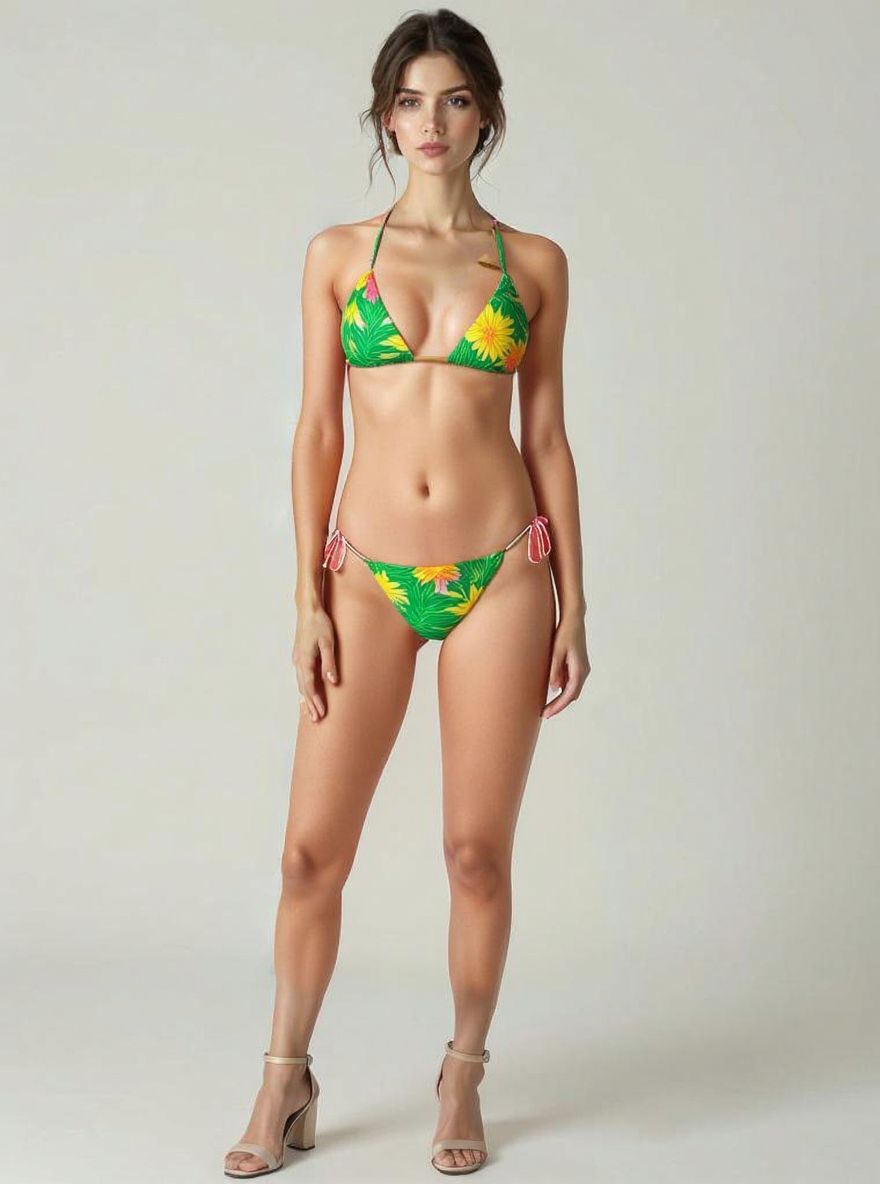
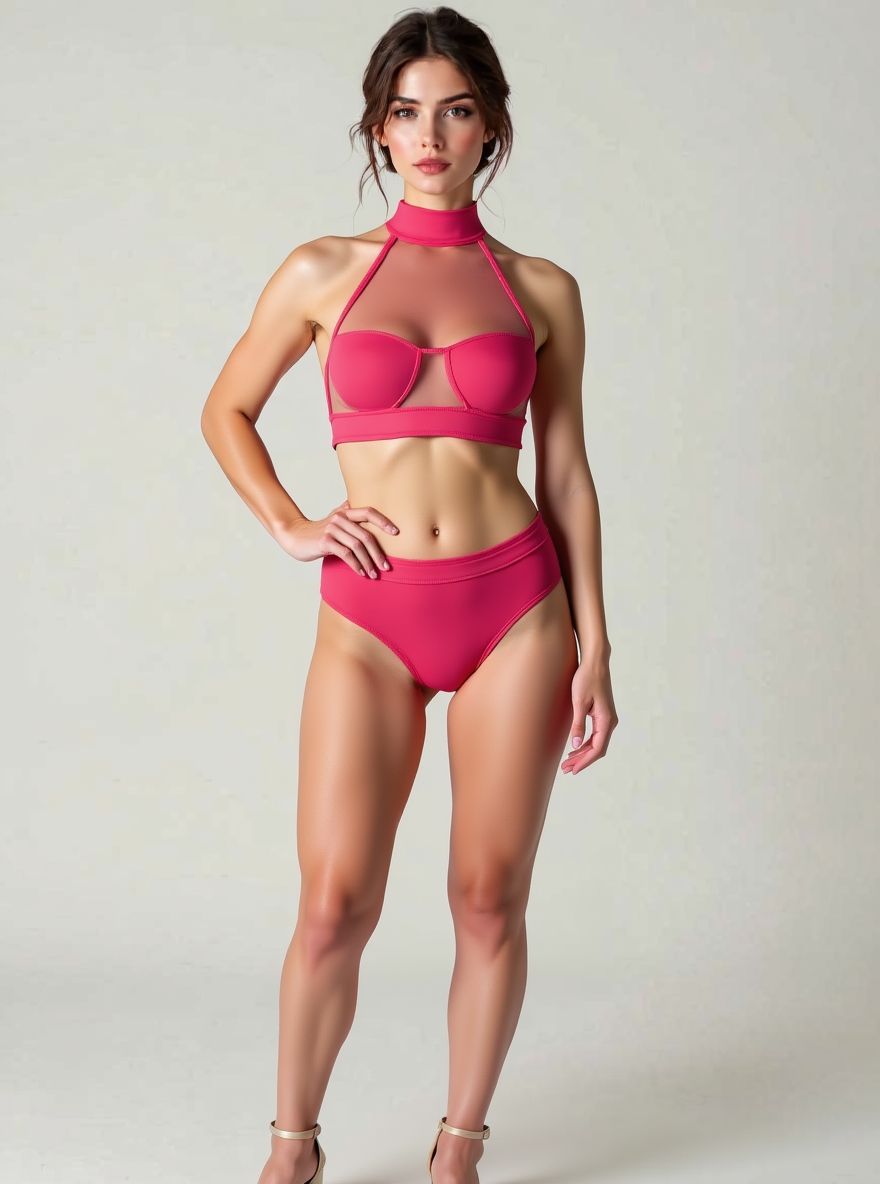
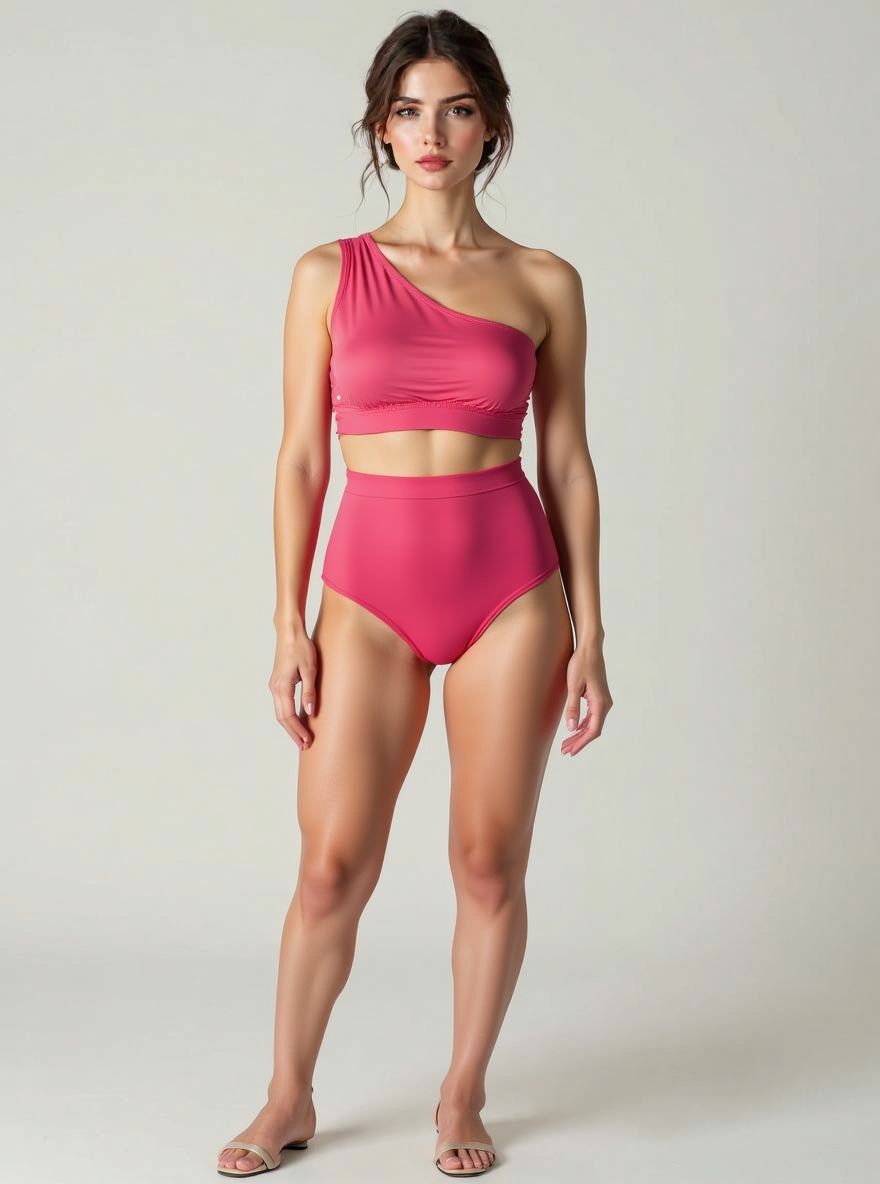
What is AI Clothes Changer?
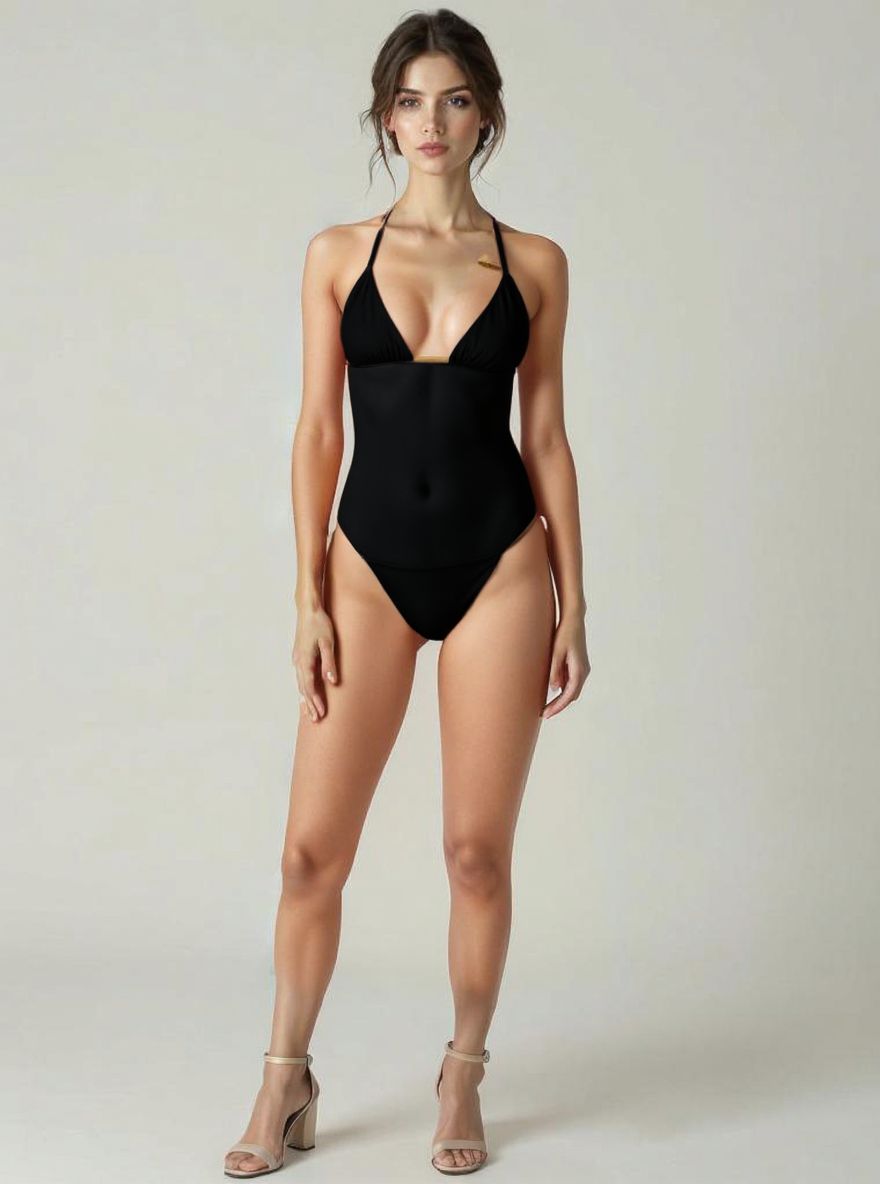
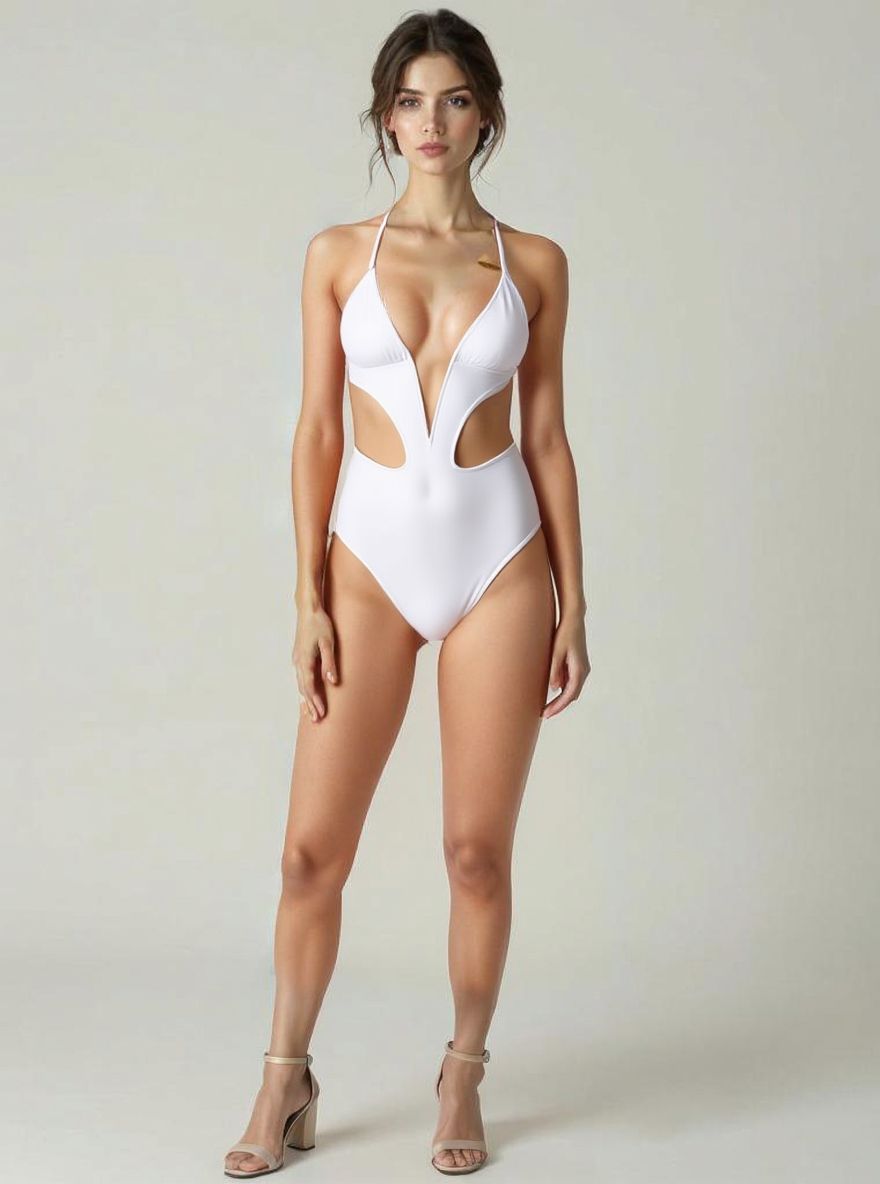
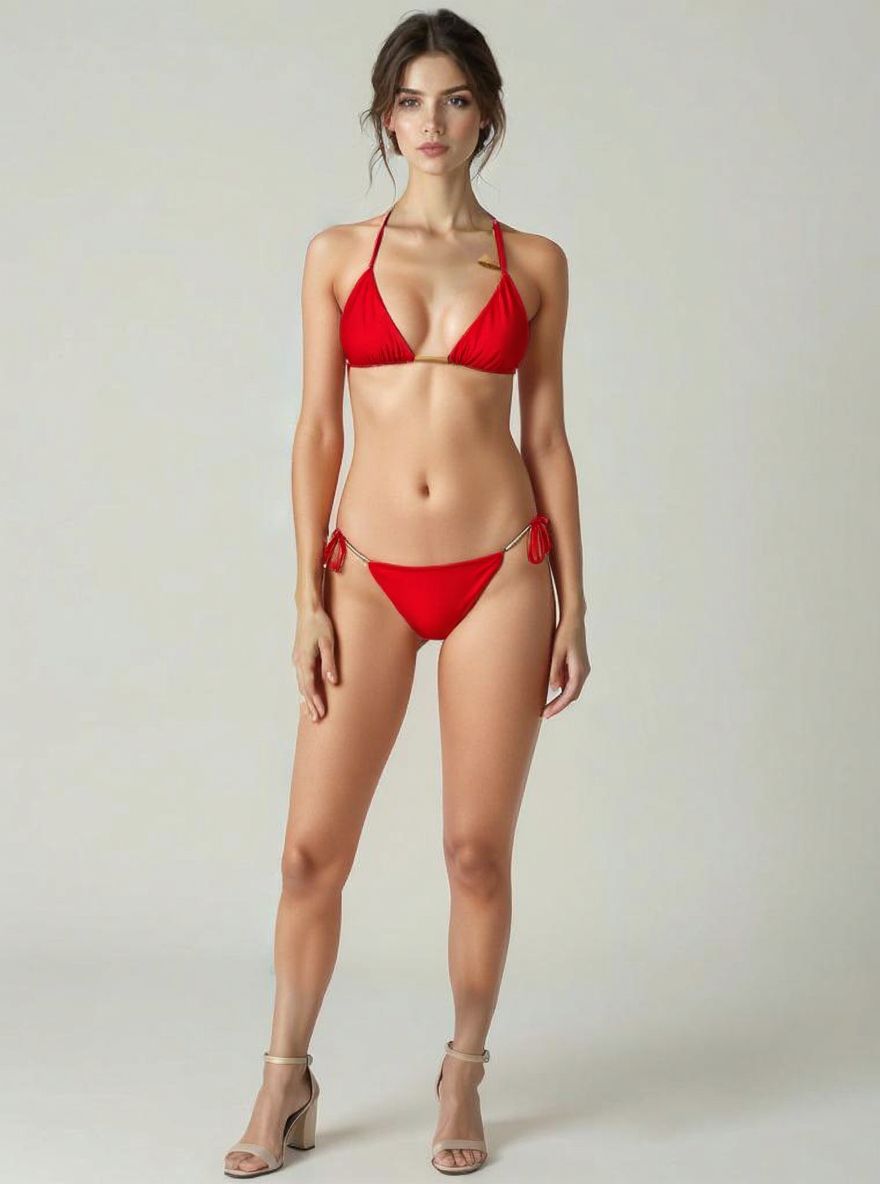
AI Clothes Changer is a free online virtual outfit editor and AI clothes-swapping platform. It allows users to upload a photo and either pick from 500+ curated fashion styles, upload their own clothing photo for a custom AI try-on, or use creative prompts and reference images to transfer clothing/pose and redesign their look.
SpecificationsAI-estimated
Key Features of AI Clothes Changer
Use Cases for AI Clothes Changer
Virtual Fashion Try-On
Try different outfits virtually before purchasing, saving time and money without shipping or returns.
E-Commerce and Retail
Online retailers can reduce return rates by letting customers see products on themselves before buying.
Content Creation
Fashion bloggers and influencers can create outfit photos without buying or physically styling clothing.
Personal Styling
Stylists can show clients how store-bought items look on them from the office.
Fashion Design and Portfolio
Designers can upload their own clothing designs and visualize them on real people without physical prototypes.
How to use AI Clothes Changer?
Start with your photo
Upload a clear, full-body photo with visible clothing.
Choose a transformation mode
Select from the Fashion Gallery, upload your own outfit, or use AI style transfer and creative prompts.
Get your transformed image
Receive a high-quality 2K outfit-transformed photo in seconds.
Pros & Cons of AI Clothes Changer
Pros
- Free trial credits for new users
- 500+ curated fashion templates
- Custom outfit upload for realistic AI try-on
- AI style transfer and creative prompt support
- 2K high-quality output
- Fast processing under 10 seconds
- Privacy-focused with encrypted processing and no unauthorized photo storage
- Generated images can be used commercially
Cons
- Best results require a clear, full-body, front-facing photo
- Limited free trial — only one complimentary transformation for new users
- Content may be heavily oriented toward swimwear and fashion categories
Frequently Asked Questions
How does the custom outfit upload work?
Upload your photo and a separate clothing photo. The AI analyzes both images and dresses you in the uploaded outfit while preserving your pose, face, hair, and background.
How accurate are the virtual try-ons?
The AI delivers highly accurate, 2K-resolution results that maintain body proportions, lighting, and natural detail. Best results come from clear, well-lit, front-facing photos.
What's the difference between the three modes?
Fashion Gallery lets you pick from 500+ curated outfit templates. My Outfit lets you upload any clothing photo for a custom AI try-on. Creative Studio lets you upload a reference image for style transfer or describe a style change with a custom prompt.
How is my privacy protected?
Photos are processed securely and never stored without permission. Enterprise-grade encryption is used for all data transmission.
Can I use the generated images commercially?
Yes, all transformed images are available for both personal and commercial use, free from copyright restrictions.
Do new users get a free trial?
Yes. New registered users receive free credits for one complimentary transformation.
Pricing Overview
View full pricing →$0 – Free to use
Reviews & Ratings0.0
No reviews yet. Be the first to write one!
Top Alternatives & Similar Software
View all alternatives & similar software→

People also viewed


Related searches
About the Product
Is this your tool?
Claim this page to update details, reply to user reviews, and drive more traffic to your product.
Claim this Product →
Tags
Explore Related Topics
Keep up with AI Clothes Changer alternatives
New alternatives, pricing changes and the week's biggest movers - one email every Tuesday.