



AI Photo Enhancer
A free, one-click AI tool that sharpens, denoises, upscales, and restores photos to crisp, high-quality results online.

What is AI Photo Enhancer?
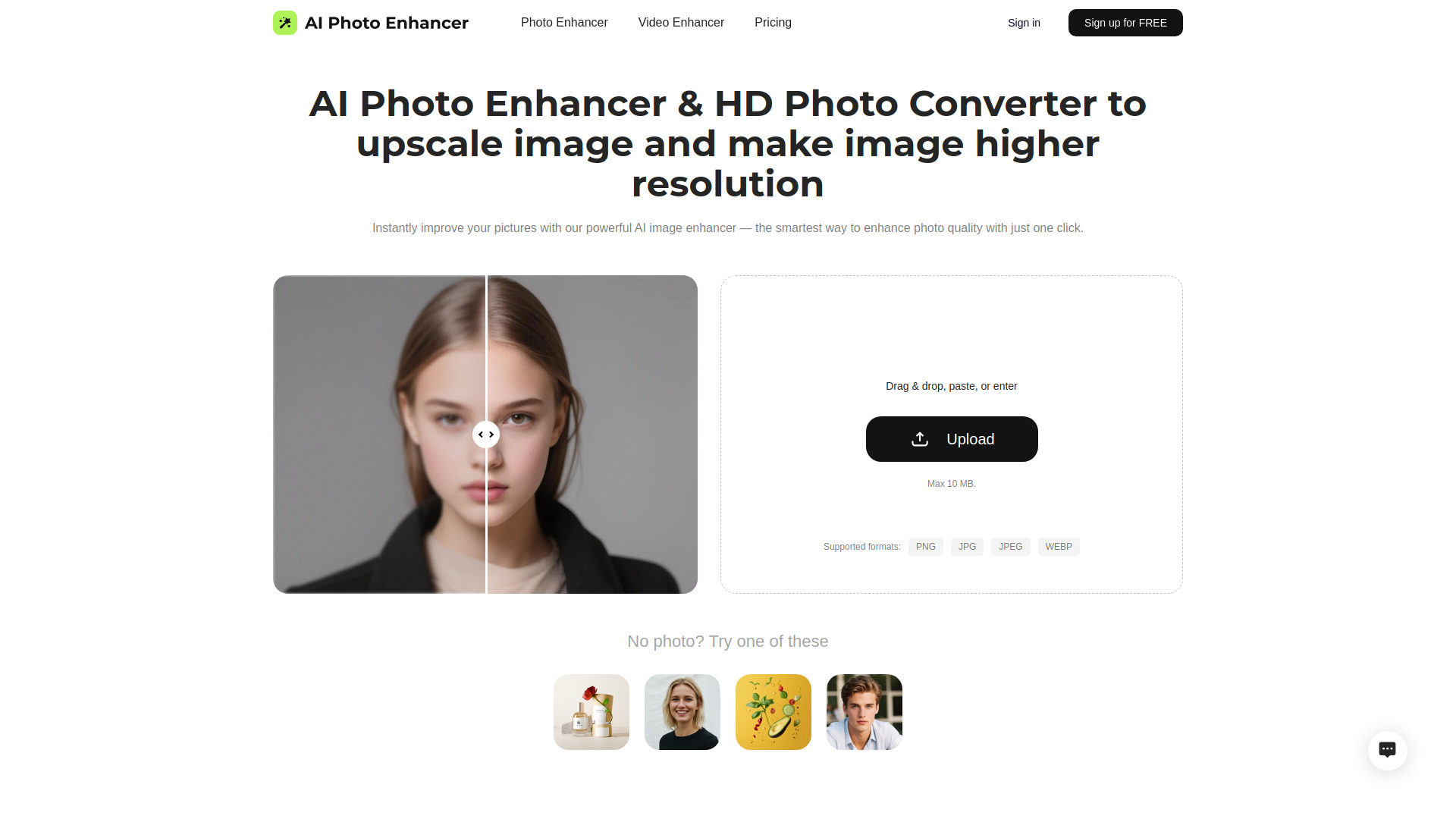
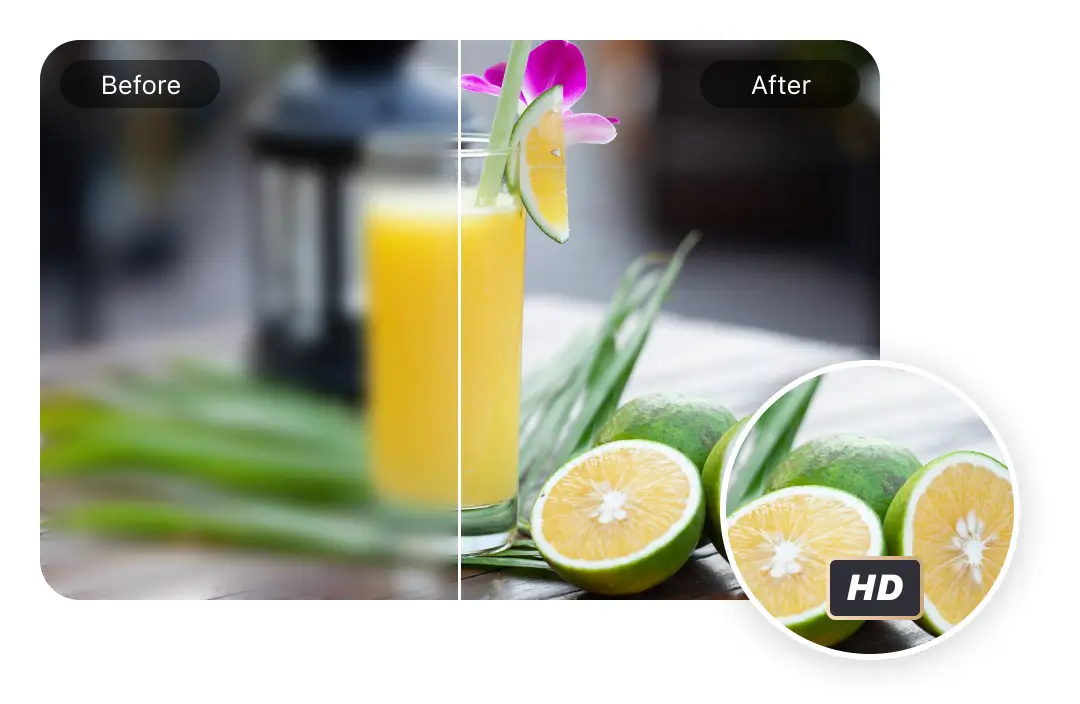
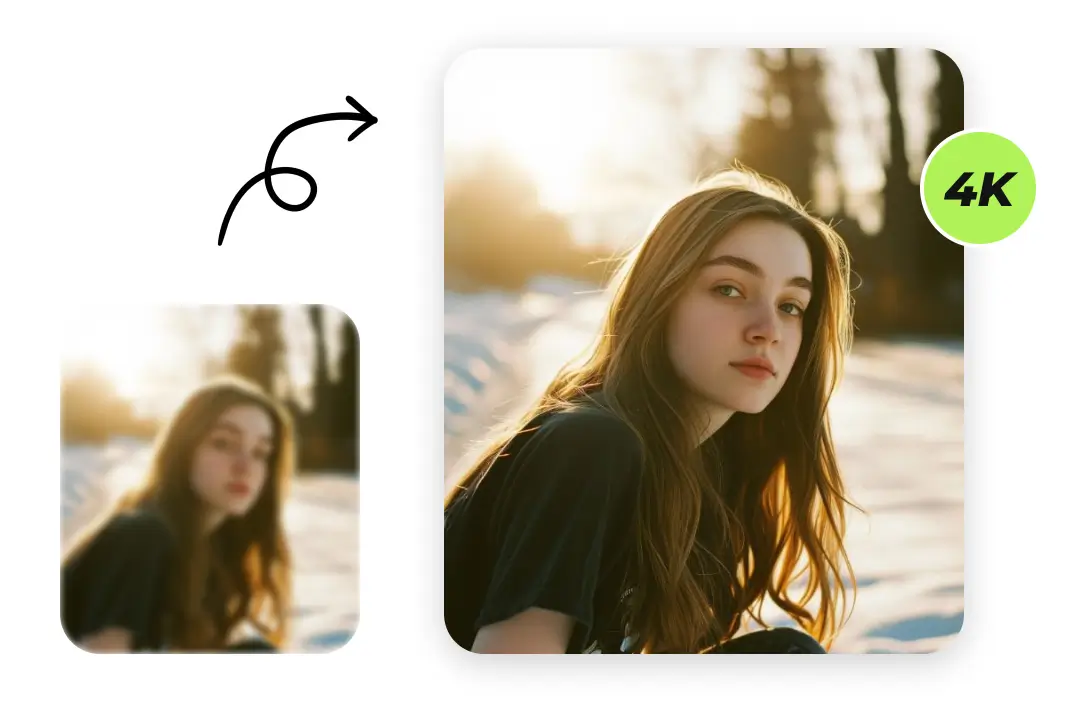
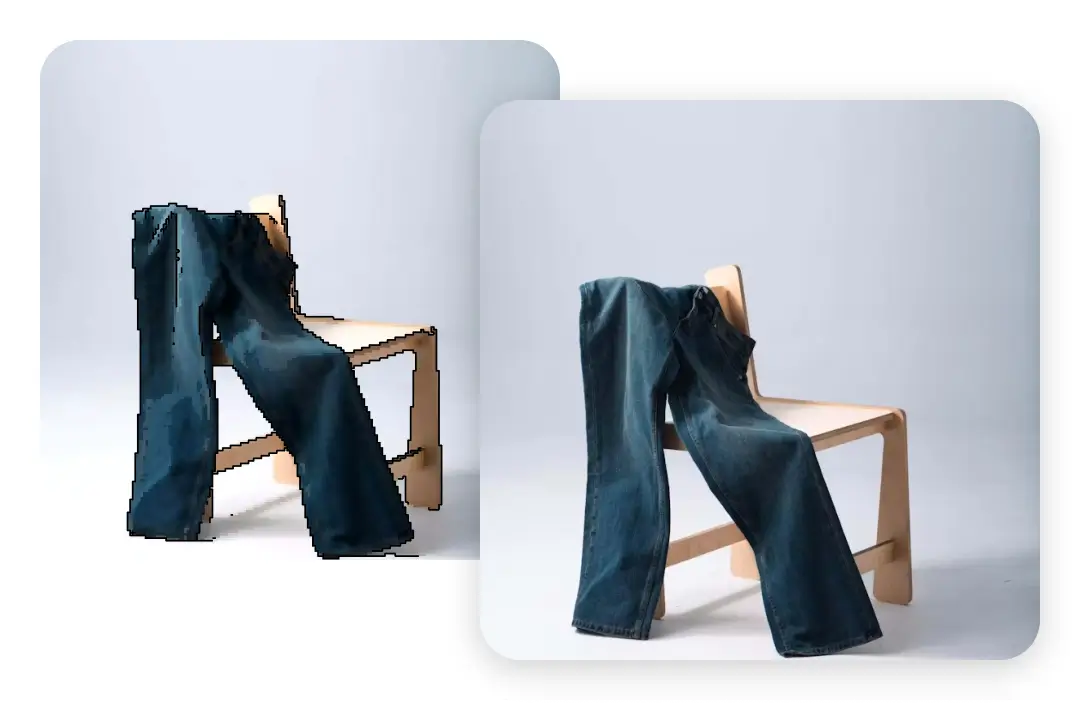
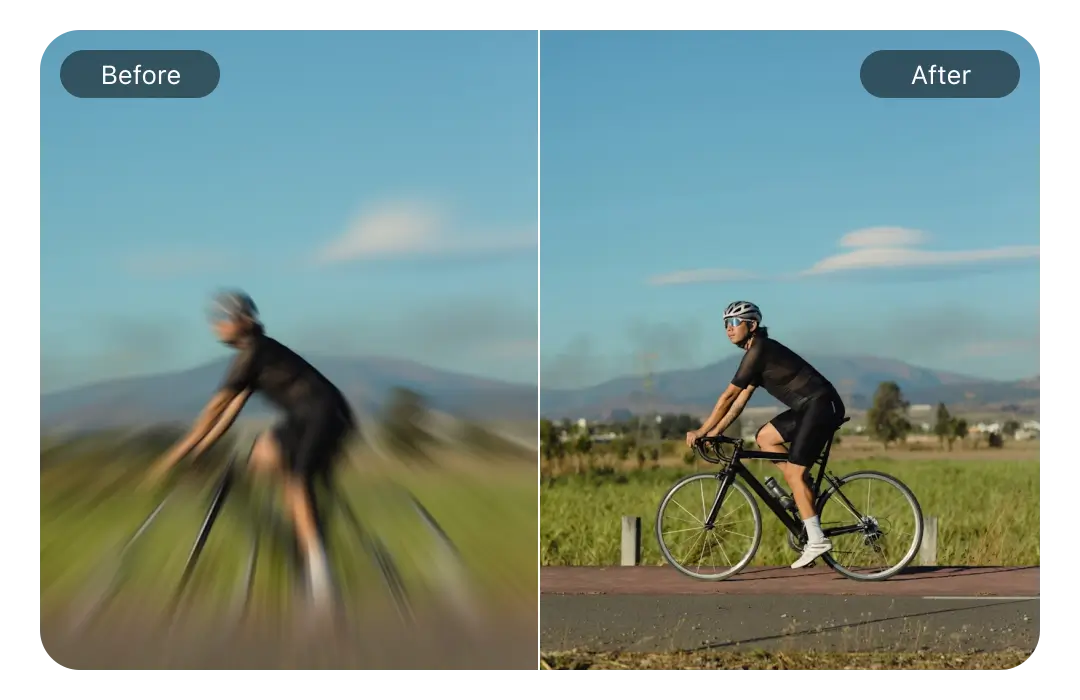
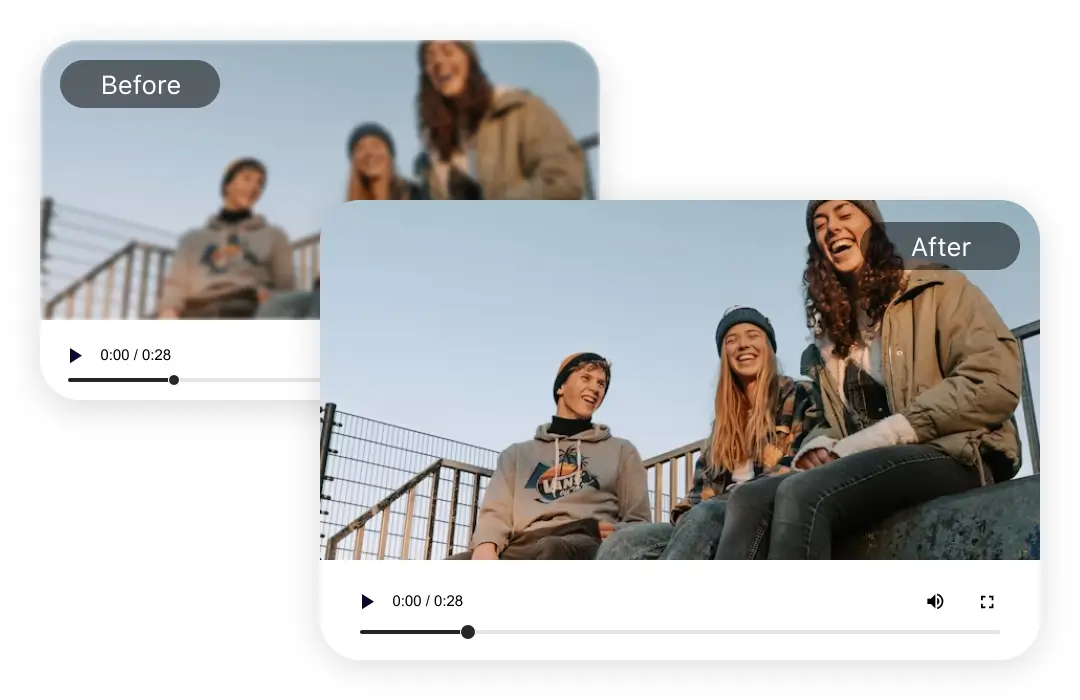
AI Photo Enhancer is a free, browser-based image enhancement tool that uses artificial intelligence to sharpen, denoise, upscale, color-correct, and restore photos with a single click. Users simply drag and drop, paste, or enter an image (PNG, JPG, JPEG, or WEBP, up to 10 MB), and the AI engine automatically improves clarity, edges, textures, and tones. It is also marketed as an HD photo converter and 4K AI image upscaler, positioning it as a quick, accessible alternative to manual editing in traditional desktop photo editors. The tool covers a broad range of common photo problems. Blurry shots can be refined and edge definition restored, grainy or low-light images can have digital noise reduced while keeping textures natural, and low-resolution pictures can be upscaled toward 4K for prints, presentations, or digital projects. Dull or poorly lit photos can be revived through automatic adjustments to tone, saturation, and contrast, and damaged or old pictures can have missing or blurry pixel detail reconstructed. The site also advertises an AI video enhancer for upgrading footage to 4K. The product is aimed at general consumers, hobbyists, and anyone who needs fast photo restoration or improvement without editing skills, including people digitizing family albums, meme creators, portrait and landscape photographers, and small businesses preparing product images. Its one-click workflow, free online access, and batch upload support make it especially suited to users who value speed and simplicity over granular control.
SpecificationsAI-estimated
Key Features of AI Photo Enhancer
Use Cases for AI Photo Enhancer
Old Photo Restoration
Digitize and restore faded, scratched, or blurry family photos and albums in seconds.
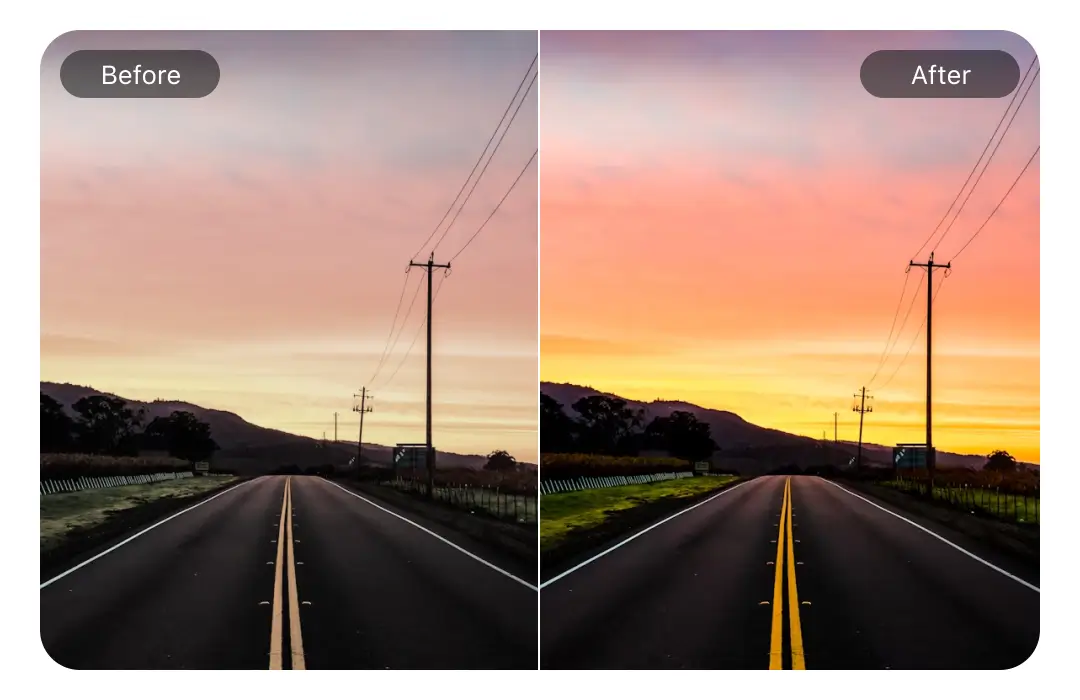
Landscape Color Enhancement
Boost vibrancy and contrast in nature and travel shots without manual editing.
Night and Low-Light Brightening
Recover detail and brightness in dark photos taken in low light.
Portrait Touch-Ups
Sharpen soft facial features and subtle textures while keeping a natural look.
Meme and Social Image Restoration
Clean up blurry memes and low-quality images for sharing online.
Print and Presentation Upscaling
Increase resolution of small images so they look crisp in prints and slides.
How to use AI Photo Enhancer?
Upload your photo
Drag and drop, paste, or enter an image in PNG, JPG, JPEG, or WEBP format up to 10 MB. Multiple files can be uploaded at once.
Run the AI enhancement
Click the 'Enhance Photo Now' button and let the AI sharpen, denoise, upscale, and color-correct the image automatically.
Download your result
Choose your preferred size and format and download the enhanced photo for web, print, or sharing.
Pros & Cons of AI Photo Enhancer
Pros
- One-click, no-skills-required workflow that delivers results in seconds
- Covers a wide range of fixes in one tool: sharpening, noise reduction, upscaling, color correction, and pixel restoration
- Free to use online with no software installation required
- Supports batch uploads and multiple download sizes and formats
Cons
- Free tier and output limits are not clearly detailed on the landing page
- Limited to 10 MB input files in PNG, JPG, JPEG, and WEBP formats
- Offers little manual control over the enhancement settings compared with full-featured editors
- Heavy AI processing can occasionally produce artificial-looking textures on very damaged images
Frequently Asked Questions
Is the AI Photo Enhancer free to use?
Yes, the tool is advertised as free to use online, though the site does not detail any paid tiers or limits on the landing page.
What image formats are supported?
The tool accepts PNG, JPG, JPEG, and WEBP files up to 10 MB in size.
Can it upscale images to 4K?
Yes, the site advertises AI upscaling to 4K resolution for low-resolution images.
Does it work on old or damaged photos?
Yes, it is designed to restore faded colors, scratches, blur, and missing pixel detail in old or damaged pictures.
Can I enhance multiple photos at once?
Batch upload is supported, allowing several files to be processed together.
Does it include video enhancement?
The site also promotes an AI video enhancer that upgrades footage to 4K, separate from the photo tool.
Pricing Overview
View full pricing →The page describes the AI Photo Enhancer as free to use online and offers a free sign-up, but lists no explicit paid plans or prices in the provided content.
Detailed plans are not listed. Visit the official website for pricing information.
Reviews & Ratings0.0
No reviews yet. Be the first to write one!
Top Alternatives & Similar Software
View all alternatives & similar software→No alternatives available yet.
People also viewed

Related searches
Is this your tool?
Claim this page to update details, reply to user reviews, and drive more traffic to your product.
Claim this Product →
Tags
Explore Related Topics
Keep up with AI Photo Enhancer alternatives
New alternatives, pricing changes and the week's biggest movers - one email every Tuesday.