


AI Photo Restorer
A free AI-powered tool that restores, sharpens, and upscales old or damaged photos in seconds.
What is AI Photo Restorer?
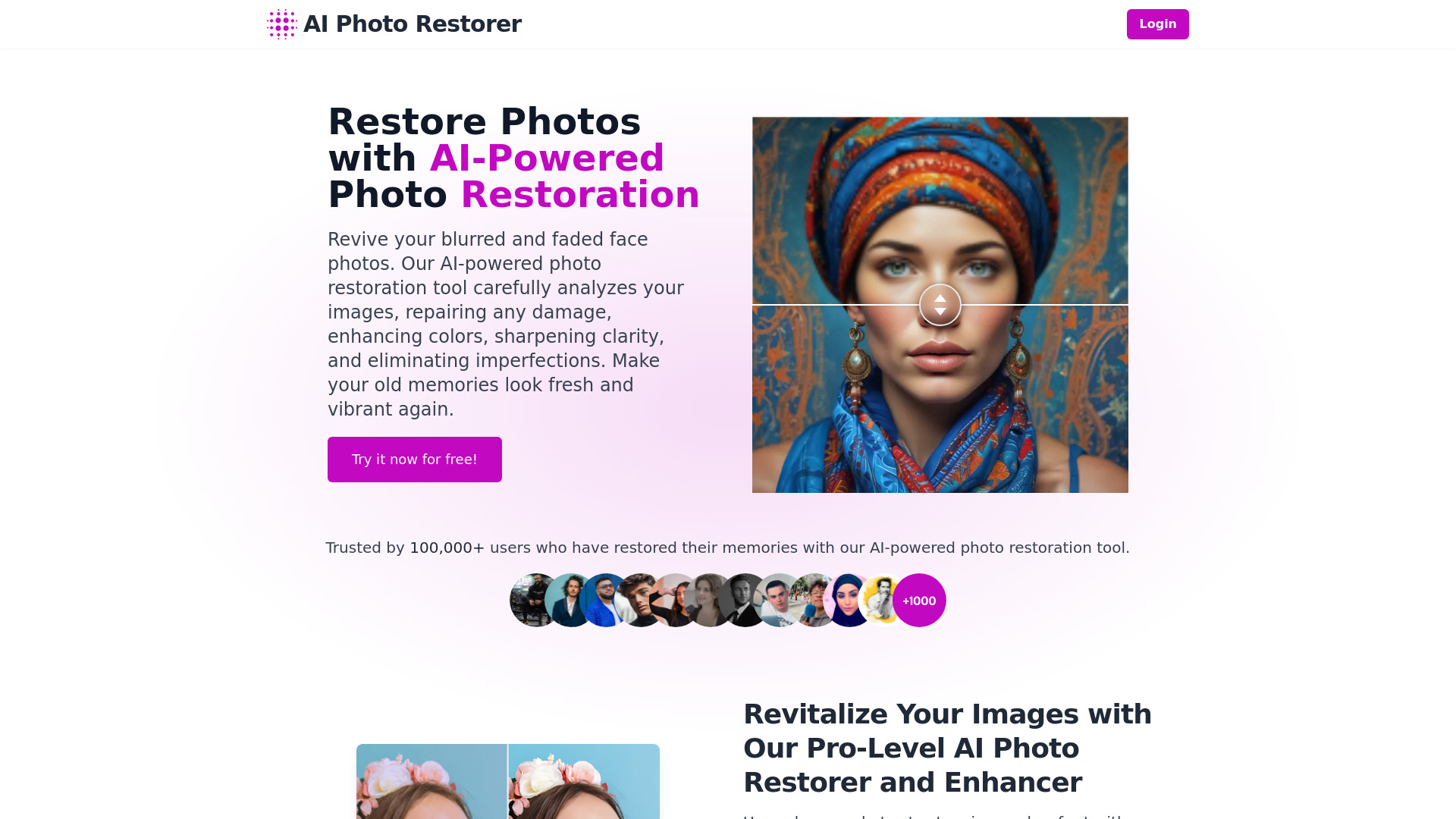
AI Photo Restorer is a free online tool that restores, enhances, and upscales old, faded, blurred, or damaged photos using artificial intelligence. Users upload an image and the platform analyzes it, repairing scratches, tears, and discoloration, sharpening detail, correcting colors, and removing imperfections. The service is positioned as a fast, browser-based alternative to manual retouching, with results typically produced in seconds. Beyond restoration, the tool offers AI-driven upscaling of up to 4x the original resolution. Rather than simply stretching pixels, it claims to combine information from multiple low-resolution versions to reconstruct finer detail, making images suitable for wallpapers, prints, and advertising. A dedicated portrait enhancer focuses on faces, improving clarity in hair, eyes, and skin while boosting overall resolution and detail. The product is aimed at families preserving historical or sentimental photographs, photographers and retouchers looking for a quick first pass, and anyone with low-quality snapshots they want to revive. A limited number of free credits is provided on signup, with additional credits available for purchase, making it accessible to casual users while still serving professionals who need batch-style enhancement.
SpecificationsAI-estimated
Key Features of AI Photo Restorer
Use Cases for AI Photo Restorer
Restoring family heirlooms
Revive faded or damaged old family photographs so they can be preserved and shared with relatives.
Enhancing low-resolution snapshots
Upscale small or compressed phone photos to print at larger sizes without obvious pixelation.
Portrait retouching
Sharpen faces and improve skin and hair detail for personal or professional portraits.
Creating high-resolution wallpapers
Turn small landscape or wildlife images into high-resolution desktop or mobile wallpapers.
Preparing images for advertising
Boost product or promotional photos to a resolution suitable for print and digital ad placements.
Quick pre-retouch cleanup
Photographers and retouchers can use the tool for a fast first-pass restoration before manual editing.
How to use AI Photo Restorer?
Sign up for free credits
Create an account to receive a limited number of free restoration credits.
Upload your photo
Choose the old, damaged, or low-resolution image you want to restore or enhance.
Select the enhancement type
Pick restoration, upscaling up to 4x, or portrait enhancement depending on your needs.
Let the AI process the image
The tool analyzes the photo and repairs damage, corrects colors, and sharpens details, usually within seconds.
Download the result
Review the restored image and download the enhanced version for printing or sharing.
Pros & Cons of AI Photo Restorer
Pros
- Free starting credits let users test restoration on real photos before paying
- Handles multiple damage types including scratches, fading, blur, and discoloration
- Upscaling up to 4x makes images usable for prints, wallpapers, and ads
- Dedicated portrait enhancement improves faces and skin detail
- Fast, browser-based workflow requiring no software installation or technical skills
Cons
- Heavily damaged or severely degraded photos may still produce imperfect reconstructions
- Claims of multi-image detail reconstruction are not independently verified
- Credit-based pricing means heavy users must pay for additional restorations
Frequently Asked Questions
Can AI photo restoration restore old photos?
Yes. The tool enhances details and colors and removes scratches, dust, and other damage that accumulates over time.
How long does restoration take?
Most restorations finish within a few seconds. Larger or more heavily damaged images may take a little longer.
Is the service free?
A limited number of free credits are provided when you sign up. Additional restorations require purchasing more credits.
What kinds of damage can be fixed?
Color fading, discoloration, scratches, tears, blur, and loss of detail can typically be addressed.
Can severely damaged photos be restored?
The AI can reconstruct missing detail and repair tears, though results on extremely degraded images may vary.
How much can an image be upscaled?
Images can be enhanced up to 4x their original resolution for prints, wallpapers, and ads.
Pricing Overview
View full pricing →The page describes the AI photo restorer as a free online tool, but no specific plans or dollar amounts are listed in the content.
Detailed plans are not listed. Visit the official website for pricing information.
Reviews & Ratings0.0
No reviews yet. Be the first to write one!
Top Alternatives & Similar Software
View all alternatives & similar software→No alternatives available yet.
People also viewed


Related searches
Is this your tool?
Claim this page to update details, reply to user reviews, and drive more traffic to your product.
Claim this Product →
Tags
Explore Related Topics
Keep up with AI Photo Restorer alternatives
New alternatives, pricing changes and the week's biggest movers - one email every Tuesday.