


AI Video Maker
Free AI Video Maker for Text, Images and Native Sound
What is AI Video Maker?
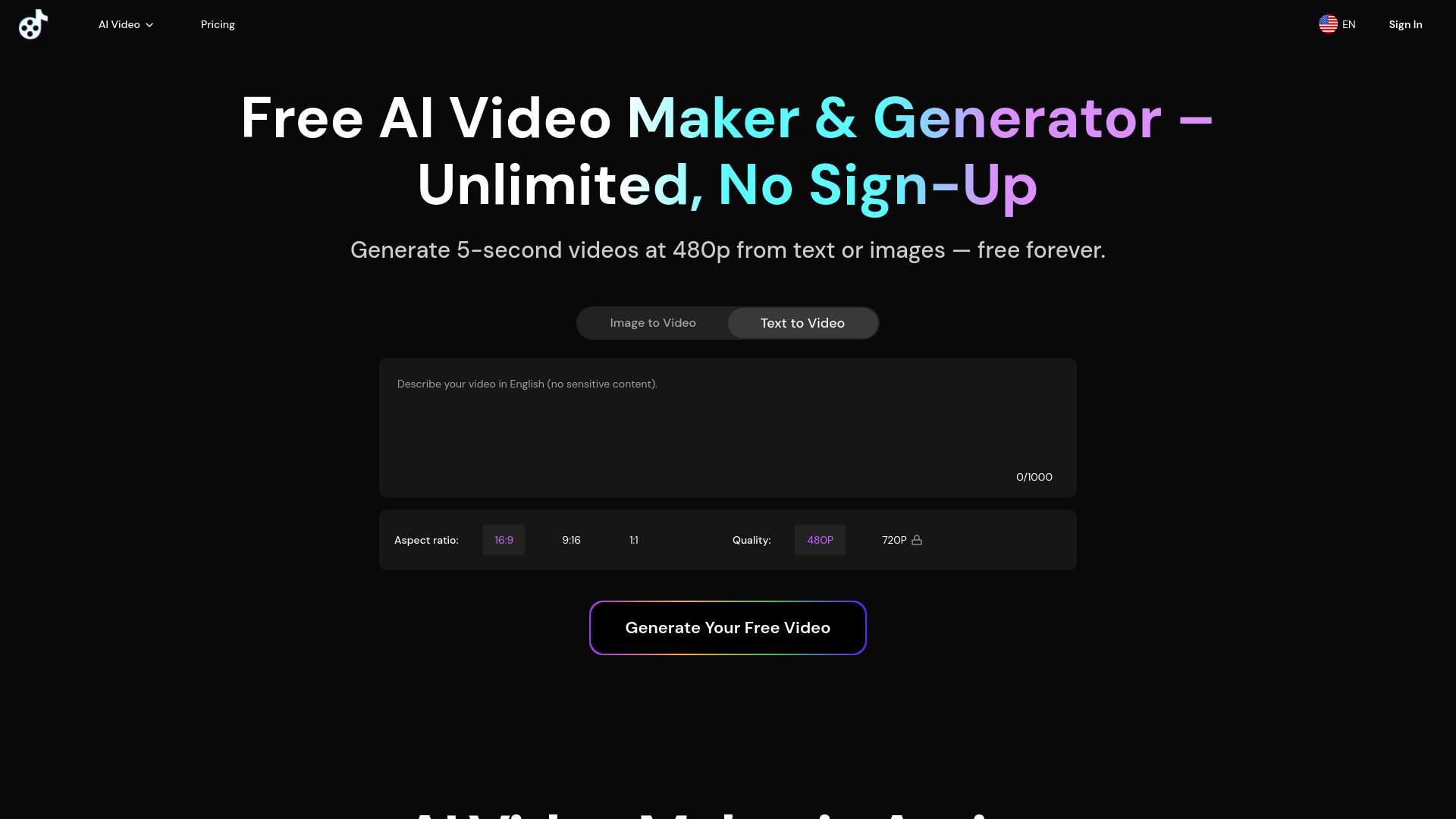
AI Video Maker is a free AI-based video generation platform that converts text or images into videos, powered by models like MiniMax H3, Wan 3.0, and Seedance 2.0. It supports native audio, unlimited 480p free drafts, and paid plans for HD exports, commercial use, and watermark removal.
SpecificationsAI-estimated
Key Features of AI Video Maker
Use Cases for AI Video Maker
Marketing
Short ads, promos, product teasers
Social Media Content
Clips for TikTok, YouTube Shorts, Reels
Education
Quick explainers and visual aids
How to use AI Video Maker?
Enter your prompt
Type a text prompt or upload an image.
Select AI model
Choose MiniMax H3 or other available models.
Choose format
Set aspect ratio and settings.
Generate
Create a draft, starting with free 5-second 480p video.
Upgrade for HD
Subscribe to Premium or Pro for HD exports, no watermark, and commercial use.
Pros & Cons of AI Video Maker
Pros
- Unlimited free 480p video generation without credit counting
- Multiple AI models available (MiniMax H3, Wan 3.0, Seedance 2.0)
- Text-to-video and image-to-video support
- Native audio generation (dialogue, sound effects, ambient audio) synchronized with scenes
- Private generation by default
- Commercial rights included in paid plans
Cons
- Free plan limited to 5-second clips and 480p resolution
- Watermark on all free plan videos
- Stored only for 24 hours on free plan
- No NSFW content allowed
- Average generation time ~200 seconds per clip
Frequently Asked Questions
What is MiniMax H3?
MiniMax H3 is an AI video generation model that can be used in AI Video Maker for text-to-video and image-to-video creation. It generates motion, dialogue, sound effects, and ambient audio together so scenes stay synchronized.
How do I create a MiniMax H3 video?
Enter a prompt or upload an image, select MiniMax H3, choose your format, and create a draft. You can start with unlimited free 5-second 480p drafts and upgrade for HD exports.
What is the best free AI video maker online?
For quick tests and Shorts, this site offers unlimited 480p use and MP4 exports. Paid plans remove the watermark and unlock HD quality.
How long does an AI video take to generate?
About 200 seconds per clip on average.
What resolutions and lengths are available?
Free plan: 5-second, 480p videos. Paid plans: 720p HD (and more concurrent jobs) for faster workflows.
Can I use the videos commercially?
Commercial rights are included in paid plans. Free plan videos are for personal use.
Does AI Video Maker do text-to-video and image-to-video?
Yes—both. Create from text prompts (text-to-video) or uploaded images (image-to-video) on separate tool tabs.
Are my AI videos public or private?
All generations are Private by default. For privacy and security, standard videos are stored for 24 hours. AI UGC and AI Product Avatar videos are stored permanently for subscribers.
Which AI model powers the generator?
The generator includes current options such as AI Video Maker V3, Wan 3.0, and Seedance 2.0, selected by workflow and availability.
Can I generate NSFW or adult content?
No. All generations must pass a standard content filter. Nudity, sexually explicit, and adult content is not permitted. Accounts that repeatedly attempt to generate prohibited content may be terminated.
How can I remove the watermark from my video?
Free plan videos have a watermark. Subscribe to Premium or Pro to create watermark-free videos.
What are typical use cases?
Marketers: short ads, promos, product teasers. Content creators: social clips for TikTok, YouTube Shorts, Reels. Educators: quick explainers and visual aids.
How do I upgrade for HD and more concurrent jobs?
Open Pricing / Plans, choose Premium or Pro, and you’ll unlock 720p, multiple jobs at once, and commercial use.
Pricing Overview
View full pricing →Unlimited 480p free for everyone. Unlimited 720p for subscribers. Credits used only for 1080p and advanced tools.
Reviews & Ratings0.0
No reviews yet. Be the first to write one!
Top Alternatives & Similar Software
View all alternatives & similar software→No alternatives available yet.
People also viewed


Related searches
About the Product
Is this your tool?
Claim this page to update details, reply to user reviews, and drive more traffic to your product.
Claim this Product →
Explore Related Topics
Keep up with AI Video Maker alternatives
New alternatives, pricing changes and the week's biggest movers - one email every Tuesday.