


AI4Spaces
Turn room photos, sketches, and 3D renders into stunning photorealistic interior designs and virtual stagings in seconds.
What is AI4Spaces?
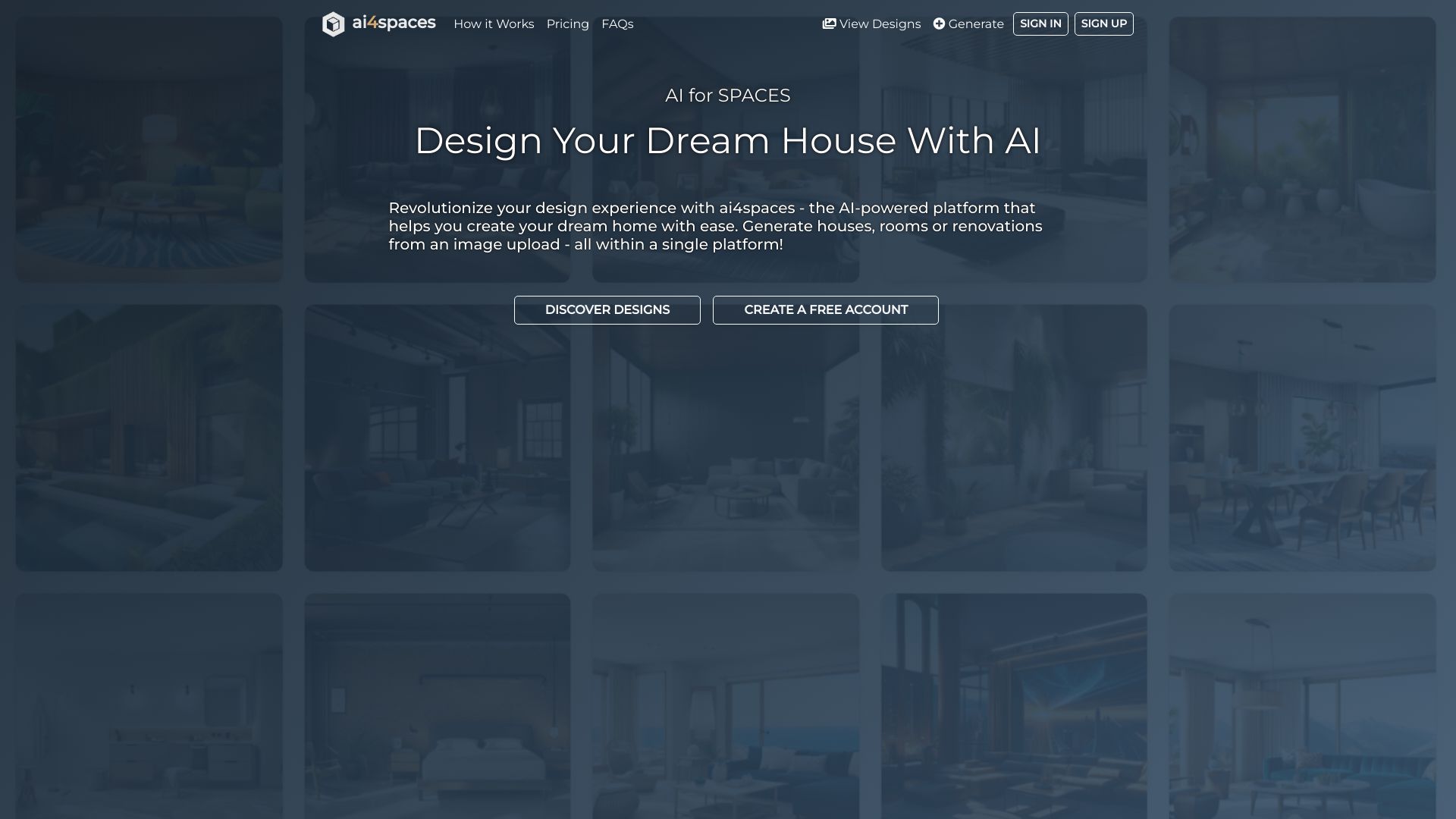
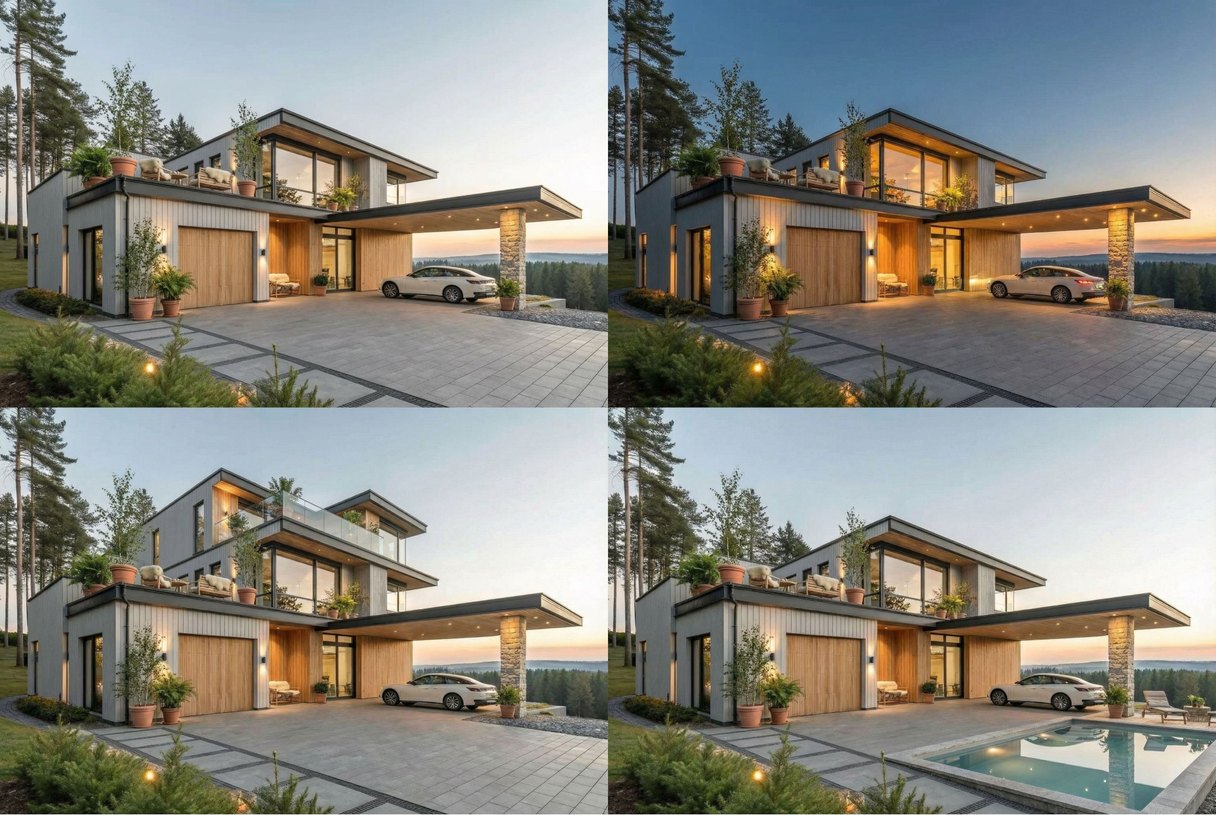
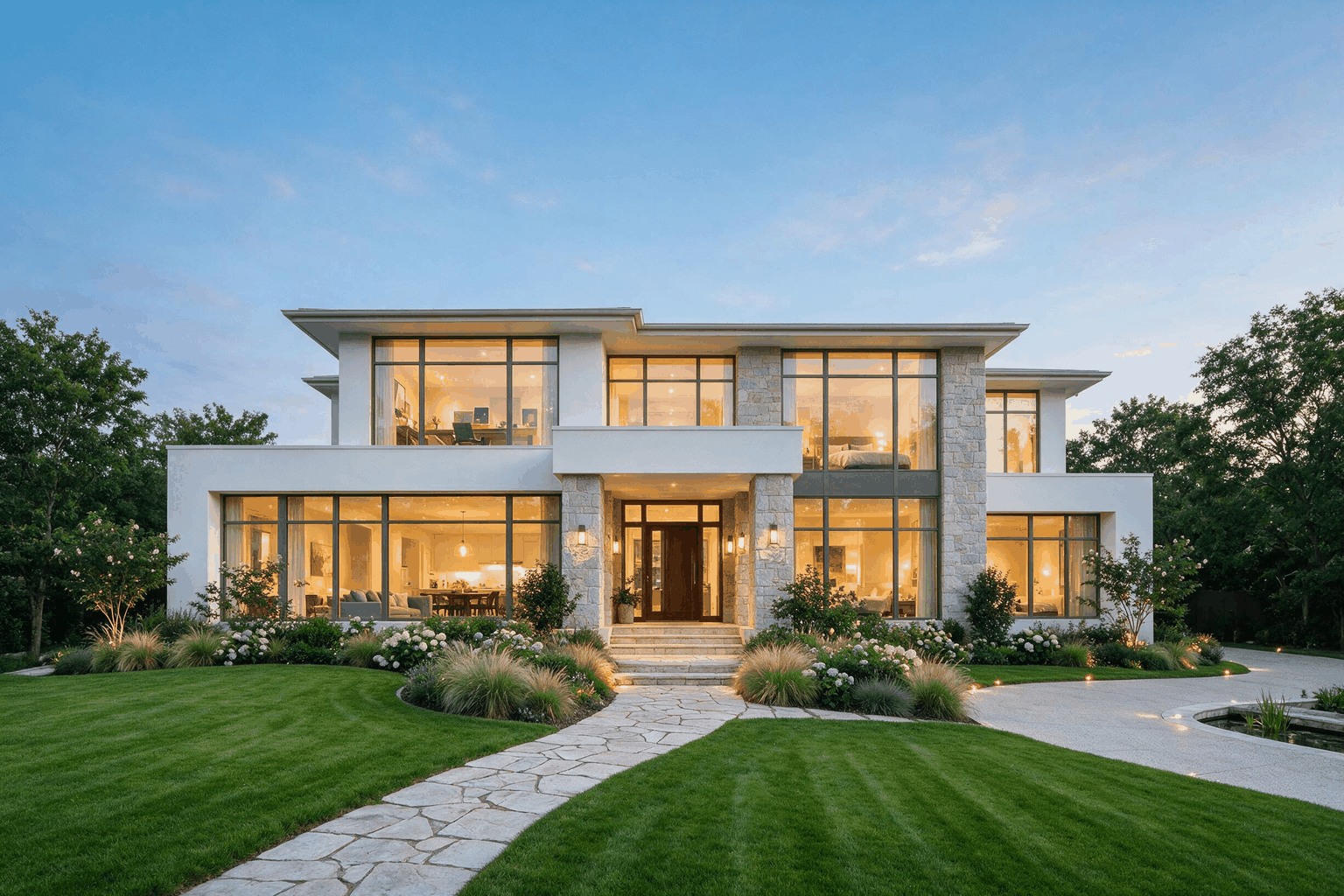
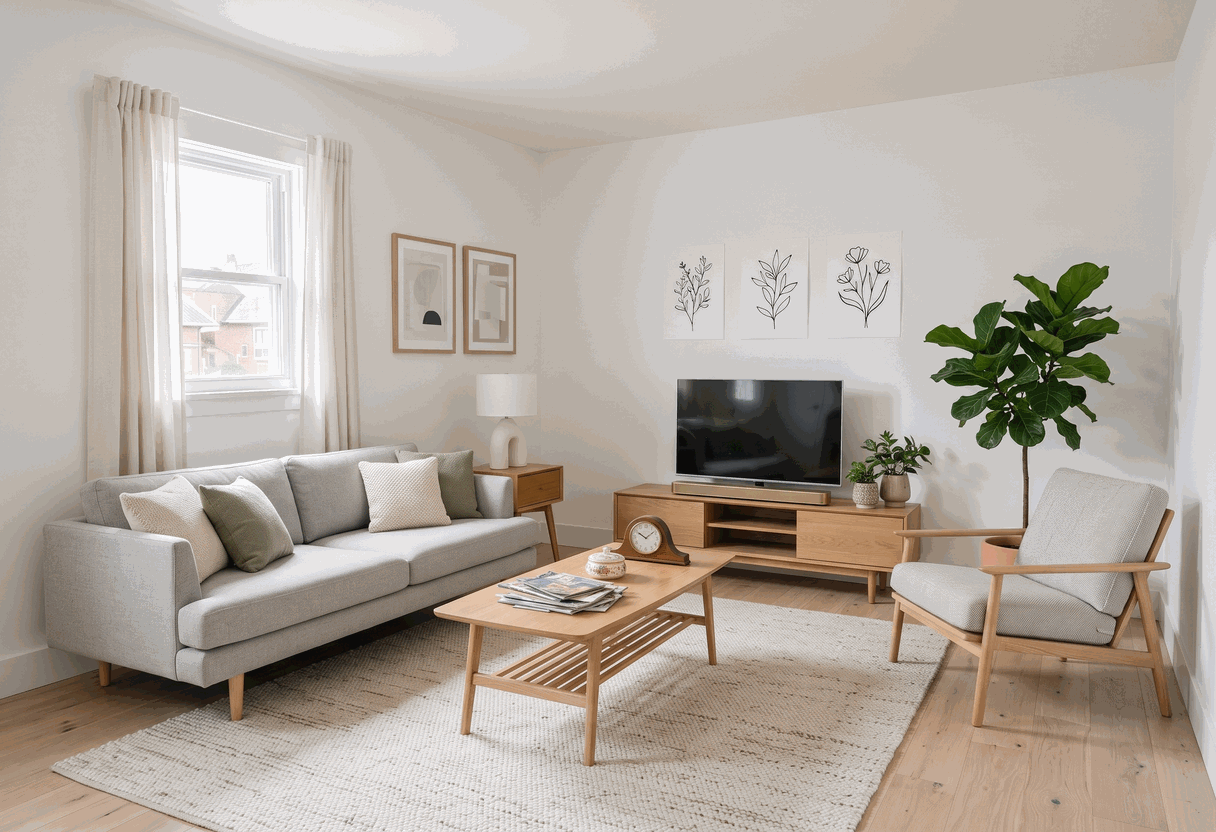
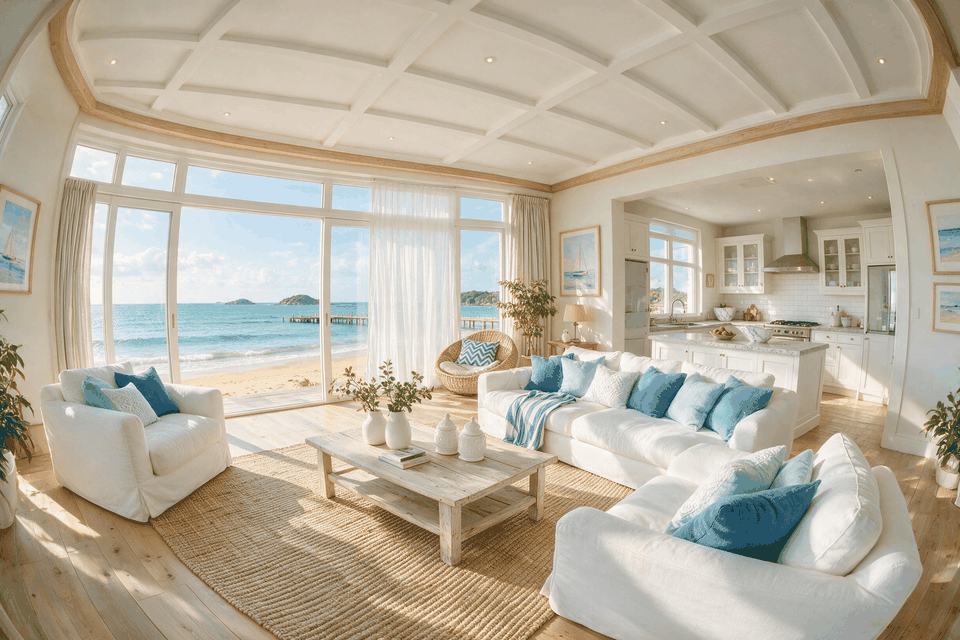
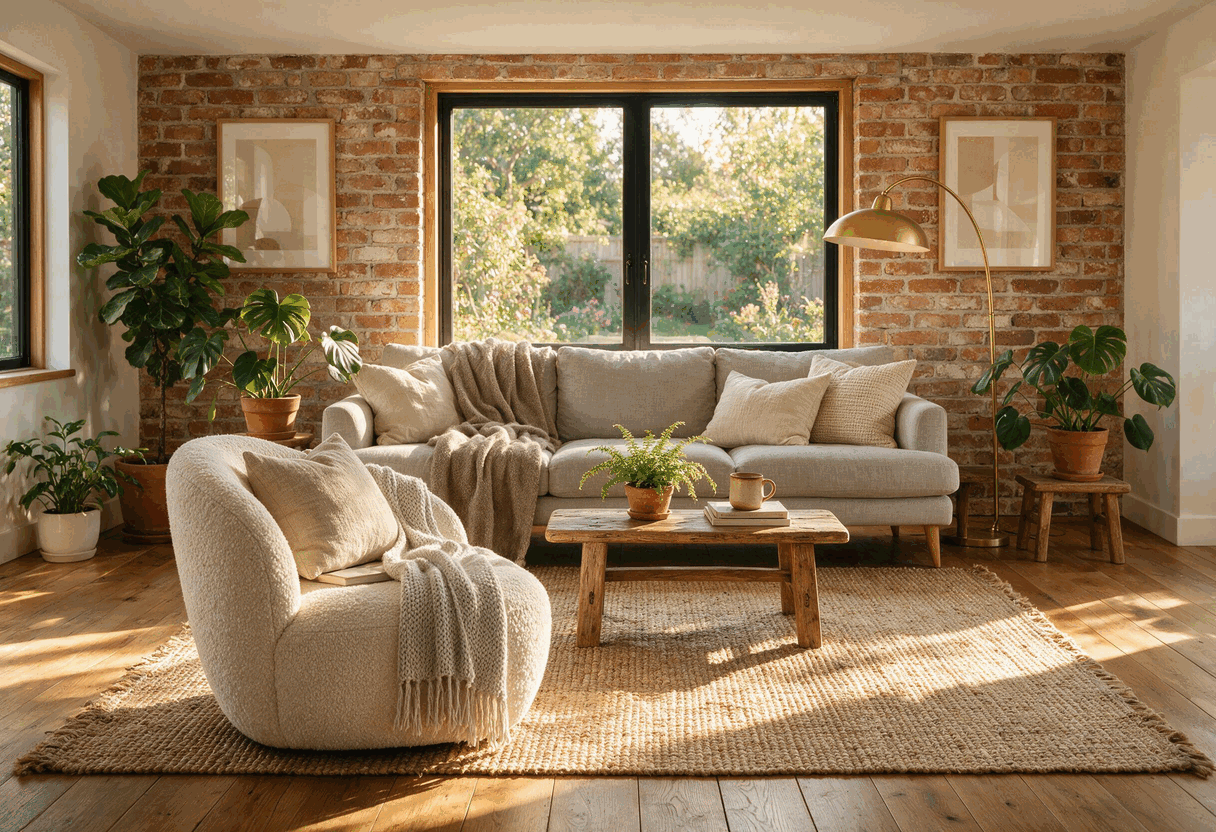
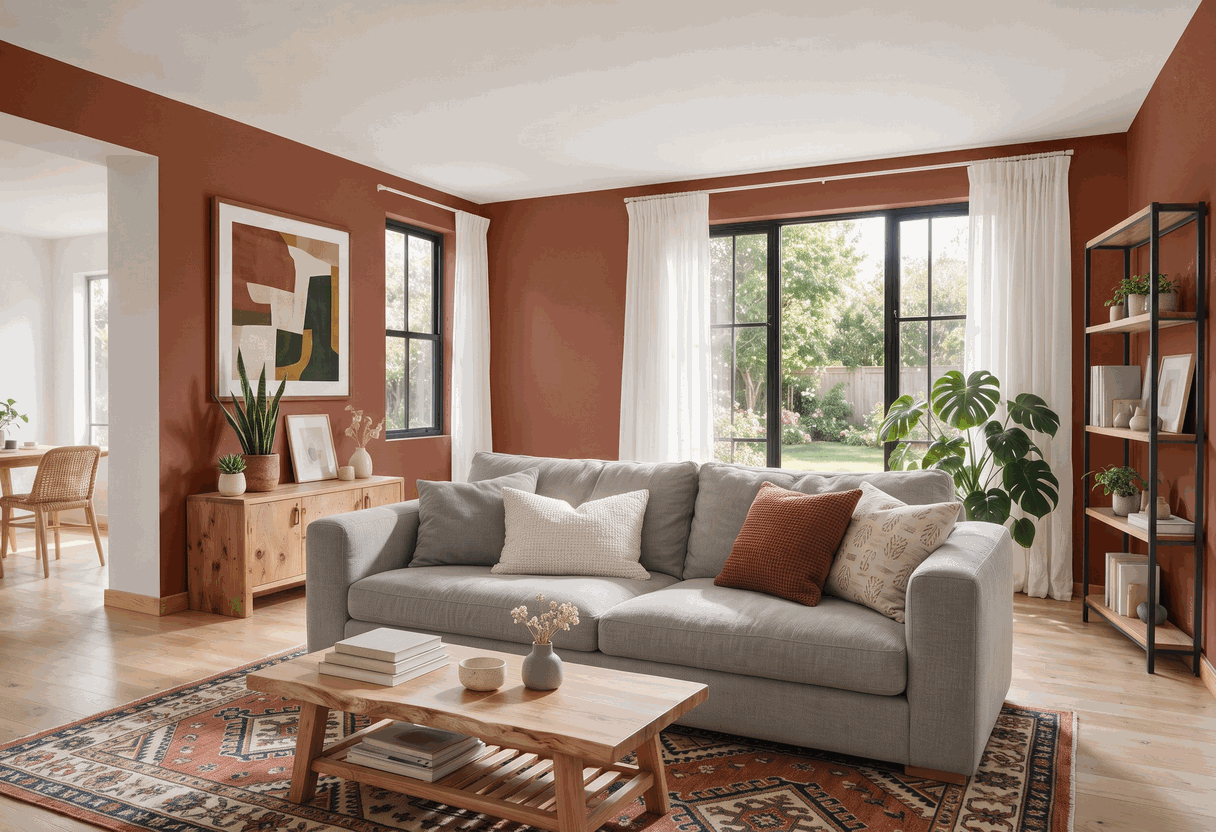
AI4Spaces is an AI-powered interior design and virtual staging platform that lets users upload room photos, sketches, or 3D renders and instantly generate photorealistic design concepts. Its latest AI models—Nano Banana 2, Nano Banana Pro, and Seedream V5 Pro—support structural edits, technical drawings, style remixing, and even architectural visualizations. Whether you want to shift a room from day to night, add a garden, produce floor plans, or explore multiple design perspectives, the platform is built to turn rough inputs into polished visualizations in seconds. Beyond simple room makeovers, AI4Spaces offers a complete toolkit for property professionals: AI video walkthroughs from static images, immersive 360° interior views, image upscaling to 2K and 4K, and precision editing features like inpainting and background removal. With 40+ built-in interior design styles from Minimalist and Scandinavian to Bohemian and Cyberpunk, users can create custom styles as well. The tool also accepts photos, sketches, and 3D renders as input, making it flexible for homeowners, designers, and real estate agents alike. The platform follows a freemium subscription model. A free trial provides 10 monthly credits and basic SD image generation, while paid plans unlock HD images, private designs, more simultaneous AI tasks, custom styles, commercial licensing, and priority support. AI4Spaces also offers an affiliate program with 20% commission, positioning itself as a complete business solution for real estate staging, interior design studios, and architectural visualization workflows.
SpecificationsAI-estimated
Key Features of AI4Spaces
Use Cases for AI4Spaces
Home renovation planning
Homeowners can upload photos of their current rooms and explore 40+ styles to visualize renovations before committing to construction or purchases.
Client design presentations
Interior designers can create photorealistic concepts for clients, transforming sketches and mood-board ideas into polished renders without expensive traditional rendering.
Real estate virtual staging
Real estate agents can virtually stage empty or dated listings to attract more buyers and help them close deals faster.
Commercial space redesign
Restaurant, office, and hotel owners can upload commercial space photos and generate design ideas for dining areas, workspaces, guest rooms, and lobbies.
Architectural visualization
Architects and designers can produce ground plans, elevations, isometric views, and convert technical drafts back into photorealistic renders.
Style exploration and comparison
Users can quickly try Minimalist, Scandinavian, Bohemian, Cyberpunk, and other styles on the same room to compare different design directions.
Immersive walkthroughs and 360° tours
Designers can generate immersive 360° views and AI video walkthroughs to present a space in motion and from every angle.
Content creation for social media
Bloggers and social media creators can use AI-generated interior designs to produce engaging before-and-after content and showcase design trends.
How to use AI4Spaces?
Upload or describe your space
Upload a room photo, sketch, or 3D render, or describe your vision in a prompt. The AI accepts multiple input types for maximum flexibility.
Select a style and AI model
Choose from 40+ interior design styles (Minimalist, Scandinavian, Bohemian, etc.) or create a custom style. Pick the AI model that fits your desired quality and speed.
Generate your design
Let the AI generate a photorealistic interior design, room makeover, 360° view, or video walkthrough. Generation usually takes 10-30 seconds for images.
Refine with editing and upscaling tools
Use AI image editing, inpainting, background removal, or upscaling tools to fine-tune colors, furniture, textures, and details until the result is perfect.
Export, share, or collaborate
Download the final HD or 2K/4K image, share it with clients, or keep it private if you are on a paid plan. For teams, collaborate on projects with shared credits.
Pros & Cons of AI4Spaces
Pros
- Leading-edge AI models deliver structural edits, technical drawings, and professional 2K/4K image quality.
- Accepts photos, sketches, 3D renders, or prompts, making it easy to start from nearly any material.
- All-in-one toolkit: room makeovers, 360° views, video walkthroughs, upscaling, and advanced editing.
- Built for real estate and design professionals with virtual staging, private designs, and commercial licensing.
- Flexible freemium pricing and a 20% affiliate commission program for creators and agencies.
Cons
- Free plan is very limited: only 10 credits/month, SD images, no advanced tools, no custom styles, designs are public, and there is no support.
- Commercial use and private designs require a paid Pro or Team subscription.
- Video generation is more expensive in credits and can take 1-3 minutes per walkthrough.
- No offline or desktop app; the entire workflow is cloud-based and requires a stable internet connection.
Frequently Asked Questions
How does AI4Spaces work?
AI4Spaces uses advanced AI models to generate interior designs and architectural visualizations. You upload a room photo or describe your vision, select a style and AI model, and the platform generates professional-quality designs in seconds.
What can I do with AI4Spaces?
You can create new interior designs from scratch, restyle existing rooms, generate 360° panoramas, produce AI video walkthroughs, upscale images to 2K/4K, and perform advanced edits like inpainting and background removal.
How does the credit system work?
You start free with 10 credits at registration and receive 10 credits monthly. Content generation costs 1-10 credits depending on the tool and model quality, while video generation costs more due to higher computational requirements.
How long does AI generation take?
Image generation typically takes 10-30 seconds, videos take 1-3 minutes, and upscaling takes 30-60 seconds. Actual times vary based on server load and request complexity.
Can professionals use AI4Spaces commercially?
Yes. The Pro and Team plans are designed for real estate agents, interior designers, and architects, offering photorealistic visualizations, custom styles, commercial licensing rights, and team collaboration features.
Which AI models does AI4Spaces use?
The platform features Nano Banana 2, Nano Banana Pro, Seedream V5 Pro, GPT Image 2, Recraft V4, Recraft V4 Pro, Seedream V5 Lite, and Nano Banana Lite, each optimized for quality, speed, or editing power.
Is there a free trial or free plan?
Yes. The free Trial Plan includes 10 credits per month, basic SD images, 15 styles, and 1 simultaneous AI task, but designs are public and no support is included.
Reviews & Ratings0.0
No reviews yet. Be the first to write one!
Top Alternatives & Similar Software
View all alternatives & similar software→No alternatives available yet.
People also viewed


Related searches
Is this your tool?
Claim this page to update details, reply to user reviews, and drive more traffic to your product.
Claim this Product →
Tags
Explore Related Topics
Keep up with AI4Spaces alternatives
New alternatives, pricing changes and the week's biggest movers - one email every Tuesday.