



Room Design AI
Free AI Room Designer from Photos
What is Room Design AI?
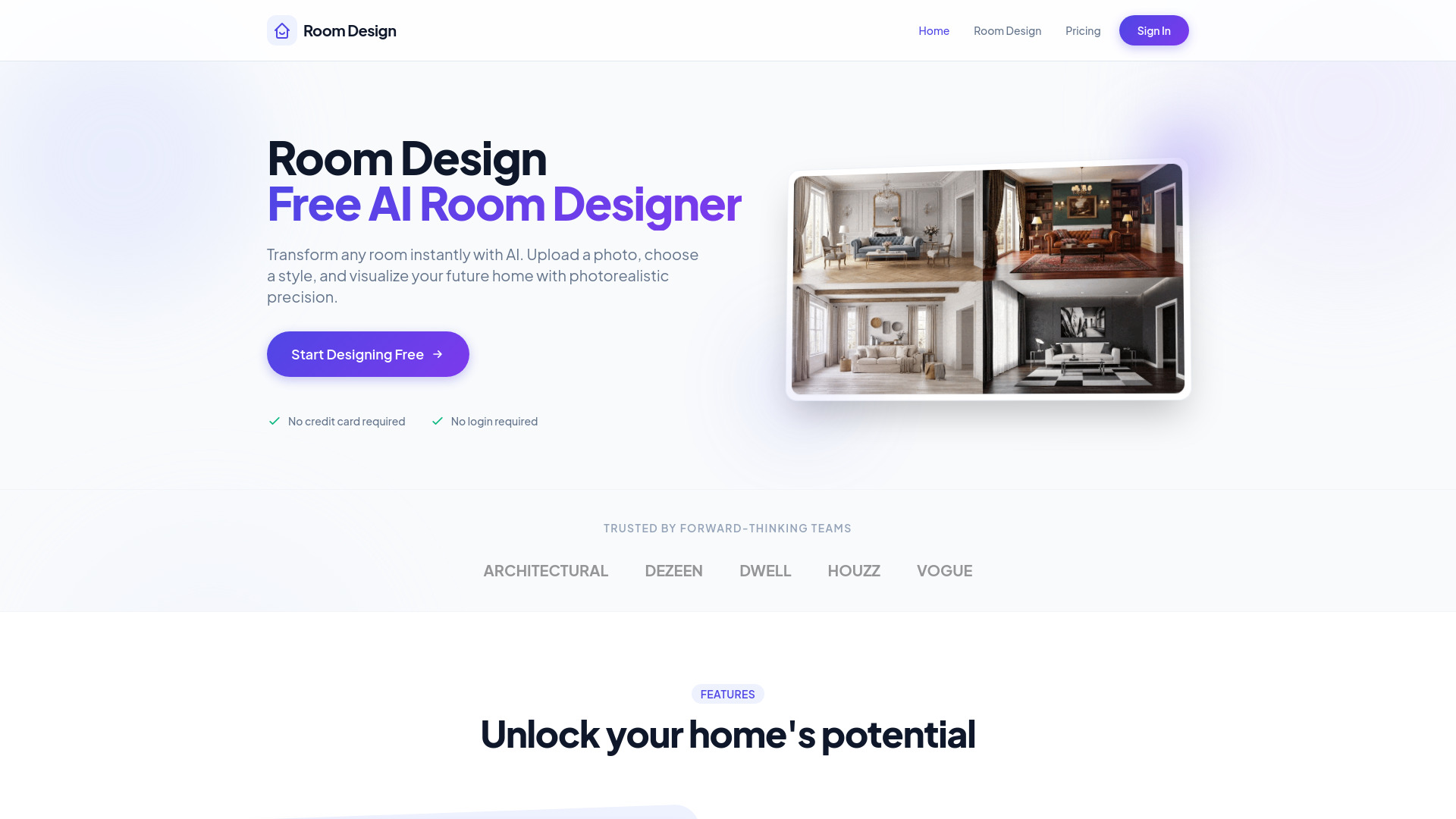
Free AI room designer that transforms any room photo into photorealistic interior design visualizations with multiple styles, furniture, and lighting options.
SpecificationsAI-estimated
Key Features of Room Design AI
Use Cases for Room Design AI
Renovation Planning
Visualize walls, floors, and furnishings before committing to changes.
Furniture Selection
Get curated furniture combinations that fit your room layout and style.
Lighting & Color Optimization
Receive personalized suggestions for lighting, wall colors, and flooring.
Real Estate Staging
Stage rooms virtually for listings without physical changes.
How to use Room Design AI?
Upload Photo
Take a photo or upload an existing image; AI analyzes the room's geometry.
Select Style
Choose a preset style or describe your vision (e.g., 'Modern rustic with green accents').
Get Results
Receive stunning 4K renders in seconds. Download, share, or refine with new prompts.
Pros & Cons of Room Design AI
Pros
- No credit card or login required for basic use
- Instant photorealistic renders in seconds
- 30+ curated design styles and 60+ room types
- Custom mode allows natural language descriptions
- Smart furniture matching and layout optimization
- Virtual renovation and staging capabilities
- Update only specific parts of a room (e.g., swap sofa or repaint walls)
- Generates 4K images with subscription
Cons
- Higher resolution (2K/4K) and Pro model require subscription
- Limited free credits
- Dependent on clear, well-lit photos for best results
Frequently Asked Questions
What is Room Design AI?
Room Design AI is an AI-powered interior design tool. Upload a photo of any room and it instantly reimagines the space in the style you choose.
Is there a free trial?
Yes. No sign-up is required, and we offer a certain amount of free credits. To unlock 2K/4K resolution and the Pro model, you'll need a subscription.
How does it work?
Upload a photo, choose a room type and design style (or describe what you want in your own words), then click Generate Design. The AI keeps the room's layout and redesigns it.
What image formats are supported?
PNG or JPG images up to 10MB. For best results, use a clear, well-lit photo taken from a corner or doorway.
What room types and styles are available?
Choose from 60+ room types and 39 design styles such as Scandinavian, Japandi, Industrial, Mid-century Modern, and Coastal.
What is the difference between Template mode and Custom mode?
Template mode lets you pick a room type and design style, with optional extra instructions. Custom mode lets you describe your ideal room freely in natural language for full creative control.
What is the Basic vs Pro model?
Basic is ideal for quick concept generation. Pro produces results with higher realism and finer detail, and is available to subscribers.
Pricing Overview
View full pricing →Room Design AI offers three subscription tiers billed annually, starting at $15/month for Starter, $29/month for Pro, and $49/month for Plus.
Reviews & Ratings0.0
No reviews yet. Be the first to write one!
Top Alternatives & Similar Software
View all alternatives & similar software→No alternatives available yet.
People also viewed


Related searches
About the Product
Is this your tool?
Claim this page to update details, reply to user reviews, and drive more traffic to your product.
Claim this Product →
Tags
Explore Related Topics
Keep up with Room Design AI alternatives
New alternatives, pricing changes and the week's biggest movers - one email every Tuesday.