


Aiarty
A local, AI-powered desktop suite for upscaling, denoising, and restoring images and videos and for precise background removal.


What is Aiarty?
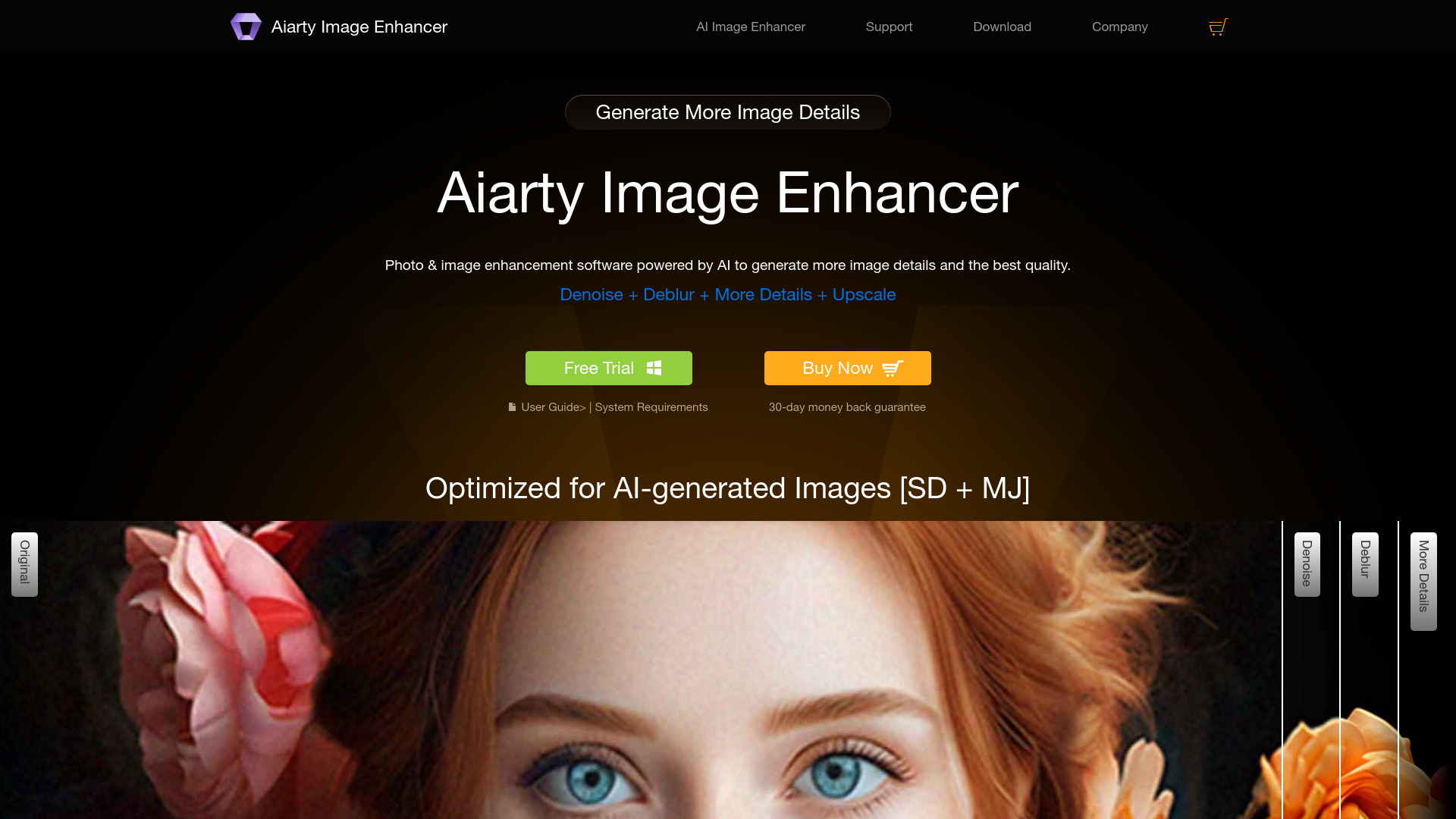
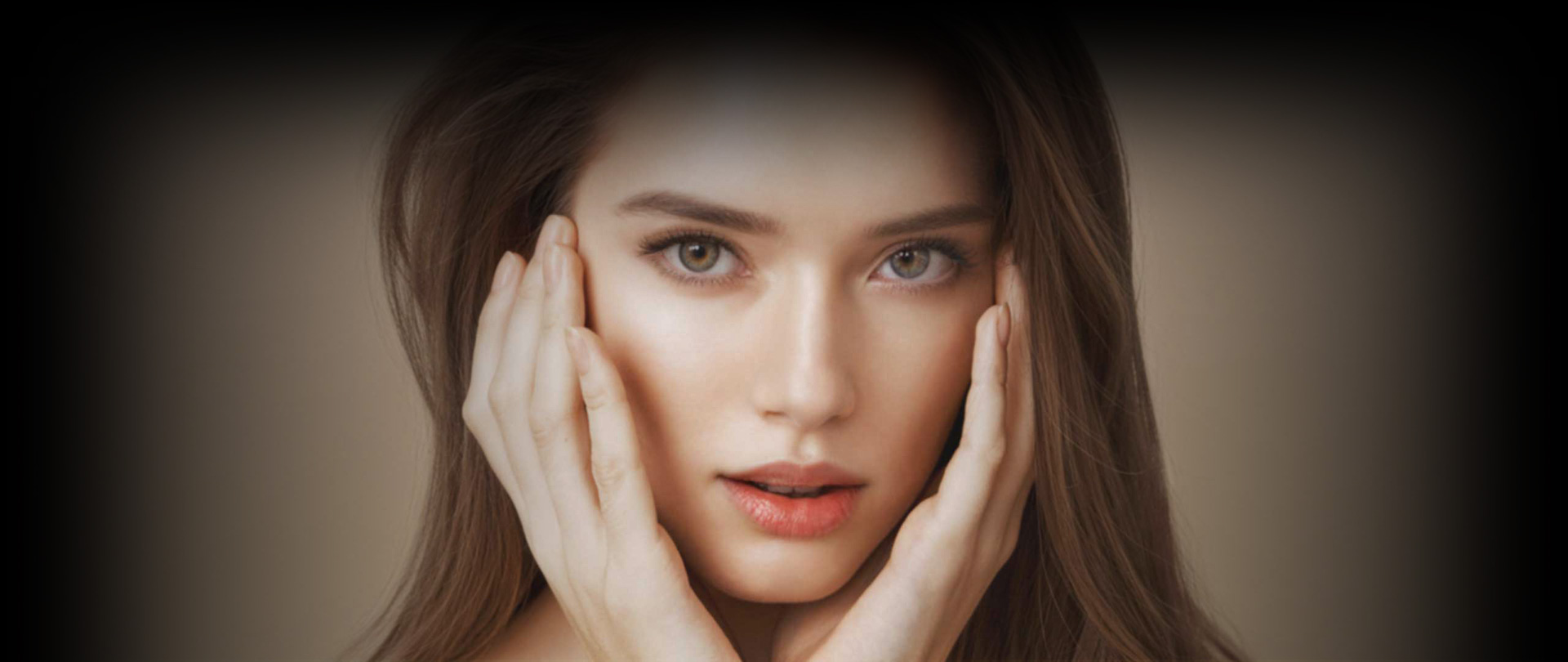
Aiarty is a desktop software suite from Digiarty Software that uses AI to enhance images and videos and to remove backgrounds with precision matting. Its three flagship products are Aiarty Image Enhancer, which denoises, deblurs, upscales, restores old photos, and can reach up to 32K resolution; Aiarty Video Enhancer, which upscales footage to Full HD or 4K, removes noise and blur, and interpolates frames up to 60 or 120 FPS; and Aiarty Image Matting, which handles fine semi-transparent details like hair, fur, glass, and water droplets. The company emphasizes that processing runs entirely locally on the user's machine, with GPU and CPU support and optimization for AI PCs. The software is aimed at photographers, content creators, e-commerce sellers, and designers who need to rescue low-resolution, noisy, or old media or prepare clean product cutouts. Aiarty's marketing highlights natural-looking results that avoid an overly processed or plastic AI look, batch processing for handling many files at once, and offline operation so that source files never leave the user's device. Backing the products are large training datasets, reportedly around 9.48 million HD/4K images and 120 hours of HD/4K video, which the company cites as the basis for its models. Aiarty positions itself as the newest flagship brand of Digiarty Software, a company with a long history in DVD backup and GPU-accelerated multimedia tools, and frames the lineup as a broader ecosystem of AI desktop solutions.
SpecificationsAI-estimated
Key Features of Aiarty
Use Cases for Aiarty
Restoring old family photos
Revive blurry, pixelated, or low-resolution vintage photographs with realistic facial clarity.
Upscaling low-resolution video
Convert old or low-quality footage to 4K with sharper detail and reduced noise.
E-commerce product cutouts
Remove backgrounds cleanly, including semi-transparent elements, for product listings.
Wildlife and pet photography
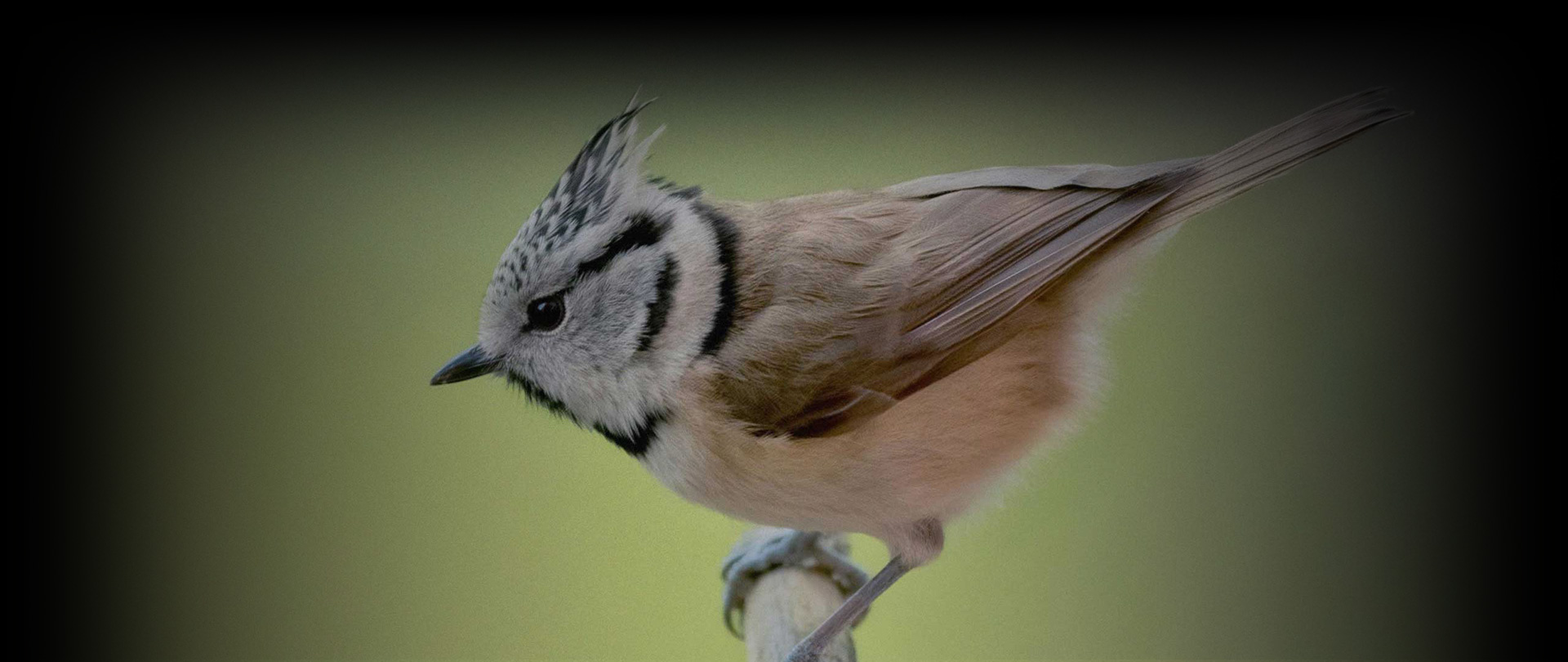
Preserve and sharpen fine fur and feather textures in animal photos.
Low-light photo cleanup
Reduce grain from high-ISO shots while keeping essential sharp detail.
Design asset preparation
Upscale and refine images for print or design projects through batch processing.
How to use Aiarty?
Download and install
Get the desktop software for your Windows or Mac computer from the Aiarty website.
Choose the right tool
Select Image Enhancer, Video Enhancer, or Image Matting depending on your task.
Import your files
Add a single image or video, or load a batch of files for processing.
Set enhancement options
Pick upscaling factor, denoise or deblur strength, and other AI settings as needed.
Process and export
Run the AI processing locally and export the enhanced or matted result.
Pros & Cons of Aiarty
Pros
- Runs 100% locally, keeping files private and working offline
- Covers image enhancement, video enhancement, and alpha-quality background matting in one ecosystem
- Batch processing saves time on large photo or video libraries
- Handles fine details like hair, fur, and semi-transparent materials in matting
Cons
- Requires capable hardware, with best performance on GPUs or AI PCs
- Results on heavily degraded footage may still show AI artifacts
- Full capability is spread across three separate products that must be purchased or licensed individually
Frequently Asked Questions
Does Aiarty upload my files to the cloud?
No. Aiarty states that all processing is 100% local, so files stay on your own device.
What platforms does Aiarty support?
It is a desktop application for Windows and Mac, optimized for AI PCs and supporting GPU and CPU processing.
How high can the image enhancer upscale?
Aiarty Image Enhancer supports upscaling up to 32K resolution, with up to 8X upscaling shown for enhancement.
What is the difference between enhancing and matting?
Enhancer improves image quality and detail, while Matting removes or isolates backgrounds with precise, semi-transparent edge handling.
Can it handle videos as well as photos?
Yes, Aiarty Video Enhancer upscales, denoises, deblurs, and interpolates frames for smoother footage.
Is there a free trial?
The website highlights paid licenses, including lifetime options and promotions; check the pricing page for current trial availability.
Reviews & Ratings0.0
No reviews yet. Be the first to write one!
Top Alternatives & Similar Software
View all alternatives & similar software→No alternatives available yet.
People also viewed

Related searches
Is this your tool?
Claim this page to update details, reply to user reviews, and drive more traffic to your product.
Claim this Product →
Tags
Explore Related Topics
Keep up with Aiarty alternatives
New alternatives, pricing changes and the week's biggest movers - one email every Tuesday.