


Aimages
A browser-based AI tool that upscales and enhances video and images in minutes, with no installation required.
What is Aimages?
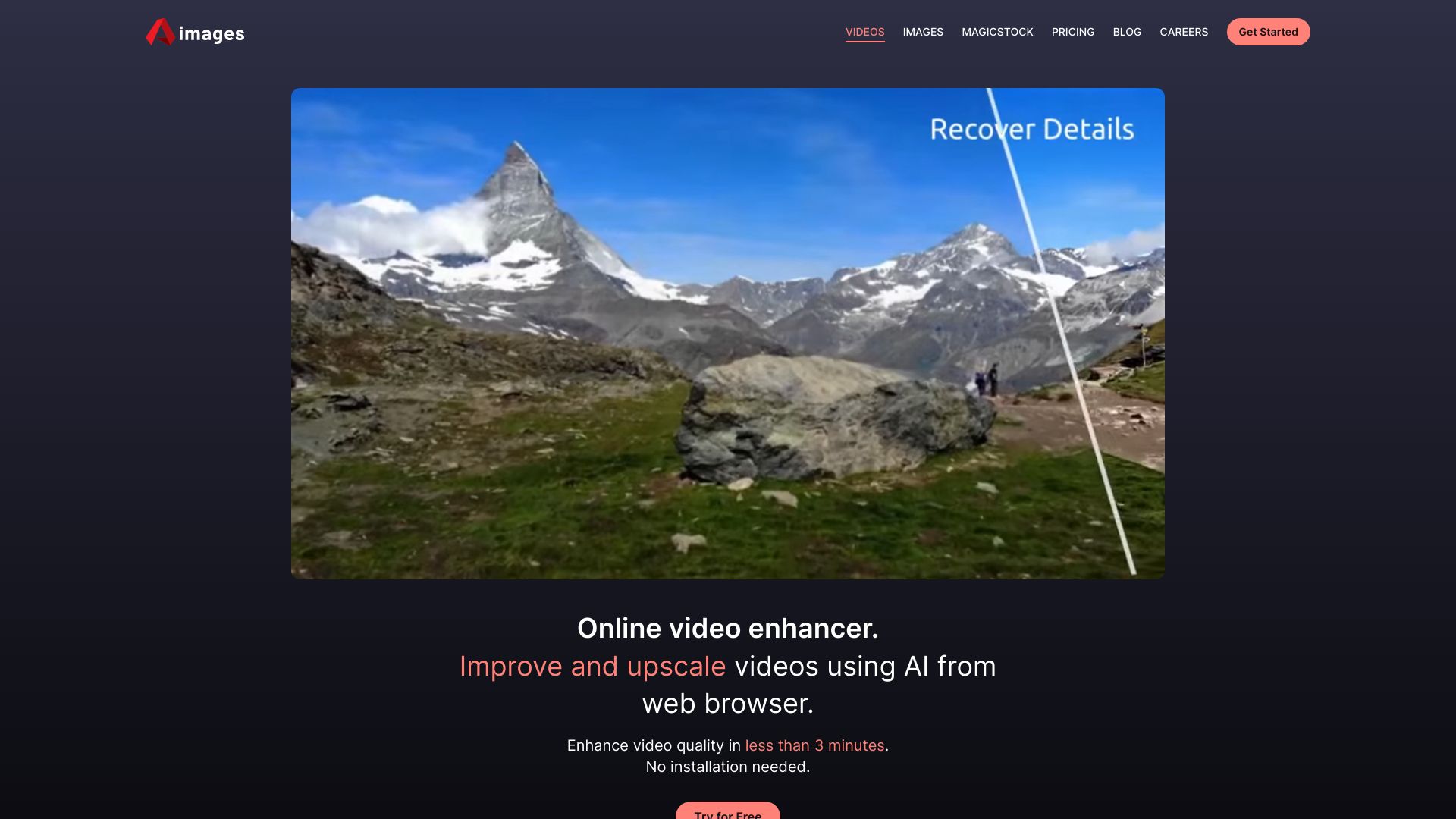
Aimages is an online AI-powered video and image enhancer and upscaler that runs entirely in a web browser. It is designed to improve the visual quality of footage and photographs without requiring any software installation, letting users upload media from virtually any device, apply AI filters, and download a higher-quality result in a matter of minutes. The platform targets a broad range of users, from everyday consumers who want to sharpen old family videos or restore faded photos, to filmmakers and studios looking to bring classic footage up to modern viewing standards. The service highlights its ability to reduce artifacts while upscaling, and it showcases examples of old movie classics restored to look as though they were filmed more recently. Its workflow is intentionally simple: upload, choose AI filters, enhance, and download. Beyond video enhancement, Aimages also offers image enhancement and AI image generation, with the site reporting substantial usage figures for enhanced videos, enhanced images, and AI-generated images. The emphasis throughout is on speed and accessibility, positioning the tool as a convenient alternative to desktop editing suites that demand technical expertise and powerful hardware.
SpecificationsAI-estimated
Key Features of Aimages
Use Cases for Aimages
Restoring old home videos
Improve the quality of aging family footage recorded on outdated formats so memories can be viewed on modern screens.
Film restoration
Filmmakers and studios can upscale classic movies and archival footage to higher quality with minimal artifacts.
Upscaling low-resolution clips
Turn small or low-resolution video clips into sharper, higher-resolution versions for modern displays.
Enhancing photos
Improve the clarity and detail of images for personal or professional use.
Creating AI-generated visuals
Generate new images from AI tools for social media, presentations, or creative projects.
Quick content preparation
Content creators can rapidly polish footage before publishing without learning complex editing software.
How to use Aimages?
Upload your video
Upload the video you want to enhance from any device through the web browser.
Select AI filters
Choose the AI filters that best suit the quality improvement you need.
Enhance
Start the enhancement process and wait for it to complete, which typically takes under three minutes.
Download
Download the enhanced video once processing is finished.
Pros & Cons of Aimages
Pros
- Fully browser-based, so no installation or powerful local hardware is needed
- Fast turnaround, with enhancements completed in under three minutes
- Simple three-step workflow that is accessible to non-technical users
- Handles both video and image enhancement along with AI image generation
Cons
- Output quality depends on the AI filters applied and the source material, so results may vary
- Processing requires uploading media to a third-party server, which may raise privacy concerns for sensitive footage
- Advanced users may find fewer manual controls than in dedicated desktop editing software
Frequently Asked Questions
Do I need to install any software?
No. Aimages runs entirely in your web browser, so no installation is needed.
How long does enhancement take?
The site states that videos can be enhanced in less than three minutes.
What can Aimages enhance?
It can enhance and upscale both videos and images, and it also offers AI image generation.
Can it restore old movies?
Yes. The site showcases examples of old film classics upscaled to appear as though they were recently filmed.
What file types are supported?
The page does not specify supported formats in detail, so users should check the upload interface for compatibility.
Is my content kept private?
The page does not detail its privacy policy, so users should review the official terms before uploading sensitive material.
Pricing Overview
View full pricing →No pricing information is stated on the provided page content; the page only describes the online AI video and image enhancer and its usage statistics.
Reviews & Ratings0.0
No reviews yet. Be the first to write one!
Top Alternatives & Similar Software
View all alternatives & similar software→No alternatives available yet.
People also viewed


Related searches
Is this your tool?
Claim this page to update details, reply to user reviews, and drive more traffic to your product.
Claim this Product →
Tags
Explore Related Topics
Keep up with Aimages alternatives
New alternatives, pricing changes and the week's biggest movers - one email every Tuesday.