


AirBrush AI Image Enhancer
A one-click AI tool that sharpens, color-corrects, denoises, and upscales photos in bulk.


What is AirBrush AI Image Enhancer?
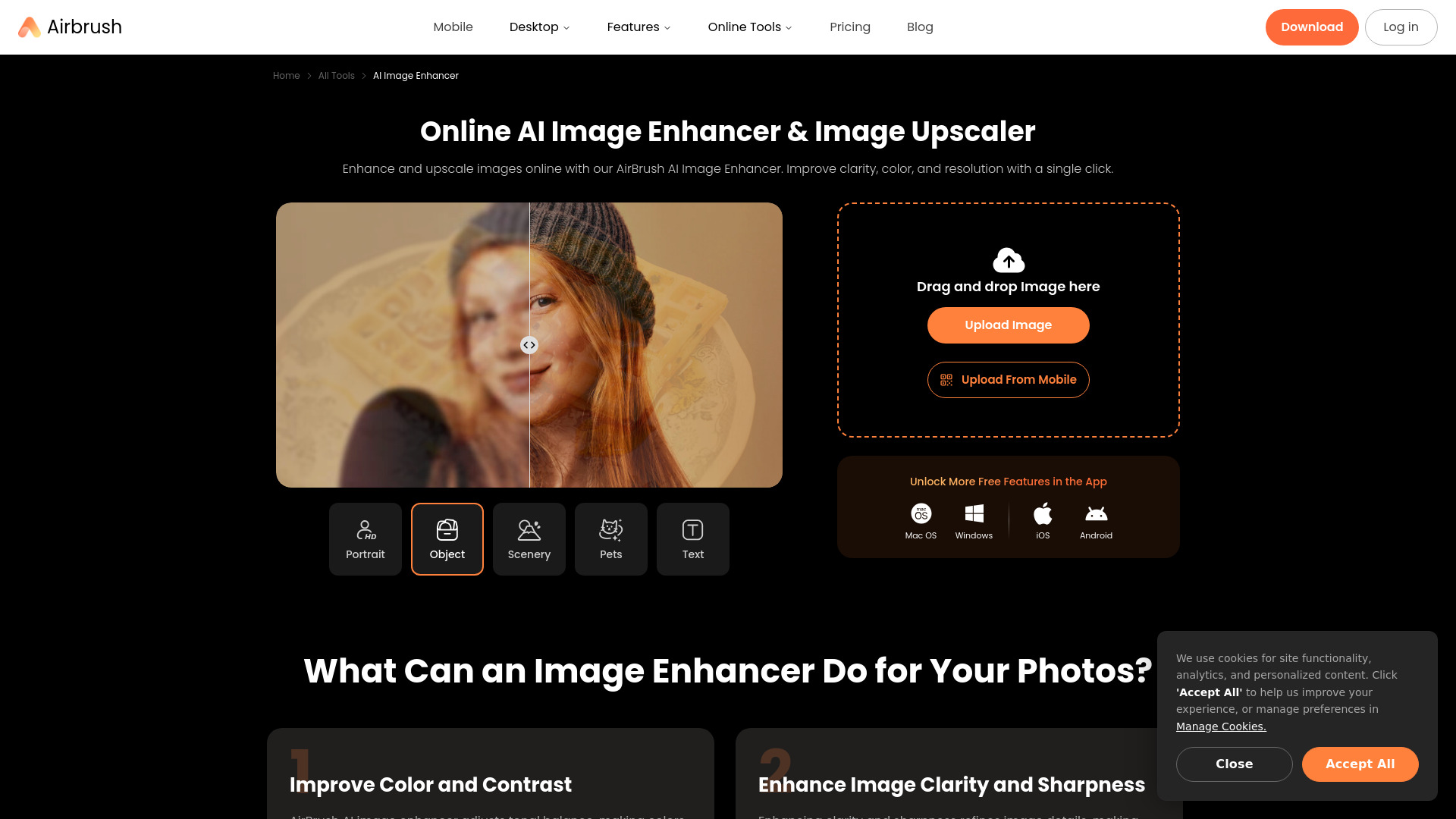
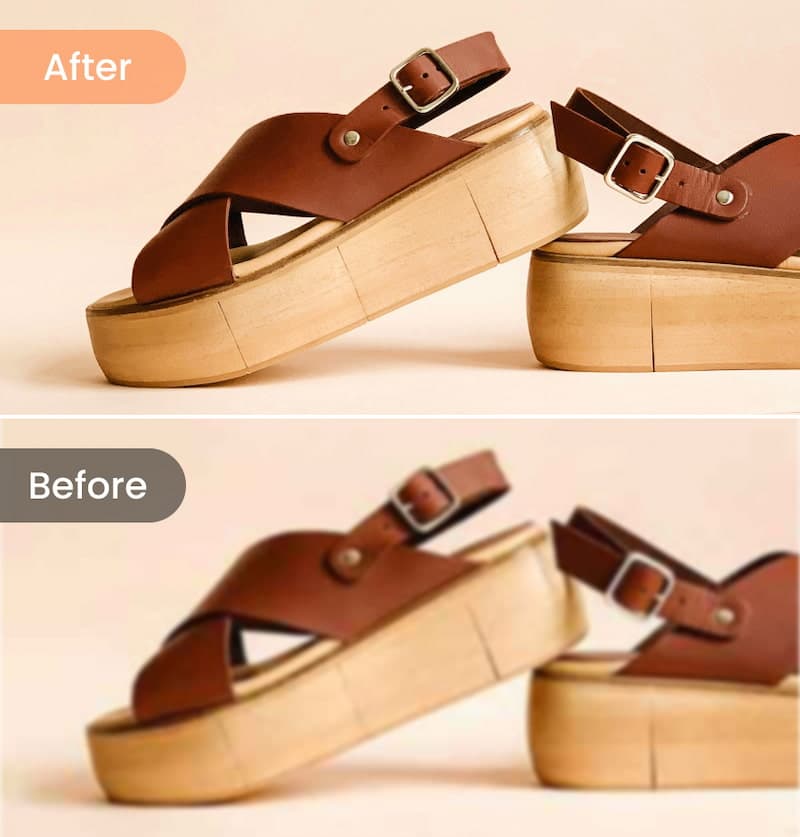
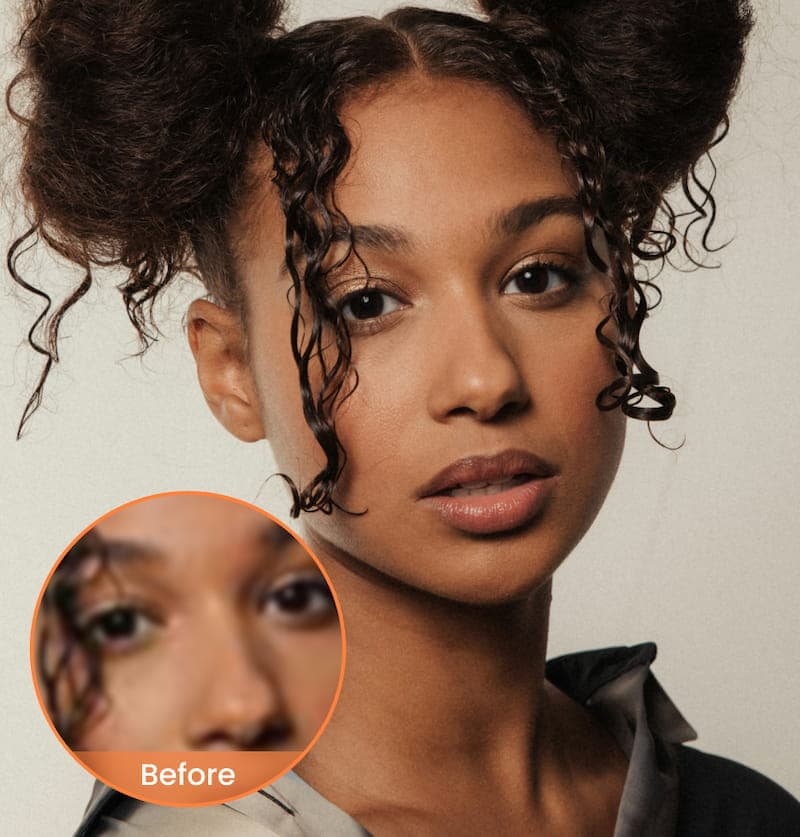
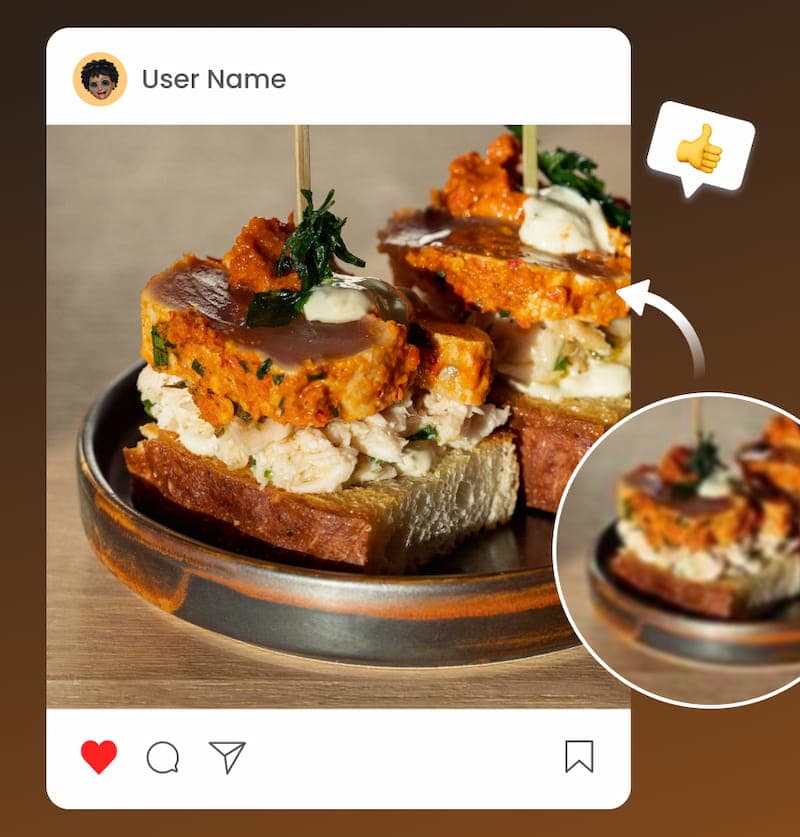
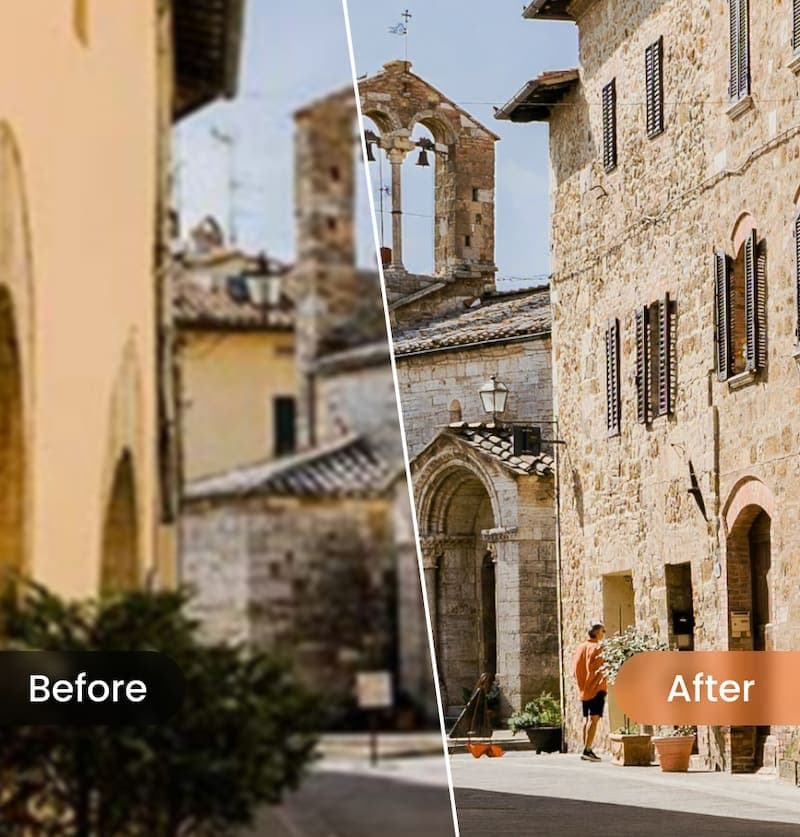
AirBrush AI Image Enhancer is a browser-based tool that uses artificial intelligence to improve photo quality in a single click. It is designed to sharpen blurry photos, restore color in faded images, reduce noise and imperfections, and upscale low-resolution pictures so they hold up at larger sizes. The workflow is intentionally simple: users upload an image, let the AI process it, preview the result, and export the enhanced version. Beyond basic one-click enhancement, the platform covers a range of editing needs. Color and contrast adjustments emphasize highlights and shadows for more natural-looking results, while clarity and sharpness improvements refine edges and textures. The upscaling feature increases pixel count without the blockiness typical of simple resizing, making it useful for large-format prints or zooming in on details. Batch processing lets users enhance up to 50 images at once, which saves considerable time for sellers and families with large photo libraries. The tool is aimed at a broad audience, including e-commerce sellers preparing product listings, families restoring old or low-quality photos, social media users, and designers who need higher-resolution assets. It is accessible from the web and mobile devices, and it sits within a larger suite of AirBrush photo and video editing tools that allow further adjustments such as cropping, filters, and retouching after enhancement.
SpecificationsAI-estimated
Key Features of AirBrush AI Image Enhancer
Use Cases for AirBrush AI Image Enhancer
E-commerce Product Photos
Sharpen and color-correct product shots so shoppers can see edges, textures, and finishes clearly before buying.
Restoring Old Family Photos
Revive faded or blurry snapshots, bringing back color and clarity for digital albums and sharing.
Social Media Posts
Quickly improve selfies, pet photos, and everyday shots before publishing them online.
Print and Portfolio Preparation
Upscale lower-resolution images so they remain sharp in large-format prints and portfolio layouts.
Real Estate Listings
Enhance property photos in batches to present interiors and exteriors with cleaner, more vibrant detail.
Graphic Design Assets
Increase the resolution of source images used in design projects without the loss of sharpness typical of manual resizing.
How to use AirBrush AI Image Enhancer?
Upload Your Photo
Choose one or more images from your device that you want to enhance, up to 50 at a time.
Apply AI Enhance
Click the AI Enhance option in the editor and let the algorithm improve clarity, color, and resolution automatically.
Review and Adjust
Preview the enhanced result and optionally apply further edits such as cropping or filters.
Export and Download
Export the final version and save it to your device or cloud storage.
Pros & Cons of AirBrush AI Image Enhancer
Pros
- One-click AI enhancement that requires no editing experience
- Batch processing of up to 50 images at once
- Upscaling preserves sharpness better than conventional resizing
- Works in the browser and on mobile devices
Cons
- Full functionality requires a paid subscription after the free trial
- AI processing can occasionally over-smooth fine textures or alter natural detail
- Output quality depends heavily on the quality of the source image
- Advanced manual control over individual enhancement parameters appears limited
Frequently Asked Questions
What does the AI Image Enhancer do?
It uses AI algorithms to automatically improve colors, sharpen details, reduce noise, and upscale resolution with minimal effort.
Can I enhance images without losing quality?
The upscaling process is designed to increase resolution while preserving sharpness and clarity, though results depend on the source image.
Can I enhance multiple photos at once?
Yes, you can process up to 50 images in a single batch.
Is it usable on mobile devices?
Yes, the enhancer is available on mobile phones so you can edit images directly from your device.
How long does enhancement take?
Most images are processed in a few seconds to a minute, depending on file size and complexity.
Can I edit photos after enhancement?
Yes, the platform includes additional tools for adjusting colors, applying filters, cropping, and more.
Pricing Overview
View full pricing →AirBrush offers a free plan with limited features and paid Web Plus subscriptions (monthly or annual), plus one-time credit top-up packs.
Reviews & Ratings0.0
No reviews yet. Be the first to write one!
Top Alternatives & Similar Software
View all alternatives & similar software→No alternatives available yet.
People also viewed


Related searches
Is this your tool?
Claim this page to update details, reply to user reviews, and drive more traffic to your product.
Claim this Product →
Tags
Explore Related Topics
Keep up with AirBrush AI Image Enhancer alternatives
New alternatives, pricing changes and the week's biggest movers - one email every Tuesday.