



AIVideo
Generate, refine, and publish AI videos with specialized workflows for music, ads, and more.














What is AIVideo?
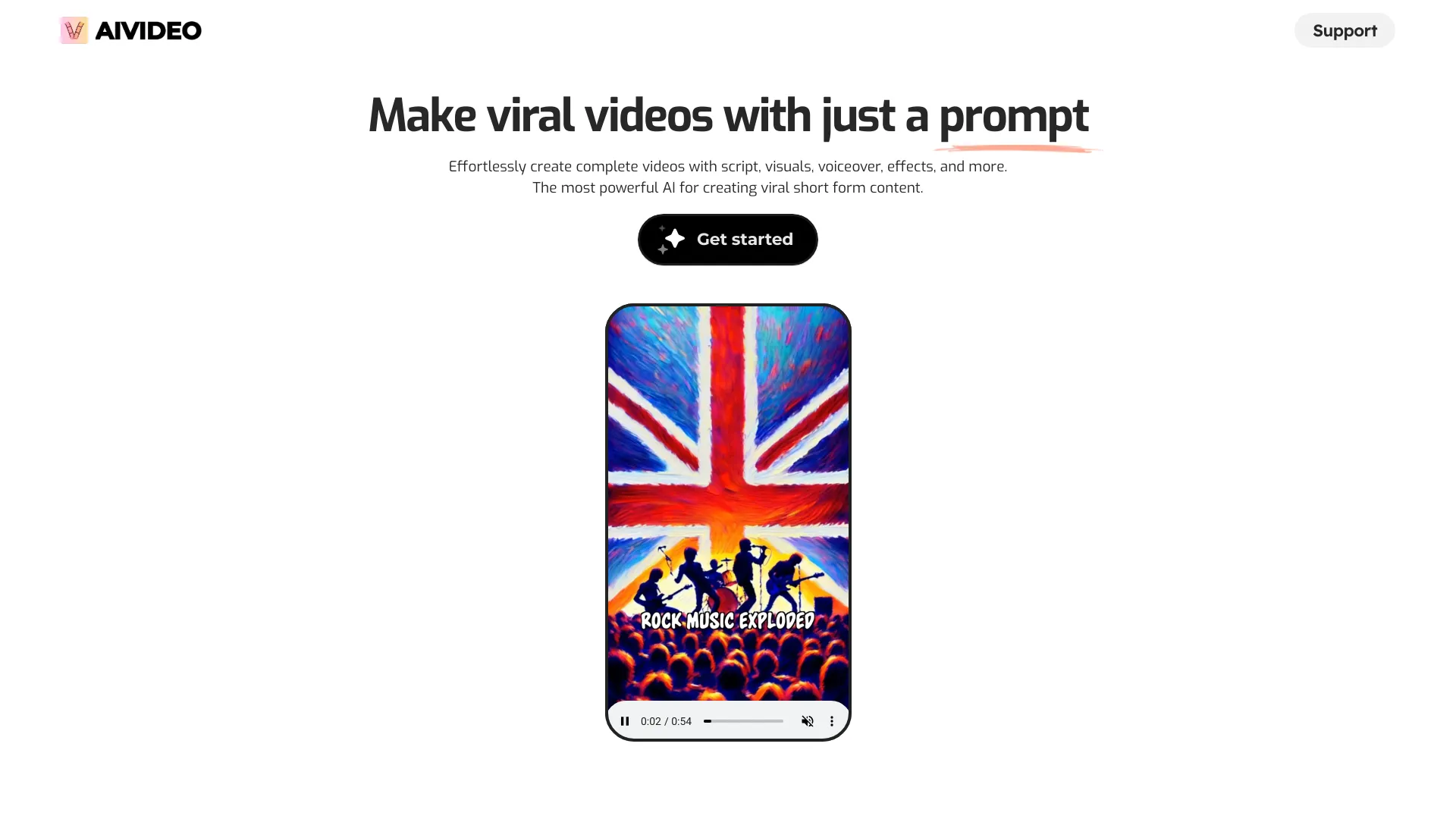
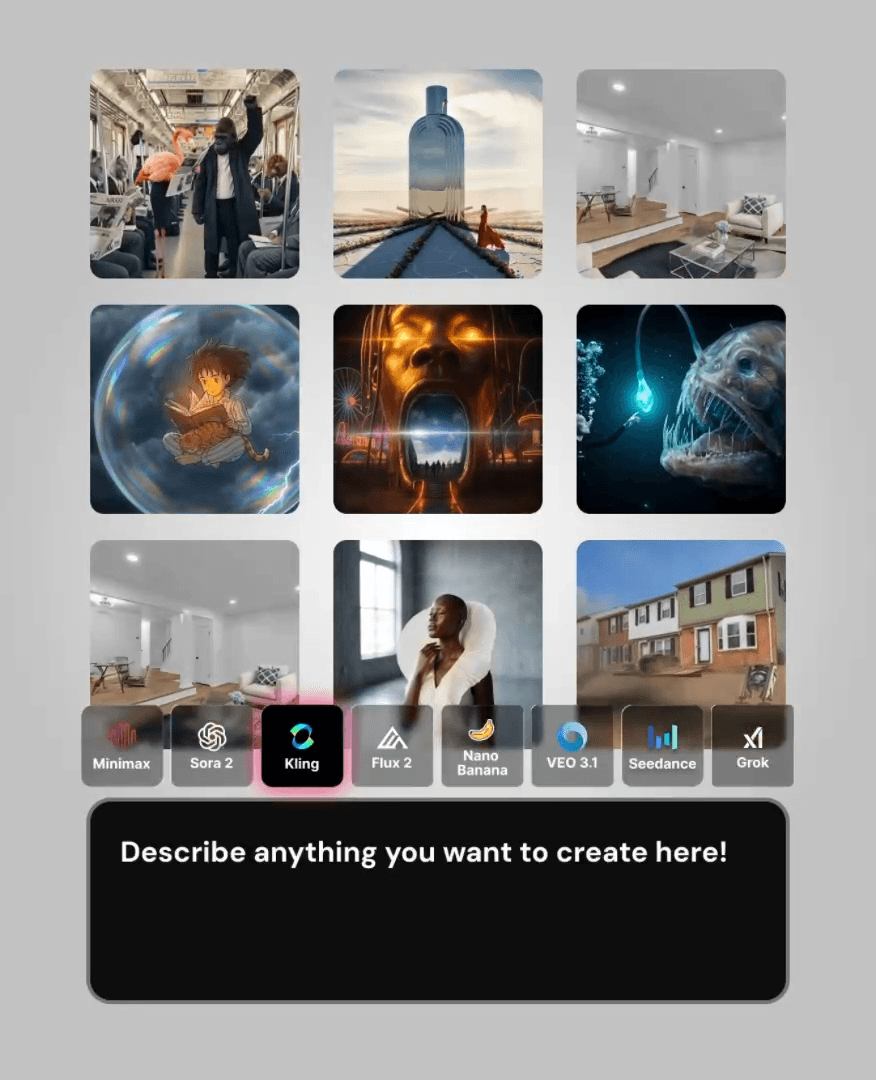
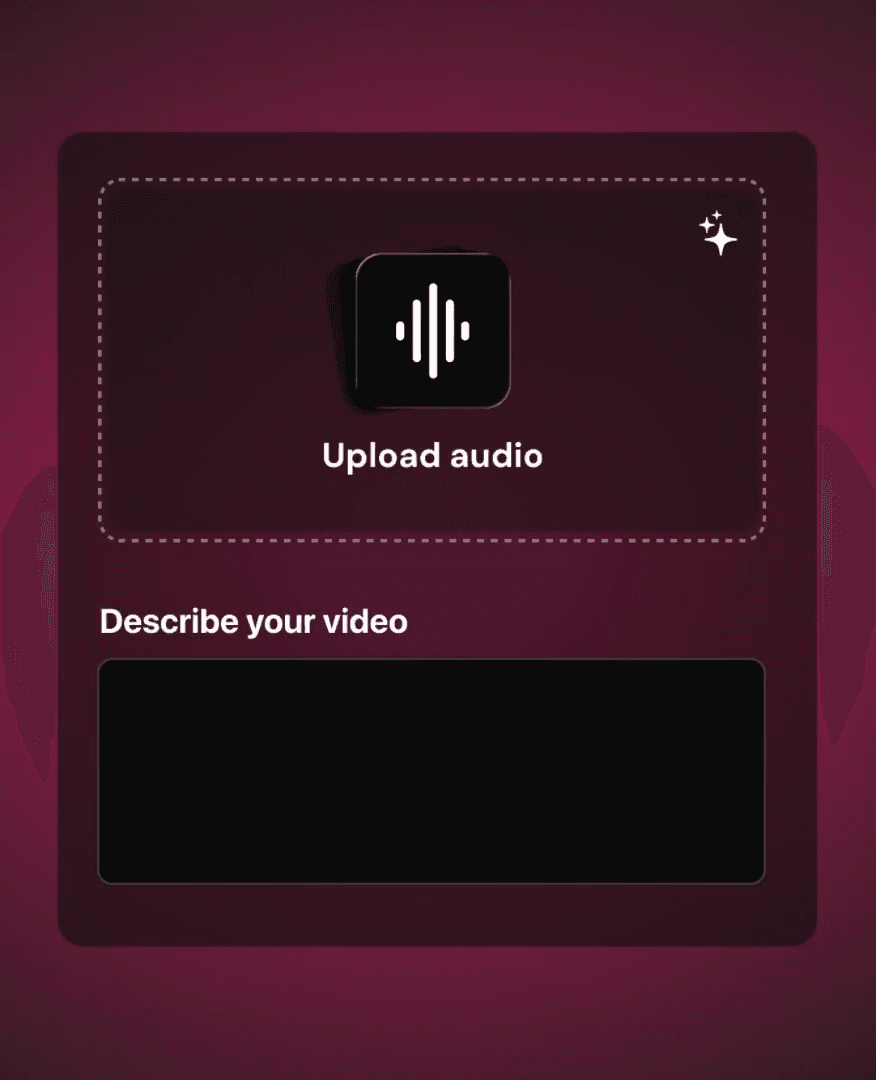
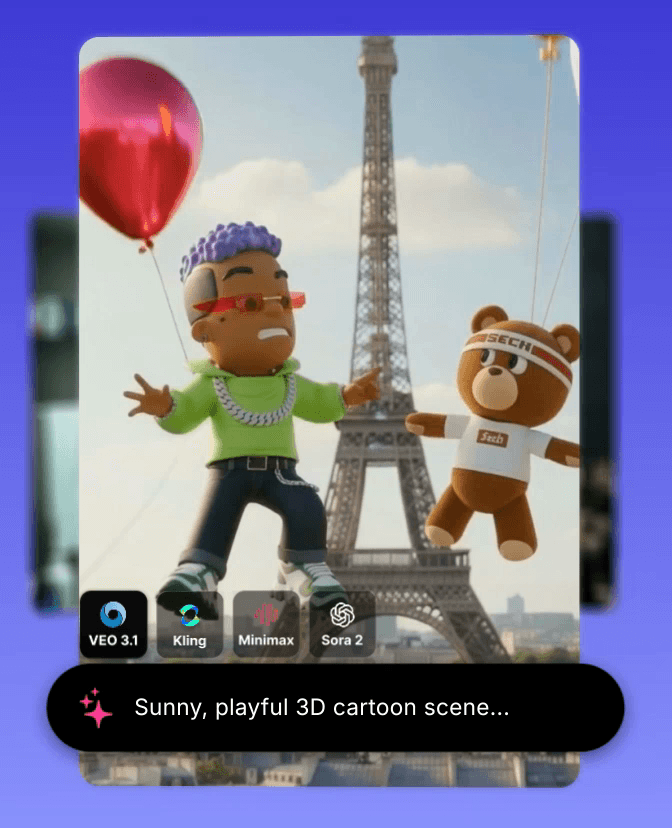
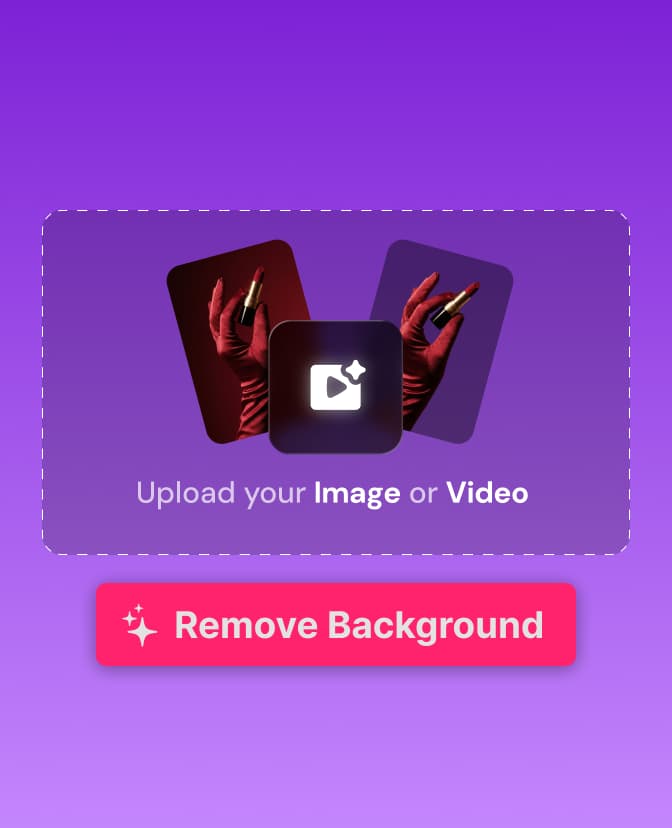
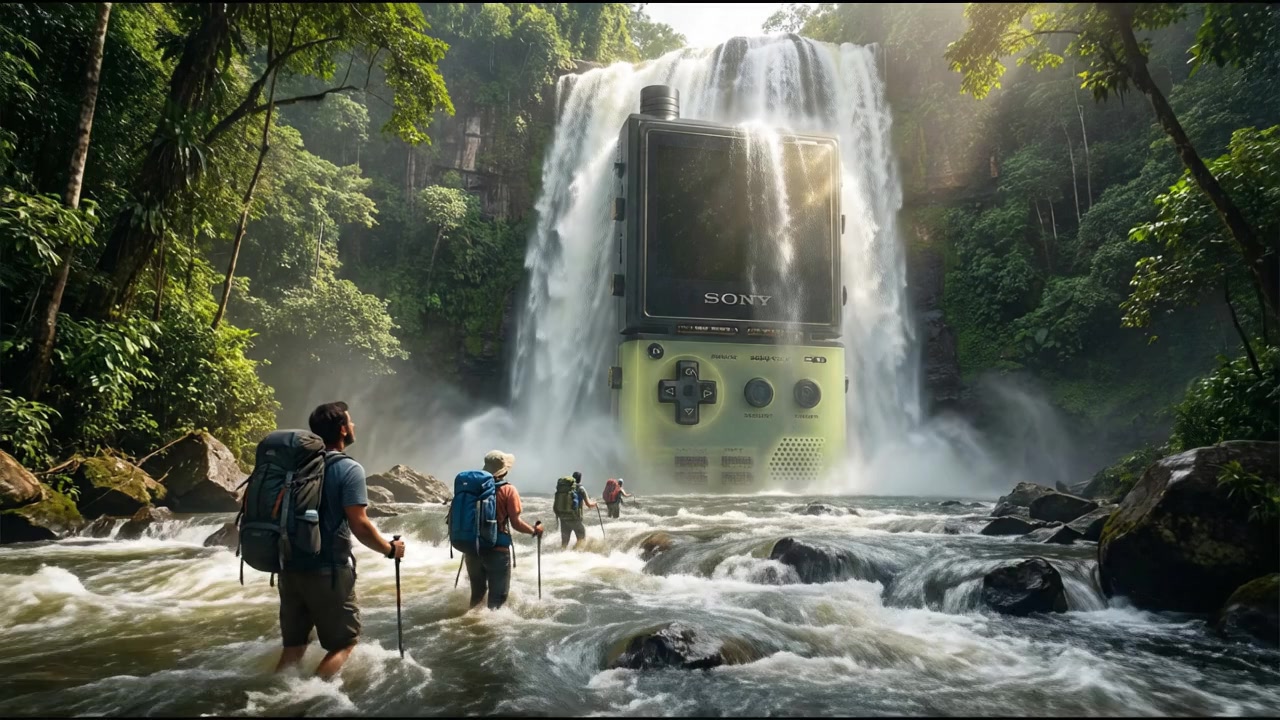
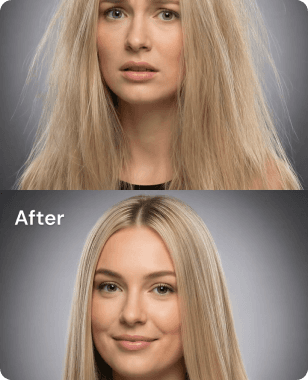
AIVideo is an AI-powered video creation platform built around a library of purpose-specific workflows. Instead of starting from a blank timeline, users can choose a task such as text-to-video, image-to-video, audio-to-video, or script-to-video, and then provide the source material they already have. The platform then helps assemble and refine the result into a finished video, making it useful for creators who want faster production without deep manual editing. The platform is organized into clear sections. Music Visuals includes Pro Music Video, Lyric Video, Looping, Visualizer, Image Slideshow, and Cutout. The Tools section offers a wider set of capabilities including Model Playground, Script to Video, AI Editor (Chat), Image to Video, Audio to Video, Edit Image, Text to Image, Text to Video, Matchcut, Remove Background, Music Generator, and Sound Effects. There is also an E-commerce section with Script to Ad, Giant Product, Exploded View, Before & After, Bullet Time, Billboard Ad, Product Review, UGC Split-Screen, and Poster Ad, plus a dedicated Real Estate section. Several advanced tools are marked as Desktop only. AIVideo appears designed for a broad audience including musicians, social media creators, advertisers, online sellers, and real estate professionals. Its strength is breadth: rather than offering only one generation method, it combines multiple AI workflows, a chat-based editor, and built-in music and sound effects tools into a single dashboard. With Try Now buttons on every workflow, users can quickly explore different video styles and production approaches.
SpecificationsAI-estimated
Key Features of AIVideo
Use Cases for AIVideo
Music promotion
Create lyric videos, visualizers, and professional-style music videos to promote new songs.
Social media content
Make looping visuals, image slideshows, and cutout effects for posts, stories, and short-form video.
E-commerce product ads
Turn scripts into engaging product ads and generate before-and-after demos, exploded views, and giant product shots.
Creative advertising campaigns
Build billboard ads, bullet time effects, and UGC-style split-screen videos for marketing campaigns.
Real estate marketing
Use the Real Estate section to create video content for property listings and tours.
Script-based video creation
Paste a script and let the Script to Video workflow generate footage and scenes based on the text.
Background removal and cleanup
Use Remove Background and Cutout tools to clean up product photos or portraits before placing them in videos.
Music and sound effects generation
Generate original background music and sound effects directly within the platform for video projects.
How to use AIVideo?
Choose a workflow
Go to the AIVideo dashboard and select a workflow card such as Text to Video, Lyric Video, or Script to Ad.
Provide your source content
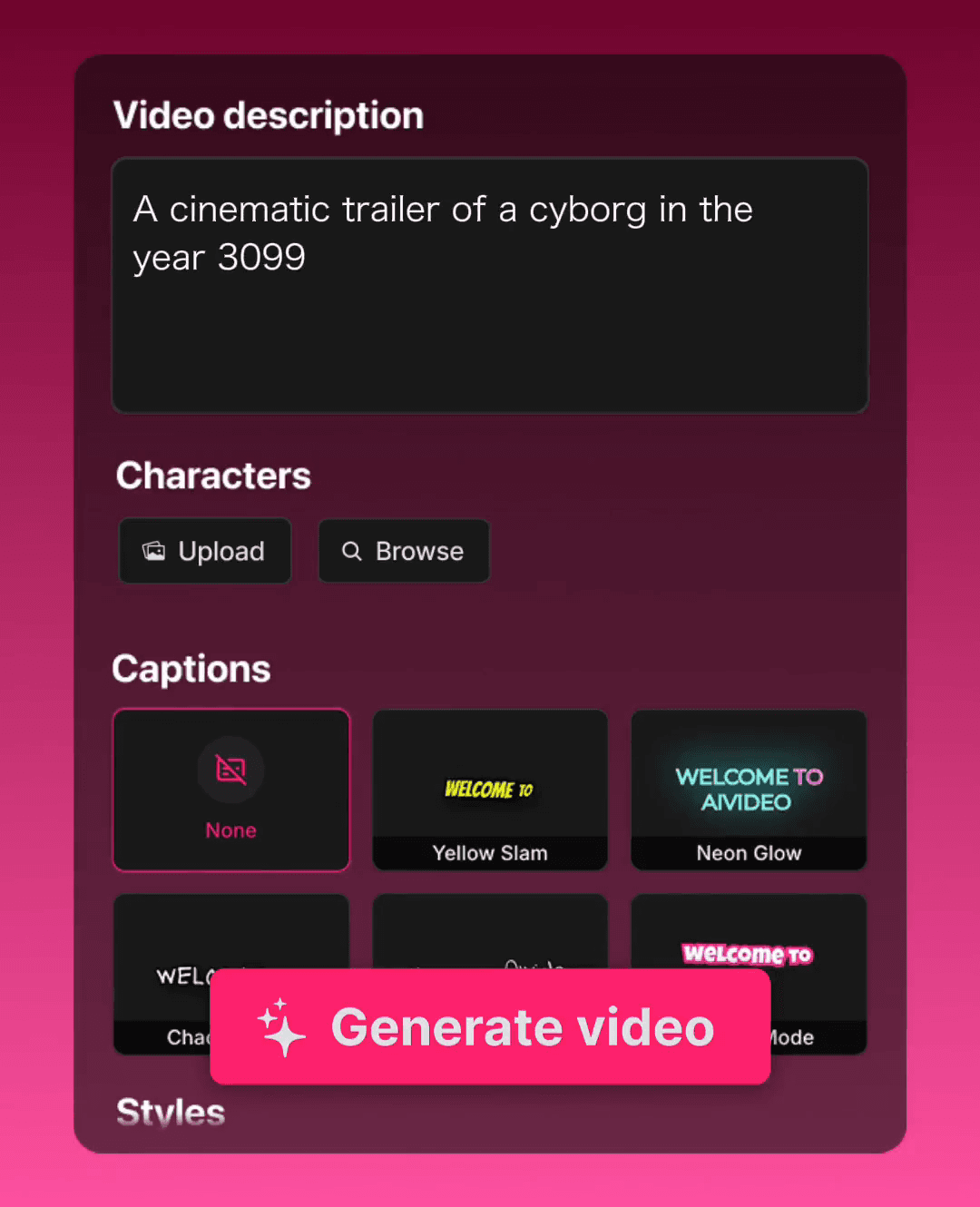
Depending on the tool, enter a text prompt, paste a script, upload an image, or supply an audio or video file.
Generate the video
Let the AI generate the video based on your source material and selected workflow settings.
Refine with the AI Editor
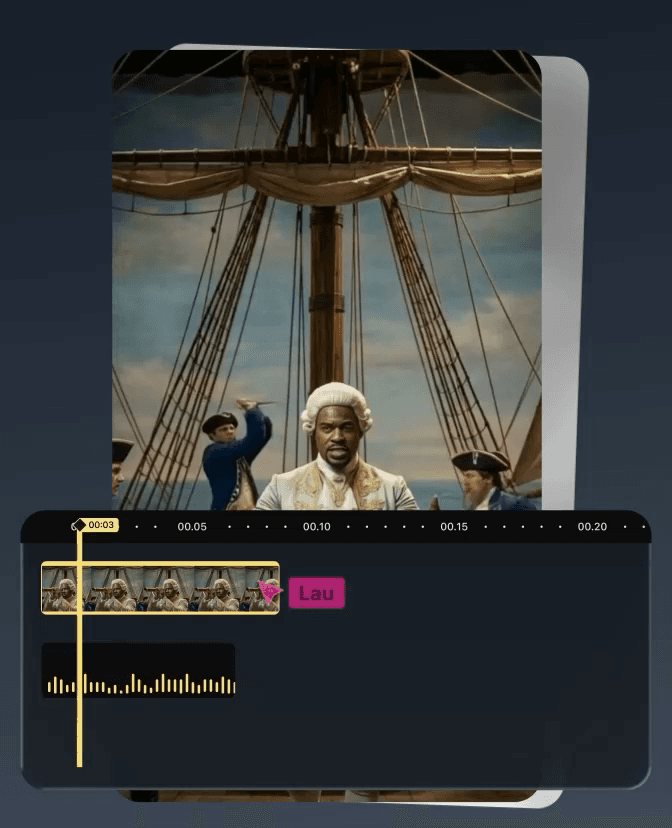
Use the AI Editor (Chat) to make changes conversationally, adjust scenes, or fine-tune the output.
Preview and export
Preview the final video, make any last adjustments, and export the finished result.
Pros & Cons of AIVideo
Pros
- Broad set of purpose-built workflows for music visuals, ads, product videos, and real estate
- Includes text-to-video, image-to-video, audio-to-video, and script-to-video generation
- Chat-based AI Editor makes video refinement more conversational
- Built-in Music Generator and Sound Effects tools remove the need for separate audio assets
- E-commerce-specific tools like Script to Ad, Giant Product, and Bullet Time stand out
Cons
- Many tools are labeled Desktop only, limiting use on mobile or tablet devices
- Pricing and subscription details are not shown on the landing page
- No visible information about export formats, resolution, or watermarking
- The large number of workflows can feel overwhelming for new users
Frequently Asked Questions
Is AIVideo a free tool?
The landing page does not mention specific pricing or a free tier. It shows Try Now buttons for each workflow, so you may need to create an account or choose a plan to export videos.
Do I need to install software to use AIVideo?
Some workflows appear to run from the website, but several tools such as Model Playground, Image to Video, and Text to Video are labeled Desktop only.
Can I make a music video with AIVideo?
Yes. The Music Visuals section includes Pro Music Video, Lyric Video, Looping, Visualizer, Image Slideshow, and Cutout workflows.
Can I turn a script into a video?
Yes. The Script to Video tool is designed to convert scripts into videos, and the AI Editor Chat can help refine the result.
Does AIVideo generate music and sound effects?
Yes. The Tools section includes a Music Generator and a Sound Effects creator, allowing you to produce audio assets without leaving the platform.
Are there tools for creating product ads?
Yes. The E-commerce section includes Script to Ad, Giant Product, Exploded View, Before & After, Bullet Time, Billboard Ad, Product Review, UGC Split-Screen, and Poster Ad.
What is the AI Editor (Chat)?
It appears to be an editing interface that lets you refine AI-generated videos using natural language chat commands instead of traditional timeline editing.
Reviews & Ratings0.0
No reviews yet. Be the first to write one!
Top Alternatives & Similar Software
View all alternatives & similar software→No alternatives available yet.
People also viewed


Related searches
Is this your tool?
Claim this page to update details, reply to user reviews, and drive more traffic to your product.
Claim this Product →
Tags
Explore Related Topics
Keep up with AIVideo alternatives
New alternatives, pricing changes and the week's biggest movers - one email every Tuesday.