


Anime Builder
One Anime Workflow for Characters, Storyboards, and Motion
What is Anime Builder?
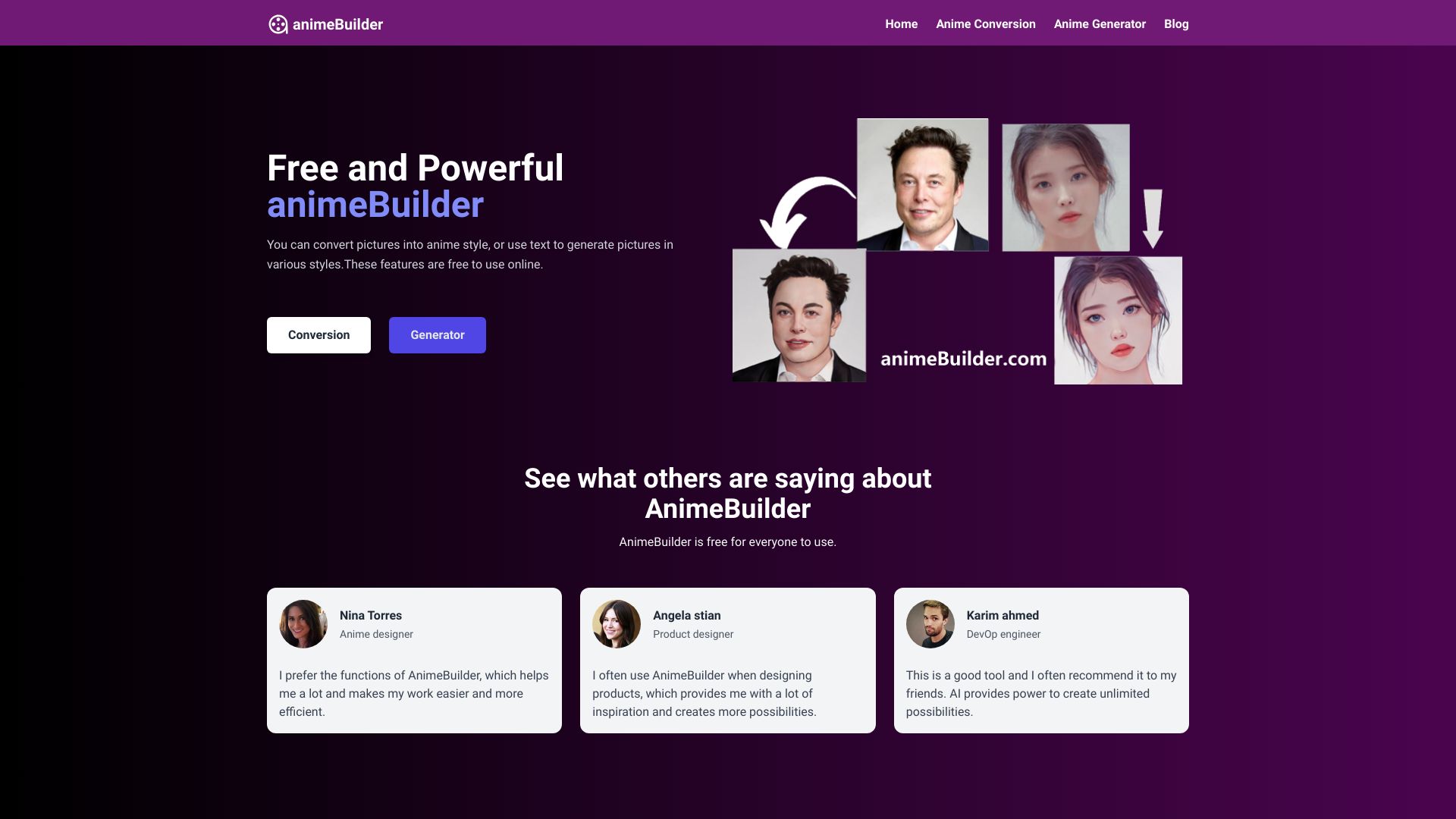
Anime Builder is a production-focused AI platform purpose-built for anime creation. It guides creators through a structured workflow: character generation, reference refinement, motion preview, and release-ready styling. It combines character sheets, avatar creation, image-to-video motion tests, video restyling, effects, and soundtrack drafts into one connected pipeline.
SpecificationsAI-estimated
Key Features of Anime Builder
Use Cases for Anime Builder
Character sheets
Generate character lineups, portrait sheets, poster art, and visual-novel assets before motion.
Reference-to-anime edits
Turn photos, rough sketches, and previous outputs into stable anime references.
Motion clips
Create teaser-ready motion clips, PV beats, reveal loops, and shot previews.
Soundtrack drafts
Draft opening cues, battle beds, and mood drafts once visual direction is set.
How to use Anime Builder?
Create characters in Character Lab
Start with character sheets, lineup sheets, or poster art.
Lock down references in Reference Refinery
Refine photos, sketches, or previous outputs into stable references.
Preview motion in Motion Studio
Use text-to-video or image-to-video for storyboard beats, reveal loops, and preview shots.
Polish in Release Layer
Add style effects and soundtrack drafts once the visual direction is strong.
Pros & Cons of Anime Builder
Pros
- Purpose-built for anime production workflows rather than generic AI generation.
- Clear stage-by-stage pipeline: character, reference, motion, release.
- Strong focus on character consistency and shot development.
- Designed for indie directors, VTubers, visual novel creators, and small studios.
- Combines visuals, motion, and audio drafting in one platform.
Cons
- Pricing and plan details are not visible on the homepage; only a link to /pricing is provided.
- Soundtrack and effects are positioned as support layers rather than core features, so they may be less mature.
- No detailed technical specifications or limitations are disclosed in the scraped content.
Frequently Asked Questions
How should I start using Anime Builder?
Open Character Lab, create your first anchor image, then move into refinement and motion.
What is the recommended production flow?
The workflow is Character -> Reference -> Motion -> Release.
Pricing Overview
View full pricing →No explicit dollar prices were found in the provided content.
Reviews & Ratings0.0
No reviews yet. Be the first to write one!
Top Alternatives & Similar Software
View all alternatives & similar software→No alternatives available yet.
People also viewed


Related searches
About the Product
Is this your tool?
Claim this page to update details, reply to user reviews, and drive more traffic to your product.
Claim this Product →
Tags
Explore Related Topics
Keep up with Anime Builder alternatives
New alternatives, pricing changes and the week's biggest movers - one email every Tuesday.