


Artedge AI
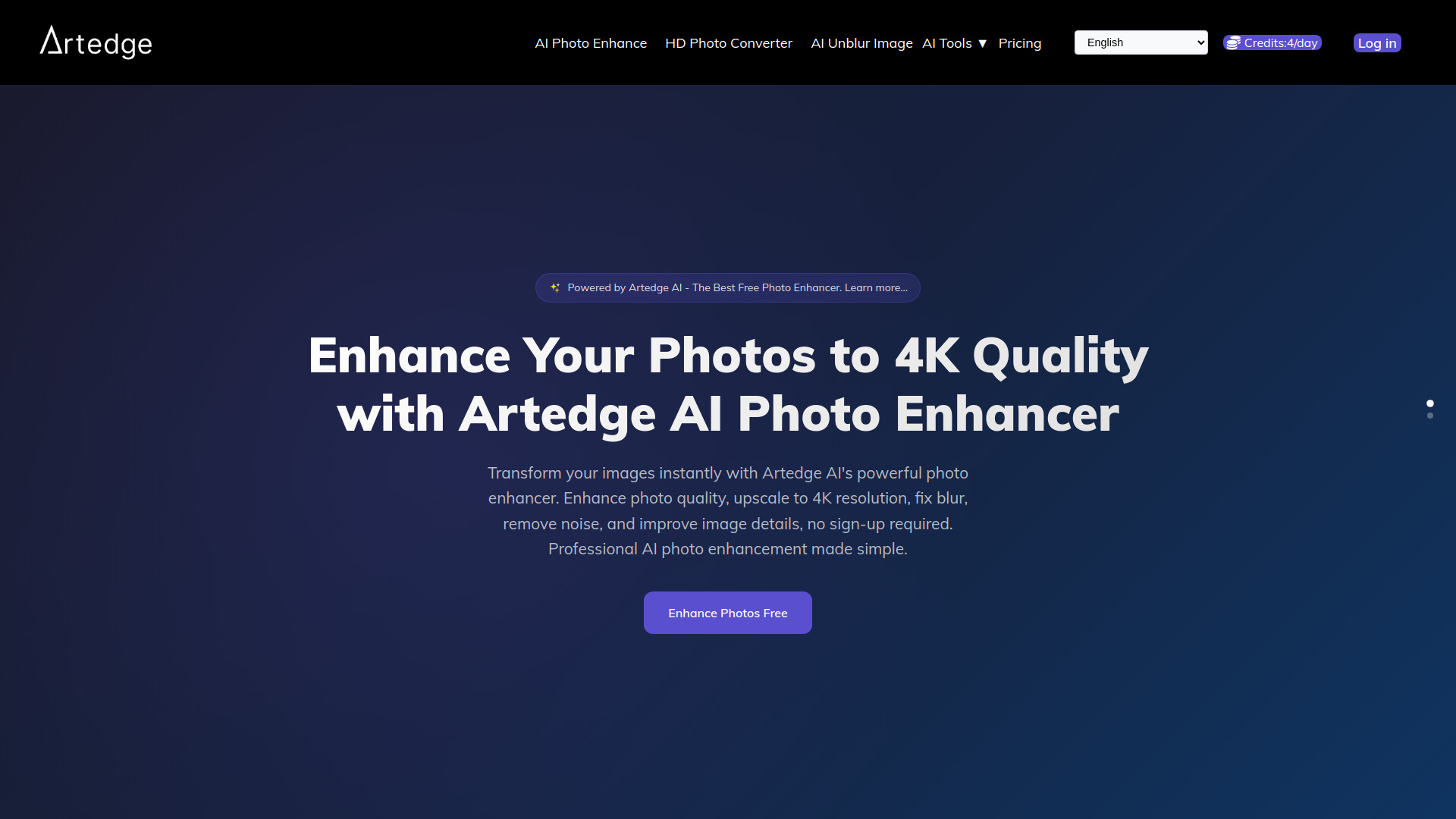
A browser-based AI workspace that enhances photos, upscales images to 4K and 8K, and sharpens video clips in one place.


What is Artedge AI?
Artedge AI is an online image and video enhancement workspace built for creators who need cleaner media without a complex editing suite. It bundles three AI tools into one browser-based environment: an AI Photo Enhancer that deblurs, denoises, and restores detail in soft or low-quality photos; an Image Upscaler that increases resolution for HD, 4K, or 8K outputs; and a Video Enhancer that improves clarity and resolution in compressed or soft clips. Users can move between these tasks without switching products or downloading desktop software. The platform is organized around a simple workflow. Users upload a photo, image, or video, accept the recommended quality target or open advanced controls for a specific resolution, and then download the improved result. The distinction between tasks is clear: photo enhancement addresses blur, noise, and fading, while upscaling addresses resolution. Video enhancement targets moving clips that need sharper frames and a cleaner final export. Artedge AI is best suited to e-commerce sellers preparing product photos, individuals restoring or sharpening portraits and old family pictures, and marketers producing social clips, thumbnails, and presentation assets. Because it runs in the browser, it offers a low-friction option for people who want professional-looking cleanup without learning a traditional editing suite.
SpecificationsAI-estimated
Key Features of Artedge AI
Use Cases for Artedge AI
E-commerce product photos
Sharpen product images and create higher-resolution visuals for storefronts and marketplace listings.
Portrait and archive restoration
Improve facial detail, restore older photos, and make prints or shares more usable.
Marketing and social video
Produce clearer campaign visuals, thumbnails, and short social clips.
Print preparation
Upscale small images so they hold up at larger print sizes.
Presentation assets
Prepare cleaner high-resolution images for slides and decks.
Low-quality video cleanup
Improve soft or compressed clips before publishing or archiving.
How to use Artedge AI?
Upload media
Choose a photo, image, or video clip to start the enhancement task.
Use recommended settings
Start with the default quality target or open advanced controls for a specific resolution.
Download the result
Review the enhanced output and download it for your project.
Pros & Cons of Artedge AI
Pros
- Covers photos, image upscaling, and video enhancement in a single browser workspace
- Simple three-step workflow of upload, choose settings, and download
- Clear guidance on which tool to use for blur, resolution, or video problems
- Recommended default settings lower the barrier for non-expert users
Cons
- Advanced controls and output limits are not detailed on the page
- Heavy reliance on AI may produce artifacts on very damaged or low-quality sources
- No mention of batch processing or API access for high-volume workflows
Frequently Asked Questions
What can Artedge AI enhance?
It enhances photos, upscales images, and improves video clarity, covering denoising, deblurring, resolution upscaling, face and document cleanup, and video enhancement.
What is the difference between photo enhancement and image upscaling?
Photo enhancement reduces blur, noise, and softness to improve visual quality. Image upscaling increases resolution for larger HD, 4K, or 8K outputs while preserving detail.
Can Artedge AI enhance video quality online?
Yes. Upload a clip, choose quality settings, and download the enhanced result once processing finishes.
Pricing Overview
View full pricing →Artedge AI sells credit-based subscription plans (Basic and Pro, each available weekly, monthly, or yearly) for its Photo Enhancer, 8K Upscaler, and Video Enhancer tools, with bonus credits on larger tiers.
Reviews & Ratings0.0
No reviews yet. Be the first to write one!
Top Alternatives & Similar Software
View all alternatives & similar software→No alternatives available yet.
People also viewed

Related searches
Is this your tool?
Claim this page to update details, reply to user reviews, and drive more traffic to your product.
Claim this Product →
Tags
Explore Related Topics
Keep up with Artedge AI alternatives
New alternatives, pricing changes and the week's biggest movers - one email every Tuesday.