


Bench
AI agents that automate end-to-end engineering design workflows across the CAD, CAE, and PLM tools your team already uses.
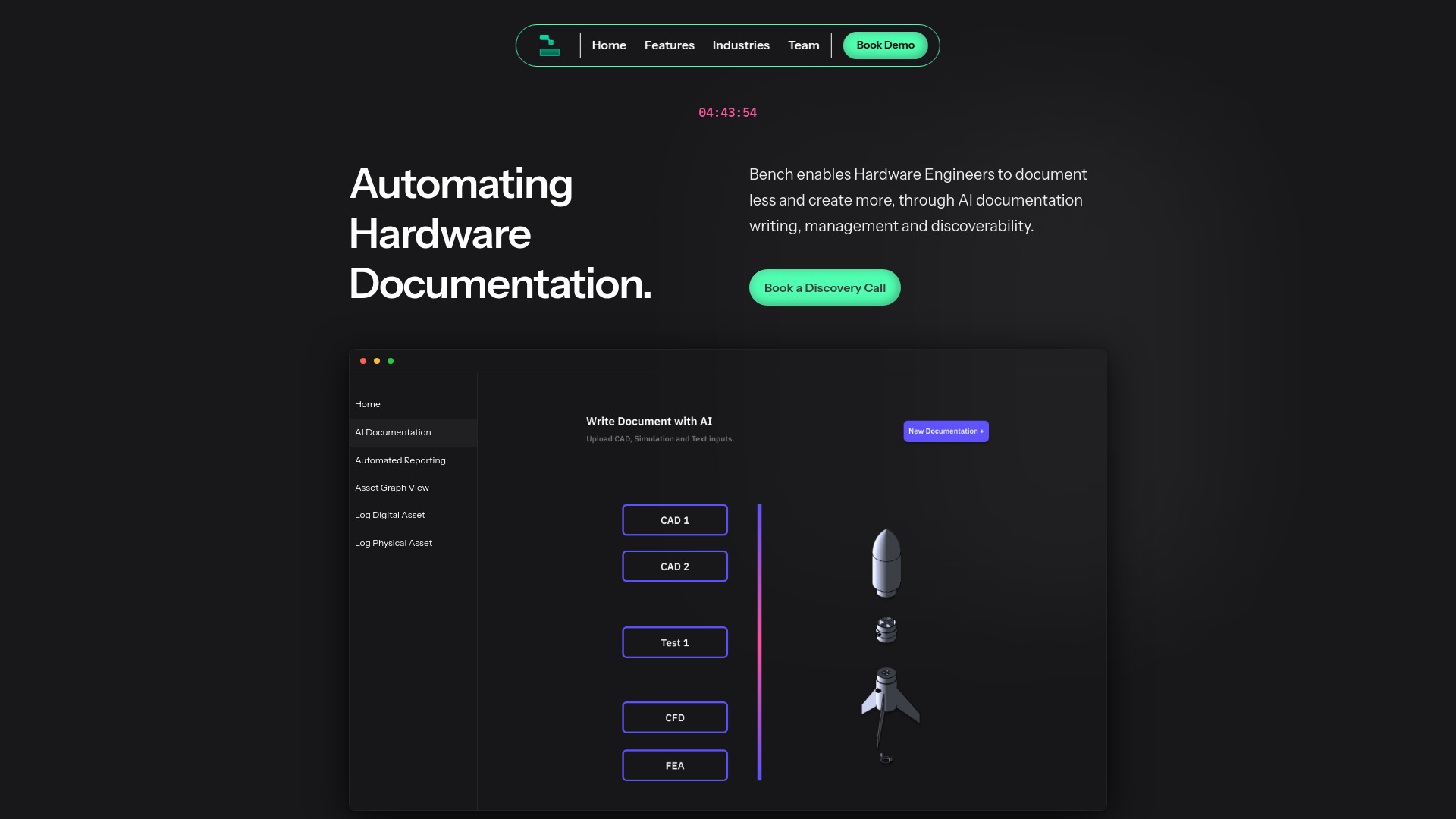
What is Bench?
Bench is an AI-powered engineering workflow automation platform that lets engineering teams generate and execute design workflows across their existing toolstack. Rather than requiring teams to migrate away from the CAD, CAE, and PLM tools they already rely on, Bench connects to those tools and runs design workflows end to end, aiming to compress iteration cycles that might otherwise take days into minutes. The platform is built around the idea of autonomous AI engineering agents. Teams can deploy these agents to scale the impact of their engineering work without proportionally growing headcount. Bench grounds its agents in the context of the sources a team connects to it, which the company positions as a way to reduce AI hallucinations and have the system behave more like a well-trained engineer already embedded within the organisation. Bench is aimed primarily at engineering and R&D organisations, particularly those working on hardware, product design, and complex development pipelines where manual, repetitive design tasks slow down time to market. Its enterprise positioning includes granular role-based access control, data ownership controls, and collaboration features designed to support both small teams and global organisations, along with a structured review process for capturing feedback.
SpecificationsAI-estimated
Key Features of Bench
Use Cases for Bench
Accelerating design iteration
Automate repetitive design revision cycles so engineers can test and refine concepts in minutes rather than days.
Automating CAD and CAE workflows
Chain together simulation and modelling tasks across existing CAD and CAE software without manual handoffs.
Reducing time to market
Remove engineering bottlenecks so product concepts move to launch faster without expanding the team.
Freeing engineers for high-value R&D
Offload manual, repetitive design work to automation so senior engineers can focus on innovation.
Scaling engineering output
Deploy AI agents to increase throughput for teams that cannot grow headcount at the same pace as project demand.
Coordinating global engineering teams
Give distributed teams a shared, permissioned workspace for running workflows and reviewing feedback together.
How to use Bench?
Connect your toolstack
Link Bench to your existing CAD, CAE, and PLM tools so it can work within the software your team already uses.
Define your design workflow
Describe the engineering workflow you want to automate, from simple tasks to multi-step processes.
Deploy AI agents
Launch Bench's agents to generate and execute the workflow, drawing on the context of your connected sources.
Review and collaborate
Use the built-in review process to gather feedback from team members and refine results.
Iterate at scale
Repeat and expand automated workflows across projects to shorten iteration cycles over time.
Pros & Cons of Bench
Pros
- Works with existing CAD, CAE, and PLM tools instead of requiring a migration
- Automates both simple and complex design workflows to cut iteration times dramatically
- Context-grounded agents designed to reduce hallucinations by drawing on connected sources
- Enterprise-oriented controls including role-based access and data ownership settings
Cons
- Value depends heavily on how many and which engineering tools a team has connected
- Public materials focus on positioning and outcomes rather than detailed technical documentation
- Best suited to organisations with mature engineering toolchains, which may exclude smaller or early-stage teams
Frequently Asked Questions
What is Bench?
Bench is an AI platform that automates engineering design workflows by generating and executing them across a team's existing CAD, CAE, and PLM tools.
Do I need to switch away from my current engineering software?
No. Bench is designed to work with the CAD, CAE, and PLM tools you already use, so there is no need to migrate.
How does Bench avoid AI hallucinations?
Bench grounds its agents in the context of the sources you connect, so outputs are based on your own engineering data rather than generic guesses.
Can Bench automate complex workflows?
Yes. Bench can automate both simple and complex design workflows end to end across your toolstack.
Who controls access to data in Bench?
Bench offers customisable role-based access control and granular data ownership settings so teams can manage permissions.
Is Bench suitable for large or distributed teams?
Yes. Bench is positioned for teams ranging from five to several hundred engineers, across single offices or global locations.
Pricing Overview
View full pricing →No pricing information is stated on the provided Bench page content.
Detailed plans are not listed. Visit the official website for pricing information.
Reviews & Ratings0.0
No reviews yet. Be the first to write one!
Top Alternatives & Similar Software
View all alternatives & similar software→No alternatives available yet.
People also viewed


Related searches
Is this your tool?
Claim this page to update details, reply to user reviews, and drive more traffic to your product.
Claim this Product →
Tags
Explore Related Topics
Keep up with Bench alternatives
New alternatives, pricing changes and the week's biggest movers - one email every Tuesday.