Discover, compare, and save the best low-code / no-code alternatives.
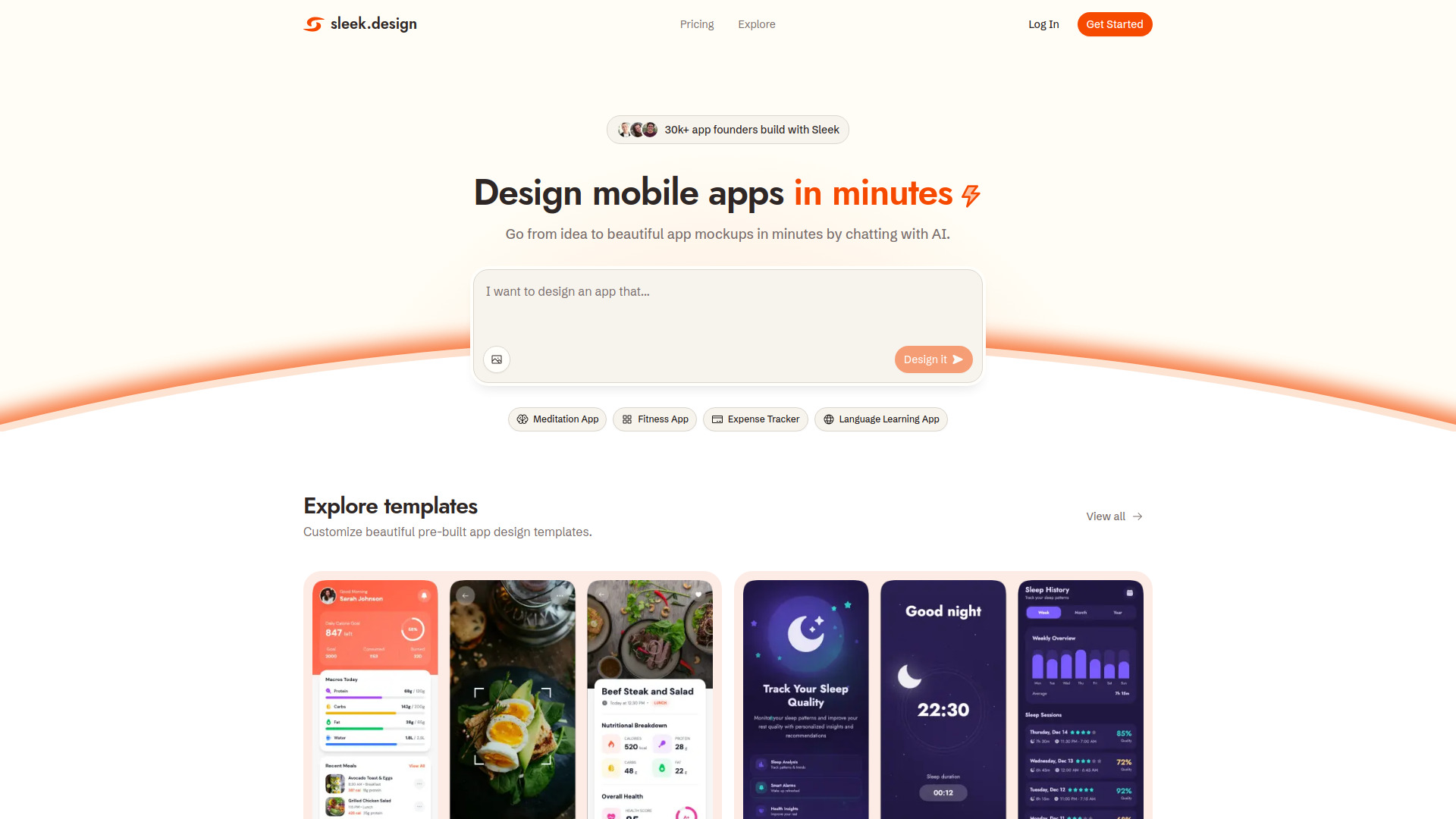
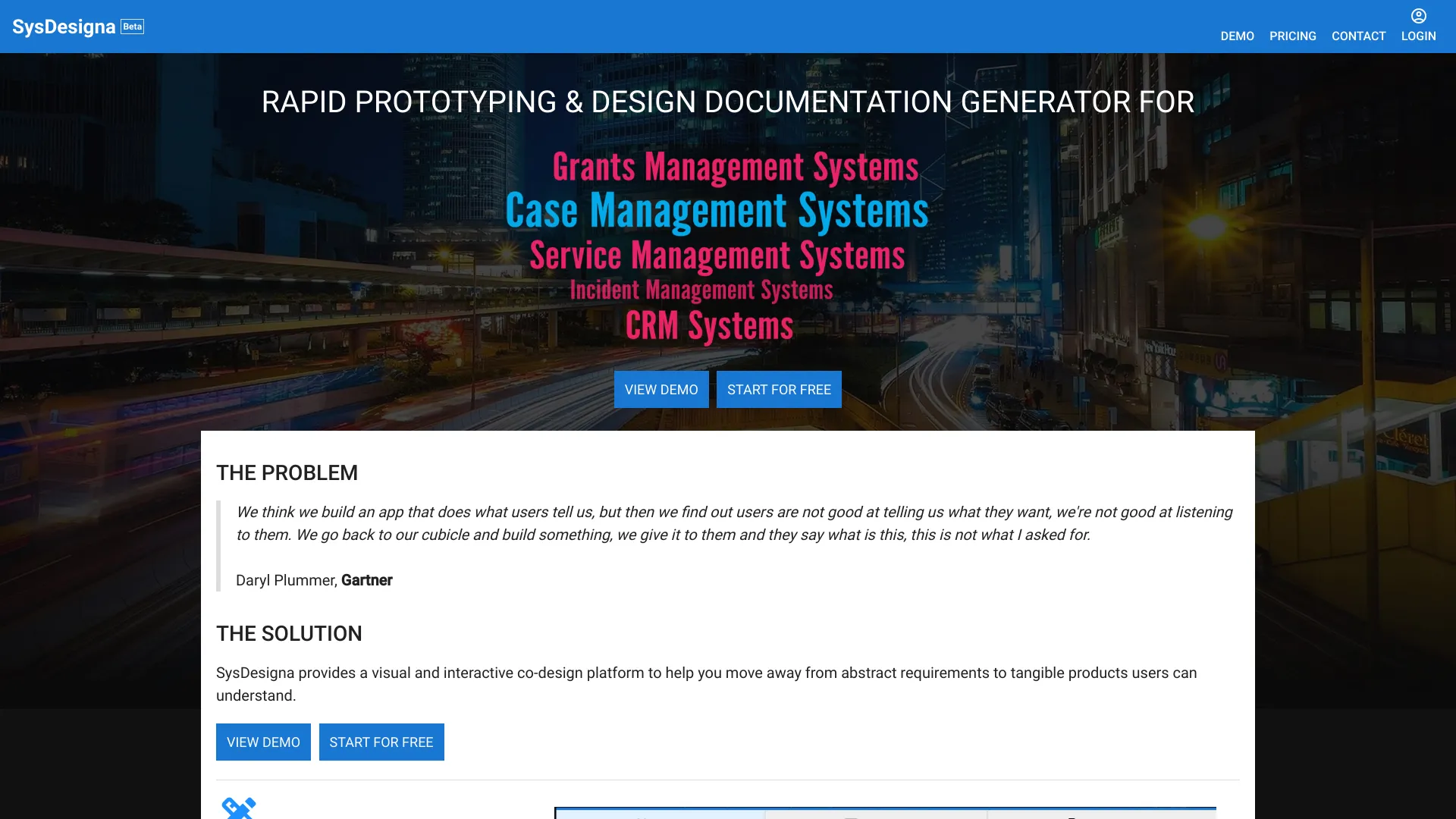
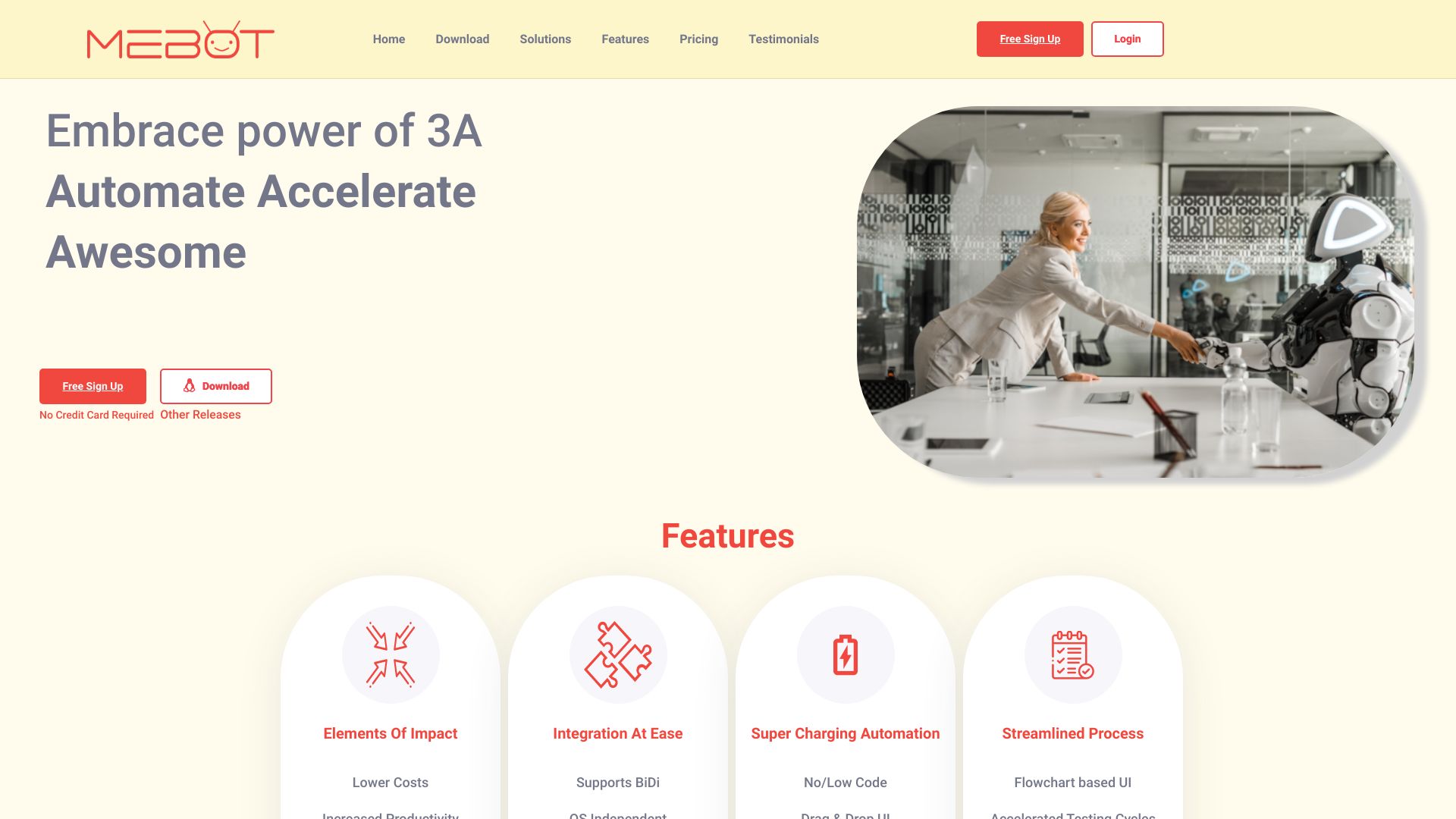
Monday.com, Atheros AI Builder, Resleeve, Sleek, SysDesigna and TakeMeBot are among the top-rated Low-Code / No-Code picks.
Low-Code and No-Code software development platforms empower users to create applications without extensive coding knowledge, making them ideal for non-technical teams, entrepreneurs, and small businesses. These platforms solve the problem of limited development resources, enabling users to quickly build and deploy custom applications. By leveraging visual interfaces and pre-built templates, Low-Code/No-Code platforms streamline the development process, reducing the need for manual coding and minimizing errors. While Low-Code/No-Code platforms share similar goals, they differ significantly in terms of key features, pricing models, and tradeoffs. For instance, some platforms like Monday.com focus on workflow automation and team collaboration, whereas others like Softr emphasize data-driven application development. Pricing models also vary, with some platforms offering subscription-based plans, while others provide one-time licensing fees. Understanding these differences is crucial to selecting the right platform for your specific needs. Choosing the right Low-Code/No-Code platform can be overwhelming, given the numerous options available. Findalternative.net's comparison tool helps narrow down the field by providing a comprehensive overview of top products like next-ai-draw-io, Refine, and Budibase. By evaluating factors such as ease of use, customization options, and integrations, you can make an informed decision and find the best Low-Code/No-Code platform for your development projects.
The primary benefit is that it enables users to create custom applications without extensive coding knowledge, reducing development time and costs. This makes it ideal for non-technical teams and small businesses with limited development resources.
Low-Code/No-Code platforms use visual interfaces and pre-built templates to streamline the development process, whereas traditional methods require manual coding and often involve more complexity and errors.
Low-Code/No-Code platforms can be used to build a wide range of applications, including workflow automation tools, data-driven applications, and custom business solutions. Examples include project management tools like Monday.com and data analytics platforms like Softr.
While Low-Code/No-Code platforms are often associated with small businesses and non-technical teams, they can also be used by large enterprises to streamline specific development projects or departments. Platforms like Mendix and Xano offer enterprise-grade features and scalability.
When evaluating the security of a Low-Code/No-Code platform, consider factors such as data encryption, access controls, and compliance with industry standards. Look for platforms that provide transparent security documentation and regular updates, such as Windmill and Draftbit.
While it's possible to migrate applications between Low-Code/No-Code platforms, it may require significant rework and customization. Consider the migration process and potential costs when selecting a platform, and look for platforms that offer flexible export options, such as Bolt.new.
Most Low-Code/No-Code platforms offer extensive support resources, including documentation, tutorials, and community forums. Some platforms, like next-ai-draw-io, also provide dedicated customer support and training programs to help users get started and overcome challenges.
Low-Code / No-Code splits into 11 related categories worth browsing on their own: DevOps & CI/CD (69), API Tools (60), Web Development (59), Monitoring & Logging (52), Databases (48), and Testing & QA (42) — worth a look if you already know roughly which kind you need.
Browsing by use case instead? These products also surface under Low-code (17), No-code (12), Automation (12), Open Source (9), Collaboration (6), and Productivity (6) — topic pages that pull from the whole catalog, not just Low-Code / No-Code.
Comparing across more than just software? Findalternative.net also covers Hardware, Gadgets, Appliances, Games, and Hosting alternatives.
90% run on Web, 20% on Android, and 18% on iOS — check platform support before committing if you need something specific.
Computed from real platform data across the category.
Across the Low-Code / No-Code products in our directory, 78% are free or freemium. 37% of products with a documented drawback cite pricing/cost concerns as a tradeoff worth knowing about going in.
Computed from real pricing and pros/cons data across the category — not a review aggregate.






.png)