Discover, compare, and save the best ides & code editors alternatives.
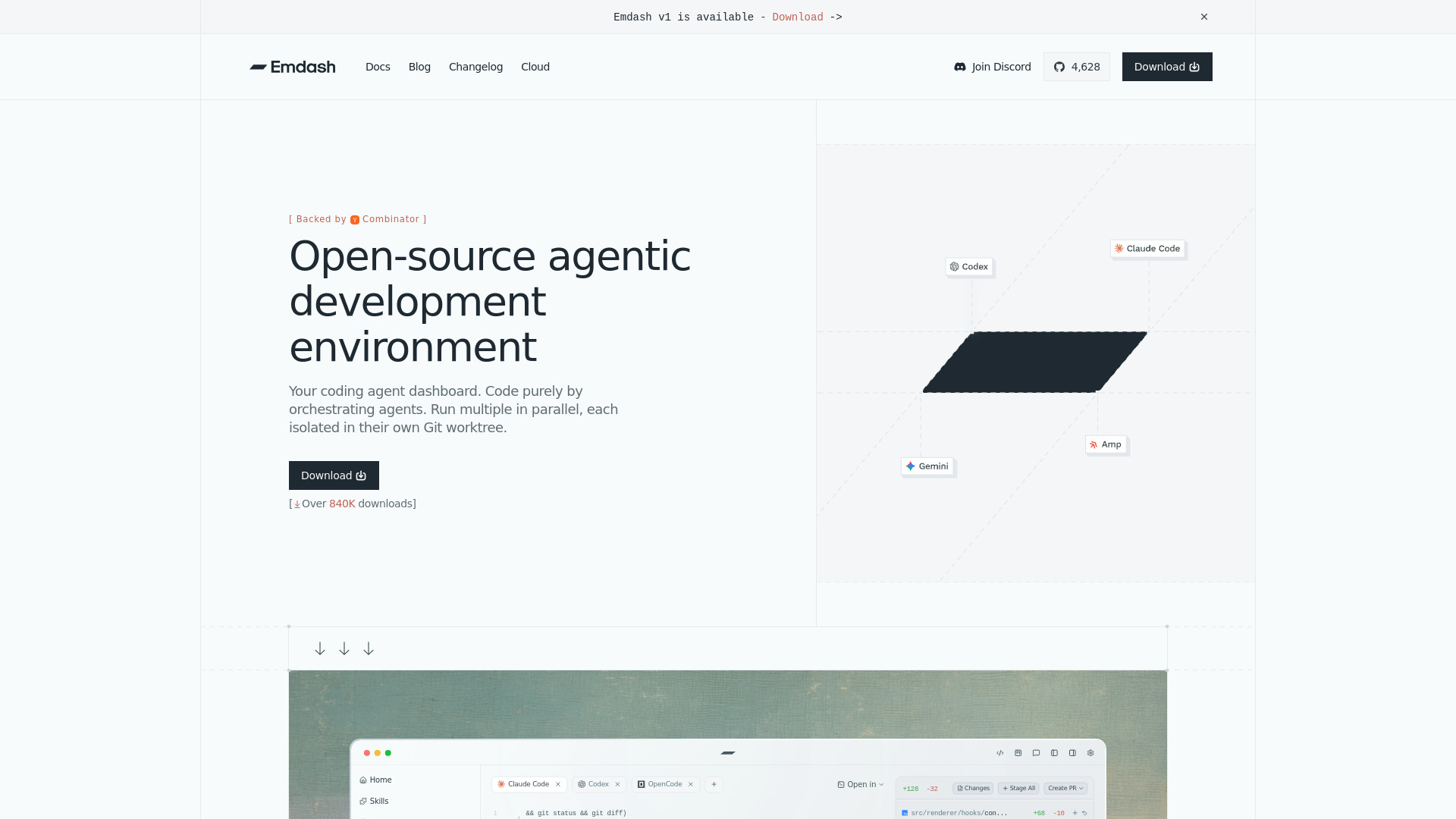
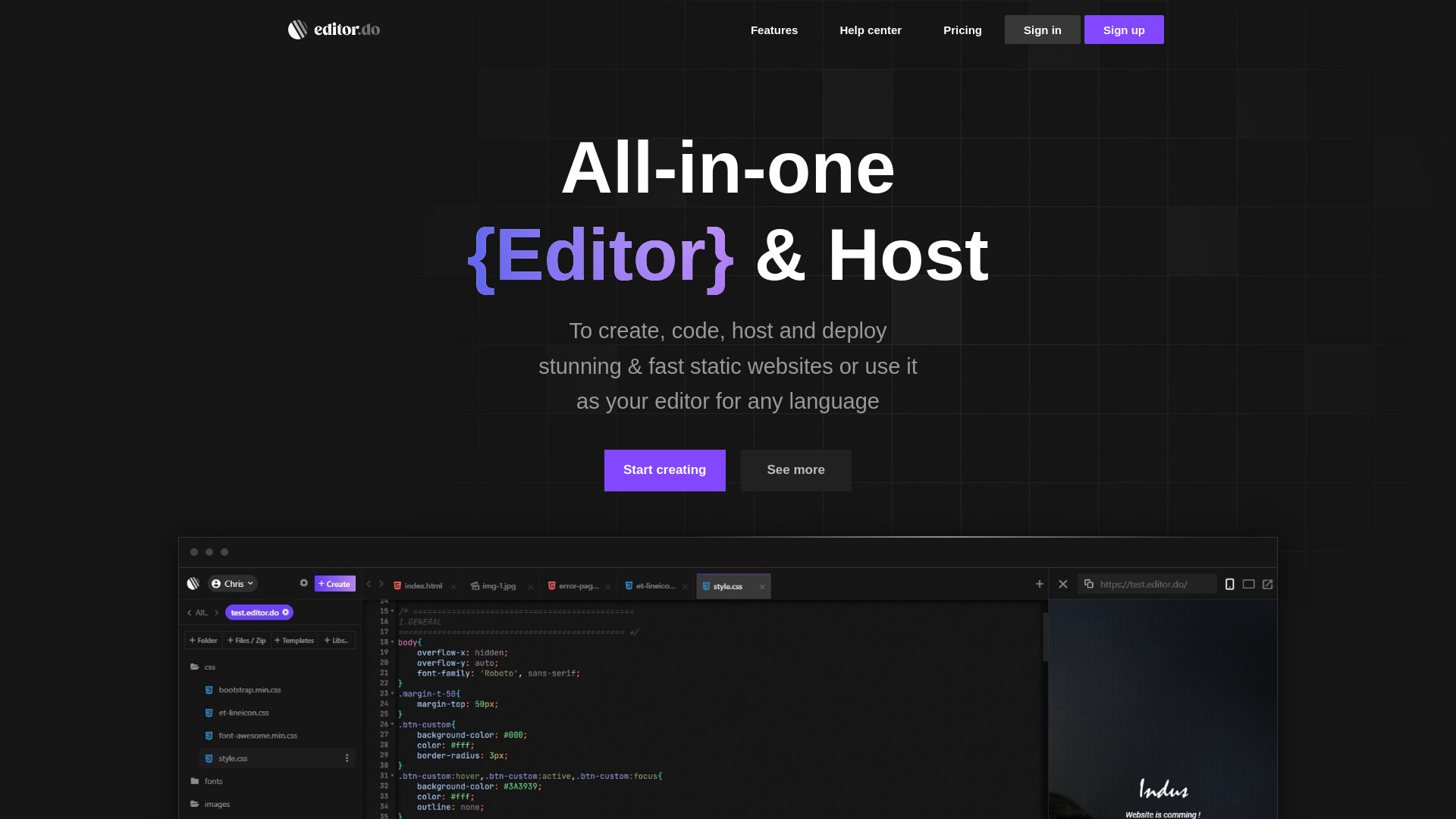
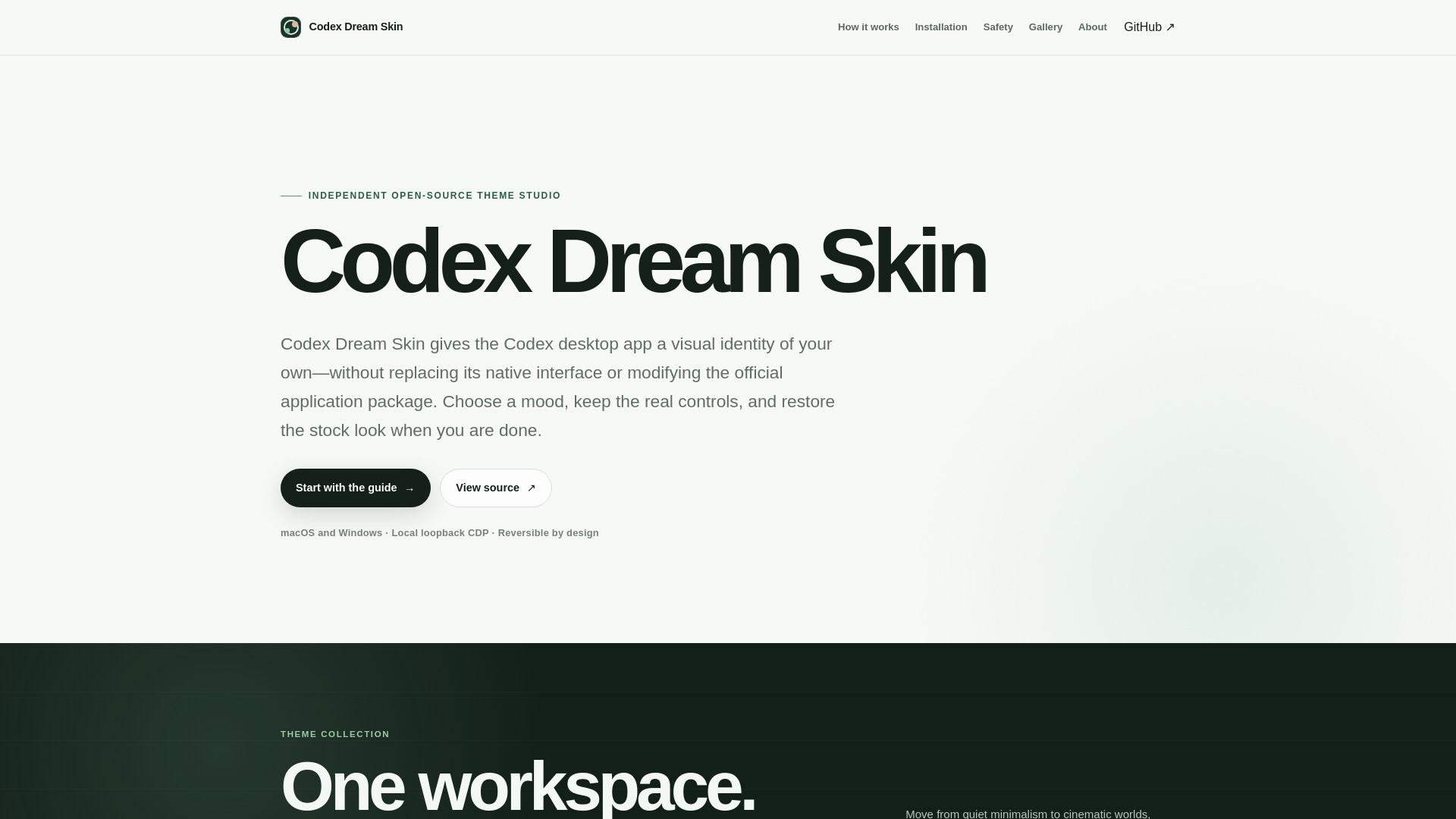
Sublime Text, Visual Studio Code, Emdash, Editor.do, Codex Dream Skin and Notepad++ are among the top-rated IDEs & Code Editors picks.
IDEs & Code Editors are software tools designed for developers, programmers, and coders to write, edit, and manage code efficiently. These tools suit individuals and teams working on various projects, from web development to mobile app creation, and solve the problem of manual code editing, which can be time-consuming and prone to errors. By using an IDE or code editor, developers can streamline their workflow, reduce errors, and improve overall productivity. The main differences between IDEs & Code Editors lie in their key features, pricing models, and tradeoffs. For instance, some popular options like Visual Studio Code and Sublime Text offer a wide range of extensions and plugins, while others like Eclipse and NetBeans provide a more comprehensive set of built-in tools. Additionally, pricing models vary, with some options like Atom and ImHex being free and open-source, while others like Xcode and Visual Studio require a license or subscription. Understanding these differences is crucial to choosing the right tool for specific development needs. To choose the best IDE or code editor, developers can use findalternative.net's comparison tool to narrow down the options. By filtering features, pricing, and user reviews, developers can find the most suitable tool for their project requirements. The comparison tool also allows developers to explore alternative options, such as black and Prettier, which offer unique features like code formatting and linting. By leveraging findalternative.net's resources, developers can make informed decisions and find the perfect IDE or code editor to enhance their development workflow.
An IDE (Integrated Development Environment) provides a comprehensive set of tools for development, including code editing, debugging, and project management. A code editor, on the other hand, is a lightweight tool focused primarily on code editing and syntax highlighting. Examples of IDEs include Eclipse and Visual Studio, while Sublime Text and Atom are popular code editors.
Popular choices for web development include Visual Studio Code, Sublime Text, and Atom. These tools offer a wide range of extensions and plugins for web development, such as syntax highlighting, code completion, and debugging tools. Additionally, some IDEs like Eclipse and NetBeans provide built-in support for web development frameworks and libraries.
Yes, there are several free IDEs & Code Editors available, including Atom, ImHex, and Visual Studio Code. These tools offer many features and extensions, making them suitable for development projects. Additionally, some open-source options like Eclipse and NetBeans provide free and comprehensive development environments.
Code formatting tools like Prettier and black are designed to automatically format code according to a set of predefined rules and styles. This helps maintain consistency and readability in codebases, making it easier for developers to collaborate and maintain code. These tools can be integrated with IDEs & Code Editors to provide real-time formatting and linting.
Yes, some IDEs & Code Editors are suitable for mobile app development. For example, Xcode is a popular IDE for iOS and macOS development, while Visual Studio and Eclipse provide support for Android and cross-platform development. Additionally, some code editors like Sublime Text and Atom offer extensions and plugins for mobile app development.
To choose the right IDE or code editor, consider factors like project requirements, programming languages, and development workflows. You can also explore user reviews, feature comparisons, and tutorials to find the best fit for your needs. Findalternative.net's comparison tool can help you filter and compare different options to make an informed decision.
Yes, some IDEs & Code Editors are designed with beginners in mind, offering features like code completion, syntax highlighting, and debugging tools. For example, Visual Studio Code and Sublime Text provide a user-friendly interface and a wide range of extensions to help new developers get started. Additionally, some IDEs like Eclipse and NetBeans offer tutorials and guides to help beginners learn the basics of programming and development.
IDEs & Code Editors splits into 11 related categories worth browsing on their own: DevOps & CI/CD (69), API Tools (60), Web Development (59), Monitoring & Logging (52), Low-Code / No-Code (50), and Databases (48) — worth a look if you already know roughly which kind you need.
Browsing by use case instead? These products also surface under Open Source (12), IDE (9), Productivity (5), Java (3), Collaboration (3), and Markdown (3) — topic pages that pull from the whole catalog, not just IDEs & Code Editors.
Comparing across more than just software? Findalternative.net also covers Hardware, Gadgets, Appliances, Games, and Hosting alternatives.
62% run on Mac, 62% on Windows, 52% on Linux, and 41% on Web — check platform support before committing if you need something specific.
Computed from real platform data across the category.
Across the IDEs & Code Editors products in our directory, 86% are free or freemium. 38% of products with a documented drawback cite support or documentation gaps as a tradeoff worth knowing about going in.
Computed from real pricing and pros/cons data across the category — not a review aggregate.