


Atheros AI Builder
UI With Speed of AI And The Taste of a Designer
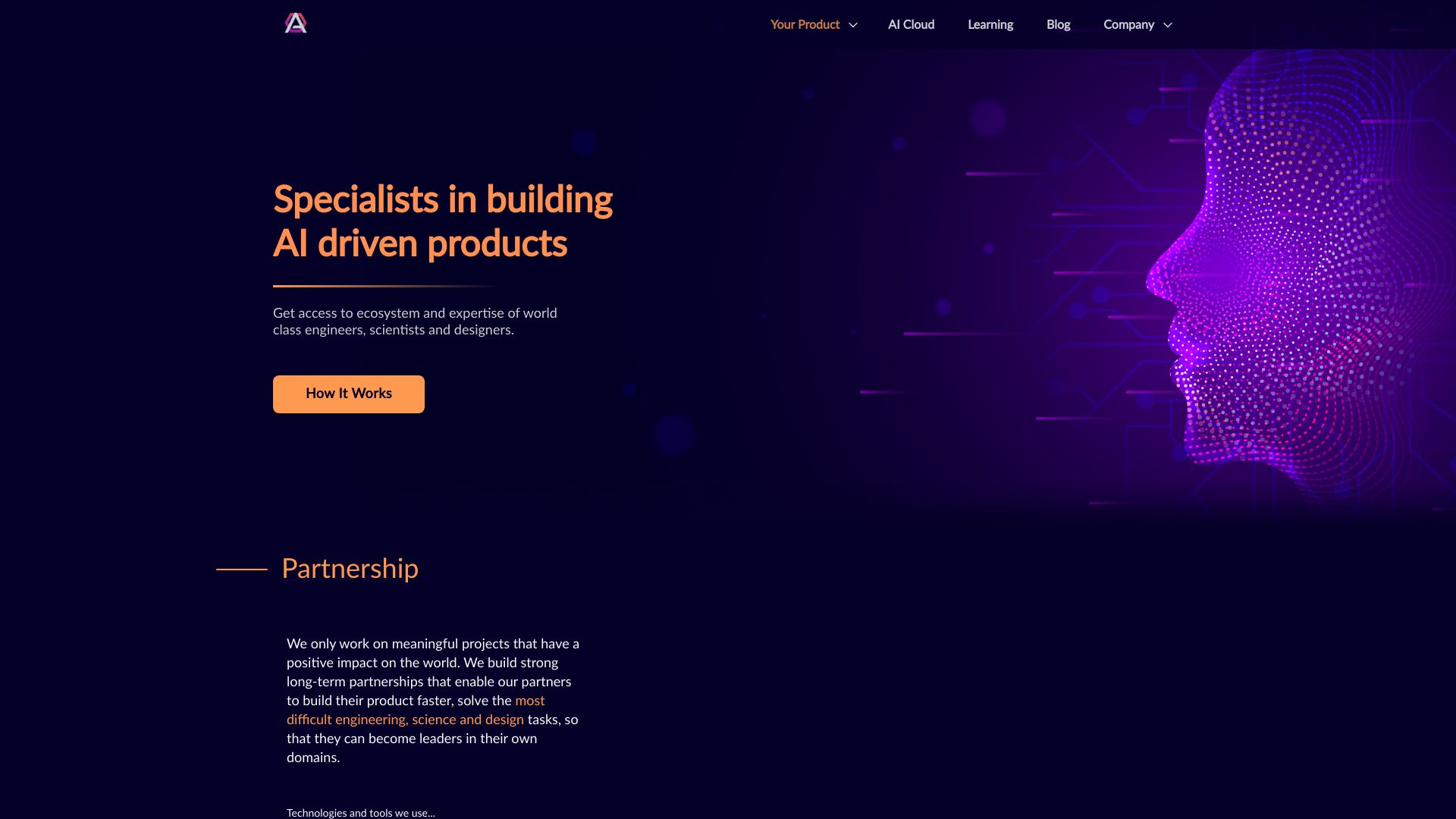

What is Atheros AI Builder?
Atheros AI Builder is a platform that combines a library of 340+ production-ready UI components with AI-powered generation, design system enforcement, and export to code or Figma. It supports multiple AI modes, MCP integration for AI agents, and offers a learning hub with courses and tutorials.
SpecificationsAI-estimated
Key Features of Atheros AI Builder
Use Cases for Atheros AI Builder
Rapid UI Prototyping
Generate components quickly with AI while maintaining consistency with your design system.
Design System Management
Create and maintain a private component library that aligns with your design tokens.
AI Agent Integration
Use Atheros MCP to let AI agents like Claude Code pull and validate components directly in your projects.
Figma Collaboration
Export components to Figma as real layers, enabling design teams to work with actual built UI.
How to use Atheros AI Builder?
Sign up
Create a free account on Atheros to get 100 AI credits monthly.
Choose a design system
Pick from curated design systems or create your own with design.md and builder.md.
Generate or browse components
Use AI to generate components or browse the library of 340+ ready-made ones.
Export
Export code in your preferred format or send to Figma for design collaboration.
Integrate with AI agents
Connect Atheros MCP to Claude Code, Cursor, or Codex for seamless component integration.
Pros & Cons of Atheros AI Builder
Pros
- Large component library (340+) with weekly updates
- AI generation that respects your design system (design.md and builder.md)
- Export to code (React, Tailwind, TypeScript, etc.) and Figma with real layers
- MCP integration for use with Claude Code, Cursor, or Codex
- Flexible pricing with free tier and AI credit system
- Learning resources and community support
Cons
- AI credits can be consumed quickly with complex generations
- Advanced features (Ultra mode, learning) require paid plans
- Dependence on AI models for generation may vary in quality
- No offline access; requires internet connection
Frequently Asked Questions
What are AI credits?
AI credits are the currency for AI-powered features. Each generation or modification costs credits, with different models costing different amounts.
Do unused AI credits roll over?
Monthly credits refresh each billing cycle and don't roll over. Purchased credit packs never expire.
Can I try Atheros before committing?
Yes, the Free plan gives 100 credits per month to test the platform.
Who owns the components I generate?
You own all generated components and can use them in personal or commercial projects without restrictions.
What are the AI modes?
Auto picks the best fit, Ultra focuses on beauty, and Flash prioritizes speed. Auto is available on all plans; Ultra and Flash require higher tiers.
Pricing Overview
View full pricing →precise
Reviews & Ratings0.0
No reviews yet. Be the first to write one!
Top Alternatives & Similar Software
View all alternatives & similar software→No alternatives available yet.
People also viewed




Related searches
About the Product
Is this your tool?
Claim this page to update details, reply to user reviews, and drive more traffic to your product.
Claim this Product →
Tags
Explore Related Topics
Keep up with Atheros AI Builder alternatives
New alternatives, pricing changes and the week's biggest movers - one email every Tuesday.