



pen.dev
Never start from scratch. Design with agents, refine every detail on canvas, and ship it back to code.


What is pen.dev?
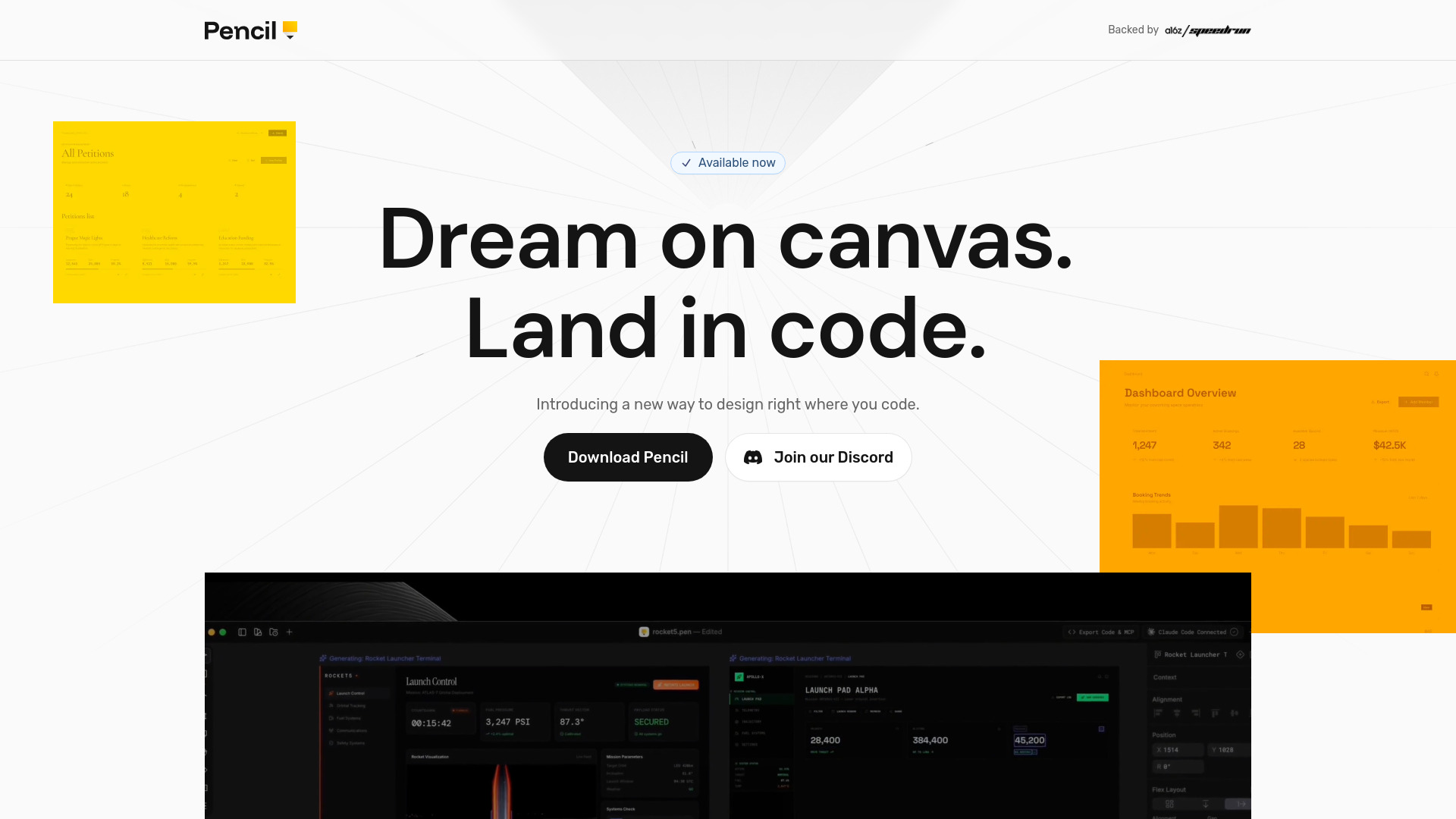
An agentic canvas for building bold ideas. It is a design tool that integrates AI agents directly on the canvas, allowing users to import any part of any app, work with multiple AI models (Claude, OpenAI, Grok, etc.), and design with agents. It includes familiar design features like Figma import, pen tool, shaders, gradients, components, variables, HTML export, and more, all powered by a custom WebGL pipeline for smooth performance.
SpecificationsAI-estimated
Key Features of pen.dev
Use Cases for pen.dev
AI-assisted UI/UX design
Design interfaces with the help of AI agents, importing existing web apps or Figma files, and refining with natural language.
Rapid prototyping
Quickly create interactive prototypes by importing web pages or using built-in components and shaders.
Collaborative design
Share design files via link, allowing team members to view and edit in real-time.
Design-to-code workflow
Export frames as HTML/CSS/Tailwind to streamline handoff to developers.
Agent-driven design automation
Use MCP or CLI to connect external AI agents for headless design generation and modification.
How to use pen.dev?
Create or import a design
Start with a blank canvas, import a Figma file, or use the built-in browser to import any webpage as editable layers.
Design with agents
Use the on-canvas AI agents to generate or refine designs. Connect your preferred AI model (ChatGPT, Claude, etc.) via subscription or API key.
Refine manually
Use the full range of design tools (pen, gradients, components, etc.) to fine-tune every detail.
Export and share
Export frames as HTML/CSS, images, or PDFs. Share your design via a link for others to view or edit.
Pros & Cons of pen.dev
Pros
- Agentic canvas with AI integration for design
- Supports multiple AI models (Claude, OpenAI, Grok, Gemini, etc.)
- Import from Figma, HTML, or any webpage via built-in browser
- Buttery smooth performance with custom WebGL pipeline
- Familiar shortcuts from Figma and Sketch
- Rich design features: pen tool, shaders, gradients, components, variables, flex layout, etc.
- Export to HTML/CSS/Tailwind in 1-click
- Open design format (.pen) as JSON for agent compatibility
- Share by link for easy collaboration
- Built-in design skills and AI-powered tools like AI Pen and Vibe Shaders
Cons
- Relatively new and less established than Figma
- May require subscription to AI models or API keys for full agent functionality
- Limited community and plugin ecosystem compared to Figma
- Dependence on web-based platform might be a concern for offline work
Frequently Asked Questions
What is pen.dev?
pen.dev is an agentic canvas for building bold ideas. It's a design tool that integrates AI agents directly on the canvas, allowing you to design with AI assistance and import from various sources.
How does AI integration work?
You can use your ChatGPT or Claude subscription, add API keys, or connect via MCP, WebMCP, or CLI. The platform supports multiple AI models like OpenAI, Claude, Grok, Gemini, etc.
Can I import my Figma designs?
Yes, you can import .fig files with layouts, styles, and images, or simply copy/paste from Figma directly.
What export options are available?
You can export frames as HTML and CSS/Tailwind in 1-click, or export as PDF, PNG, JPEG, or WEBP at 1x, 2x, 3x sizes.
Is pen.dev free?
The website doesn't specify pricing details. It likely offers a free tier or trial, with paid plans for advanced features. Please visit the site for current pricing.
Reviews & Ratings0.0
No reviews yet. Be the first to write one!
Top Alternatives & Similar Software
View all alternatives & similar software→No alternatives available yet.
People also viewed



Related searches
About the Product
Is this your tool?
Claim this page to update details, reply to user reviews, and drive more traffic to your product.
Claim this Product →
Tags
Explore Related Topics
Keep up with pen.dev alternatives
New alternatives, pricing changes and the week's biggest movers - one email every Tuesday.