



TakeMeBot
A no-code RPA and business automation platform that turns repetitive web, desktop, and cloud workflows into self-running bots in minutes.
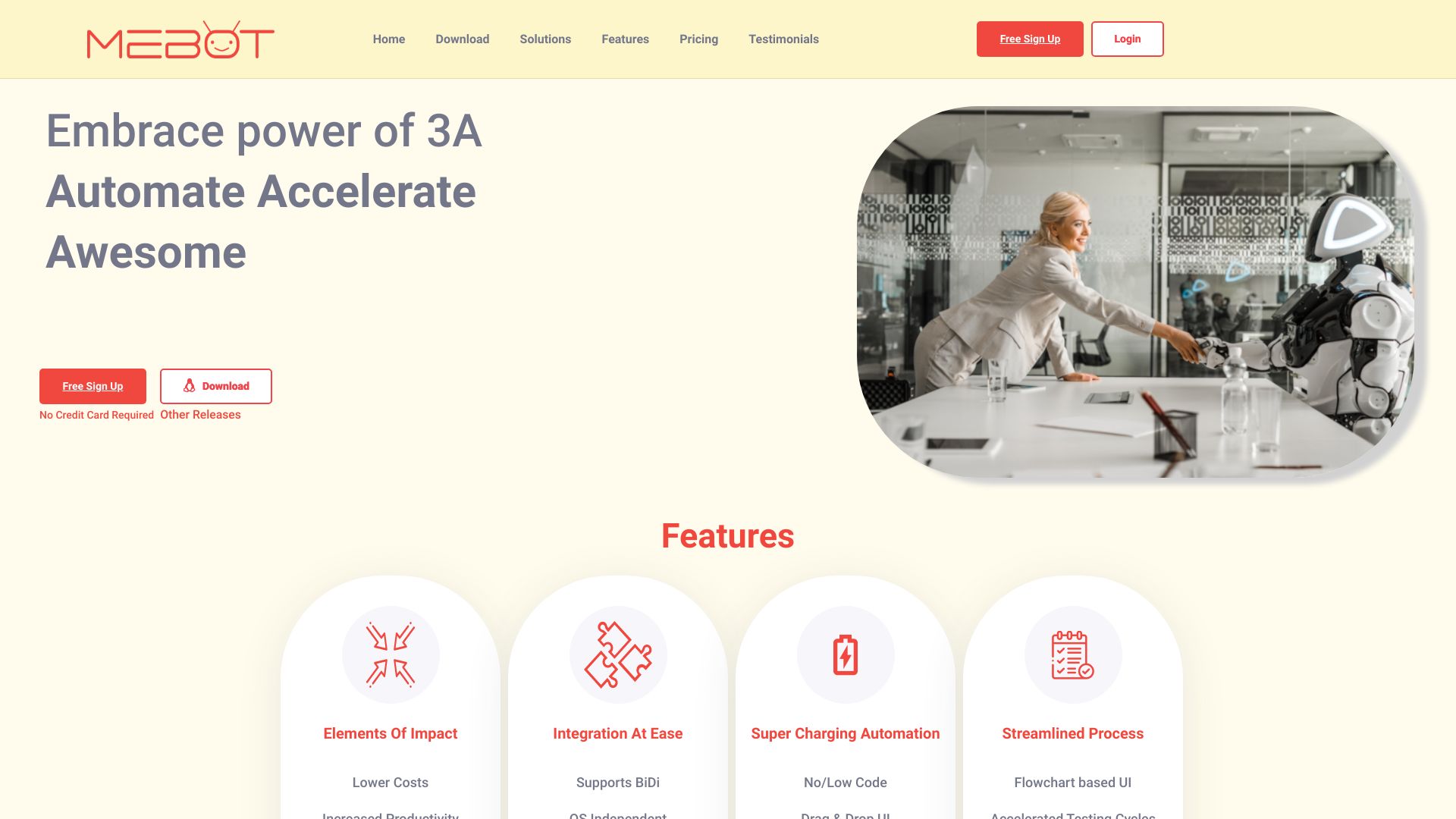
What is TakeMeBot?
TakeMeBot (also referred to as Mebot) is a no-code robotic process automation and business automation platform built by Megam Technologies in India. It enables teams to automate work across web, desktop, and cloud by replacing manual workflows with software bots that run 24/7. The platform is aimed at operations, finance, healthcare, and e-commerce teams that need to eliminate repetitive data entry, speed up invoice processing, validate claims, and connect legacy applications without writing code. TakeMeBot covers several distinct automation scenarios. It can read incoming invoices from email, extract PDF line items using OCR, validate them against purchase orders, and post them directly into ERP systems automatically. It can also click, type, and read Windows or macOS desktop applications such as SAP, QuickBooks, and Tally even when no API is available. In addition, the platform can provision 100+ ephemeral cloud bot instances in seconds to run jobs in parallel, and it offers browser automation and testing capabilities that run test suites across Chrome, Edge, and Firefox with CI/CD integration for GitHub, GitLab, and Jenkins. The platform reports strong production results: up to 90% less manual effort in invoice processing, 45% fewer healthcare claim denials, 5x faster QA, and customer stories describing a first live bot in as little as 22 minutes. Pricing is subscription-based with Starter, Growth, and Enterprise plans, plus usage-based cloud execution at $0.05 to $0.15 per bot-minute. Enterprise customers can also deploy completely on-premises with isolated databases and full audit trails, making TakeMeBot suitable for regulated industries such as healthcare, finance, and manufacturing.
SpecificationsAI-estimated
Key Features of TakeMeBot
Use Cases for TakeMeBot
Invoice Processing from Email to ERP
Mebot reads incoming emails, extracts PDF line items via OCR, validates them against purchase orders, and auto-posts invoices directly into the ERP system.
Healthcare Claim Eligibility Automation
Validates patient eligibility, checks payer rules, and submits clean claims automatically, reducing denials and processing time.
Legacy Desktop App Automation
Automates non-API Windows and macOS applications like SAP, QuickBooks, and Tally by clicking, typing, and reading the user interface 24/7.
Parallel Cloud Bot Execution
Spins up cloud instances to run many automation jobs in parallel, then destroys every instance after completion so you only pay for active execution.
Cross-Browser Functional and Performance Testing
Runs 500 test cases across Chrome, Edge, and Firefox in under 10 minutes, capturing performance metrics, failure screenshots, and stack traces.
Peak Season Order Processing
Automates standard order workflows to handle higher volumes with the same headcount, as demonstrated by a customer processing 4x order volume on Black Friday.
MES-to-SAP Production Data Sync
Syncs plant floor data automatically between MES and SAP, eliminating manual copying and allowing staff to manage additional production lines.
How to use TakeMeBot?
Create Your Free Account
Sign up at takemebot.com with no credit card and no sales call required to start building your first bot.
Choose an Automation Scenario
Pick a prebuilt use case such as invoice processing, desktop app automation, browser testing, or a manual process you want to automate.
Build Your Bot with the Visual Builder
Use the no-code visual builder to define actions like reading emails, extracting data, validating records, and posting into connected systems.
Test and Refine Your Workflow
Run the bot in a workspace to verify the workflow, review exceptions, and adjust rules until the automation behaves exactly as expected.
Deploy and Scale
Deploy the bot to the cloud, run it 24/7 or on a schedule, and spin up parallel instances when you need higher throughput, paying only per active bot-minute.
Pros & Cons of TakeMeBot
Pros
- No-code visual builder lets operations teams create and modify workflows without IT or programming skills.
- Cloud bot execution scales to 100+ bots in seconds and charges only per active bot-minute, with zero idle cost.
- Automates legacy desktop apps like SAP, QuickBooks, and Tally without requiring APIs.
- Runs parallel browser tests across Chrome, Edge, and Firefox, enabling up to 5x faster QA.
- Fast time-to-value; customers report first live bots in as little as 22 minutes and ROI within two weeks.
Cons
- AI-powered automation, custom RBAC, advanced audit logs, and SLA support are only available on the Enterprise plan.
- Usage-based cloud execution charges per bot-minute, so heavy parallel workloads can become expensive at high scale.
- Desktop app automation relies on UI-level clicks, typing, and reading, which can be sensitive to interface layout changes.
- The platform is not open source, and full on-premises deployment options are only described for enterprise customers.
Frequently Asked Questions
Is coding required to use TakeMeBot?
No. TakeMeBot is a no-code RPA platform. The visual builder is designed for operations teams to create and modify workflows without writing code or submitting IT tickets.
What can I automate with TakeMeBot?
You can automate web workflows, ERP processes such as invoice processing, legacy Windows and macOS desktop applications like SAP, QuickBooks, and Tally, cloud job execution, and cross-browser testing.
How fast can I go from signup to a working bot?
The platform is built for fast deployment. One customer reported going from signup to their first live bot in 22 minutes, and the average time to first live bot is short enough that ROI often appears within the first two weeks.
How does pricing work for TakeMeBot?
Pricing is subscription-based with Starter at $39/month, Growth at $159/month, and Enterprise at $800+/month, all billed annually. Cloud execution is usage-based at $0.05 to $0.15 per bot-minute, so you only pay while bots are running.
Can TakeMeBot automate desktop applications that do not have APIs?
Yes. TakeMeBot uses UI-level automation to click, type, and read any Windows or macOS application, including SAP, QuickBooks, and Tally, without needing APIs.
Does TakeMeBot support on-premises deployment?
Yes, for enterprise customers with data sovereignty or compliance requirements. The platform can run completely on-premises with isolated databases, full audit trails, and custom data retention.
Which browsers and testing tools are supported?
TakeMeBot supports Chrome, Edge, and Firefox for parallel testing. It also integrates with Selenium, Playwright, Puppeteer, GitHub, GitLab, and Jenkins for CI/CD automation.
Reviews & Ratings0.0
No reviews yet. Be the first to write one!
Top Alternatives & Similar Software
View all alternatives & similar software→


People also viewed


Related searches
About the Product
Is this your tool?
Claim this page to update details, reply to user reviews, and drive more traffic to your product.
Claim this Product →
Tags
Explore Related Topics
Keep up with TakeMeBot alternatives
New alternatives, pricing changes and the week's biggest movers - one email every Tuesday.