


Bytebot
Desktop agents that use computers like a human — at cloud scale.
What is Bytebot?
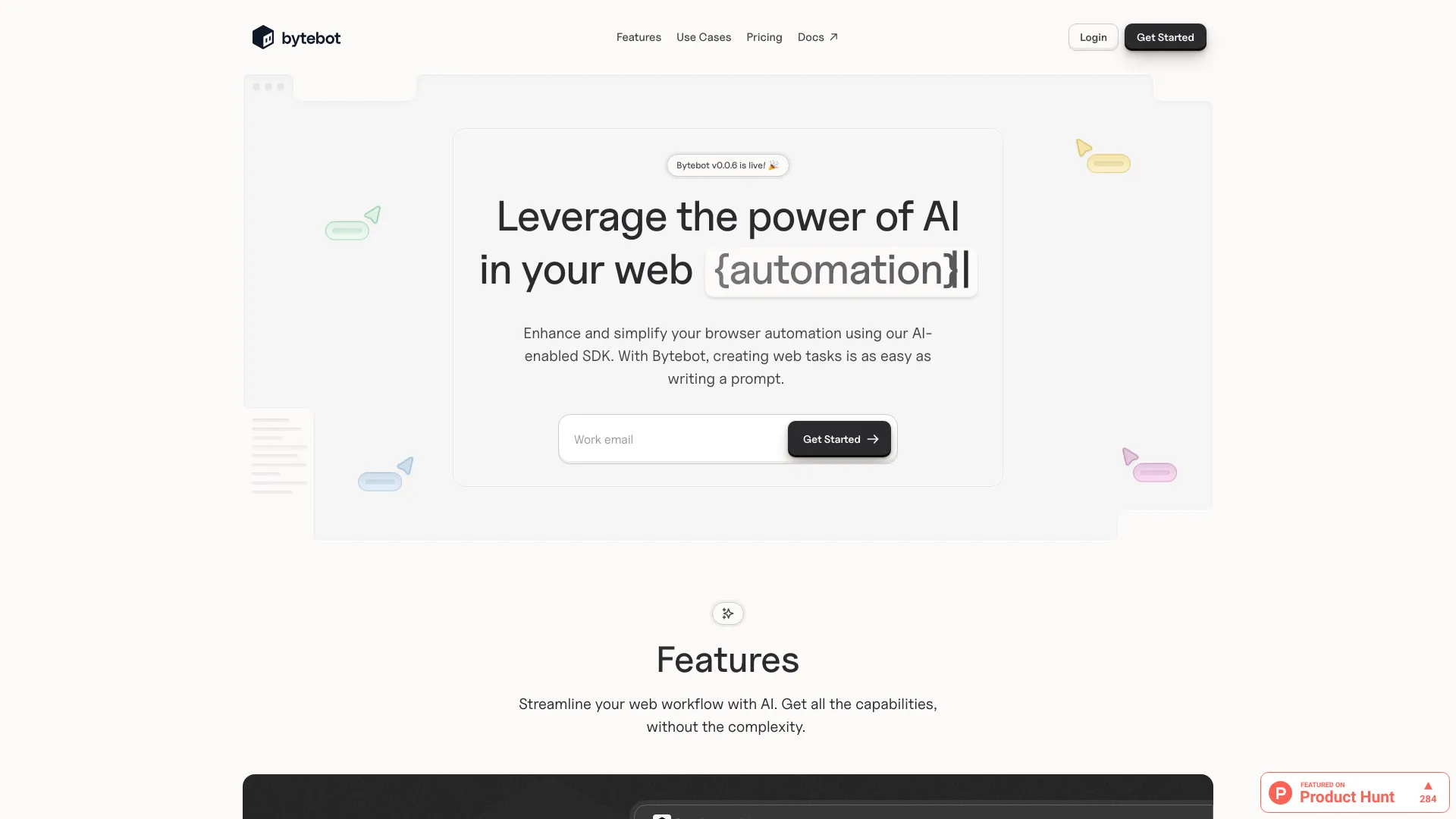
Bytebot is an open-source AI desktop agent that gives artificial intelligence its own computer, enabling it to perform tasks just like a human would. It boots a fresh, sandboxed Linux desktop environment in the cloud or locally, where it can see the screen, move the mouse, click, and type across multiple applications. This allows Bytebot to handle complex, multi-step workflows that span browsers, terminals, file systems, and desktop apps, all driven by simple natural language commands. Unlike traditional RPA tools or browser-only agents, Bytebot offers universal compatibility with any software that runs on Linux, and it can scale from one to hundreds of agents in parallel, making it a powerful automation solution for individuals and enterprises alike.
SpecificationsAI-estimated
Key Features of Bytebot
Use Cases for Bytebot
Secure logins with 2FA
Bytebot automates logging into websites, including handling two-factor authentication by using password managers like Bitwarden.
Automating development workflows
Scaffold projects, install dependencies, run dev servers, edit code in VS Code, and verify changes in a browser automatically.
Technical research and summarization
Autonomously research technical data, download and read PDFs, and produce structured summaries for reports.
Financial operations
Access banking portals, download transaction files, and reconcile accounts.
HR operations
Collect employee data from various systems and ensure consistency across platforms.
Quality assurance and testing
Test applications, reproduce bugs, and perform visual regression testing.
Data entry and transfer
Fill forms, transfer data between systems, and update databases.
How to use Bytebot?
Clone the repository
Clone the Bytebot repository from GitHub to your local machine or server.
Add AI API key
Configure your AI provider API key (Anthropic Claude, OpenAI, Google Gemini) in the environment settings.
Run Docker compose
Execute the Docker compose command to start the Bytebot containers. You can run locally or deploy to a cloud provider.
Access the web UI
Open your browser and navigate to http://localhost:9992 to access the Bytebot interface.
Describe your task
In the UI, type a plain-English description of the task you want Bytebot to complete, and let the agent work.
Pros & Cons of Bytebot
Pros
- Open source under Apache 2.0 and free to use
- Works with any Linux application, not just browsers
- Self-hosted, ensuring full data security and privacy
- Fine-grained control over mouse and keyboard actions
- Scales from one to hundreds of agents in parallel
Cons
- Requires API keys from AI providers, incurring usage costs
- Infrastructure needed to run Docker containers; no managed cloud offered
- Dependent on AI provider's limitations and capabilities
- May not be suitable for non-Linux-specific software
Frequently Asked Questions
What is Bytebot?
Bytebot is an open-source AI desktop agent that gives artificial intelligence its own computer. Unlike traditional automation tools or browser-only agents, Bytebot runs in a containerized Linux desktop environment where it can use any application, process documents, navigate websites, and complete complex multi-step workflows—all through simple natural language commands.
How is Bytebot different from traditional RPA tools like UiPath?
Traditional RPA tools require designing flowcharts and scripting scenarios, while Bytebot uses AI to understand intent from plain English. It adapts to UI changes, handles unexpected popups, and works across any application without pre-mapped elements.
What can Bytebot actually do?
Bytebot can handle virtually any computer task assigned to a human operator, including financial operations, customer onboarding, HR operations, document processing, QA testing, data entry, and web automation.
Is my data secure with Bytebot?
Absolutely. Bytebot is completely self-hosted on your infrastructure, so your data never leaves your servers. Each desktop runs in its own isolated Docker container, separated from the host system, and you maintain control over data, AI keys, and security policies.
How quickly can I get started?
You can have Bytebot running in about 2 minutes. Clone the repository, add your AI provider API key, run Docker compose, and visit http://localhost:9992.
Do I need coding skills to use Bytebot?
No coding required. Bytebot understands plain English commands and translates them into appropriate actions. If you can describe a task to a human, you can describe it to Bytebot.
What AI models does Bytebot support?
Bytebot supports Anthropic Claude (recommended), OpenAI GPT models, Google Gemini, and LiteLLM Proxy for custom deployments. You just need to provide your own API key.
Can Bytebot handle authentication and 2FA?
Yes. Bytebot supports password manager extensions like 1Password and Bitwarden. Once configured, it can automatically log into websites and applications, even those with two-factor authentication.
What applications can Bytebot use?
Any application you can install on Ubuntu Linux. Pre-installed with Firefox, Thunderbird, VS Code, and office tools, but you can install anything else including Chrome, Slack, and custom enterprise software.
How much does Bytebot cost?
Bytebot is completely free and open source under Apache 2.0. Your only costs are AI provider API fees and infrastructure to run Docker containers. No licensing fees, subscriptions, or usage limits.
How does Bytebot handle website changes?
Unlike traditional scrapers, Bytebot's AI vision understands interfaces semantically. It looks for buttons that say 'Add to Cart' rather than HTML selectors, so it continues working even when websites change layout, styling, or structure.
What if I already have automation infrastructure?
Bytebot integrates seamlessly with existing tools like Puppeteer or Playwright. You can install automation scripts or extensions and trigger them from within Bytebot's environment.
How does Bytebot compare to other AI agents?
Unlike browser-only agents or API-based tools, Bytebot has access to a complete desktop environment. It can work across multiple applications, use its own filesystem, handle complex scenarios requiring multiple tools, and process documents directly.
Is Bytebot suitable for enterprise use?
Yes. Its self-hosted nature makes it perfect for enterprises with strict security requirements. Deploy within a private network, integrate with existing auth, customize the environment, and scale horizontally.
What kind of support is available?
Bytebot has an active community on GitHub. Access docs at docs.bytebot.ai, report issues, request features, contribute, and book time with the team for specialized needs.
Reviews & Ratings0.0
No reviews yet. Be the first to write one!
Top Alternatives & Similar Software
View all alternatives & similar software→



People also viewed



Related searches
Is this your tool?
Claim this page to update details, reply to user reviews, and drive more traffic to your product.
Claim this Product →
Tags
Explore Related Topics
Keep up with Bytebot alternatives
New alternatives, pricing changes and the week's biggest movers - one email every Tuesday.