


BetterImage.AI
A fast, browser-based AI upscaler that turns small or blurry photos into sharp, up-to-4x higher-resolution images.


What is BetterImage.AI?
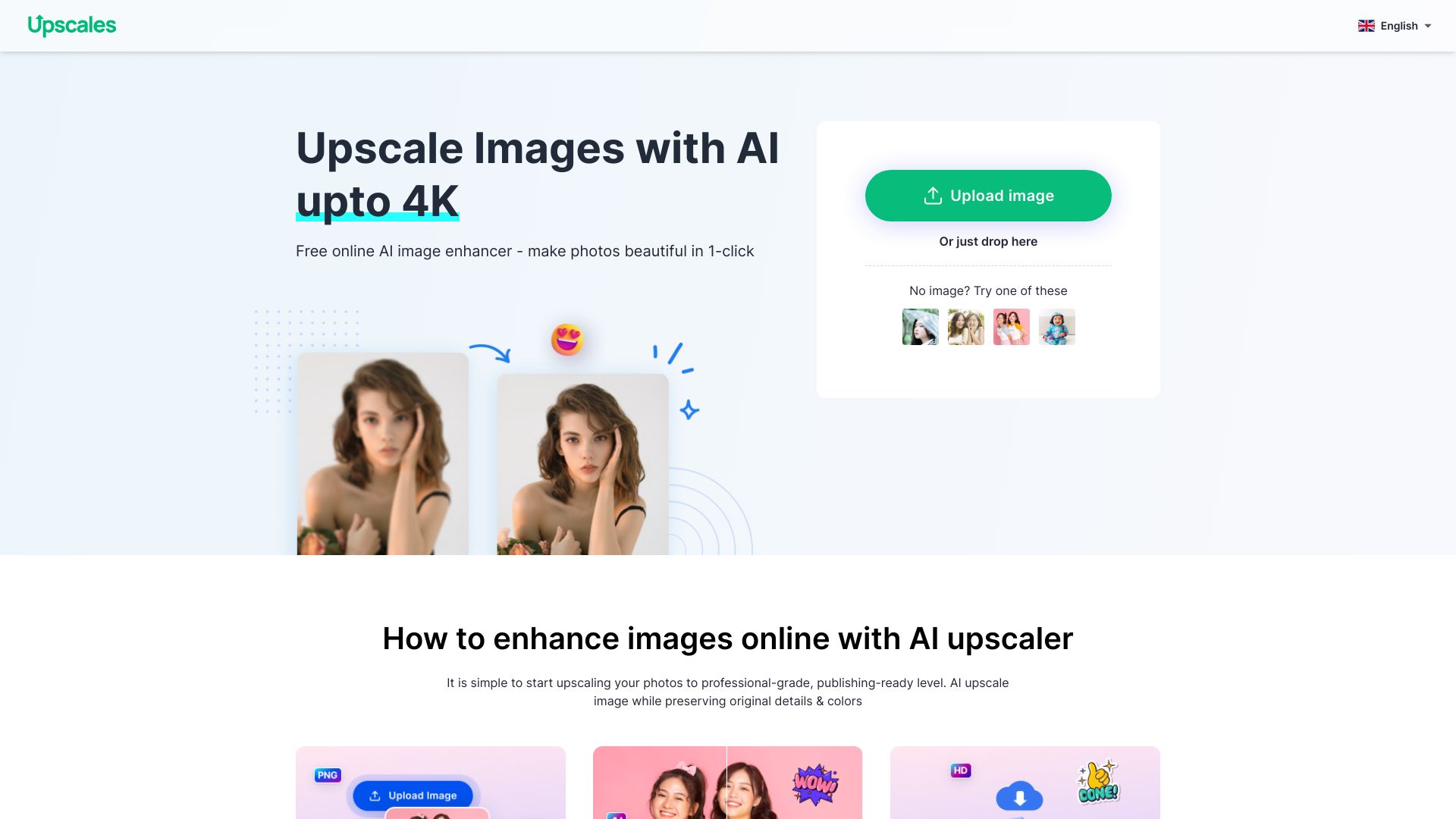
BetterImage.AI (also reachable at upscales.ai) is a browser-based AI image upscaler that increases the resolution of photos and artwork by up to 4x, aiming to reach as high as 4K output. Users upload an image by clicking the upload button, dragging and dropping a file, or pasting from the clipboard, and the service automatically sharpens the picture and adds plausible detail. The tool is designed to rescue low-resolution, blurry, or aging photos without requiring any design expertise or local software installation. Under the hood, the platform relies on a proprietary AI sharpening model that goes beyond generic sharpening. According to the company, the model is specifically tuned to enhance facial features, with particular attention to Asian faces. Processing runs on a cloud computing infrastructure, which means users can work from any device with a modern browser and an internet connection, whether on a desktop, tablet, or phone. The service supports output at up to roughly 24 megapixels (6000px), and the developers state they continuously retrain their models to improve results. The product is aimed at a broad range of users: photographers who want to restore old prints or unblur shots, content creators who need crisp graphics for social channels, e-commerce sellers who must meet marketplace image requirements, and print designers preparing artwork for large-format output. Its simple three-step workflow of upload, automatic AI enhancement, and download makes it approachable for non-technical users, while the 2x and 4x scale options give more experienced users control over the final size.
SpecificationsAI-estimated
Key Features of BetterImage.AI
Use Cases for BetterImage.AI
Restoring old photos
Revive faded or low-resolution family photos and scanned prints so memories look sharp again.
Unblurring images
Sharpen slightly out-of-focus shots that would otherwise be unusable.
Social media graphics
Create crisp images that look good on Facebook, Instagram, and other platforms.
E-commerce product photos
Upscale product images to meet marketplace resolution requirements and improve listing quality.
Large-format printing
Enlarge artwork or photos for posters and displays without obvious pixelation.
Repurposing old content
Give legacy images a second life in new campaigns and layouts.
How to use BetterImage.AI?
Upload an image
Click the upload button, drag and drop a photo onto the page, or paste it from your clipboard.
Let the AI process it
Wait while the cloud-based model automatically upscales the image and adds detail.
Choose a scale and download
Select the 2x or 4x output option and save the enhanced image to your device.
Pros & Cons of BetterImage.AI
Pros
- Very simple three-step workflow that requires no software installation or design skills
- Cloud-based processing works on any device with a browser and internet connection
- Offers 2x and 4x upscaling options with output up to around 24 megapixels
- Sharpening model is reportedly tuned to enhance facial details
Cons
- Output quality depends heavily on the source image, and heavily degraded photos may still look artificial
- Requires an internet connection since all processing happens in the cloud
- Maximum output is capped around 6000px, which may not satisfy very large print needs
- Pricing and usage limits are not clearly stated on the landing page
Frequently Asked Questions
What is the maximum resolution I can get?
The service supports output up to roughly 24 megapixels (6000px), with upscaling up to 4x.
Do I need to install any software?
No. BetterImage.AI runs entirely in a web browser, so you only need a device with internet access.
What image types work best?
Photos, artwork, and product images with reasonable source quality give the most convincing results. Extremely degraded images may show artifacts.
Is the tool free to use?
The site advertises a free online tool, but specific limits on free usage are not detailed on the landing page.
Does the tool work on mobile devices?
Yes, since processing is cloud-based. The site suggests switching to portrait mode on phones for the best experience.
Why does the AI focus on facial features?
The developers say their sharpening model is optimized to enhance facial features, particularly for Asian individuals, to produce more natural-looking portraits.
Reviews & Ratings0.0
No reviews yet. Be the first to write one!
Top Alternatives & Similar Software
View all alternatives & similar software→No alternatives available yet.
People also viewed

Related searches
About the Product
Is this your tool?
Claim this page to update details, reply to user reviews, and drive more traffic to your product.
Claim this Product →
Explore Related Topics
Keep up with BetterImage.AI alternatives
New alternatives, pricing changes and the week's biggest movers - one email every Tuesday.