


BgEraser
A free, no-account AI background remover that cuts out subjects from up to 20 photos at once and exports transparent or color-matched PNGs.
What is BgEraser?
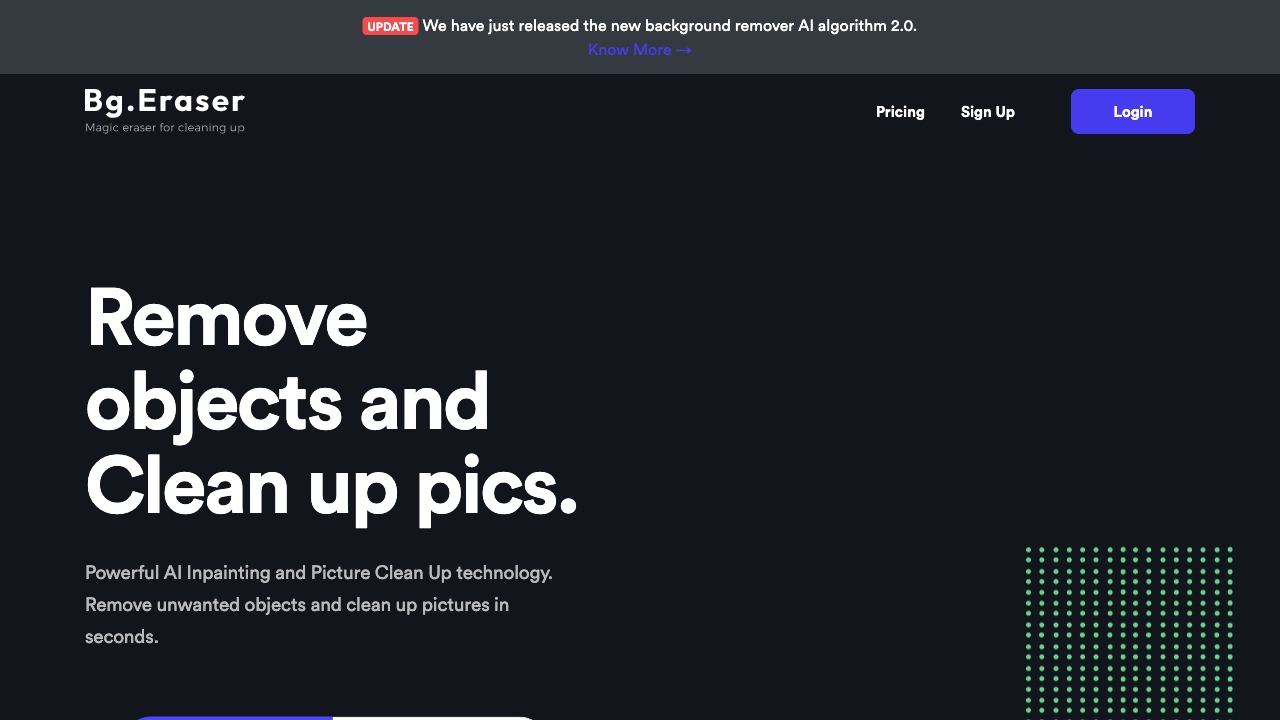
BgEraser is a web-based AI background remover built for quickly isolating subjects from photos. Users can upload a single image or a batch of up to 20 JPG, PNG, or WebP files (up to 10 MB each), and the tool automatically detects the main subject and removes its background. Results are delivered as PNG cutouts, either individually or bundled into a ZIP archive. The tool is aimed at practical, everyday editing rather than full-scale photo retouching. Each cutout can be saved with a transparent background, or the whole batch can be given a single solid background color such as white, a preset, or a custom shade. This makes it useful for preparing consistent product catalog images, cleaning up logos for use over colored slides or website headers, and checking the edges of a cutout against a contrasting backdrop. BgEraser requires no account and is free to use. Large photos are automatically scaled to fit within 3,000 pixels on the longest side, and uploaded files and results are normally deleted from its servers within two hours of processing. It is well suited to freelancers, small online sellers, designers, and anyone who needs fast background removal without installing software.
SpecificationsAI-estimated
Key Features of BgEraser
Use Cases for BgEraser
Product catalog photos
Remove backgrounds from a set of product shots and give them a matching white or solid color for a consistent online store listing.
Logo transparency
Make a logo's background transparent so it can sit cleanly over colored slides, presentations, or website headers.
Cutout edge checking
Place a cutout over a contrasting background to inspect whether fine outline details were kept accurately.
Social media graphics
Isolate a subject quickly to place it over a new backdrop for posts, banners, or thumbnails.
Marketplace listings
Prepare clean, uniform images for marketplace sellers who need consistent backgrounds across many items.
Design mockups
Extract a subject as a transparent PNG to drop into a design, slide, or mockup without installing editing software.
How to use BgEraser?
Upload your photos
Choose one image or select up to 20 JPG, PNG, or WebP files, each no larger than 10 MB.
Remove the background
Select Remove Background and let BgEraser detect the subject automatically.
Choose a background color or transparency
Leave the checkerboard for transparency, pick a preset, or select a custom color to apply to the batch.
Download your results
Save individual PNG cutouts with the download button, or select Download ZIP to get all completed images together.
Pros & Cons of BgEraser
Pros
- Batch processing of up to 20 images at once, with ZIP download for all results
- No account or sign-up required, and the service is free to use
- Transparent PNG output or a single chosen background color applied across the whole batch
- Automatic deletion of uploaded images and results within about two hours
Cons
- Fine details can blend into the original background, so edges sometimes need manual checking
- Uploads are limited to 10 MB per file and large images are downscaled to 3,000 pixels on the longest side
- Offers only background removal and color replacement rather than broader photo editing tools
Frequently Asked Questions
How do I remove the background from a photo?
Choose an image and select Remove Background. BgEraser detects the subject automatically, and you can download the finished PNG.
How many images can I process at once?
You can add up to 20 images per batch, and you can mix JPG, PNG, and WebP files in the same batch.
What file formats and sizes are supported?
JPG, PNG, and WebP files up to 10 MB each are accepted. Downloads are always PNG files, even when the original was a JPG.
Is BgEraser free to use?
Yes. You can upload, remove backgrounds, and download results for free without signing in.
How long does BgEraser keep my photos?
Uploaded images and results are normally deleted from its servers within two hours after processing, with exceptions described in the Privacy Policy for security, abuse prevention, and legal obligations.
Will a large photo keep its original dimensions?
No. Photos larger than 3,000 pixels on the longest side are resized before upload while keeping their proportions, so a 4,000 × 3,000 photo becomes 3,000 × 2,250.
Can I use the cutouts in a commercial product listing?
Yes, provided you have the rights to edit the original photo and use it commercially. You keep ownership of the content you upload.
Pricing Overview
View full pricing →BgEraser's background remover is free to use without an account, with no paid plans or prices shown on the page.
Reviews & Ratings0.0
No reviews yet. Be the first to write one!
Top Alternatives & Similar Software
View all alternatives & similar software→No alternatives available yet.
People also viewed


Related searches
Is this your tool?
Claim this page to update details, reply to user reviews, and drive more traffic to your product.
Claim this Product →
Tags
Explore Related Topics
Keep up with BgEraser alternatives
New alternatives, pricing changes and the week's biggest movers - one email every Tuesday.