


Bigjpg
AI-powered super-resolution image enlarger that upscales artwork and photos up to 16× with cleaner lines and less noise.
What is Bigjpg?
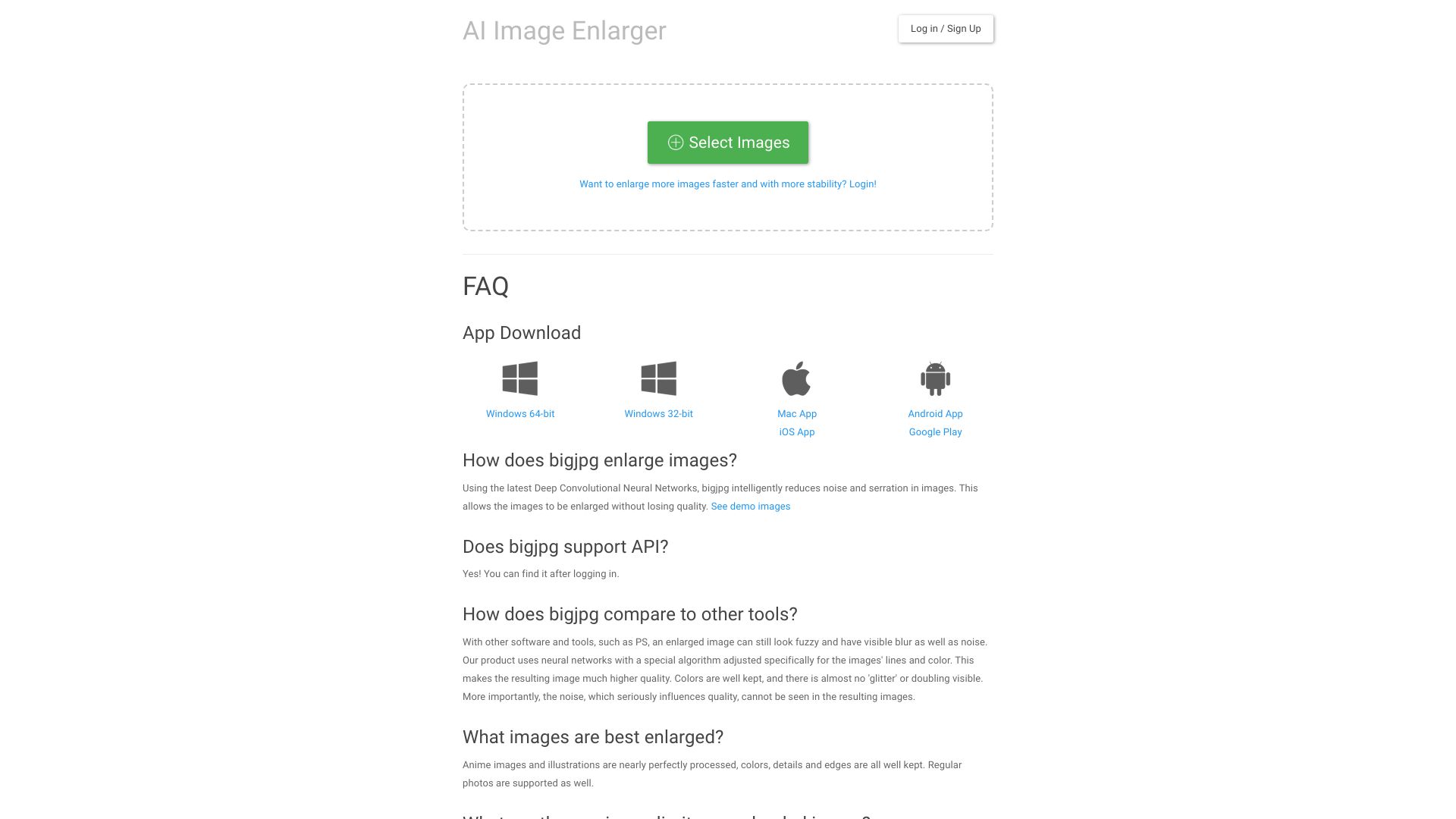
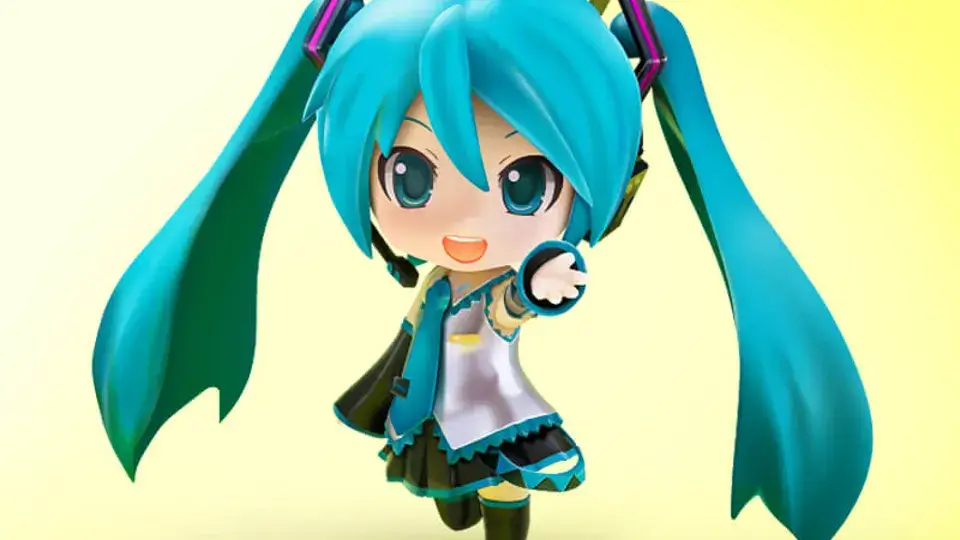
Bigjpg is an AI-powered super-resolution tool that enlarges images using Deep Convolutional Neural Networks. Instead of simply stretching pixels, it reconstructs lines, colors, and fine details, making it especially effective for anime-style artwork, illustrations, and regular photos. The platform supports upscaling up to 16× on paid plans, with adjustable noise reduction and dedicated Artwork and Photo modes. The service offers a free tier with 20 images per month and 4× enlargement, while paid plans provide up to 2000 images per month, 50MB uploads, high-priority processing, offline enlarging, and batch or parallel workflows. Premium members also get access to a REST API for programmatic image upload, enlargement, and result queries, complete with cURL and Python examples for integration. Bigjpg runs in the browser and offers native iOS and Android apps, making it convenient for artists, designers, and content creators who need clean high-resolution versions of their visuals. Uploaded files are automatically deleted within 24 hours for free accounts and 72 hours for premium accounts, and all image links are encrypted.
SpecificationsAI-estimated
Key Features of Bigjpg
Use Cases for Bigjpg
Enlarging anime and illustrations
Anime images and illustrations are nearly perfectly processed, keeping colors, details, and edges intact.
Upscaling photos
Regular photos can be upscaled with reduced noise, blur, and visible artifacts.
Preparing print assets
Turn low-resolution artwork into larger files suitable for print or high-resolution displays.
Restoring old or low-res images
Clean up jagged edges and noise while enlarging older or low-quality images.
Batch processing for creators
Paid users can enlarge multiple images simultaneously with batch mode and parallel processing.
Automated workflows via API
Developers can integrate Bigjpg into automated image-processing pipelines using the paid REST API.
How to use Bigjpg?
Select images
Go to bigjpg.com and click 'Select Images' to upload the image file you want to enlarge.
Adjust settings
Choose Artwork or Photo style, then select the upscaling ratio (2x, 4x, 8x, or 16x) and the desired noise reduction level.
Enlarge the image
Start the enlargement process and wait for the job to finish. The estimated remaining time is shown once processing begins.
Download the result
After processing completes, use the Download All button or save the enlarged image directly.
Track history or work offline
Log in to access your enlargement history, enable offline processing, and use batch or parallel enlarging with a paid plan.
Pros & Cons of Bigjpg
Pros
- Neural-network-based upscaling preserves edges, lines, and colors
- Up to 16x enlargement available on paid plans
- Reduces noise, blur, and serration artifacts effectively
- Paid plans include offline enlarging, history, and batch processing
- REST API allows automated enlargement workflows
Cons
- Free plan is limited to 20 images per month, 5MB uploads, and only 4x enlargement.
- Free users are placed on shared slow servers with lower priority.
- Offline enlarging and history require an account login.
- Users must have the rights to upload every image, and copyright enforcement is the user's responsibility.
Frequently Asked Questions
How does Bigjpg enlarge images?
Using the latest Deep Convolutional Neural Networks, Bigjpg intelligently reduces noise and serration in images, allowing them to be enlarged without losing quality.
Does Bigjpg support an API?
Yes. Paid members can use the API, which includes image upload, enlarge, result query, and task retry endpoints. Documentation and examples are available after logging in.
What types of images are best suited for enlargement?
Anime images and illustrations are nearly perfectly processed, with colors, details, and edges well kept. Regular photos are supported as well.
What are the maximum limits on uploaded images?
Free users can upload images up to 3000x3000px and 5MB. Paid users can upload images up to 50MB.
Do I need to keep my browser open after starting an enlargement?
If you are not logged in, you should keep your browser open or the enlarged image will be lost. If you are logged in, you can close the browser because Bigjpg supports offline enlarging.
How does Bigjpg compare to other enlarging tools?
Compared to tools like Photoshop, Bigjpg uses neural networks specially adjusted for images' lines and colors. This results in sharper edges, better color preservation, and almost no visible noise, glitter, or doubling.
How can I enlarge more and bigger images?
You can upgrade to a paid plan from the pricing section. Paid plans offer larger upload limits, faster high-performance servers, more images per month, 16x enlargement, and batch/parallel processing.
What is the privacy policy for uploaded images?
Free accounts have uploaded images automatically deleted within 24 hours; premium accounts within 72 hours. Image links are encrypted, and unless you share the link, no one can download your image or result.
Reviews & Ratings0.0
No reviews yet. Be the first to write one!
Top Alternatives & Similar Software
View all alternatives & similar software→No alternatives available yet.
People also viewed



Related searches
Is this your tool?
Claim this page to update details, reply to user reviews, and drive more traffic to your product.
Claim this Product →
Tags
Keep up with Bigjpg alternatives
New alternatives, pricing changes and the week's biggest movers - one email every Tuesday.