


Boolvideo
Turn any idea, script, product link, or blog post into polished AI-generated videos in minutes.
What is Boolvideo?
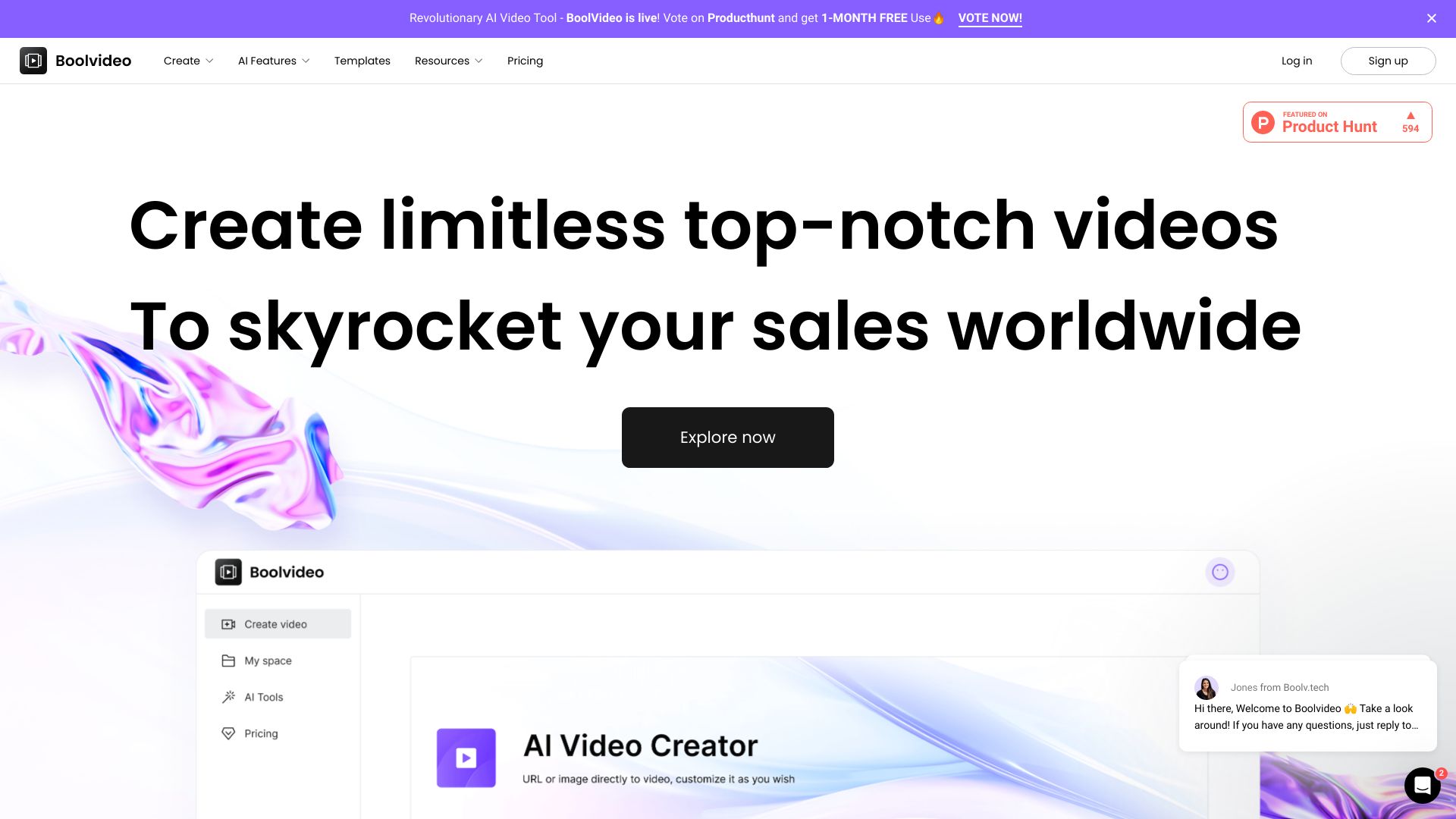
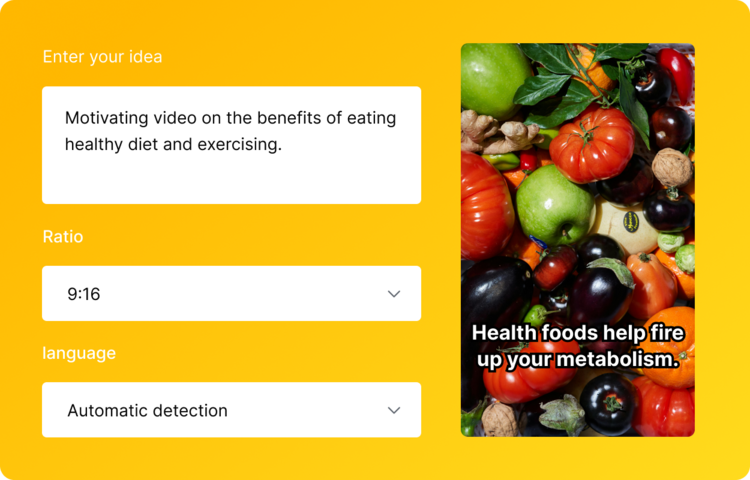
Boolvideo is an all-in-one AI video generator designed to turn raw ideas, scripts, product URLs, and blog posts into finished videos. Instead of forcing users to learn complex editing software, Boolvideo automates the heavy lifting: it writes the script, selects matching visuals from your own media library or millions of stock clips, adds AI voiceover, and layers in music and motion. The result is a short-form video ready for social media, advertising, or e-commerce use, all generated in a few clicks. The platform is built around multiple creation paths: Idea to Video, Script to Video, Product URL to Video, Blog to Video, Visuals to Video, and Templates to Video. Users can also start from scratch in an online editor or use specialized AI tools such as background removal, object removal, photo enhancement, video background removal, and image animation. This makes it useful for content creators, marketers, e-commerce sellers, designers, and photographers who need fast, brand-consistent videos without hiring a production team. Boolvideo is especially strong for business users because it supports uploading a personal media library, allowing the AI to match custom brand assets with generated scenes. It supports more than 70 languages and exports videos in MP4 format at up to 1080p, with commercial use allowed. New users receive 300 free credits on signup, enough to export three videos, making it easy to test the workflow before upgrading to unlimited exports and advanced features.
SpecificationsAI-estimated
Key Features of Boolvideo
Use Cases for Boolvideo
Social media content
Create reels, stories, and short-form posts for Instagram, TikTok, and other platforms without manual editing.
E-commerce product videos
Turn product links or images into eye-catching showcase videos that highlight items for sale.
Marketing ads and promos
Generate branded video ads, sales promos, and marketing campaigns quickly from scripts or ideas.
Blog and article repurposing
Convert existing blog posts, web pages, or listings into voiceover videos to reach a wider audience.
Educational and explainer videos
Turn lesson notes, scripts, or articles into simple explainer videos for teachers, course creators, and trainers.
Brand asset customization
Upload your own images and footage so generated videos maintain consistent brand identity.
Photographer and designer portfolios
Quickly animate photos and visual assets into dynamic showcase videos for portfolios or client presentations.
How to use Boolvideo?
Sign up and claim your credits
Create a free Boolvideo account to receive 300 credits, enough for up to 3 exports using core features.
Choose a creation mode
Select Idea to Video, Script to Video, Product URL to Video, Blog to Video, Visuals to Video, or Templates to Video, depending on your starting point.
Provide input and customize
Enter your prompt, script, link, or upload media. Optionally upload your own brand library so the AI matches your content with your assets.
Generate and review
Let the AI create the script, visuals, voiceover, and music, then preview the video in the online editor and make adjustments.
Export and share
Export the final video in MP4 format at the resolution supported by your plan (720p or 1080p) and use it for social media, ads, or commercial purposes.
Pros & Cons of Boolvideo
Pros
- All-in-one workflow: covers idea, script, product URL, blog, visuals, and template-based video creation.
- No video editing experience required; the AI handles script, visuals, voiceover, and music.
- Custom media library support ensures brand-consistent results with your own assets.
- Free to start with 300 credits, plus support for 70+ languages and commercial use.
- Extra AI tools like background remover, object remover, photo enhancer, and image animation.
Cons
- Free plan is limited to around 3 exports; advanced features and unlimited exports require a paid upgrade.
- Export resolution maxes out at 1080p, with no mention of 4K or higher formats.
- Not designed for complex, professional-grade editing; best for quick short-form videos.
- Requires internet connection since it is an online browser-based tool.
Frequently Asked Questions
Can I use Boolvideo for free?
Yes. Boolvideo is free to try, and you receive 300 credits upon signup, enough to export 3 videos using core features like Idea to Video and Script to Video. You can upgrade when you are ready for unlimited exports and advanced features.
What makes Boolvideo different from other AI video generators?
Boolvideo not only turns scripts into videos using AI, but also supports uploading media libraries. You can upload your own brand assets like product images and footage, and Boolvideo will match them with your script. This makes it ideal for business users who want result-driven, brand-consistent videos.
Do I need video editing experience to use Boolvideo?
Not at all. Boolvideo is built for creators of all levels. You simply enter an idea or script, optionally upload media, and Boolvideo handles the rest.
What kinds of videos can I make with Boolvideo?
You can create videos for personal storytelling, knowledge sharing, social media reels, video ads, product showcases, and more.
Does Boolvideo support custom media?
Yes. Boolvideo supports uploading your personal library to prioritize matching your content for a fully personalized experience.
Which languages are supported?
Boolvideo supports 70+ languages, including Spanish, Portuguese, English, Chinese, French, German, and more.
Can I export the videos I make? What formats are supported?
Yes. You can export videos in MP4 format in various resolutions depending on your plan, including 720p and 1080p. Commercial use is fully supported.
Do you offer customer support?
Yes. The support team is available via email at [email protected].
Reviews & Ratings0.0
No reviews yet. Be the first to write one!
Top Alternatives & Similar Software
View all alternatives & similar software→No alternatives available yet.
People also viewed


Related searches
Is this your tool?
Claim this page to update details, reply to user reviews, and drive more traffic to your product.
Claim this Product →
Explore Related Topics
Keep up with Boolvideo alternatives
New alternatives, pricing changes and the week's biggest movers - one email every Tuesday.