


BuninUX
UI kits, templates, and design systems that help designers ship polished interfaces faster.
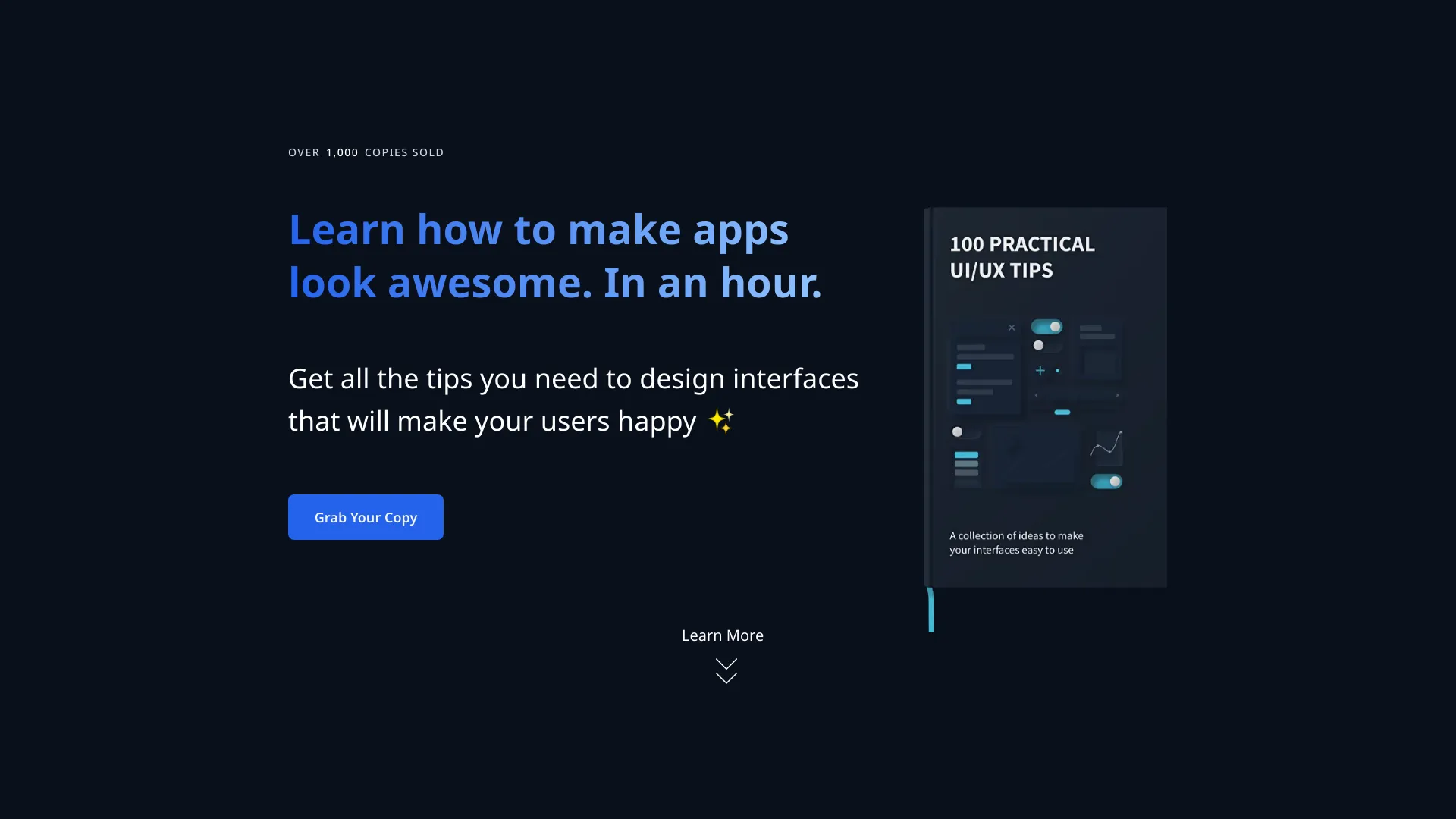
What is BuninUX?
BuninUX is a collection of UI kits, templates, and design systems built for designers who want to move faster without sacrificing quality. Instead of starting every screen from a blank canvas, BuninUX gives you a foundation of reusable components and layout systems that can be adapted to your own product style. The storefront presents it as a toolbox for a streamlined design process, making it especially attractive for solo designers, freelancers, and small product teams. The product is distributed through Lemon Squeezy, a popular platform for selling digital products, which means buyers can expect a straightforward checkout experience and instant access to the files after purchase. While the landing page is intentionally brief, the positioning suggests the resources are practical and production-oriented: UI kits for common interface patterns, templates for whole pages or screens, and systems for maintaining consistency across projects. BuninUX is aimed at anyone involved in product design, from UI designers and web designers to startup founders who need to mock up ideas quickly. By combining pre-made elements and systematic thinking, it helps reduce repetitive work, align teams around shared patterns, and ultimately shorten the gap between an idea and a polished interface. Whether you are designing a SaaS dashboard, a mobile app, or a marketing website, BuninUX is meant to be a starting point that speeds up the entire workflow.
SpecificationsAI-estimated
Key Features of BuninUX
Use Cases for BuninUX
Designing SaaS Dashboards
Use BuninUX prebuilt components to quickly create clean, professional-looking dashboard pages for SaaS products.
Rapid Prototyping
Accelerate early-stage product work by using templates and UI kits to visualize web or mobile app ideas in a short time.
Building a UI Design System
Establish a shared set of buttons, forms, navigation elements, and styles that keep interfaces consistent throughout a product.
Client Website Projects
Save time on repetitive interface patterns by customizing ready-made design assets to match a client's brand.
Creating Product Mockups
Put together polished app screens for pitch decks, case studies, or design portfolios without building every element from scratch.
Improving Design Handoff
Speed up the design-to-development handoff by working from structured templates and consistent component systems that developers can reference.
How to use BuninUX?
Get the Files
Purchase and download the BuninUX files from the Lemon Squeezy storefront so you have access to the UI kits, templates, and system assets.
Open and Explore the Kit
Open the downloaded kit in your preferred design tool and review the included components, templates, and style guidelines.
Pick Relevant Assets
Select the UI components and page templates that match your project, then drag or copy them into your working file.
Customize the Design
Adjust colors, typography, spacing, and component states to match your product's brand or design requirements.
Build and Hand Off
Use the assembled screens and consistent component system to hand off to developers or continue building out your full product interface.
Pros & Cons of BuninUX
Pros
- Accelerates the design process with reusable assets
- Combines UI kits, templates, and systems in one product
- Easy access through the Lemon Squeezy storefront
- Useful for consistent design across multiple screens
- Low barrier to entry for designers who want speed
Cons
- Storefront provides very little detail about the contents, licenses, or included file formats
- No visible information about whether updates or future UI kits are included with a purchase
- Unclear whether the kits are Figma-specific, Sketch-compatible, or framework agnostic
- No community, documentation, or support resources are listed on the product page
Frequently Asked Questions
What is BuninUX?
BuninUX is a collection of UI kits, templates, and design systems created to help designers work faster and more efficiently on digital product interfaces.
What do I get with BuninUX?
The product appears to include pre-made UI components, page templates, and reusable design systems that can be applied to web or product design projects.
Who is BuninUX for?
It is designed for UI/UX designers, freelancers, product teams, and anyone who wants to speed up their design process using reusable assets.
Do I need coding skills to use BuninUX?
No coding is required to use the UI kits and templates. They are design resources meant to be used in design tools and can also inform developers during handoff.
How is BuninUX delivered after purchase?
Because the product is sold through Lemon Squeezy, files are likely delivered digitally after checkout, but you should check the product page for exact delivery details and file formats.
Can I use BuninUX for commercial projects?
The product page does not explicitly list a license or commercial-use terms, so buyers should review the details provided at checkout before using the assets in commercial projects.
Is BuninUX compatible with Figma, Sketch, or Adobe XD?
The storefront does not specify which design tool the kits support. It is recommended to contact the seller or check the product description for compatible formats.
Can BuninUX be used for building a design system?
It is best suited for UI design, but the included system-based approach can also help teams maintain a consistent visual language across multiple screens and products.
Reviews & Ratings0.0
No reviews yet. Be the first to write one!
Top Alternatives & Similar Software
View all alternatives & similar software→No alternatives available yet.
People also viewed



Related searches
Is this your tool?
Claim this page to update details, reply to user reviews, and drive more traffic to your product.
Claim this Product →
Tags
Explore Related Topics
Keep up with BuninUX alternatives
New alternatives, pricing changes and the week's biggest movers - one email every Tuesday.